Best 23 Inch Computer Monitors in 2026: What the 23.8-Inch Class Offers
Disclosure: We may earn a commission when you buy through links on this page, at no extra cost to you. As an Amazon Associate I earn from qualifying purchases. Learn more

Best 23 inch computer monitors are mostly 23.8-inch 1080p screens. Learn what to compare in panel, refresh rate, ports and stand.
Shopping for a 23-inch monitor can be confusing, because almost no one sells a true 23.0-inch panel any more. The common size is 23.8 inches, which most brands market as a 24-inch monitor, so the best 23 inch computer monitors are generally the 23.8-inch screens in the table, with a few exceptions sold under the 23-inch label.
That does not make the search harder, only different: you compare panel type, refresh rate, ports and stand rather than a nominal size. The sections below explain how, and how to choose between an office screen, a fast gaming panel and a sharper QHD model.

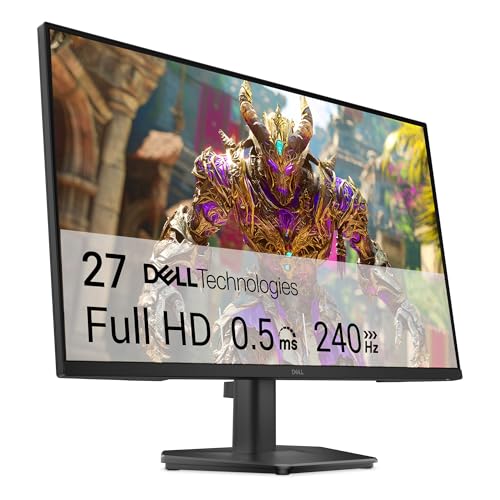
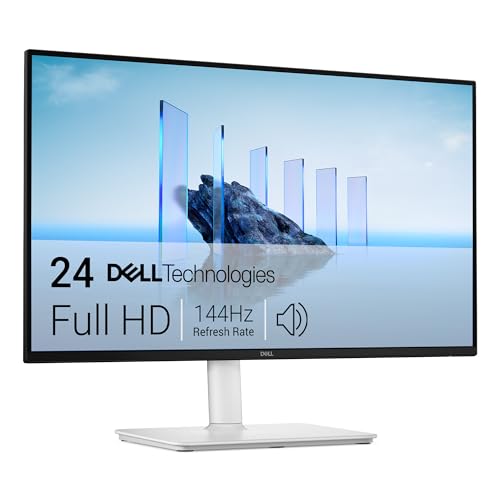
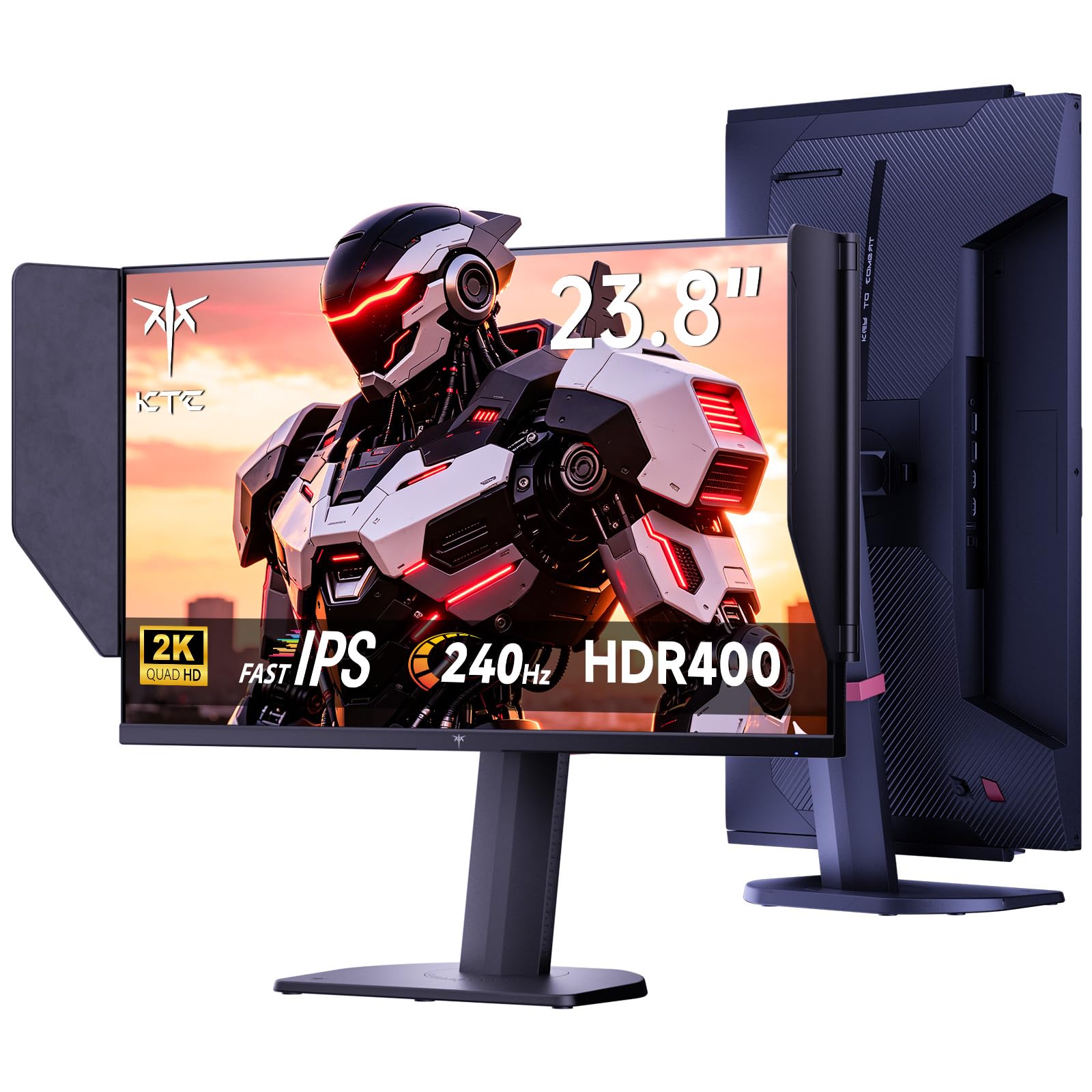
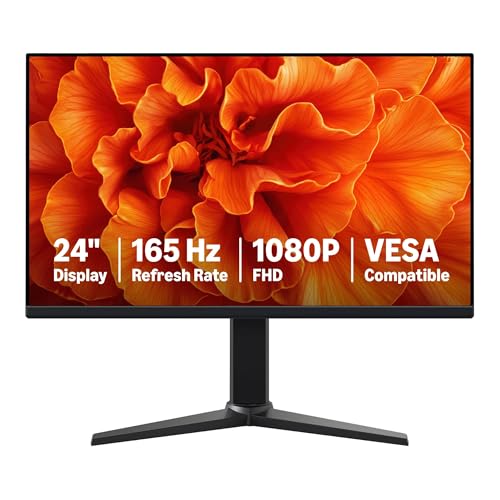

What 23.8 Inches Gives You
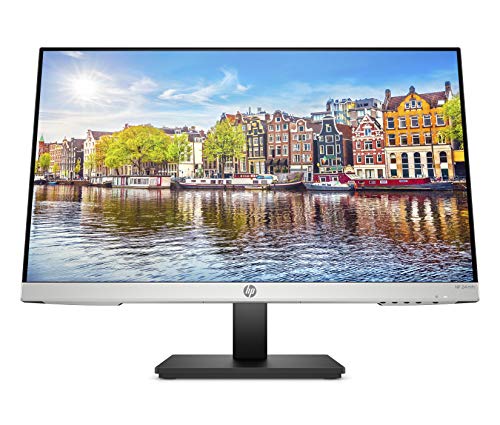
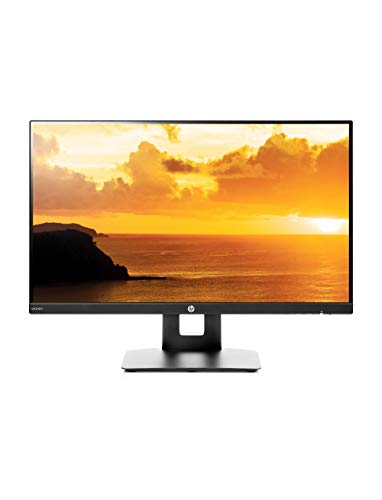
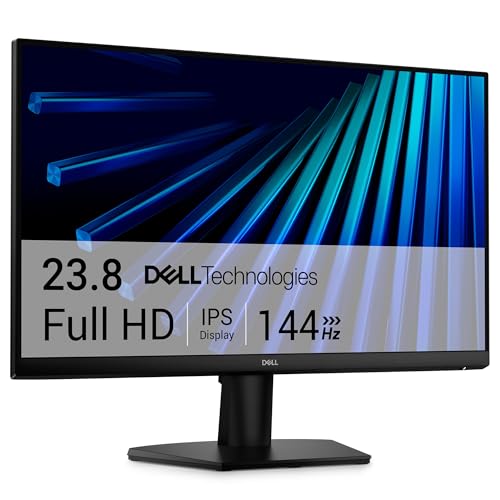
A 23.8-inch 1080p monitor is the most common desktop size in the world. It is large enough for two windows side by side at a glance and small enough to sit close without moving your head. Pixel density is good for text and web pages, and the price range is wide, so you can find a screen for almost any budget.
If you want a smaller screen, compare it with our best 21 inch computer monitors. For more working room, look at the best 30 inch computer monitors. A twenty-inch alternative is covered in the best 20 inch computer monitors.
Office Screens vs Gaming Panels
Office-oriented models such as the IPS monitors with built-in speakers focus on comfort: wide viewing angles, flicker-free backlights, a low blue light mode and a stand that tilts and sometimes adjusts height. They suit documents, calls and streaming, and most are at 60Hz to 75Hz or 100Hz to 120Hz.
Gaming panels in the table run at 144Hz to 240Hz with fast response and adaptive sync. They look noticeably smoother in games and when moving the mouse, and they cost little more than office models at this size. If you play shooters or fast action, pick one, and check that your graphics card can drive the rate you pay for.
Resolution: 1080p or QHD
Most 23.8-inch monitors use 1920 by 1080, which looks sharp at this size and runs easily on any computer. A few use QHD, or 2560 by 1440, which makes text and photos crisper and gives more room for windows. QHD needs a stronger graphics card for games, so it pairs best with a mid-range or better system.
If you do photo editing or want crisp text, QHD is a pleasing upgrade. If you mainly browse, write and watch, 1080p is plenty and keeps costs down.
Ports, Stand and Mounting
HDMI and DisplayPort are the main inputs, with VGA on some office models. Check that your computer has a matching output. A USB-C input is rare on 23.8-inch models in this price range, so a laptop with only USB-C may need an adapter.
Look at the stand. Height adjustment, tilt and swivel make the screen comfortable for different users, and a VESA pattern lets you add an arm. Slim bezels look good and help with dual setups. Our guide to 23 inch monitors covers the same sizes from the perspective of use type.
Speakers, Eye Care and Extras
Built-in speakers are a convenience, not a replacement for real audio. Eye-care features like flicker-free and low blue light modes are standard on good models. Some include a headphone jack and USB ports. If you plan to use the monitor with a console, look for HDMI 2.0 or newer and a game mode.
Check the warranty. A longer warranty or an advance replacement policy is a plus for a monitor you will use daily for years.
Common Mistakes
Do not buy on size alone. A 23.8-inch screen can be a poor panel or a great one. Look at the panel type, the refresh rate and the build. Another mistake is forgetting cables: some monitors ship with only one, and the wrong one can cap the refresh rate. And do not ignore the stand, since a wobbly base is irritating every day. The best 23 inch computer monitors are comfortable first and impressive second.
Comparing Models in the Table
Start by sorting the candidates by use. Put the office screens in one group and the high refresh rate models in another, then rank each group by price. Within the office group, check the stand and the speakers. Within the gaming group, check the refresh rate, the response time claim and whether adaptive sync is listed.
Notice how few differences really matter: panel type, refresh rate, resolution and stand. Everything else is a refinement. If two models look alike, choose the one with the longer warranty and the clearer return policy, since a monitor is easy to return when you can check it on arrival.
Longevity and Care
A good monitor lasts for many years. Keep it away from heat and direct sunlight, clean it gently, and avoid leaving a static image displayed for days. Turn on the sleep timer so the screen switches off when you walk away. These small habits keep the backlight and panel in good shape and cut power use.
One last practical point: measure your desk and the space under any shelf above it. A 23.8-inch monitor on its stand is not tall, but a high-set shelf or a window sill can limit placement. Take the stand height into account, and if the monitor does not tilt enough for you, an arm is the easy fix.
FAQs
Is there a true 23-inch monitor?
Few. Most 23-inch listings are 23.8-inch panels sold as 24-inch monitors.
Should I pick 144Hz or 240Hz?
Pick 144Hz for most players and 240Hz for competitive shooters with a strong graphics card.
Is QHD worth it at this size?
For photo work and crisp text, yes. For general use, 1080p is fine.
Do I need DisplayPort?
Not for 1080p at 60Hz to 120Hz. It is helpful for higher refresh rates on a desktop.
Final Thoughts
The best 23 inch computer monitors are the 23.8-inch models with a comfortable panel, the refresh rate that fits your use and a stand that suits your desk. Decide between office comfort and gaming speed, then compare the models in the product table.
Prices and availability can change, so check the product page before ordering.