
Best Roku TVs: Everything to Know Before Your First Purchase
Disclosure: We may earn a commission when you buy through links on this page, at no extra cost to you. As an Amazon Associate I earn from qualifying purchases. Learn more
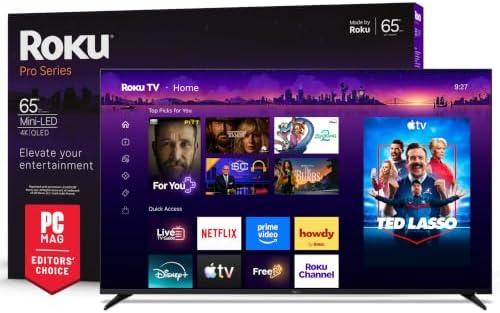
A first time buyer guide to Roku TVs: what the platform does, key specs in plain English, which series fits your room and how to set it up.
Buying your first smart TV can feel confusing, with series names, panel types and spec sheets that seem written for engineers. Roku TVs are popular because they keep things simple, combining a clean home screen, thousands of free and paid channels and an easy remote in one screen. This guide to the best roku tvs starts with the basics, explains every key spec in plain English and then helps you choose the right model for your room and budget.
The short answer: most first time buyers should get a Roku Plus Series or Pro Series Mini LED QLED TV, which costs roughly $380 to $900 in 55 to 65 inches and delivers bright HDR with Dolby Vision; budget shoppers can pick a Select Series QLED for under $400 in 65 inches, while movie lovers who watch in dark rooms should consider the Roku Pro Series OLED for perfect blacks. Below, we walk through which specs matter, the mistakes new buyers make and how to set up your TV in the first hour.
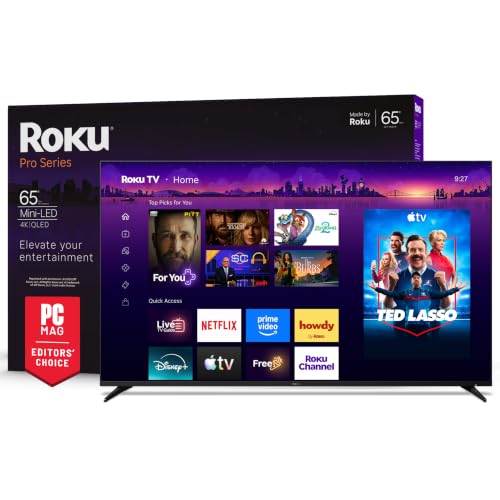
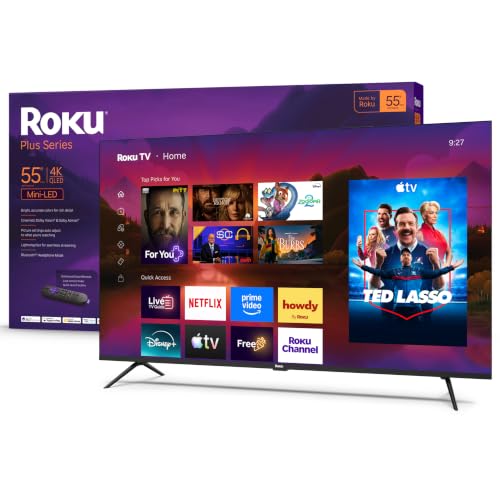
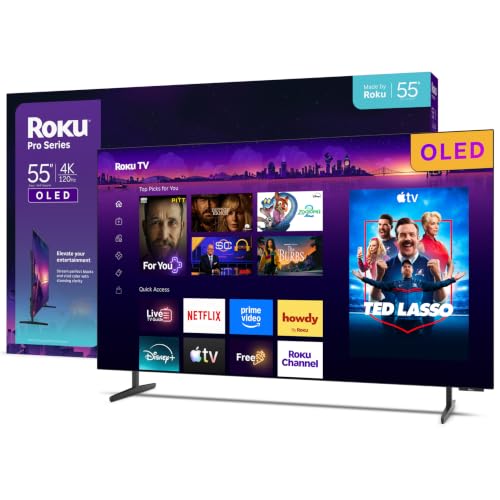
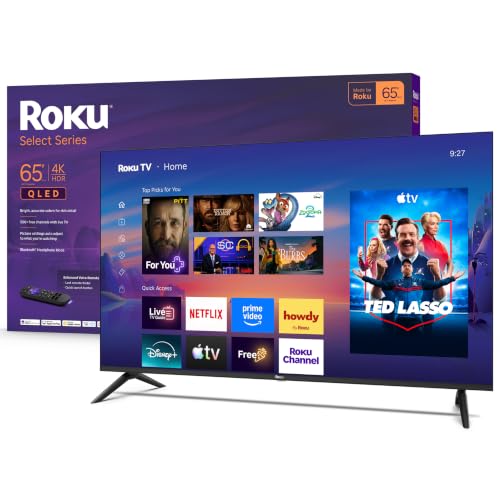
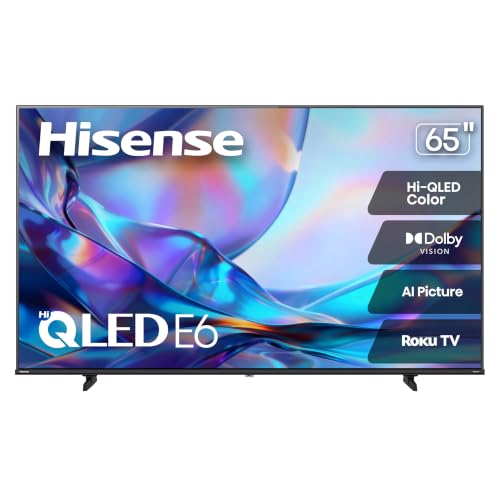
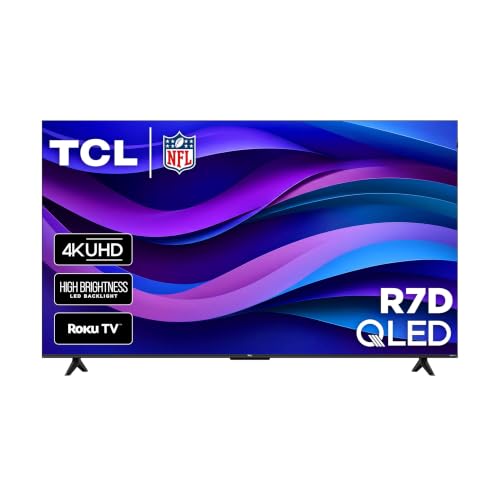
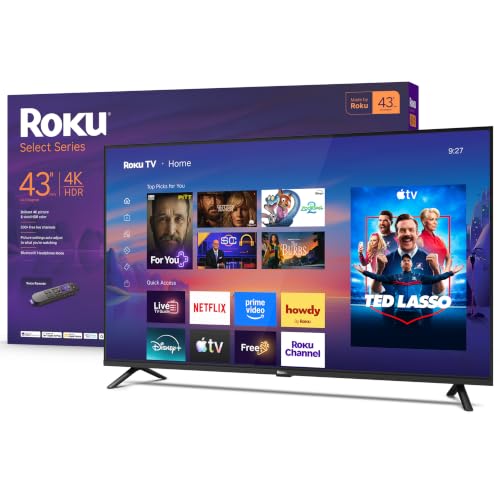
Three Roku TVs Worth a Look
These three models from the table above cover the most common first purchase needs. We explain the reasoning behind each choice in the sections that follow rather than reviewing them one by one.
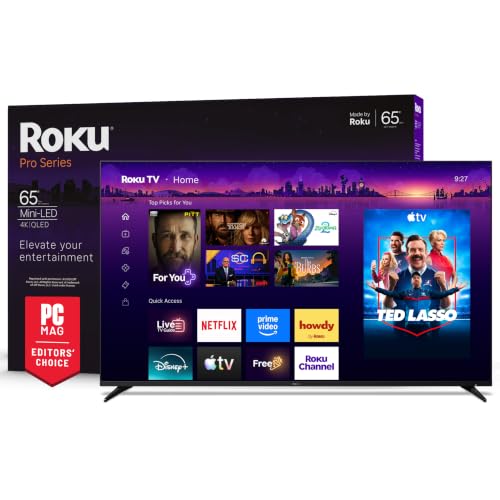


Roku TVs 101: The Basics
A Roku TV is a television with the Roku streaming platform built directly into it, so you do not need a separate streaming stick or box. When you turn it on, you see the Roku home screen, a grid of tiles for apps like Netflix, YouTube, Disney Plus, Hulu and hundreds of others. The same home screen also shows your cable box, antenna channels and game consoles as tiles, so every source lives in one place.
Roku TVs come in two flavors. Roku now builds its own TVs, sold as the Select Series, Plus Series and Pro Series. Other brands like TCL and Hisense also make TVs that run Roku software, often sold with names like Hisense E6SR or TCL R7D. Both types share the same menus, remote and app store, so the difference comes down to the hardware: the panel, the backlight, the speakers and the ports.
The Roku platform is free to use, with no subscription required. It includes The Roku Channel and live TV guide with hundreds of free ad supported channels covering news, sports, movies and shows. Paid apps still require their own subscriptions, but Roku lets you manage many of them through one account. Software updates arrive automatically, adding features and keeping apps working smoothly for years.
A few terms will come up constantly as you shop. 4K means a resolution of 3840 by 2160 pixels, four times the detail of 1080p Full HD. HDR, or high dynamic range, expands brightness and color so highlights look brighter and shadows look richer. QLED means the TV uses quantum dots to boost color, while Mini LED describes a backlight made of thousands of tiny LEDs that can dim in zones for better contrast. OLED panels light each pixel individually, so they need no backlight at all.
Key Specs Explained in Plain English
Spec sheets can be overwhelming, but only a handful of numbers really change what you see and hear. Here is what each one means and what level a first time buyer should aim for.
Panel Technology (IPS, VA, OLED, Mini LED)
The panel decides how colors, contrast and viewing angles look. VA panels, used in most Roku Select and Plus Series TVs, offer strong contrast with deep blacks when you sit straight in front of the screen, though colors fade a little from wide angles. IPS panels widen viewing angles but show grayer blacks in dark rooms, so they suit wide living rooms where people sit off to the side.
Mini LED backlights, found in the Roku Plus Series and Pro Series, divide the screen into many dimming zones, so bright objects glow while dark areas stay dark. OLED panels, like the Roku Pro Series OLED, light every pixel on its own, producing perfect blacks and infinite contrast. OLED can suffer burn in if a static logo stays on screen for many hours daily, but modern panels use pixel shifting and refresh cycles to reduce the risk. Our recommendation: a Mini LED QLED for most rooms and an OLED for dedicated movie rooms.
Stand, Mounting, and Ergonomics
Most Roku TVs ship with two feet that sit near the edges of the screen, so measure your TV stand before ordering; a 65 inch TV may need a stand at least 57 inches wide. Some models offer adjustable feet that can sit closer to the center or raise the screen to fit a soundbar underneath.
For wall mounting, check the VESA pattern, a standard spacing of screw holes on the back of the TV such as 300 by 300 or 400 by 300 millimeters. Any mount that matches the pattern and weight rating will work. Roku also sells a custom flush mount for Pro Series TVs that lets the screen sit flat against the wall like a picture frame. TVs do not swivel or tilt on their own, so choose a tilting or full motion mount if you need to angle the screen.
Connectivity and Ports
HDMI ports connect your cable box, game consoles, Blu ray players and soundbars. Look for at least three HDMI inputs, and make sure one supports eARC, which sends high quality audio, including Dolby Atmos, to a soundbar through a single cable. Gamers with a PlayStation 5 or Xbox Series X should look for HDMI 2.1 support with 4K at 120Hz, found on the Roku Pro Series.
TVs rarely include DisplayPort, so PC users connect through HDMI. USB ports let you play media from flash drives or power a streaming accessory, but USB C is uncommon on TVs. Strong WiFi matters for 4K streaming; the Pro Series supports WiFi 6, while an Ethernet port gives the most stable connection if your router sits nearby. An antenna input lets you watch free over the air channels through the built in live TV guide.
Smart Platform and Sound
Every TV in this guide runs Roku OS, which many reviewers consider the simplest smart platform available. Compared with Google TV or LG webOS, Roku focuses less on personalized recommendations and more on quick access to your apps, with a clutter free home screen and fast search across services. It supports Apple AirPlay, works with Alexa, Google Assistant and Siri and offers voice search through the remote.
Built in sound varies by series. Select Series TVs use basic downward firing speakers that handle dialogue well for bedrooms and small spaces. Roku Pro Series TVs add side firing speakers and Dolby Atmos processing for fuller, wider sound. A handy feature on every Roku TV is Bluetooth headphone mode or private listening through the mobile app, so you can watch late without waking the house. For movie nights, a soundbar still makes the biggest difference.
Refresh Rate and Response Time
Refresh rate is how many times per second the screen draws a new image. Most Select Series TVs use a 60Hz panel, which is fine for movies, shows and casual gaming. The Roku Pro Series uses a native 120Hz panel that makes sports and fast games look smoother, with less blur during quick camera pans. Desktop gaming monitors reach 144Hz or 240Hz, but for TVs, 120Hz is the target for PlayStation 5 and Xbox Series X games.
Response time, measured in milliseconds, describes how quickly pixels change color. TVs rarely list it, so look instead for game mode features like ALLM, which switches the TV into its lowest lag mode automatically, and VRR or AMD FreeSync Premium Pro, which keeps gameplay smooth without tearing. Motion Rate 240 on cheaper models describes processing, not a true 240Hz panel.
Brightness and HDR Formats
Brightness, measured in nits, decides how well a TV handles sunny rooms and how impactful HDR highlights look. Entry Select Series TVs produce modest brightness that suits dim bedrooms, while Mini LED Plus and Pro Series TVs get noticeably brighter for daytime viewing. HDR formats tell the TV how to display each scene; Dolby Vision adjusts brightness scene by scene and is supported on Plus and Pro Series models. HDR10 is the baseline every 4K Roku TV supports. Aim for Dolby Vision if you stream many Netflix or Disney Plus movies.
Roku TV Series Compared
Understanding the lineup makes finding the best roku tvs for your home much easier. Roku sorts its own TVs into three tiers, and partner brands slot in around them.
- Select Series: the entry tier, from 24 to 75 inches. Smaller sizes are 720p or 1080p, while 43 inches and up are 4K with HDR10. The 65 inch Select QLED costs around $400 and suits casual viewers.
- Plus Series: the sweet spot for most buyers. Mini LED backlights, QLED color and Dolby Vision deliver a big step up in brightness and contrast, with a 55 inch model around $380 and a 65 inch model around $500.
- Pro Series: the flagship tier with Mini LED or OLED panels, 120Hz refresh rate, side firing speakers with Dolby Atmos, a backlit voice remote and a flush wall mount design.
- Partner brands: Hisense and TCL Roku TVs often add features like DTS Virtual:X sound or bezel less designs at competitive prices.
Picking the Right Roku TVs for Different Uses
The right Roku TV depends on where it will live and what you watch most. For a bright living room, prioritize a Mini LED Plus or Pro Series model with high brightness. For a dark home theater, consider the Pro Series OLED. For a bedroom, kitchen or dorm, a 32 to 43 inch Select Series TV keeps costs low while giving you the full Roku experience.
Sports fans should look for 120Hz panels and wide viewing angles so every seat gets a good view. Gamers want HDMI 2.1, VRR and ALLM. Families who mostly stream shows and free channels can save money with a Select or Plus Series model and spend the difference on a soundbar.
Best 4K Roku TVs
When shopping for the best 4k roku tvs, three criteria matter most. First, check the backlight: Mini LED models show far better contrast and HDR than standard LED versions at the same resolution. Second, check HDR format support, aiming for Dolby Vision so streaming movies look their best. Third, check the processing; Roku Smart Picture Max on the Pro Series cleans up cable and older content so it looks sharp when upscaled to 4K. The Roku Plus Series 55 inch Mini LED is a great example of strong 4K picture at a modest price.
Roku TVs for Bedrooms and Small Spaces
Small rooms need small screens, and Roku offers some of the most affordable options. A 32 inch 1080p Select Series TV fits dressers and desks, while a 43 inch 4K Select model suits larger bedrooms. Look for slim bezels and wall mount support to save space, and use Bluetooth headphone mode for late night viewing.
Roku TVs for Gaming
For console gaming, the Roku Pro Series offers 120Hz refresh rate, FreeSync Premium Pro, VRR and automatic game mode. Plus Series and Select Series TVs support ALLM for lower input lag but run at 60Hz, which works fine for casual games and older consoles. Connect your console to the HDMI port labeled for gaming features and enable game mode for the best response.
How Much Should You Spend?
Roku TVs cover a wide price range, so set a budget before you start. Under $200 gets you a 32 to 43 inch Select Series TV, ideal for bedrooms and kitchens. Between $250 and $400, you can buy a 50 to 65 inch 4K Select QLED or a 55 inch Plus Series Mini LED, which offers the best picture per dollar for most living rooms.
From $500 to $900, you step into the 65 inch Plus Series or the Pro Series, gaining brighter Mini LED backlights, 120Hz panels and better sound. Above $900, the Pro Series OLED and 75 inch Pro Series Mini LED serve home theater fans who want the best picture Roku offers. Spending a little more for Mini LED usually delivers the biggest visible upgrade.
Rookie Mistakes to Avoid
- Buying too small: most people wish they had bought a bigger screen. Measure your viewing distance and choose a size roughly half to two thirds of that distance in inches.
- Ignoring the backlight: two 65 inch 4K Roku TVs can look completely different in HDR. Mini LED models deliver far better contrast than basic LED backlights.
- Forgetting the stand width: feet near the edges of the screen may not fit a narrow TV stand. Check the foot spacing before you buy.
- Relying on built in speakers for movies: thin TVs have thin sound. Budget for a soundbar connected through eARC if you care about dialogue and impact.
- Leaving vivid mode on: store modes oversaturate colors and crush detail. Switch to movie mode or let Smart Picture choose automatically.
Getting Started: Setup and First Use
- Unbox carefully: lift the TV by its frame, never press on the screen, and attach the feet or wall mount bracket on a soft surface.
- Connect to WiFi or Ethernet: the setup wizard guides you through network setup and downloads the latest software update.
- Create or sign in to your Roku account: this lets you add apps and manage subscriptions. Roku never charges for the account itself.
- Add your apps and inputs: install streaming apps and rename HDMI inputs for your console or cable box.
- Calibrate picture settings: turn off vivid mode, choose movie mode or enable Smart Picture, and reduce brightness in dark rooms.
- Set up audio: connect your soundbar to the eARC port and enable HDMI CEC so one remote controls everything.
If you buy the Roku Pro Series OLED, let the TV run its automatic pixel refresh cycle, which happens when the TV is turned off in standby. Avoid unplugging the TV right after use so the cycle can complete and help prevent burn in over time.
Roku TVs vs Streaming Sticks
If you already own a good TV, you do not need a new Roku TV to get the Roku platform. A Roku Streaming Stick 4K costs around $50 and adds the same home screen, apps and voice remote to any TV with an HDMI port. A Roku TV makes sense when your current TV is old, too small or lacks 4K and HDR. Buying a Roku TV also saves an HDMI port and gives you one remote for power, volume and inputs.
Roku TVs: Your Questions Answered
What size should I get for my room or desk?
What size should I get for my room or desk? Most living rooms suit a 55 to 65 inch Roku TV, while bedrooms suit 32 to 43 inches. A simple rule is to measure your seating distance in inches and divide by about 1.5 to get the ideal 4K screen size. For example, sitting 8 feet, or 96 inches, away suggests roughly a 65 inch TV. If you plan to use the TV on a desk as a monitor, a 32 inch model works best.
IPS vs OLED: which is better?
IPS vs OLED: which is better? OLED is better for picture quality, especially in dark rooms, because each pixel turns off completely for perfect blacks and wide viewing angles. IPS panels offer good viewing angles at lower prices but show grayer blacks. Among the best reviewed roku tvs, the Pro Series OLED leads for movie lovers, while Mini LED VA models are brighter and better for sunny rooms.
How long do they last?
How long do they last? Most Roku TVs last seven to ten years of daily use before the backlight dims noticeably or hardware begins to slow down. Roku continues to update its software for many years, so apps keep working. Protect your TV with a surge protector, keep vents clear for airflow and avoid running the screen at maximum brightness all day to extend its life.
Is 4K worth it?
Is 4K worth it? Yes, 4K is worth it for any TV 43 inches or larger, because the extra detail is clearly visible at normal viewing distances. Nearly every streaming service offers 4K content, and 4K Roku TVs cost only slightly more than 1080p versions. For 32 inch TVs in small bedrooms, 1080p remains a sensible budget choice.
Does refresh rate matter for non gamers?
Does refresh rate matter for non gamers? Refresh rate matters a little for non gamers, mainly for sports. A 120Hz panel makes fast motion like football passes and hockey look smoother with less blur. For movies and shows, which are filmed at 24 or 30 frames per second, a 60Hz TV looks nearly identical. Spend on brightness and contrast first if you rarely watch sports or play games.
Do Roku TVs need a subscription?
Do Roku TVs need a subscription? No, Roku TVs do not require any subscription to use. The platform and hundreds of free live channels are included at no cost. You only pay for individual services you choose, such as Netflix or Max, and you can manage or cancel those subscriptions from your Roku account at any time.
Can I use a Roku TV without internet?
Can I use a Roku TV without internet? Yes, you can use a Roku TV without internet as a regular TV with an antenna, cable box or game console. You can skip the network step during setup and use the HDMI and antenna inputs. However, streaming apps, software updates and voice search all require an internet connection.
The Bottom Line
Choosing your first Roku TV comes down to three things: the right size for your room, a backlight that matches your lighting and the features you will actually use, like 120Hz gaming or Dolby Atmos sound. For most homes, a Mini LED Plus Series or Pro Series model delivers the biggest picture upgrade for the money, while Select Series TVs keep bedrooms and kitchens affordable.
Movie fans with dark rooms should look at the Pro Series OLED, and gamers should prioritize HDMI 2.1 and VRR. Whatever you choose, the simple Roku platform makes setup quick and everyday streaming easy. Scroll back to the product table above to compare the best roku tvs by size, price and features, and pick the one that fits your space.


