
Best 144Hz Gaming Monitors in 2026: What to Check Before You Buy
Disclosure: We may earn a commission when you buy through links on this page, at no extra cost to you. As an Amazon Associate I earn from qualifying purchases. Learn more

What to check before choosing the best 144hz gaming monitors: resolution, panel type and features that suit how you play.
The jump from 60Hz to 144Hz is one of the biggest upgrades you can make to a gaming setup, and it costs far less than a new graphics card. The best 144hz gaming monitors give you that smooth motion in a size and panel type that suits the way you actually play.
This guide explains how to choose between sizes, resolutions and panel types, what features are worth paying for and what mistakes to avoid. The product table above lists in-stock models, and the sections below help you narrow them down.




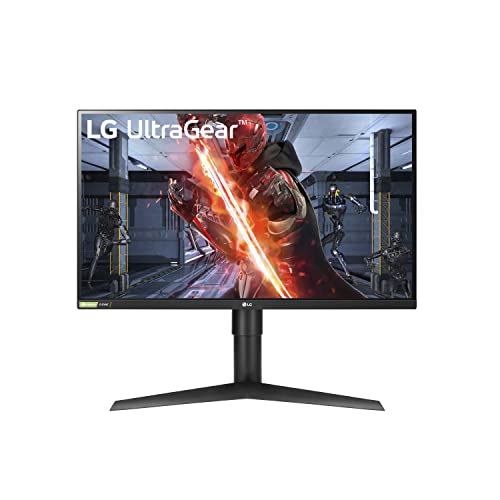

Why 144Hz Became the Gaming Standard
At 144Hz the screen redraws more than twice as often as a standard monitor. Mouse movement feels more direct, fast scenes are easier to follow, and small targets are simpler to track. Even the desktop cursor looks smoother, which is why many people notice the upgrade immediately.
The step to higher rates such as 240Hz is much smaller, and demands more of your hardware. For most players, 144Hz hits the sweet spot between smoothness and cost.
Choosing a Resolution
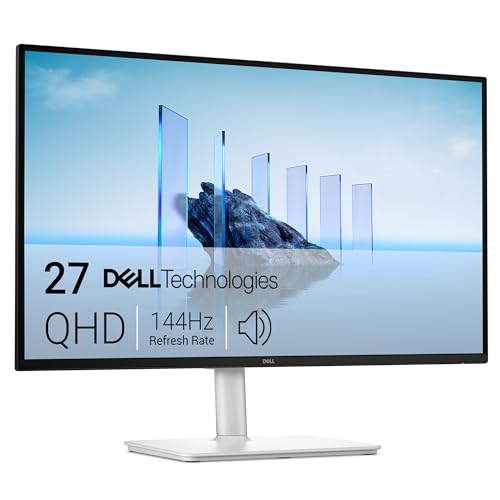
Full HD is the easiest to drive and the most affordable, and works well at 24 to 25 inches. QHD adds sharpness for 27 inch screens and is the popular choice for balanced systems. 4K is spectacular but needs a top-tier graphics card to reach high frame rates.
Think about the games you play. Fast shooters benefit from high frame rates at Full HD or QHD, while visually rich single-player games reward sharper resolution.
Panel Type: IPS, VA and OLED
IPS gives accurate colors and wide viewing angles with fast response. VA gives deeper blacks and high contrast, often in curved shapes, but may smear in dark scenes. OLED provides outstanding contrast and the fastest motion at higher prices and with care around static content.
A fast IPS suits most gamers. Choose VA for dark-room contrast and OLED for the best possible picture.
Size, Curve and Desk Fit
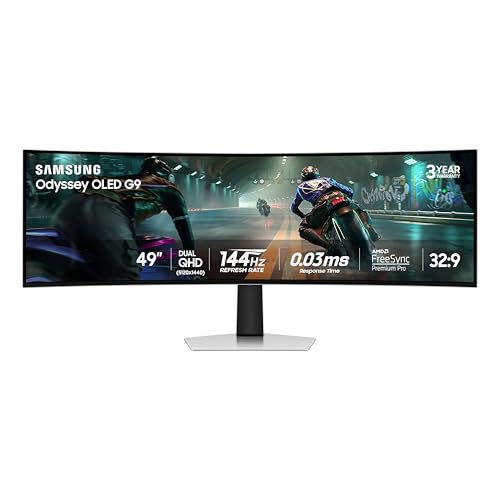
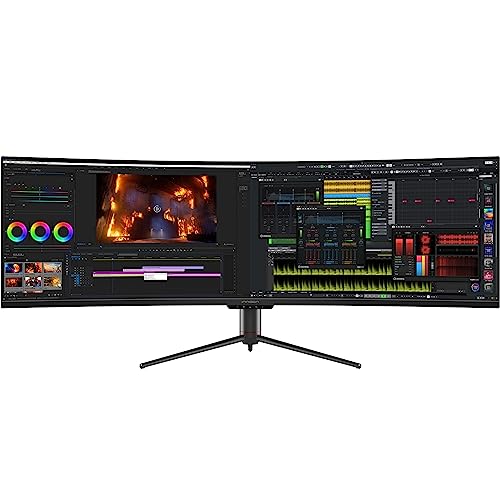
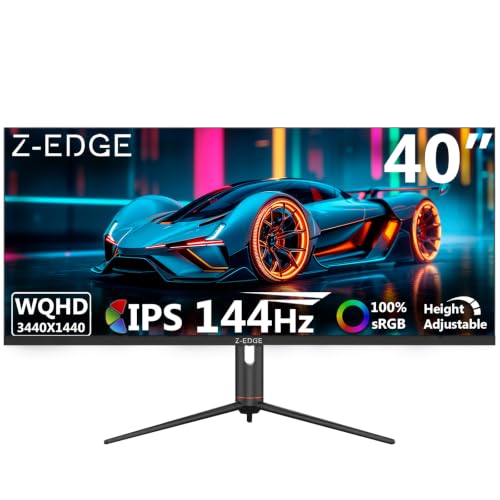
24 to 25 inch screens suit competitive play and small desks. 27 inch screens are the all-round standard. 32 inch panels and ultrawide monitors give an immersive feel but need more space and distance. Curved screens add immersion and match large panels best.
Measure your desk and your seating distance, since a larger panel does not always give a better experience if you sit close.
Adaptive Sync and Response
Adaptive sync keeps the picture smooth when frame rates change. Look for FreeSync or G-Sync compatible labels. Response time matters for clarity, but figures vary in how they are measured, so buyer feedback about ghosting is a more honest guide.
Try a mid-level overdrive setting first, because the highest setting can create bright trails.
Connectivity and Ergonomics
- DisplayPort for the best refresh support on a PC.
- HDMI for a console or a second source.
- A stand with height, tilt and swivel, or VESA holes for an arm.
- A headphone jack and USB hub if you use a headset or peripherals.
A solid stand improves comfort every day and deserves as much attention as the panel.
Console and PC Use
If you game on both a console and a PC, confirm that the HDMI port supports the refresh rate you want. Consoles do not benefit from rates beyond 120Hz, and HDMI limits can differ from DisplayPort ones.
A monitor that handles both reliably saves you from owning two screens, which makes a shared setup a smart choice for small desks.
How to Compare Two Monitors That Look Alike
Many gaming monitors list almost identical numbers, so move past the headline figures. Compare the stand adjustments, the number and type of ports, the warranty, and how buyers describe backlight bleed, ghosting and the on-screen menu. A monitor that is pleasant to operate every day often beats one that is marginally faster on paper.
Also check whether the listed refresh rate is native or an overclock. Some monitors reach their top rate only with a setting enabled, which is fine but worth knowing. Look at the price per feature you will really use rather than the longest feature list.
Setting Up Your New 144Hz Screen
Connect the monitor with a DisplayPort cable where possible, then open your operating system's display settings and choose the highest refresh rate. Many screens start at 60Hz until you change it, which leads people to think the upgrade made no difference.
Next, turn on adaptive sync in the monitor menu and in the graphics driver, then adjust brightness and contrast for your room. Choose a neutral color preset, and if the screen has an overdrive option, try the middle level first to avoid visible trails behind moving objects.
Mistakes to Avoid With a 144Hz Monitor
The classic mistake is forgetting to change the refresh rate setting, then thinking 144Hz makes no difference. Another is using an old or low-quality cable that limits the signal, which can leave the screen stuck at a lower rate or cause flicker. Always use the cable supplied or a certified replacement.
People also pair a very large screen with a very short desk. A big panel is only more immersive if you can sit far enough to see the whole picture comfortably. If your desk is shallow, a 24 or 27 inch panel is often the better and cheaper choice.
You may also find our guides to best gaming monitor, best budget gaming monitor and best oled gaming monitor useful.
Frequently Asked Questions
Is 144Hz worth it over 60Hz?
Yes. The improvement is visible in games and on the desktop, and it costs little compared with other upgrades.
Do I need a powerful PC for 144Hz?
You need a card that can reach high frame rates in your games. Esports titles run fast on modest hardware, while demanding games may need lower settings.
Is 1080p or 1440p better at 144Hz?
1080p is easier on hardware, while 1440p is sharper. Choose according to your graphics card.
Should I buy a curved monitor?
Only if you like the immersive feel. Flat panels are more practical for mixed use.
Final Thoughts on the Best 144hz Gaming Monitors
The best 144hz gaming monitors match size, resolution and panel type to your hardware and play style. Check the ports, confirm adaptive sync and use the table above to compare current prices. Prices and availability can change, so check the product page before ordering.


