
Best TVs for Video Games: Every Type Explained Side by Side
Disclosure: We may earn a commission when you buy through links on this page, at no extra cost to you. As an Amazon Associate I earn from qualifying purchases. Learn more

Gaming TV types compared side by side, plus HDMI 2.1, VRR and settings for the best TVs for video games.
Modern consoles and gaming PCs can output 4K at 120 frames per second, HDR and variable refresh rate, but only if your TV can keep up. An older or budget TV can add noticeable input lag, cap games at 60Hz, tear during fast motion or wash out HDR highlights. The best TVs for video games combine HDMI 2.1 ports, high refresh rates, variable refresh rate support, low input lag and strong HDR, in a screen size that fits your room.
This guide compares every main type of gaming TV side by side, explains which features matter for PS5, Xbox Series X and PC, highlights the right type for 4K, movies and 60 inch setups and covers care and setup tips.

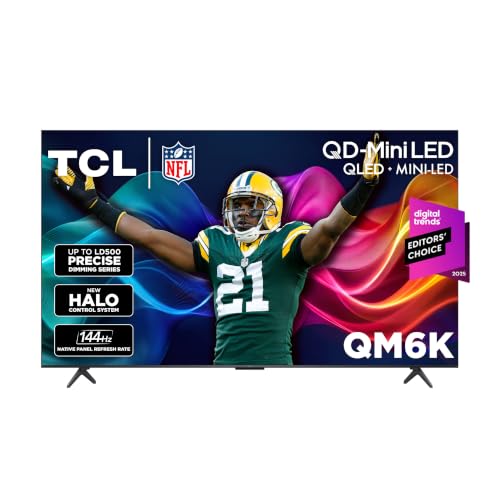
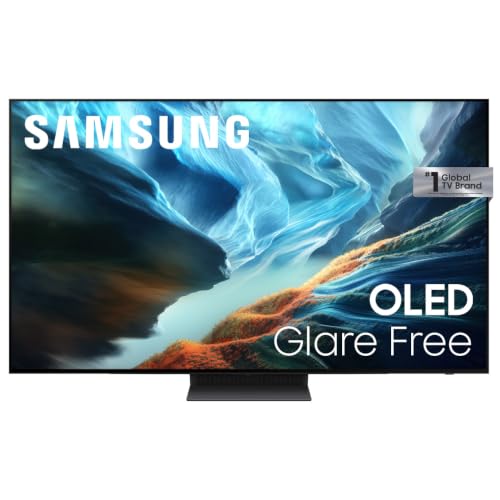
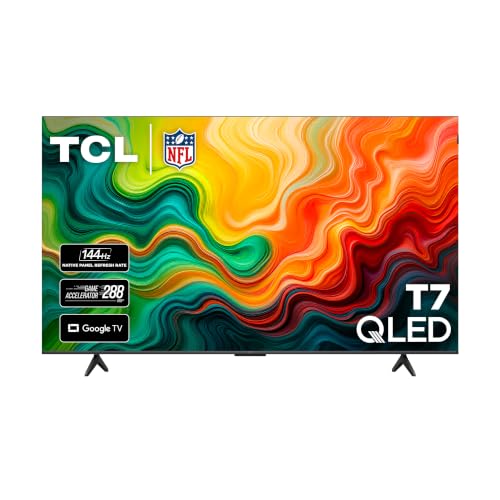

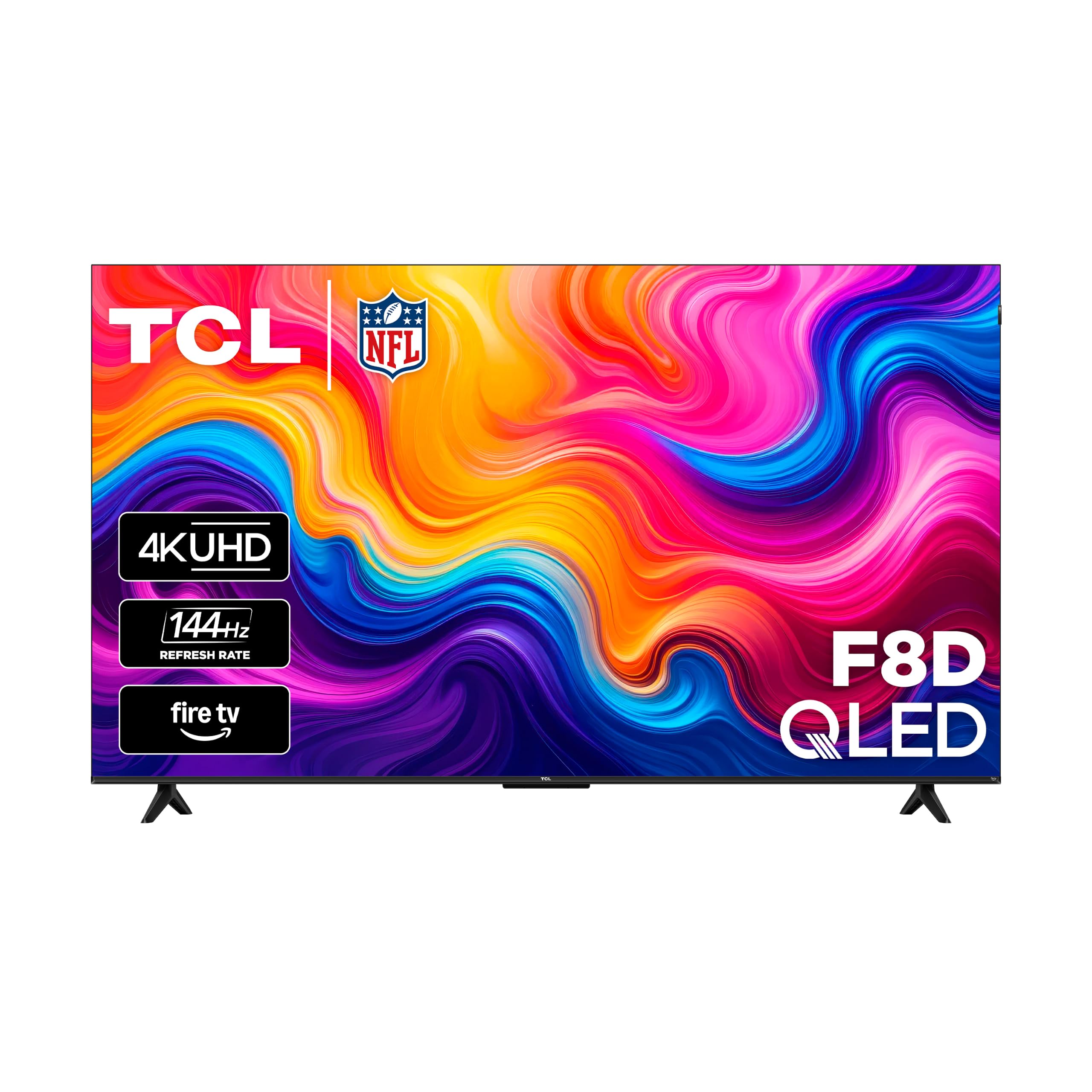

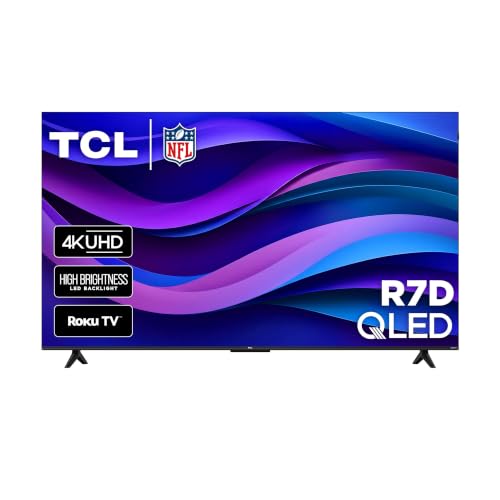
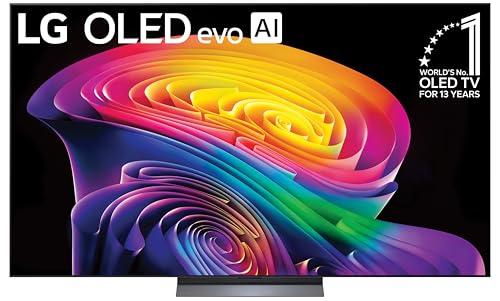
Types of TVs for Gaming Compared
Budget 4K TVs work for casual 60Hz gaming, QLED and Mini LED TVs deliver bright HDR with 120Hz or 144Hz support for the money, and OLED TVs offer the fastest response time and deepest blacks for premium gaming.
| Type | Best For | Pros | Cons | Typical Price (65 inch) |
|---|---|---|---|---|
| Budget 4K LED | Casual and kids' gaming | Low price, game mode | Often 60Hz, weak HDR | Around $350 to $450 |
| QLED and Mini LED | Bright rooms, HDR games, sports | High brightness, 120Hz to 144Hz on many | Possible blooming, slower response than OLED | Around $430 to $1,000 |
| OLED | Competitive and premium gaming | Near instant response, perfect blacks, up to 165Hz on some | Higher price, burn in risk with static HUDs | Around $1,300 to $2,200 |
| Large screen 75 inch and up | Immersive couch gaming | Huge picture | Needs space, higher cost | Around $700 to $3,000 |
Budget 4K TVs
Entry 4K TVs offer a game mode that cuts input lag and work fine for casual gaming, kids' consoles and Nintendo Switch. Most run at 60Hz and lack HDMI 2.1 features, so you will not get 120 frames per second on PS5 or Xbox Series X.
HDR is usually limited by lower brightness. Choose a budget TV for a secondary room or younger gamers.
QLED and Mini LED TVs
QLED and Mini LED TVs pair quantum dot color with bright backlights. Mini LED models like the TCL QM6K add many local dimming zones for better contrast and a native 144Hz refresh rate, along with Dolby Vision, HDR10+ and HDR10 support.
They are excellent value for gamers who want punchy HDR, high refresh rates and bright pictures in sunny rooms. Some blooming can appear around bright HUD elements on dark backgrounds.
OLED TVs
OLED TVs light each pixel individually, delivering perfect blacks, infinite contrast and near instant response times. The LG C6 series, for example, lists a 0.1 millisecond response time, up to 165Hz refresh, NVIDIA G-Sync, AMD FreeSync Premium and VRR.
OLEDs cost more and can show burn in with long sessions of static elements, though modern models include care features. They are the top choice for dark room gaming and competitive play.
Large Screen Options
75 inch and larger TVs make racing, open world and sports games feel immersive. Make sure your room allows enough distance, and check that large models still offer HDMI 2.1 and high refresh rates rather than just size.
Budget TV vs Mini LED Gaming TV: Which Should You Choose?
Choose a budget TV if you play casually at 60 frames per second or game mainly on Nintendo Switch, and choose a Mini LED gaming TV if you own a PS5, Xbox Series X or gaming PC and want 120Hz, VRR and bright HDR.
- Refresh rate: budget sets are usually 60Hz; Mini LED gaming TVs reach 120Hz to 144Hz.
- HDMI 2.1: needed for 4K 120 and VRR; often missing on budget models.
- HDR: Mini LED gets much brighter for impactful highlights.
- Price: Mini LED costs more but often less than expected, starting around $430 to $650 for 65 inches.
How to Choose the Right TV for Video Games
Panel Technology: OLED, Mini LED, QLED, LED
OLED gives the best motion clarity and contrast. Mini LED gives the brightest HDR and good contrast at lower prices. QLED adds color volume to LED TVs. Standard LED is the budget choice. VA panels offer better contrast than IPS but narrower viewing angles.
Connectivity and Ports
Look for at least two HDMI 2.1 ports supporting 4K at 120Hz, especially if you own more than one current console or a PC. One port should support eARC for a soundbar. Check that ports are full bandwidth, since some TVs limit HDMI 2.1 features to certain inputs.
Adaptive Sync and Gaming Features
Variable refresh rate (VRR) matches the TV's refresh to the game's frame rate, preventing tearing and stutter. Look for HDMI VRR, AMD FreeSync and NVIDIA G-Sync compatibility. Auto Low Latency Mode (ALLM) switches to game mode automatically when a console starts a game.
Refresh Rate and Input Lag
A native 120Hz or higher panel lets PS5 and Xbox Series X games run at up to 120 frames per second, and PCs can go higher on 144Hz or 165Hz panels. Input lag under about 15 milliseconds in game mode feels responsive for most players.
HDR Performance
Good HDR needs brightness and contrast. Look for Dolby Vision or HDR10+ support and HGiG for consistent HDR in games. Mini LED and OLED deliver the strongest HDR.
Size, Stand and Mounting
Measure your stand and wall space. For couch gaming, 55 to 65 inches suits most living rooms. If you game at a desk, consider a smaller 42 to 48 inch OLED or a gaming monitor instead.
Picking the Right TVs for Different Uses
Best 4K TVs for Video Games: Which Type Works Best
For 4K gaming, Mini LED and OLED TVs with HDMI 2.1 and native 120Hz panels work best. They let current consoles run 4K at higher frame rates with VRR, and they handle HDR far better than budget LED sets.
Best TVs for Video Games and Movies: Which Type Works Best
For games and movies together, OLED TVs offer the best overall picture with Dolby Vision, perfect blacks and gaming features. Mini LED TVs suit bright rooms and offer great value for both.
Best 60 Inch TVs for Video Games: Which Type Works Best
Many brands skip exact 60 inch sizes, so 55 inch and 65 inch models are the closest options. A 55 inch OLED or 65 inch Mini LED suits rooms where you sit about 5 to 8 feet from the screen.
How Much to Spend on the Best TVs for Video Games
Most gamers find the best TVs for video games between about $500 and $1,500 for a 55 or 65 inch screen.
- Under $500: budget and entry QLED TVs, some with 120Hz or 144Hz but limited HDR.
- Around $500 to $1,000: Mini LED gaming TVs with HDMI 2.1, VRR and strong HDR.
- Over $1,300: OLED TVs with the fastest response and best contrast.
Best Settings for Gaming on a TV
- Plug consoles into HDMI 2.1 ports and use the included Ultra High Speed HDMI cables.
- Enable enhanced HDMI or input signal plus on that port.
- Turn on game mode or ALLM to reduce input lag.
- Enable VRR on both the TV and console.
- Turn on HGiG and run the console's HDR calibration.
- Turn off motion smoothing, which adds lag.
- Set console output to 120Hz when supported.
PS5, Xbox Series X and PC: What Each Needs
PS5 and Xbox Series X both support 4K at up to 120Hz, VRR and HDR over HDMI 2.1, so a TV with at least one full bandwidth HDMI 2.1 port per console unlocks their best modes. Xbox also supports Dolby Vision gaming on compatible TVs. Gaming PCs can use higher refresh rates like 144Hz or 165Hz on TVs that support them, along with G-Sync or FreeSync. Nintendo Switch outputs at lower resolutions, so almost any TV works well.
Gaming TV vs Gaming Monitor
A gaming TV is better for couch play, shared viewing and big screen immersion, while a gaming monitor is better for desk setups, competitive esports and very high refresh rates. Monitors often reach 240Hz or more, have smaller screens that fit your field of view at arm's length and use DisplayPort for PCs. TVs offer larger screens, stronger HDR, built in apps and better sound. Many PC gamers use a monitor for competitive titles and a TV for single player games and controller play from the couch.
Audio for Gaming on a TV
TV speakers are thin and struggle with explosions and positional sound. A soundbar connected through HDMI eARC adds clearer dialogue and fuller effects, and Dolby Atmos models add height for supported games. For competitive play or late nights, a gaming headset connected to the controller gives precise positional audio without disturbing others. Avoid routing console audio through older optical connections if you want surround formats.
Common Gaming TV Problems and Fixes
- Console not showing 120Hz option: use an HDMI 2.1 port, enable enhanced HDMI on that input and use a certified Ultra High Speed cable.
- Screen flickers in dark scenes with VRR: update the TV firmware or try turning VRR off for that game.
- Input lag feels high: confirm game mode is active and disable motion smoothing and noise reduction.
- HDR looks washed out: run the console's HDR calibration with HGiG enabled.
- Black screen when switching modes: replace older HDMI cables, which may not handle 4K at 120Hz.
Viewing Distance for Gaming
For 4K gaming, sit roughly 1 to 1.5 times the screen's diagonal away for an immersive view without visible pixels: about 4.5 to 7 feet for a 55 inch TV and 5.5 to 8 feet for a 65 inch TV. Competitive players often sit a bit farther back so the whole screen stays in view, making HUD elements easier to track.
Gaming TV Features Worth Paying For (and Ones to Skip)
- Worth it: at least two full bandwidth HDMI 2.1 ports, native 120Hz or higher panels, VRR with G-Sync or FreeSync, ALLM, Dolby Vision gaming support on Xbox and a bright Mini LED or OLED panel.
- Nice to have: a game dashboard that shows frame rate and VRR status, cloud gaming apps and low latency Bluetooth for controllers.
- Skip: 8K resolution for gaming, since consoles rarely output it, and "motion rate" numbers that exaggerate refresh rate beyond the panel's native spec.
When to Buy a Gaming TV
New TV models usually launch in spring, so the previous year's gaming TVs drop in price over summer and fall. The deepest discounts typically arrive around Black Friday and Cyber Monday in late November, with more deals before big sporting events in late January. Last year's OLED or Mini LED model often has nearly identical gaming features to the new one at a much lower price.
Care and Maintenance Tips
- Prevent OLED burn in: vary content, enable logo dimming and let pixel refresh run in standby.
- Clean gently: use a dry microfiber cloth only.
- Keep vents clear: gaming sessions generate heat.
- Update firmware: updates add gaming features and fix VRR issues.
- Use a surge protector: protect the TV and consoles.
TVs for Gaming: Your Questions Answered
What features matter most in TVs for video games?
HDMI 2.1 ports with 4K at 120Hz, VRR, ALLM, low input lag, a native 120Hz or higher refresh rate and good HDR brightness matter most. OLED and Mini LED TVs deliver these best.
Is 4K worth it for gaming?
Yes. Current consoles and many PCs render in or near 4K, and at 55 inches and larger the extra detail is clearly visible from the couch.
Does refresh rate matter for non gamers?
A higher refresh rate makes sports and fast action smoother, but for movies and regular TV, 60Hz is fine. Gamers benefit most from 120Hz and above.
What size TV should I get for gaming?
For couch gaming at about 5 to 8 feet, 55 to 65 inches suits most rooms. Larger screens need more distance. For desk gaming, consider a monitor or a 42 to 48 inch OLED.
How long do gaming TVs last?
Most TVs last about 7 to 10 years. Heavy gaming does not shorten LED TV life much, but OLEDs can develop burn in from static elements without care features.
OLED vs Mini LED: which is better for gaming?
OLED is better for response time, contrast and dark room play. Mini LED is better for brightness, bright rooms and value, and has no burn in risk.
Do I need special HDMI cables for gaming?
For 4K at 120Hz, use a certified Ultra High Speed HDMI cable rated for 48Gbps. Consoles include one, but older cables from previous devices may cause flicker or limit refresh rate.
Is a 144Hz or 165Hz TV better than 120Hz for consoles?
For PS5 and Xbox Series X, no. Both consoles top out at 120Hz, so a 120Hz TV unlocks their full frame rates. Panels at 144Hz or 165Hz benefit gaming PCs that can push higher frame rates.
Can I play games on a TV without game mode?
You can, but input lag may be much higher, making controls feel sluggish. Always enable game mode or ALLM for responsive play.
Wrapping Up
Choose a gaming TV by panel type, HDMI 2.1 support and room brightness. Budget TVs suit casual play, Mini LED TVs like the TCL QM6K deliver bright 144Hz gaming for the money and OLED TVs like the LG C6 offer the fastest response and best contrast. Set up game mode, VRR and HDR correctly, and the best TVs for video games will make every match look and feel better. Check the product table above for current models and prices.


