
Best 240hz Gaming Monitors in 2026: 1080p, 1440p and Ultrawide Compared
Disclosure: We may earn a commission when you buy through links on this page, at no extra cost to you. As an Amazon Associate I earn from qualifying purchases. Learn more

Best 240hz gaming monitors come in 1080p, 1440p and ultrawide tiers. See which resolution your graphics card can drive at 240 frames.
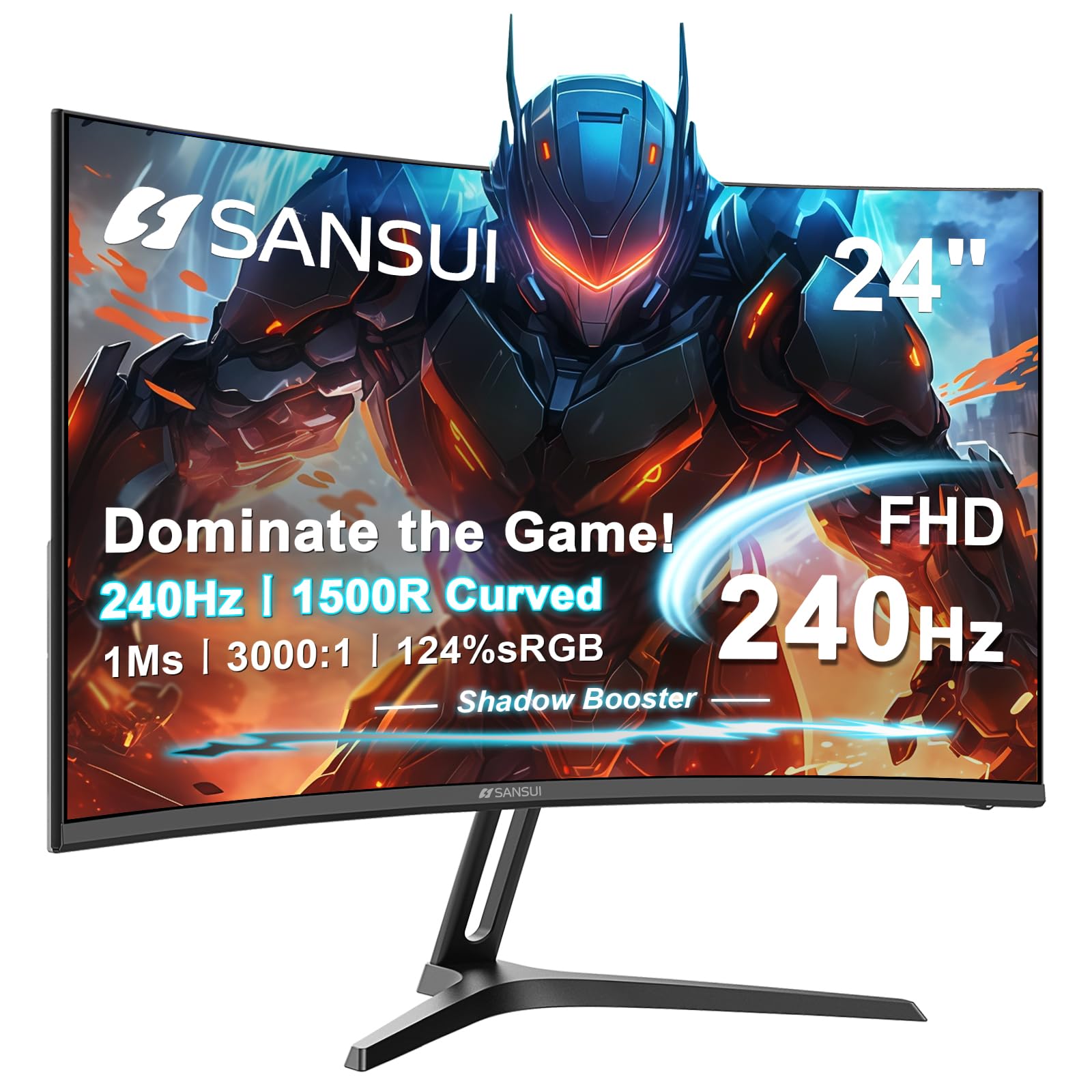
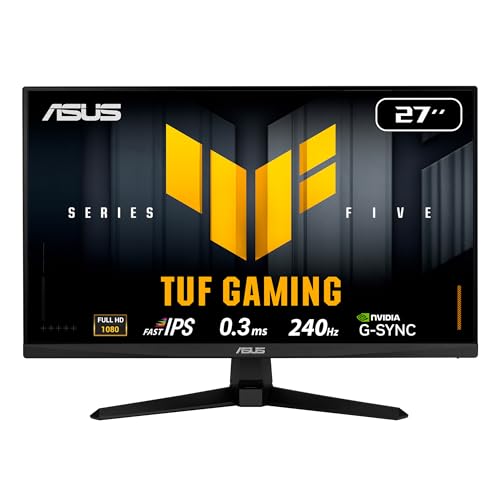
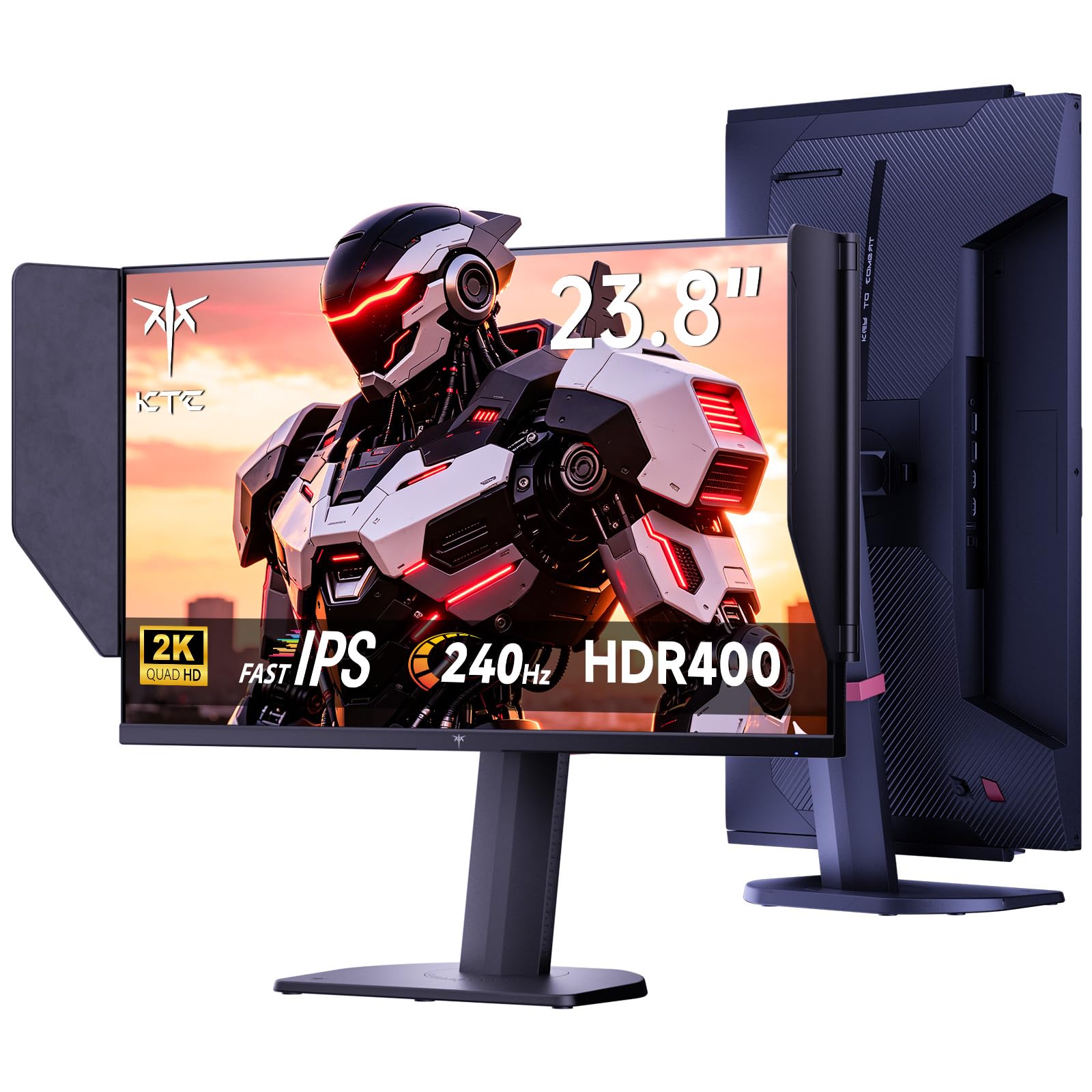
Resolution is the choice that shapes everything else about a 240hz gaming monitor. A 1080p screen asks little of your graphics card and keeps frame rates high, a 1440p screen looks sharper and needs more power, and an ultrawide stretches both. The best 240hz gaming monitors are therefore easiest to choose by tier, matched to the card you own.
The product table lists current models in all three tiers, plus a few curved and OLED options. This guide groups them so you can see what each tier costs, who it suits and what to watch for.


Tier One: 1080p for Pure Speed
The 24 to 27-inch 1080p models are the esports standard. The picture is not as sharp as higher resolutions, but the frame rate stays high on modest hardware, and the cost is lowest. A mid-range graphics card can hold well over 200 frames in popular competitive games at 1080p.
These monitors suit players who care about speed and budget more than detail. At 27 inches, 1080p looks a bit soft up close, so sit at a normal distance or choose a 24 to 25-inch size for a crisper look. Our best 1080p 240hz monitors guide goes deeper on this tier.
Tier Two: 1440p for Sharpness and Speed
A 27-inch 1440p panel at 240hz is the sweet spot for players who want both. Text and game worlds look noticeably sharper than 1080p, and the speed is the same. It needs a stronger graphics card to reach high frame rates, so match it to a recent mid-range or better GPU.
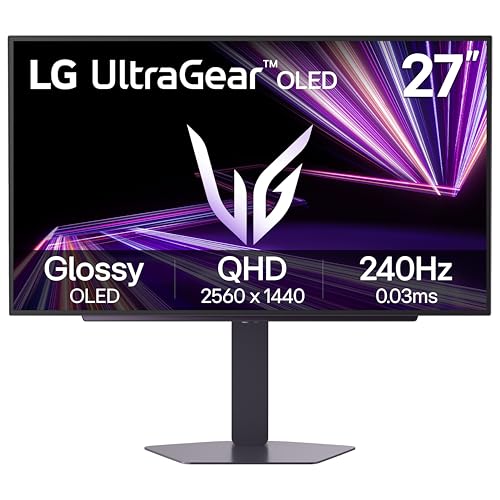
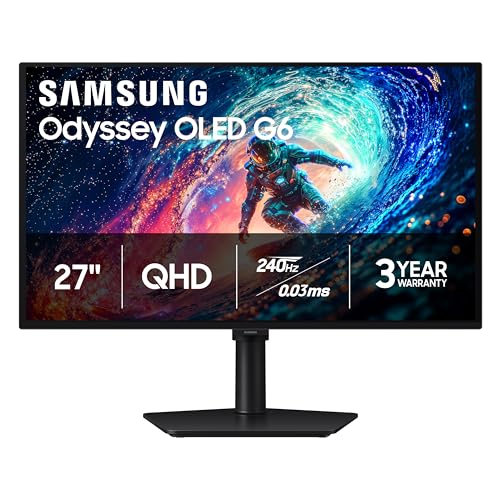
The OLED models in the table are 1440p, with very fast response and rich color. They cost more, but offer the best motion and contrast of any panel type here. See our best 240hz 1440p monitors page and the best OLED gaming monitor guide for more.
Tier Three: Ultrawide and Curved
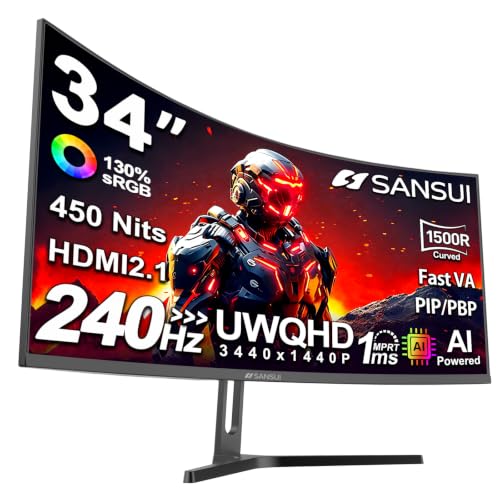
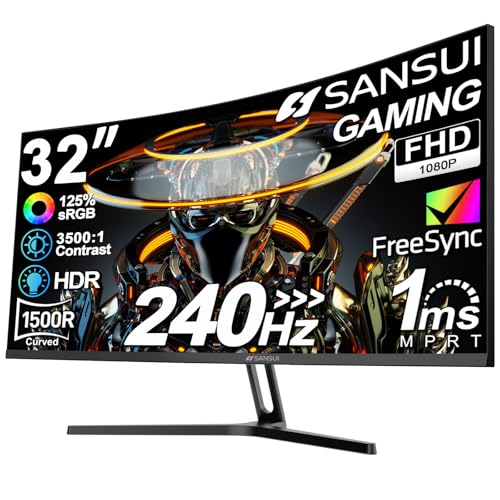
The 32 to 34-inch curved and ultrawide models in the table add immersion and workspace. At 240hz, they demand serious graphics power, especially at ultrawide QHD resolution. They suit single-player and racing games, and productivity, more than competitive shooters. If you want a sharper and larger image, check the best 4K gaming monitor page, though 4K at 240hz is a different class.
Panel Types Across the Tiers
Fast IPS is the all-round choice, with good color and quick response. VA panels dominate the curved models, with strong contrast. OLED is the premium choice with the fastest response. Match the panel to your games: IPS for competitive play, VA for atmospheric games in dark rooms, OLED if you want the best of both and can pay.
Ports, Sync and Stand
Use DisplayPort for 240hz on a PC, with a cable rated for the bandwidth. Look for adaptive sync, and enable it in the graphics driver. Check the stand for height and tilt, and the VESA mount for an arm. A heavy ultrawide or an OLED may need a sturdy arm.
Which Tier Should You Choose?
Ask three questions. What graphics card do you have? What games do you play most? How much do you want to spend? If you play competitive shooters on a mid-range card, choose 1080p. If you want sharper visuals and have a strong card, choose 1440p. If you want immersion and have a top card, consider ultrawide. The best 240hz gaming monitors are the ones that fit your answers.
How to Check Your Graphics Card Fits the Tier
Search for benchmarks of your graphics card in the games you play, at the resolution you are considering. If the average sits well above 200 frames at 1080p, you can enjoy a 1080p 240hz monitor fully. If it sits around 150 at 1440p, a 1440p 240hz panel still looks good and feels smooth, but you will not use the top rate in demanding games. Choose the tier whose frame rate you will actually reach.
Remember that settings change the result. Lowering a few expensive options can raise frame rates by a large margin without hurting how the game looks in motion. The best 240hz gaming monitors reward a bit of tuning in the graphics menu, and you can often stretch a mid-range card further than the numbers suggest.
Future-Proofing Without Overspending
It is tempting to buy the tier above your current card in the hope of upgrading later. That can work, since a 1440p monitor stays useful through several graphics card generations. But a monitor is a purchase you will keep for years, while cards change faster, so buy for what you play now with a sensible margin. If you upgrade the card in a year, the monitor will still be a good match.
Eye Comfort at High Speed
Higher refresh rates do not tire the eyes more than lower ones, but long sessions do. Use the monitor's low blue light or night mode in the evening, keep brightness at a comfortable level and take short breaks between matches. If you notice flicker in some games with adaptive sync, a lower setting or a cap on the frame rate may help.
Finally, check the return policy before you commit to a large or curved model. Bigger panels are more likely to arrive with minor flaws or shipping damage, and a clear window to send one back gives you confidence to try a higher tier. Photograph the screen on arrival if you see a problem, and contact the seller quickly.
FAQs
Is 1440p better than 1080p at 240hz?
It looks sharper, but needs a stronger graphics card to reach 240 frames.
Is ultrawide good for competitive play?
Not usually. It suits immersive and single-player games.
Is OLED worth the price?
For the best motion and contrast, yes, if you can afford it.
Which cable do I need?
DisplayPort, rated for the bandwidth.
Final Thoughts
The best 240hz gaming monitors are chosen by resolution tier and graphics card. Pick the tier you can drive, choose a panel to suit your games and compare the models in the product table.
Prices and availability can change, so check the product page before ordering.


