
Best 65 Inch TVs: Every Type Explained Side by Side
Disclosure: We may earn a commission when you buy through links on this page, at no extra cost to you. As an Amazon Associate I earn from qualifying purchases. Learn more

LED, QLED, Mini LED and OLED compared side by side, plus how to choose the best 65 inch TVs.
A 65 inch TV is the sweet spot for most living rooms: big enough for a cinematic picture from the couch, but still affordable and easy to fit on a standard wall or stand. The catch is the sheer variety. You can spend under $400 on a basic LED set or more than $1,500 on an OLED, and in between sit QLED, Mini LED and high refresh gaming models that all claim brilliant HDR. The best 65 inch TVs match panel technology, brightness and gaming features to your room and how you watch.
This guide compares every main type of 65 inch TV side by side, helps you choose between Mini LED and OLED, explains the specs that matter and highlights the right type for sports, sound, budgets and wired connections.
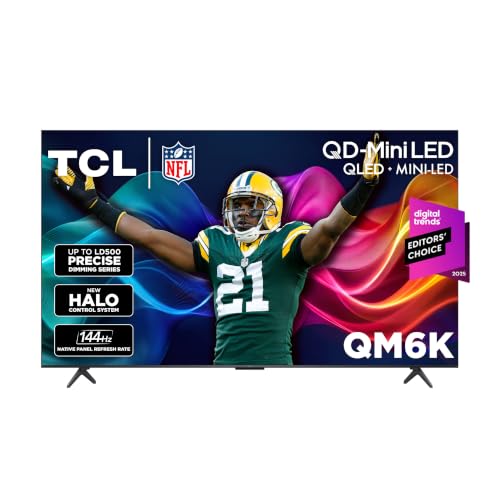


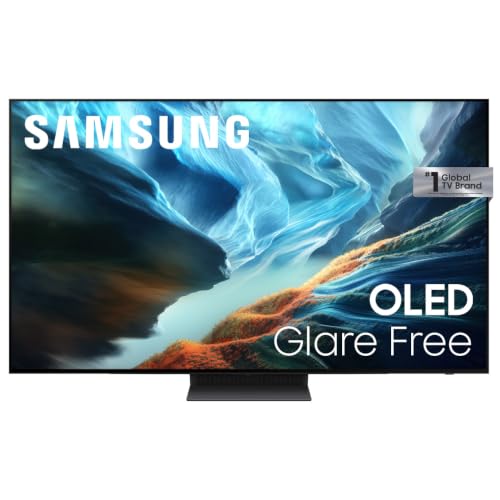
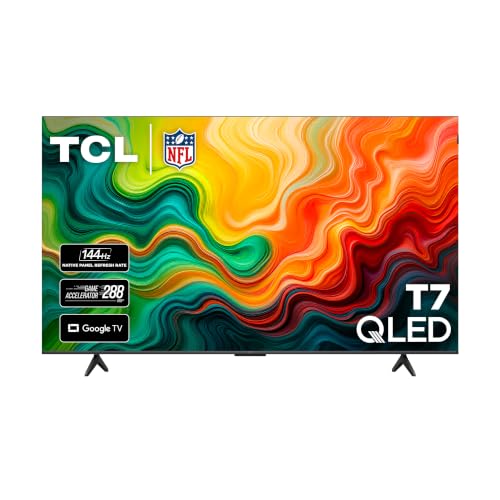



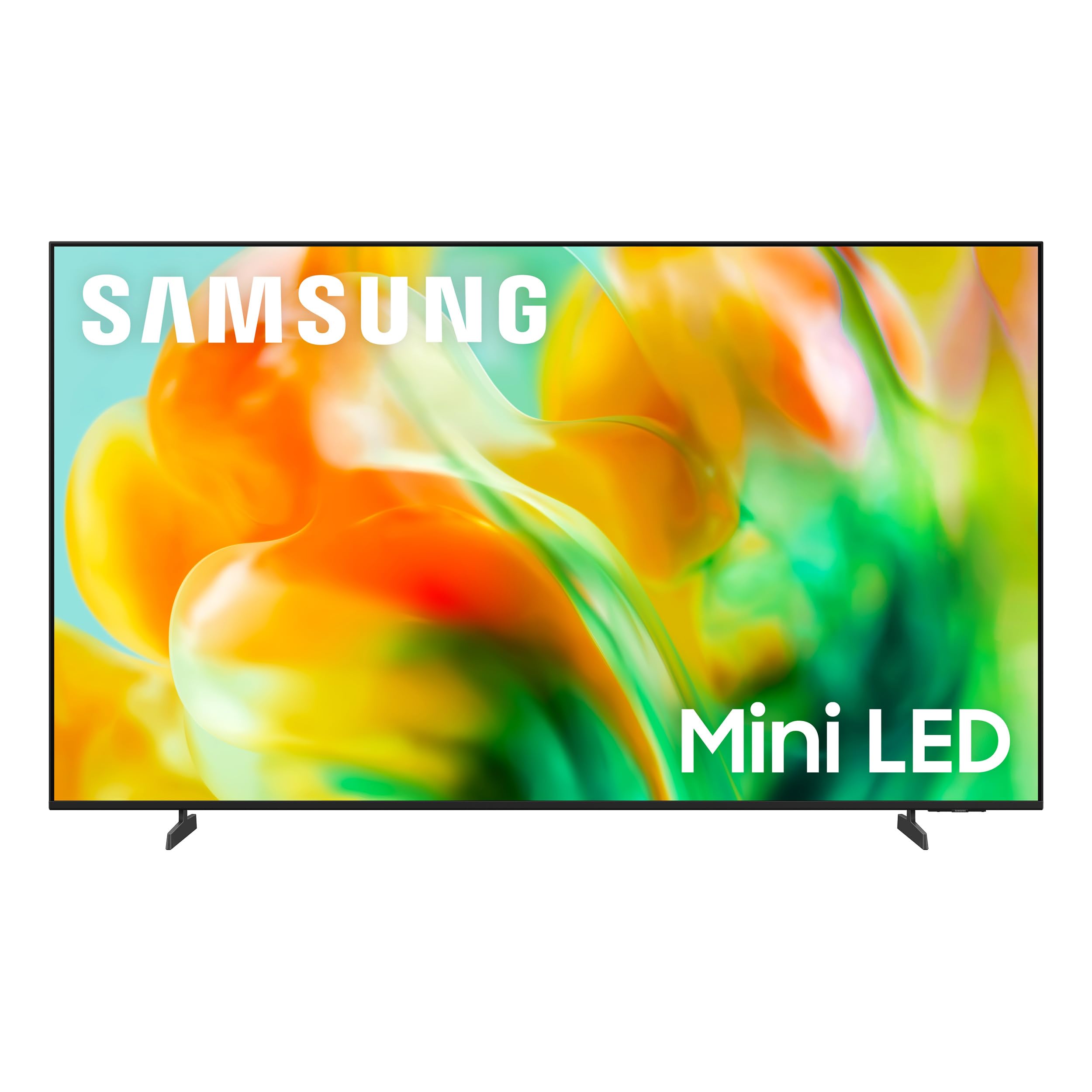
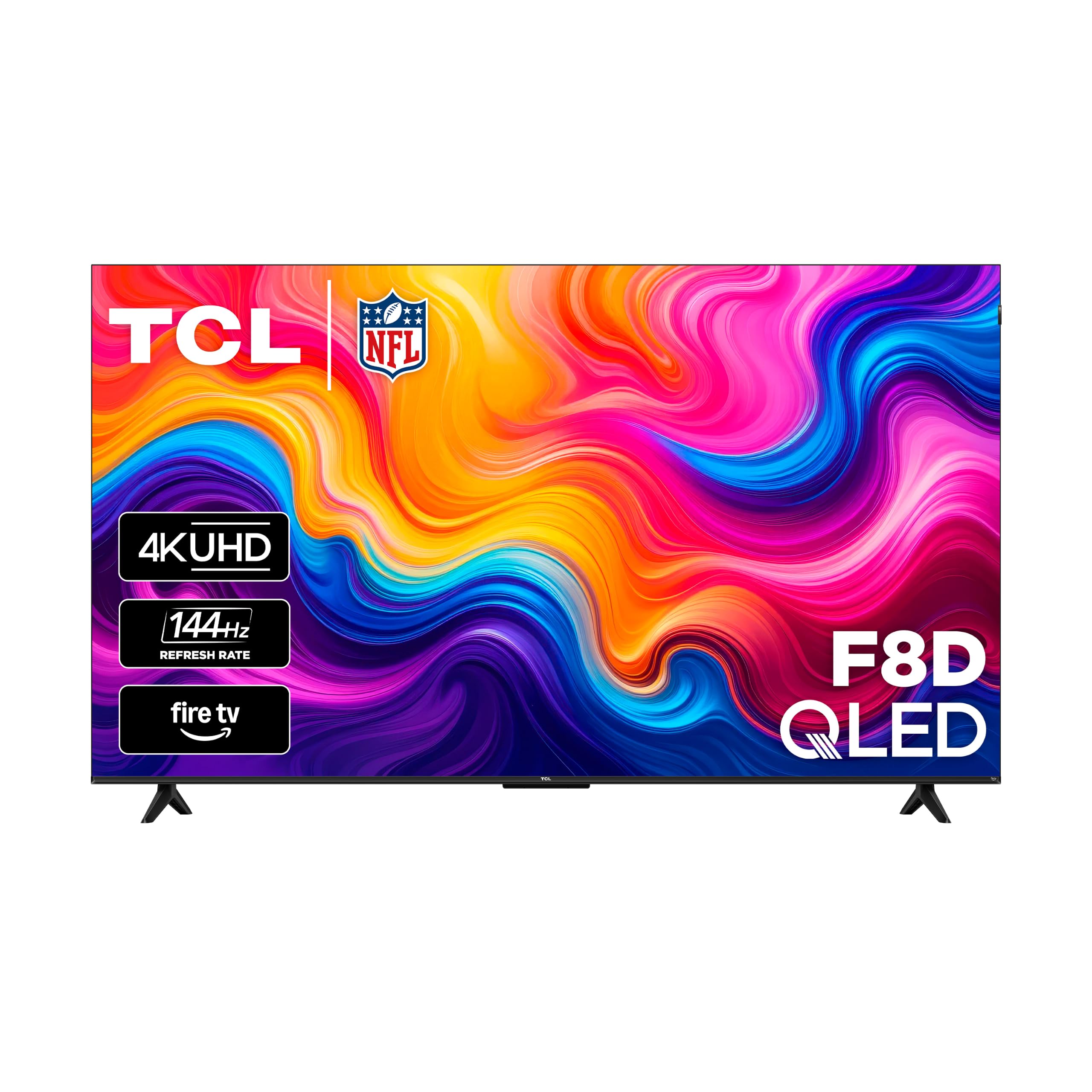
Types of 65 Inch TVs Compared
Standard LED TVs are the cheapest, QLED and Mini LED TVs deliver the brightest HDR for the money, and OLED TVs offer perfect blacks and the best contrast for dark room viewing.
| Type | Best For | Pros | Cons | Typical Price (65 inch) |
|---|---|---|---|---|
| Standard LED (Crystal UHD) | Budget, casual viewing | Low price, smart features | Limited brightness and contrast | Around $350 to $450 |
| QLED | Bright rooms, colorful content | Vivid color, good brightness | Blacks less deep than OLED | Around $350 to $600 |
| Mini LED | HDR movies, sports, bright rooms | High brightness, local dimming | Some blooming around bright objects | Around $430 to $1,000 |
| OLED | Dark rooms, film fans, gamers | Perfect blacks, wide viewing angles | Higher price, lower peak brightness | Around $1,300 to $2,500 |
Standard LED TVs
Standard LED TVs, often sold as Crystal UHD or basic 4K models, use an edge lit or direct lit LED backlight behind an LCD panel. They deliver sharp 4K resolution and full smart TV features at the lowest price.
Their limits show in HDR. Brightness and contrast are modest, blacks look gray in dark rooms and most run at 60Hz, which is fine for streaming but less ideal for fast gaming.
Choose a standard LED TV for bedrooms, playrooms or casual viewing where price matters most.
QLED TVs
QLED TVs add a quantum dot layer to an LED TV, boosting color volume and brightness. Many budget and midrange 65 inch models from TCL, Samsung and Insignia use QLED panels, often with HDR10 and Dolby Vision support depending on the brand.
They look vivid in bright living rooms and offer better color than standard LED for a small premium. Contrast still depends on the backlight, so blacks are not as deep as Mini LED or OLED.
Choose QLED for daytime viewing, colorful animation and sports on a moderate budget.
Mini LED TVs
Mini LED TVs use thousands of tiny LEDs grouped into local dimming zones, letting the TV brighten highlights and darken shadows independently. The result is punchy HDR, strong brightness for sunny rooms and much better contrast than standard LED.
Many Mini LED models also offer 120Hz or 144Hz refresh rates for gaming. Small halos, called blooming, can appear around bright objects on dark backgrounds, though better models control it well.
Choose Mini LED for the best HDR performance per dollar, especially in bright rooms.
OLED TVs
OLED TVs have no backlight; each pixel makes its own light and can turn off completely. That gives perfect blacks, infinite contrast, wide viewing angles and very fast response times, which make OLED the favorite of film fans and gamers.
OLED is less bright than top Mini LED sets in very sunny rooms and costs more. Burn in from static images is possible with extreme use, though modern OLEDs include protection features.
Choose OLED for dark home theater rooms and premium gaming.
Mini LED vs OLED: Which Should You Choose?
Choose a Mini LED TV if your room is bright or you want the most HDR punch for the money, and choose an OLED TV if you watch mostly in the evening and want the deepest blacks and best contrast.
- Brightness: Mini LED gets brighter, which helps in sunny rooms.
- Contrast and blacks: OLED wins with perfect blacks and no blooming.
- Viewing angles: OLED holds color and contrast from the side better.
- Gaming: both offer 120Hz or higher on many models; OLED has faster response times.
- Price: 65 inch Mini LED often costs half as much as OLED.
How to Choose the Right 65 Inch TV
HDR and Brightness
HDR makes highlights brighter and colors richer, but only if the TV is bright enough. Look for support for HDR10, plus Dolby Vision or HDR10+ depending on the brand. Mini LED and QLED models generally get brighter than standard LED, which matters most in rooms with lots of windows.
Panel Technology: IPS, VA, OLED, Mini LED
VA panels offer better contrast and are common in TVs, while IPS panels offer wider viewing angles with lower contrast. OLED delivers the best contrast and viewing angles. Mini LED backlighting improves contrast on LCD panels through local dimming.
Adaptive Sync and Gaming Features
Gamers should look for HDMI 2.1 ports with 4K at 120Hz, variable refresh rate (VRR), auto low latency mode (ALLM) and support for FreeSync or G-Sync on some models. These reduce tearing and input lag with PS5, Xbox Series X and gaming PCs.
Refresh Rate and Response Time
A native 120Hz or 144Hz panel shows smoother motion for sports and games. Many budget TVs are 60Hz panels with motion processing. OLEDs have near instant response times, which helps fast motion look clear.
Smart Platform
Smart platforms include Google TV, Roku, Fire TV, Tizen and webOS. All offer major streaming apps; choose one that works with your voice assistant and that you find easy to navigate.
Best 65 Inch TVs for Specific Needs
Your room and favorite content point to the right type.
Best 65 Inch TVs for Sports
The best 65 inch TVs for sports have native 120Hz or higher refresh rates, high brightness for daytime games and wide viewing angles for groups. Mini LED models balance brightness and motion handling well, while OLED offers the widest viewing angles for a crowded couch.
Best 65 Inch TVs with Good Sound: Which Type Works Best
The best 65 inch TVs with good sound include Dolby Atmos support and stronger built in speakers, often found on premium OLED and Mini LED models. Thin TVs still have limited bass, so a soundbar is the best upgrade for any type.
Best Affordable 65 Inch TVs: Which Type Works Best
The best affordable 65 inch TVs are QLED and entry Mini LED models from brands like TCL, Samsung and Insignia, often under $550. They offer HDR, smart platforms and sometimes 120Hz or higher for gaming at budget prices.
Best Sony 65 Inch TVs
The best Sony 65 inch TVs are known for natural color processing, smooth motion and Google TV. Entry BRAVIA 3 LED models offer reliable picture quality at midrange prices, while higher BRAVIA lines add Mini LED and OLED panels for better contrast.
Best 65 Inch TVs with Ethernet: Which Type Works Best
The best 65 inch TVs with Ethernet ports deliver more stable 4K streaming than WiFi, especially for high bitrate content. Most mainstream models include an Ethernet port, but check before buying, and use a Cat 6 cable for best results.
How Much to Spend on the Best 65 Inch TVs
Most buyers find the best 65 inch TVs for their needs between about $450 and $1,000.
- Under $450: standard LED and QLED TVs for casual viewing.
- Around $450 to $1,000: Mini LED and higher end QLED TVs with strong HDR and 120Hz or higher gaming support.
- Over $1,300: OLED TVs for the best contrast and dark room performance.
When to Buy a 65 Inch TV
TV prices follow a predictable yearly cycle. New models usually launch in spring, which pushes last year's models down in price over the summer. The deepest discounts typically arrive around Black Friday and Cyber Monday in late November, followed by deals before the big football game in late January and early February. If you do not need the newest features, last year's model at a discount often delivers nearly identical picture quality for much less.
Viewing Distance and Room Setup
For a 65 inch 4K TV, a viewing distance of roughly 5.5 to 8 feet gives an immersive picture without visible pixels. Mount the TV so the center of the screen sits near eye level when seated, usually about 40 to 45 inches from the floor. Avoid placing the TV opposite bright windows, or choose a brighter Mini LED model with anti glare treatment. A 65 inch TV is about 57 inches wide, so check that your stand or wall space fits it with a little room to spare.
Smart TV Platforms Compared
Every major platform streams Netflix, YouTube, Prime Video, Disney+ and other big apps, so the choice comes down to interface, voice assistant and ecosystem.
- Google TV: personalized recommendations across apps, built in Google Assistant or Gemini and Chromecast casting. Common on Sony and TCL.
- Roku: a simple tile based home screen and a huge app library. Easy for all ages.
- Fire TV: Alexa voice control and tight Amazon integration. Found on Insignia and some other brands.
- Tizen: Samsung's platform with SmartThings smart home control and Samsung TV Plus free channels.
- webOS: LG's platform with a quick launcher bar and Magic Remote pointer control.
If you dislike your TV's built in platform, a $30 to $50 streaming stick can replace it.
Ports and Connections to Check
Ports decide how well a TV works with your other gear. Look for at least three or four HDMI inputs, with at least two HDMI 2.1 ports if you own a PS5, Xbox Series X or gaming PC. One HDMI port should support eARC so a soundbar receives lossless audio, including Dolby Atmos. An Ethernet port gives the most stable streaming, and USB ports can power a streaming stick or play media files. Older consoles and cable boxes work over standard HDMI.
Best Picture Settings for a New TV
Most TVs ship in a bright, oversaturated store mode. A few changes give a more natural picture in minutes.
- Choose movie, cinema or filmmaker mode: these presets show color closest to the creator's intent.
- Turn off motion smoothing for movies: it causes the "soap opera effect"; keep a low setting for sports if you like.
- Adjust brightness for the room: raise the backlight in bright rooms and lower it at night.
- Enable game mode for consoles: it reduces input lag dramatically.
- Turn off energy saving dimming: it can make the picture look dull or fluctuate.
Wall Mounting a 65 Inch TV
Most 65 inch TVs weigh about 45 to 65 pounds and use VESA mounting patterns such as 300 by 300 or 400 by 400 millimeters. Choose a mount rated for your TV's weight and pattern, and anchor it into wall studs or masonry, never drywall alone. Fixed mounts sit flattest, tilting mounts reduce glare when mounted higher and full motion mounts let you angle the screen toward different seats. Plan cable routing and an outlet behind the TV before drilling.
Common TV Problems and Fixes
- Picture looks too blue or too bright: switch from vivid or standard mode to movie mode.
- Streaming buffers in 4K: use Ethernet or move your router closer, and check that your internet plan supports 25 Mbps or more per 4K stream.
- Soundbar audio delay: adjust audio sync settings on the TV or soundbar.
- Console not showing 120Hz: use an HDMI 2.1 port, a certified Ultra High Speed HDMI cable and enable enhanced HDMI or input signal plus in settings.
- Dark scenes look blotchy: lower local dimming intensity or adjust the gamma setting.
Care and Maintenance Tips
- Clean gently: use a dry microfiber cloth; avoid paper towels and harsh cleaners.
- Calibrate picture settings: turn off vivid mode and use movie or filmmaker mode for accurate color.
- Use pixel refresh on OLEDs: let the TV run its maintenance cycles while in standby.
- Protect from surges: plug into a surge protector.
- Keep vents clear: leave space for airflow around the TV.
- Update firmware: updates improve features and fix bugs.
Frequently Asked Questions
IPS vs OLED: which is better?
OLED is better for contrast, black levels and viewing angles, making it ideal for dark rooms and movies. IPS LCD TVs offer good viewing angles at lower prices but have weaker contrast. Mini LED VA panels offer more brightness for bright rooms.
How long do 65 inch TVs last?
Most modern TVs last about 7 to 10 years with normal use. LED backlights and OLED pixels gradually lose brightness over time, but most viewers replace TVs for new features before they fail.
Does refresh rate matter for non gamers?
A native 120Hz panel makes sports and fast action look smoother, but for movies and regular TV a 60Hz panel is fine. Gamers benefit most from 120Hz or higher.
Is 4K worth it on a 65 inch TV?
Yes. At 65 inches, 4K resolution looks noticeably sharper than 1080p from typical seating distances, and nearly all 65 inch TVs sold today are 4K. 8K offers little benefit for most viewers.
What size should I get for my room?
A 65 inch TV suits viewing distances of about 5.5 to 8 feet. If you sit farther away, consider 75 inches; closer than about 5 feet, a 55 inch TV may be more comfortable.
Do I need a soundbar with a 65 inch TV?
Most 65 inch TVs benefit from a soundbar. Slim TVs have small speakers with limited bass and dialogue clarity. Even a $150 to $300 soundbar with a dedicated center channel makes voices clearer and adds fuller sound. Connect it through the HDMI eARC port so your TV remote controls volume.
Is QLED better than OLED?
Not overall. QLED gets brighter and costs less, which suits bright rooms, while OLED delivers deeper blacks, better contrast and wider viewing angles. Mini LED QLED models close much of the contrast gap at lower prices than OLED.
Can a 65 inch TV work as a gaming monitor?
Yes, for couch gaming. Choose a model with HDMI 2.1, 4K at 120Hz, VRR and a low latency game mode. For desk use, a 65 inch screen is usually too large to view comfortably up close.
Final Thoughts
Choose a 65 inch TV by room brightness and how you watch. Standard LED and QLED sets suit budgets, Mini LED TVs deliver the best HDR for the money in bright rooms and OLED TVs offer unmatched contrast for dark room movies and gaming. Check HDMI 2.1 support if you game and add a soundbar for better audio. The best 65 inch TVs turn any living room into a home theater, so check the product table above for current models and prices.


