
Best 1440p Monitors in 2026: What to Check Before You Buy
Disclosure: We may earn a commission when you buy through links on this page, at no extra cost to you. As an Amazon Associate I earn from qualifying purchases. Learn more

What to check before choosing the best 1440p monitors: screen size, panel type, refresh rate and the ports that matter.
A 1440p screen sits in the sweet spot between sharpness and cost: text is clearly crisper than on a 1080p panel, yet a mid-range graphics card can still drive it at high frame rates. The best 1440p monitors are the ones that match your desk, your games or work, and your graphics card, not simply the ones with the biggest numbers on the box.
This guide explains what separates a good 1440p panel from a merely adequate one, how size and refresh rate change the experience, and which trade-offs matter most. The product table right after this intro lists current in-stock models; the sections below help you read it.



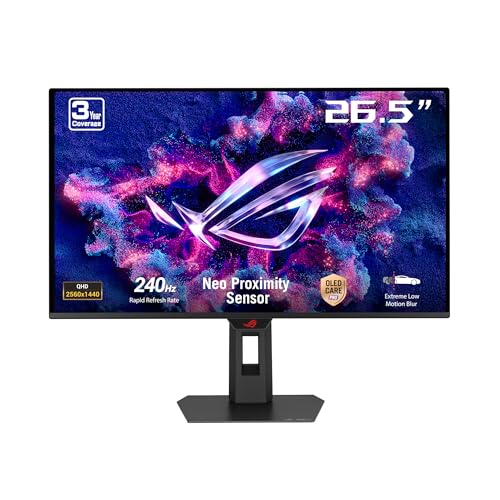

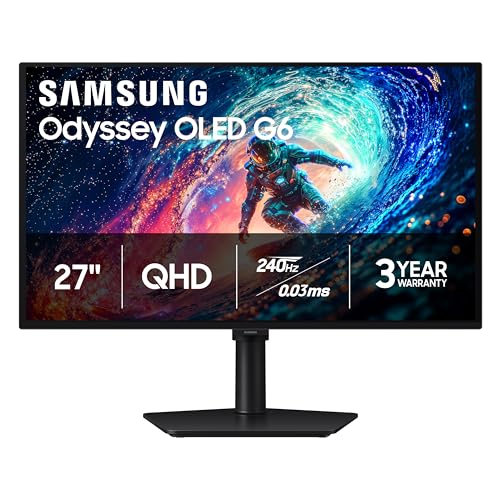
Why 1440p Is the Practical Resolution Choice
1440p, also called QHD, means 2560 by 1440 pixels. That is a little under twice the pixel count of 1080p and well under half of 4K, so it asks far less of your graphics card than 4K while looking noticeably sharper than Full HD. For a 27 inch screen it is widely treated as the natural fit.
The extra desktop space also helps outside games. You can keep a document and a browser window side by side without constant scaling tweaks. If you mostly play fast shooters, the lighter load means you can chase high refresh rates without buying the most expensive card.
Screen Size and Viewing Distance
Size is the first decision. A 24 to 25 inch panel suits a shallow desk and competitive play, where you want to see the whole screen without moving your eyes. A 27 inch panel is the common all-rounder. Larger 31 to 32 inch screens feel immersive but need more distance, and text can look softer if you sit close.
Measure your desk depth before ordering. If you sit about an arm's length from the screen, 27 inches is comfortable for most people. If your desk is deep and you like a cinematic feel, a bigger panel earns its space.
Panel Types: IPS, VA and OLED
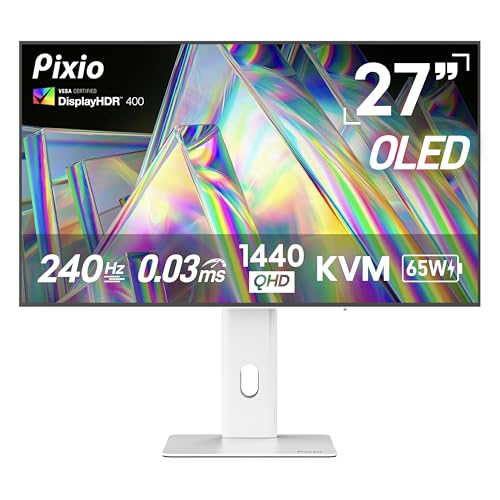
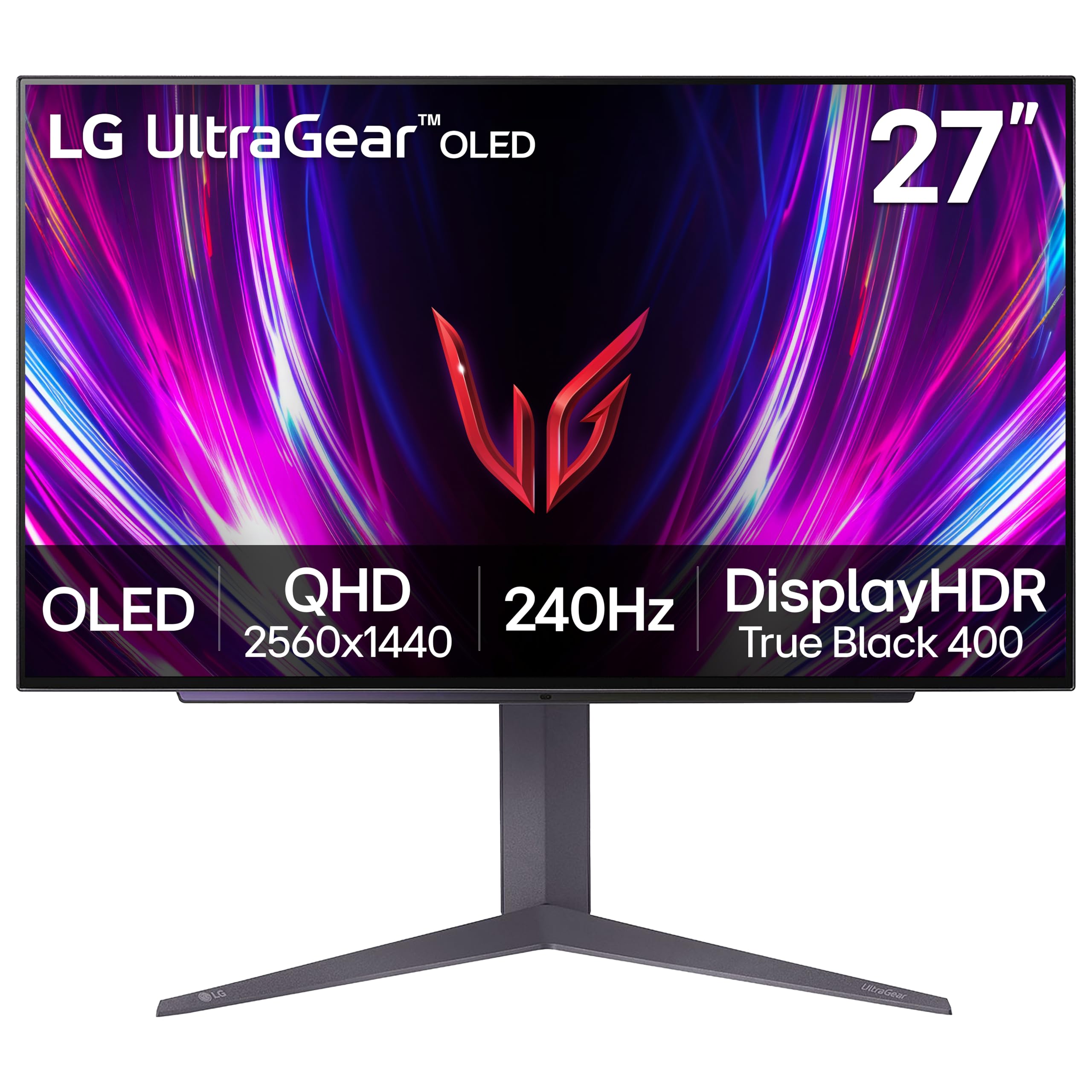
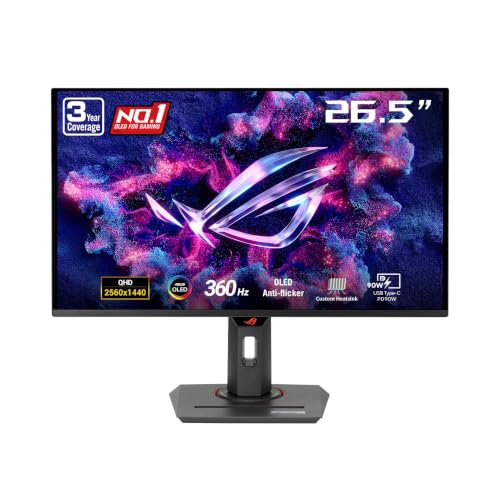
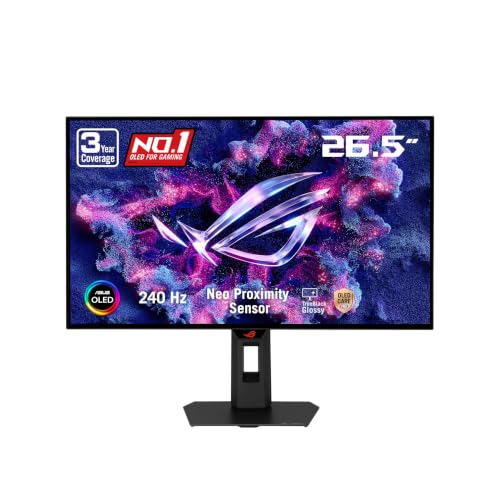
IPS panels give the most accurate colors and wide viewing angles, which is why they dominate creative and general use. VA panels offer deeper blacks and higher contrast, and are often curved, but some show smearing in fast scenes. OLED and QD-OLED screens deliver near-perfect blacks and very quick response, at a higher price and with a need to avoid static images for long periods.
For most buyers a fast IPS panel is the safest choice. Pick VA if you game in a dark room and value contrast, and consider OLED if you want the best motion and picture and accept the extra cost.
Refresh Rate, Response Time and Sync
Refresh rate describes how often the picture updates each second. Moving from 60Hz to 144Hz is obvious even on the desktop, while gains beyond roughly 240Hz matter mainly to competitive players with fast hardware. Your graphics card sets the ceiling, so a very high refresh rate only pays off if the card can supply the frames.
Look for adaptive sync support (FreeSync or G-Sync compatible), which removes tearing when frame rates fluctuate. Response time claims vary by how they are measured, so treat them as a rough guide and lean on buyer feedback about ghosting.
Ports, Stand and Extras Worth Having
Check that the monitor offers DisplayPort for a PC and HDMI for consoles or a second device. A stand with height and tilt adjustment saves money on a separate arm, and VESA mounting holes keep the option open. USB-C with power delivery is handy if you work from a laptop, and a built-in KVM lets one keyboard and mouse control two computers.
Skip features you will not use. Built-in speakers are usually thin, and a very bright HDR claim means little on a screen without local dimming.
Matching the Monitor to How You Use It
When shopping for the best 1440p monitors, start from your use case instead of a feature ranking.
Competitive players should favor refresh rate, low blur and a smaller size. Story-driven gamers get more from contrast, color and a bigger panel. Home office users should weigh text clarity, stand adjustment and USB-C. Mixed users do well with a 27 inch IPS at 144Hz or above, which covers nearly everything without a premium price.
Common Mistakes When Choosing a 1440p Monitor
The most frequent mistake is paying for a refresh rate the graphics card cannot feed. A 240Hz screen paired with a card that manages 90 frames per second in your favorite game behaves much like a 100Hz screen, so match the panel to the hardware you own or plan to buy.
Another trap is trusting the headline HDR label. Without local dimming or high peak brightness, HDR modes on budget panels can look flat or washed out, and many people switch them off. Treat HDR as a bonus, not a reason to choose one model over another.
Finally, people overlook the stand. A wobbly or fixed-height stand forces you to stack books under the screen, which hurts posture over long sessions. Read the listing for height, tilt and swivel, or budget for a monitor arm.
Getting the Most From Your New Screen
Once the monitor arrives, set the refresh rate in your operating system, because many screens default to 60Hz until you change it. Use a DisplayPort cable for the highest refresh rates on a PC, and make sure the cable is certified for the bandwidth you need.
Turn on adaptive sync in both the monitor menu and your graphics driver, then cap frame rates slightly below the maximum for the smoothest result. Calibrating brightness to your room, rather than leaving the factory preset, also reduces eye strain during long sessions.
If you plan to run two screens, buy matching models where possible so colors and heights line up. Mixing panel types on one desk often leaves visible color differences that are hard to fix by settings alone.
You may also find our guides to best 1440p monitors for ps5, best 1440p ultrawide monitors and best 1440p 144hz monitors useful.
Frequently Asked Questions
Is 1440p worth it over 1080p?
Yes, if your graphics card can handle it. Text and game scenes look sharper, and the cost gap between the two has narrowed. If your card struggles at 1080p already, upgrade the card first.
Do I need a powerful graphics card for 1440p?
A mid-range card handles most games at 1440p with sensible settings. Esports titles run very high frame rates even on modest cards, while the newest demanding games may need lowered settings or upscaling.
What size is best for 1440p?
27 inches is the usual recommendation. Go smaller for a tight desk or competitive play, and larger only if you sit farther back.
Is a curved screen better?
Curves suit larger or wider screens and add immersion, but they are a matter of taste. On a 27 inch panel a flat screen is usually more practical for work.
Final Thoughts on the Best 1440p Monitors
The best 1440p monitors balance size, panel type and refresh rate against your graphics card and budget. Decide how you will use the screen, pick a size that fits your desk, and use the table above to compare current prices. Prices and availability can change, so check the product page before ordering.


