
Best 24 Inch Monitors for Home Office in 2026: A First-Time Buyer Guide
Disclosure: We may earn a commission when you buy through links on this page, at no extra cost to you. As an Amazon Associate I earn from qualifying purchases. Learn more

Best 24 inch monitors for home office should be easy on the eyes and fit your desk. Compare comfort features, stands, speakers and ports.
A home office monitor is not a gaming screen or a design tool; it is the thing you stare at for six or eight hours. The best 24 inch monitors for home office are therefore judged on comfort: how kind they are to your eyes, how well they adjust to your posture and how easily they connect to a laptop.
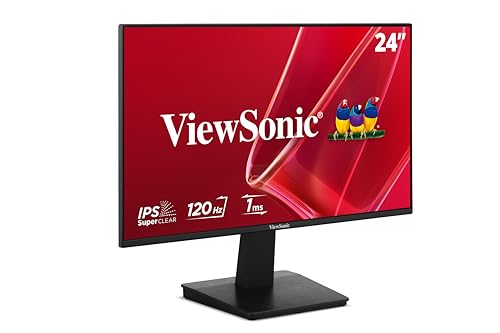
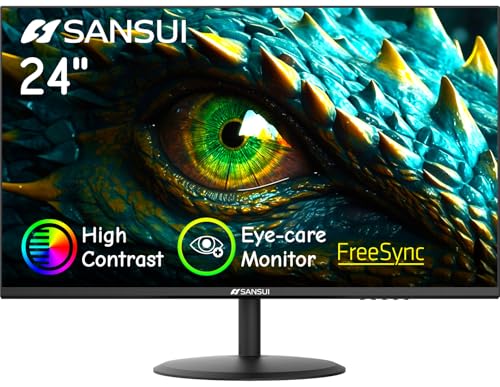
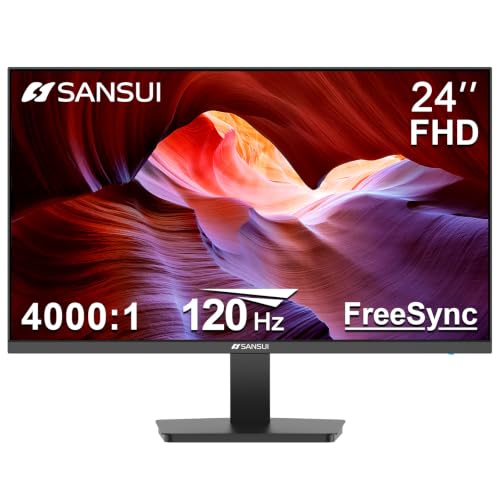
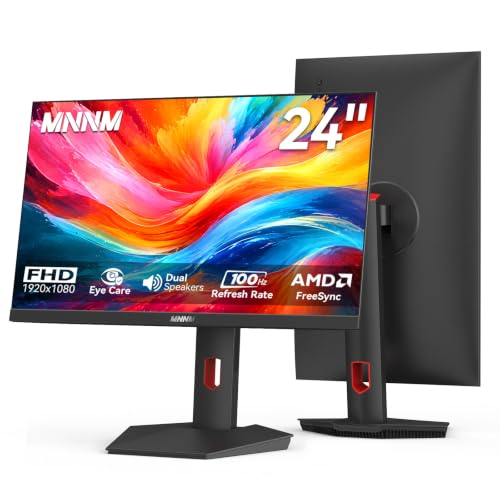
The product table lists office-friendly models, including IPS screens with eye care features, models with height adjustment and a QHD option for sharper text. If this is your first monitor purchase, the sections below explain the basics.



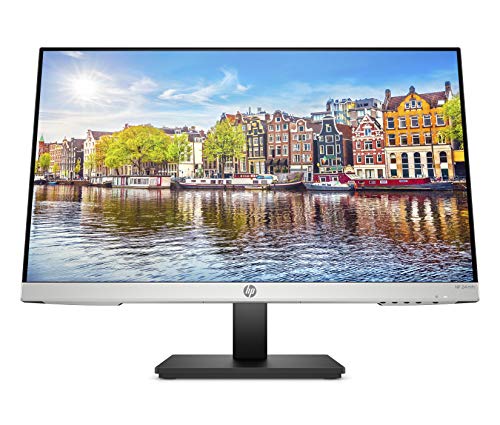


What Makes a Monitor Good for Long Days
Comfort comes from a handful of features. A flicker-free backlight avoids invisible flicker that can tire the eyes. A low blue light mode shifts the colors warmer in the evening. An anti-glare coating cuts reflections, and an IPS panel keeps text clear from any angle.
These features are common on mid-priced monitors, and they cost little. If you read a lot, choose a monitor with a sharp picture, which means QHD at this size if budget allows, or a good 1080p IPS if not. Match the brightness to the room, and keep a little distance from the screen.
Ergonomics and the Stand
A good stand adjusts for height, tilt and sometimes swivel and pivot. Without it, you may end up looking up or down for hours, which strains your neck. Where the stand does not adjust, a VESA arm or a simple riser solves it.
Think about your desk too. A shallow desk benefits from an arm that pushes the monitor back, and a corner desk may need a swivel. See also our guide to the best 27 inch monitors for home office if you have the space for a bigger screen.
Connections for a Laptop Desk
Most home offices run on a laptop. Check what ports your laptop has and what the monitor needs. HDMI works with almost all laptops. A USB-C connection that carries video and power is the tidiest, and a monitor with a USB hub lets you plug in a keyboard and mouse once. A dock handles more complex setups.
Take care with cable length: a short cable can limit where you put the monitor. A longer one costs little and gives you freedom.
Speakers, Webcam and Calls
Many office monitors include small speakers, handy for calls. For clear audio, a headset is better, and it keeps the house quiet. Few monitors include a webcam, so plan on a separate one placed at eye level if your laptop sits low. A tidy setup helps you look good on calls.
One Screen or Two
A second screen is a major productivity gain. A pair of 24-inch monitors costs less than a large single screen and gives you flexibility. Buy matching models and keep the heights the same. If you want to go further, our best 24 inch PC monitors guide lists more options, and the best 24 inch monitors page covers the range.
Budget and Warranty
For a home office, spend on comfort and reliability. A mid-priced IPS monitor with a three-year warranty is a sound buy. Skip fancy lighting or extreme refresh rates. If your employer offers a stipend, check what they allow, and keep the receipt.
Setting Up Your Desk
Place the screen at arm's length, with the top edge at eye level. Keep it away from direct window light, and put a lamp that lights the desk without glaring on the screen. Raise your laptop on a stand if you use both, and use an external keyboard. Take short breaks every hour to rest your eyes.
Lighting and Eye Health
Your lighting matters as much as the monitor. Place the screen at right angles to a window to avoid glare, and use a desk lamp that lights your keyboard without shining on the screen. If you work in the evening, use a warm lamp and the monitor's low blue light mode. The best 24 inch monitors for home office cannot overcome a badly lit room.
Follow the habit of resting your eyes every twenty minutes by looking at something distant for a few seconds. Blink often, keep the screen slightly below eye level and use a text size you can read without leaning forward. If you wear glasses for computer work, tell your optician about your screen distance.
Making the Desk Work Together
A monitor is one part of a home office. A chair that supports your back, a desk at the right height and a keyboard and mouse you like all affect how you feel at the end of the day. Spend on the monitor and the chair first, then add small extras such as a footrest or a laptop riser. Our page on the 27 inch option shows what you might choose if your desk grows.
What to Avoid
Avoid very cheap monitors without clear specifications, since a dim or flickering screen is tiring. Avoid very high refresh rates if you never play games, because that money is better spent on a stand and a warranty. Avoid glossy screens in bright rooms, and avoid wobbly stands that shake when you type.
Finally, keep the original packaging for a few weeks. If the screen has a dead pixel, uneven backlight or a wobbly stand, returning it in the box is far easier than arguing about damage in transit, and a short trial in your real workspace is the best check of whether a monitor suits you.
FAQs
Do I need QHD for office work?
No, but it makes text sharper. 1080p is fine for most.
Is IPS better for the office?
Yes, for viewing angles and color. VA is a fair budget choice.
Can I use a TV instead?
You can, but a monitor shows text more clearly.
Should I get speakers?
They are handy for calls, though a headset sounds better.
Final Thoughts
The best 24 inch monitors for home office are comfortable, adjustable and easy to connect to a laptop. Choose an IPS panel with eye care features, a stand that suits your posture and ports that match your computer. Then compare the models in the product table.
Prices and availability can change, so check the product page before ordering.


