
Best 32 Inch Monitor with Speakers: Budget, Midrange and Premium Options for 2026
Disclosure: We may earn a commission when you buy through links on this page, at no extra cost to you. As an Amazon Associate I earn from qualifying purchases. Learn more

Best 32 inch monitor with speakers: how good built-in monitor audio really is, which models include it and when a separate speaker is worth adding.
Built-in speakers are a handy extra on a monitor because they save desk space and one cable. The best 32 inch monitor with speakers range from basic office screens with tiny two-watt drivers to smart monitors with better sound systems. The honest summary is that monitor speakers are fine for video calls and casual video, and not great for music or movies. The product table lists models that include speakers, and this guide explains what to expect from them.
Not every 32 inch monitor has speakers, so the first step is to check the listing, as a few popular models have none at all. This guide also explains when you should add a separate speaker.


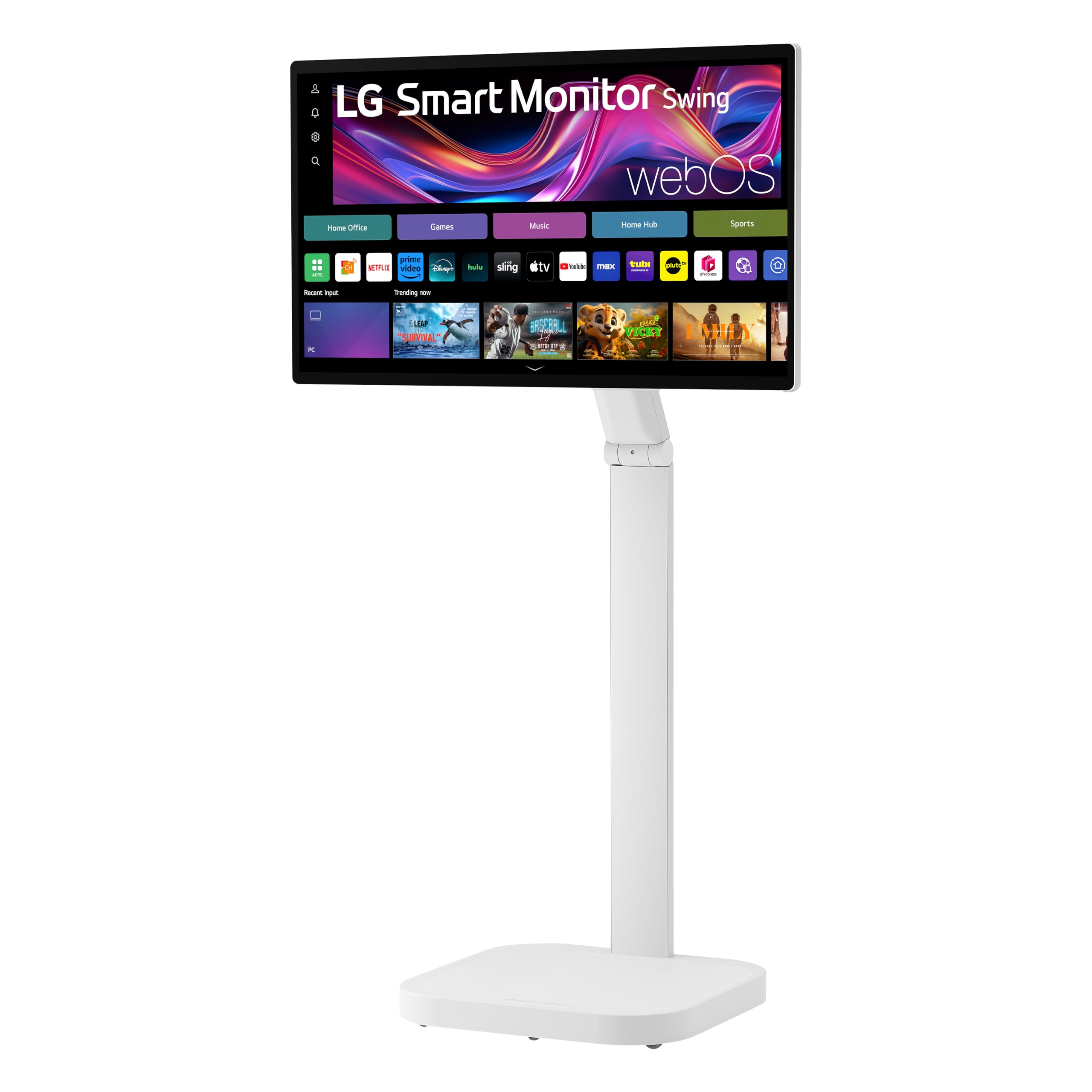


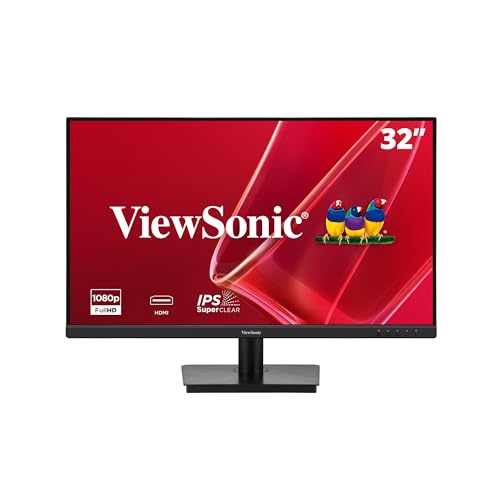


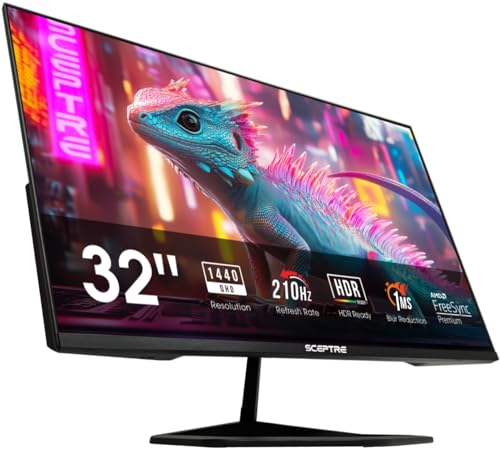


How good are monitor speakers?
Space inside a slim monitor is tight, so the drivers are small and the cabinet is shallow. That limits bass and volume. Voices are usually clear, so video calls and spoken content come through well. Music sounds thin, and action movies lack weight. A few models include larger drivers or a small sound system, and they sound better, but they rarely match a basic desktop speaker pair.
Think of built-in audio as a convenience for everyday use and a fallback when you do not have other speakers. If sound matters to you, plan to add a small speaker or a soundbar, which costs little and makes a big difference.
Which monitors have speakers
- Office monitors: often include a pair of small speakers around two watts each
- Smart monitors: include speakers as part of a streaming platform, sometimes with better drivers
- 4K monitors: many include basic speakers, though some creative models omit them
- Gaming monitors: often skip speakers or include very basic ones, because buyers use headsets
Always check the listing for the word speakers and the power rating. A phrase like audio out only means a headphone jack and no speakers.
What to check on the listing
Speaker presence and power
Look for built-in speakers in the title, bullets or specs, with a wattage such as 2 x 2W or 2 x 5W. Higher wattage is not a guarantee of better sound, but it often means larger drivers.
Headphone jack and audio inputs
A headphone jack is useful for private listening. Some monitors also have an audio output that sends sound to external speakers. If your computer is connected by HDMI or DisplayPort, the monitor receives the audio and plays it through the speakers.
Resolution and panel
The speakers are only a bonus, so choose the screen first. Our 4K monitors and 32 inch monitor guides help with the panel choice.
Turning the speakers on
- Connect the monitor with HDMI or DisplayPort so audio travels along
- Open the sound settings on the computer and choose the monitor as the output
- Raise the volume in both the computer and the monitor menu
- Check the audio settings in the monitor menu for mute or input selection
- Update the graphics driver if the monitor does not appear as an output
If you hear nothing, check that the monitor is not muted in its own menu. A volume setting that is low in the monitor can hide the sound completely.
Better sound for little money
A small powered desktop speaker pair or a compact soundbar under the monitor transforms the sound. Many soundbars sit below the screen without blocking the picture, and they connect by a single cable or by Bluetooth. Our monitor speaker guide lists good options. If you prefer privacy or share a space, a headset gives the best clarity for the money.
Where built-in speakers make sense
A spare room monitor that is used for video calls and the odd video clip does not need extra speakers. A dorm room or a shared office where you want fewer cables benefits as well. A kitchen or a workshop screen used as a display for recipes or tutorials is another good case. If you listen to music for hours or watch movies, add a separate speaker.
Choosing the best 32 inch monitor with speakers
Start by deciding how much you care about the picture, since that is the part you will look at all day. Then check the speaker line on the listing and read comments that mention sound. Buyers often say whether the volume reaches a useful level and whether voices are clear. If several comments say the sound is thin or tinny, assume that you will want a separate speaker. If they say it is fine for calls and videos, the built-in pair may be all you need.
Compare the price of a monitor with speakers against one without, plus a small speaker. Often the monitor with built-in speakers costs about the same, so the question is whether you want the convenience. For smart monitors, the built-in apps and remote are the bigger feature, and the speakers are a bonus.
Smart monitors and streaming
Some 32 inch monitors include a streaming platform, a remote and better speakers, so they work as a small TV as well as a computer screen. They are handy in a bedroom or a small office. The speakers are usually a step up from basic office models, though they still lack bass. If you plan to watch more than you work, compare them with a 32 inch TV, which often has a better sound system and a tuner at a similar price.
Comfort and distance
A 32 inch screen is large, and sitting at a distance of about an arm's length or a little more suits both the picture and the speakers, which are quiet near the ear but can be hard to hear across a room. Aim the sound toward your seat by tilting the screen slightly. Small speakers often face down or backward, so placing the monitor near a wall reflects the sound forward.
Sound settings worth knowing
Many monitors offer sound modes such as movie, music or voice. Voice mode boosts the mid range, which helps with calls and speech. A bass boost can make small speakers sound fuller, but it may add distortion at high volume. If the monitor has an equalizer, a small lift in the low range and a dip in the harsh upper mid range usually helps. Keep the volume in the monitor at a fixed level and control the sound from the computer so it stays consistent.
FAQ
Do all 32 inch monitors have speakers?
No. Many models skip them, so check the listing.
Are monitor speakers loud enough?
For a desk, yes. For a room, no.
Can I use the speakers over USB-C?
Yes, if the monitor supports audio over USB-C and the computer sends it.
Is a soundbar worth it?
Usually yes. It costs little and improves sound a lot.
Final thoughts
The best 32 inch monitor with speakers are a convenience pick, not a sound system. Check that the model really includes speakers, choose the screen for the picture first and plan for a small speaker if you enjoy music and movies. Compare the models in the product table. See also monitors for work.
Prices and availability can change, so check the product page before ordering.


