
Best 144Hz Monitors Under 150 in 2026: What to Check Before You Buy
Disclosure: We may earn a commission when you buy through links on this page, at no extra cost to you. As an Amazon Associate I earn from qualifying purchases. Learn more

What to check before choosing the best 144hz monitors under 150: what to expect for the money and which compromises are fine.
A decent 144Hz screen no longer needs a big budget. The best 144hz monitors under 150 dollars are mostly Full HD IPS panels in 24 to 27 inch sizes, and a few reach QHD at the top of the range. They bring smooth motion to games and the desktop at a price close to an ordinary office monitor.
Spending this little means accepting some trade-offs, and the smart move is to know which ones are harmless and which are not. This guide explains what to expect, what to avoid and how to read the product table above.
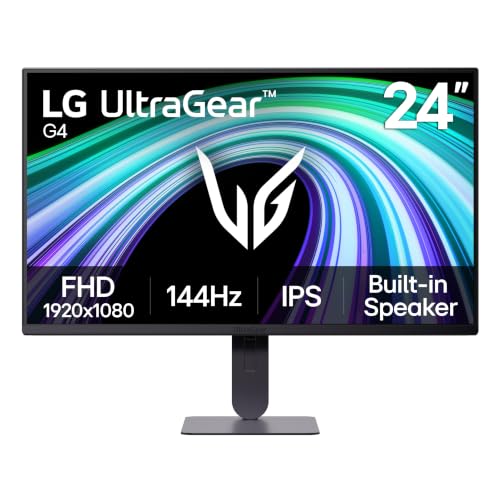
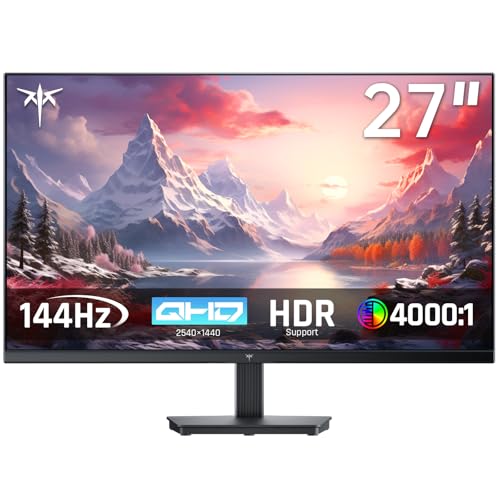
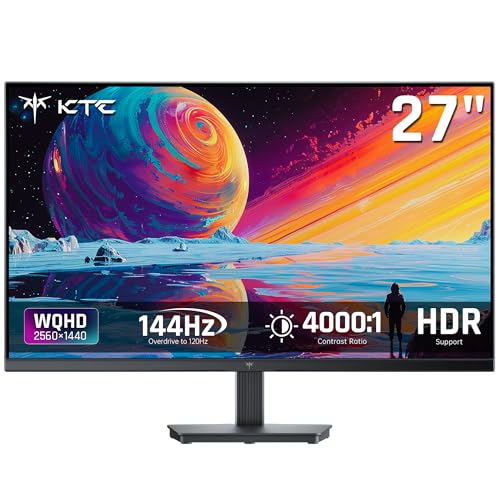
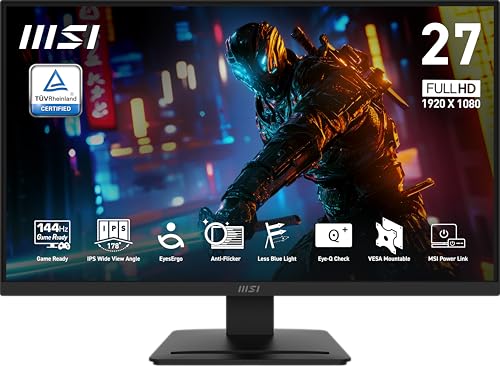
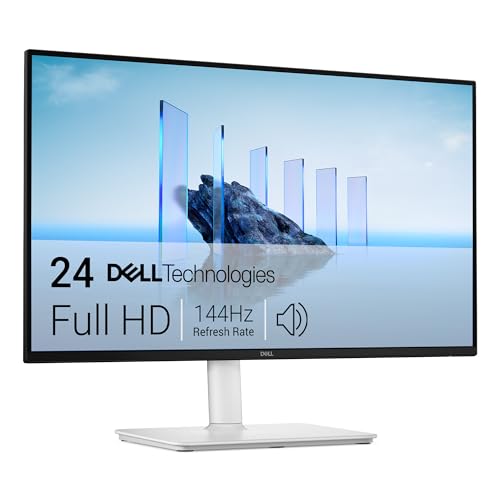
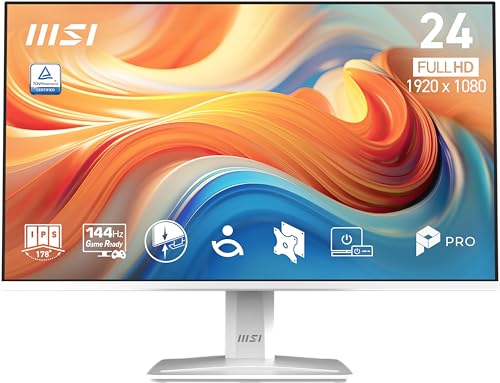
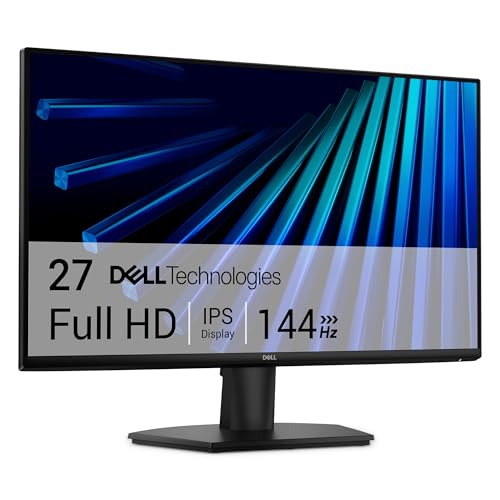
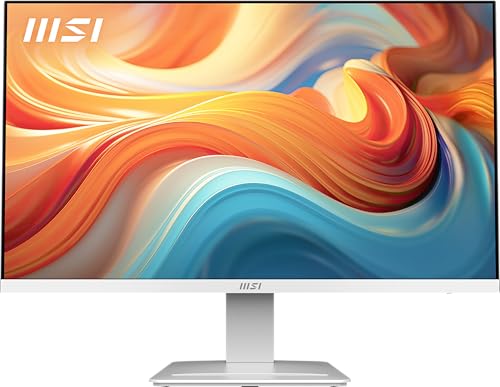
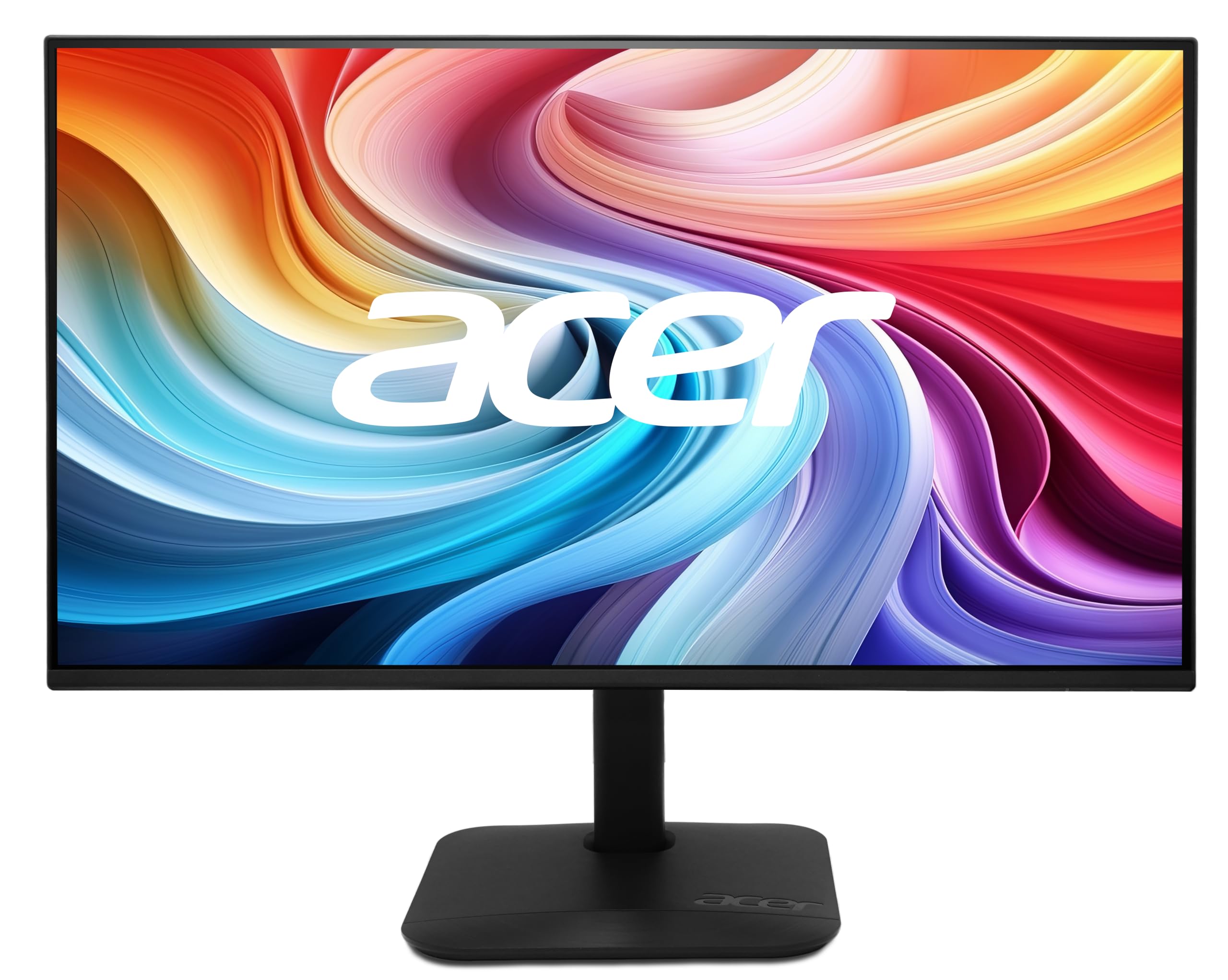
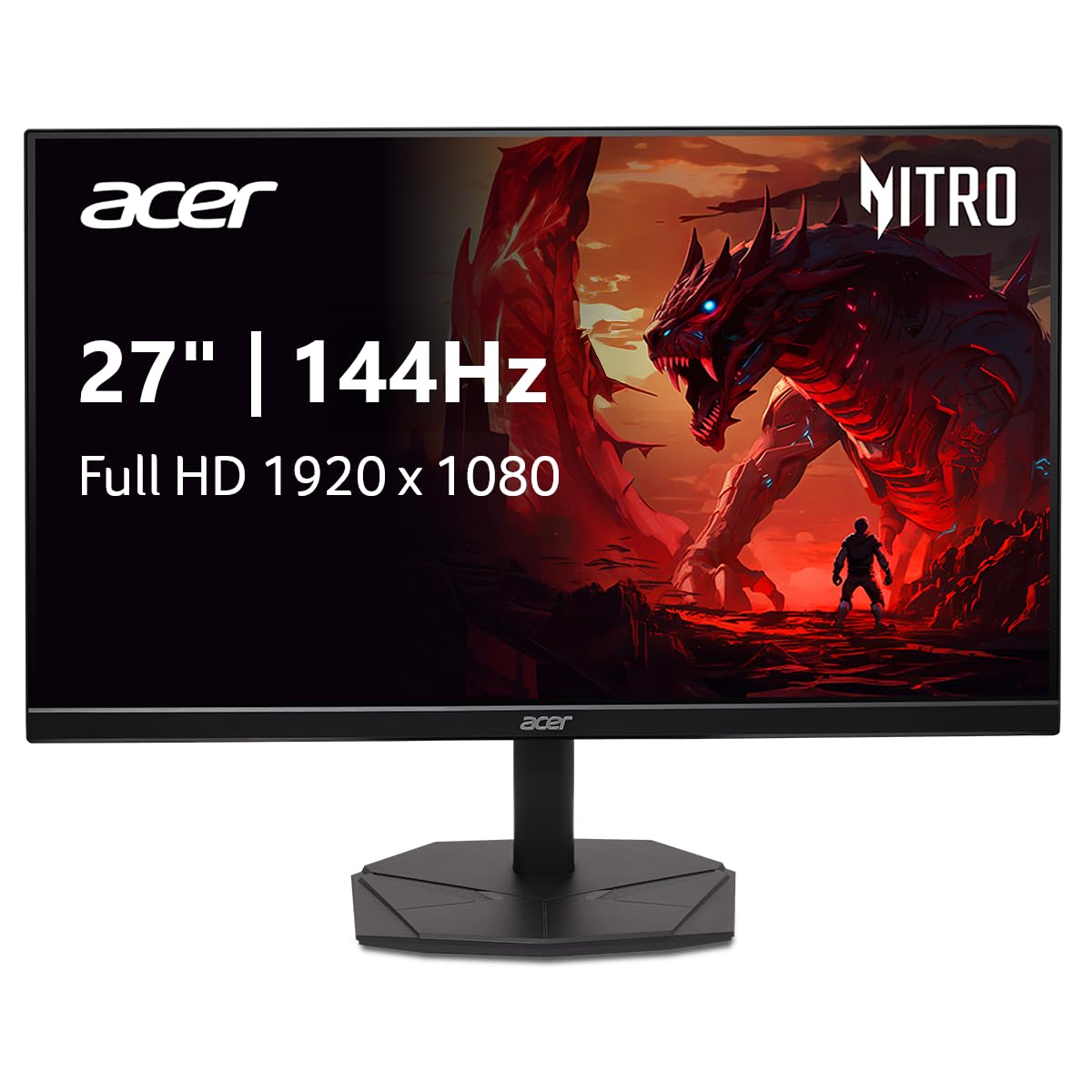
What to Expect for Under 150 Dollars
Most monitors at this price are Full HD with a 144Hz or 165Hz refresh rate, an IPS or VA panel, adaptive sync and a stand that tilts but does not adjust in height. Build quality is plastic but adequate, and the connectors are usually one DisplayPort and one or two HDMI ports.
QHD models appear near the top of the range, usually on curved VA or lower-cost IPS panels. They are worth a look if your graphics card can handle the extra pixels, but Full HD remains the safest choice at this budget.
Size: 24, 25 or 27 Inches
A 24 or 25 inch Full HD screen has crisp pixels and suits competitive play, where you want everything in view without moving your eyes. A 27 inch Full HD screen is larger and more immersive, but the pixels are noticeably more visible, especially for text at close range.
If you sit close to the screen, choose 24 or 25 inches. If you sit farther back or watch video often, 27 inches is more comfortable.
Panel Type at a Low Price
IPS panels give wide viewing angles and good color, and are now common even at this budget. VA panels cost a little less, add contrast and are often curved, but may smear in dark scenes. TN panels are rare and offer fast response but weaker colors.
For most people, an IPS panel is the safest value. Choose VA only if you play in a dark room and value deep blacks.
Refresh Rate, Response and Adaptive Sync
A 144Hz screen delivers the main benefit, and models labeled 165Hz or 180Hz add a small bonus. Response time claims at this price are marketing-heavy, so rely on buyer feedback about ghosting. Adaptive sync is common and removes tearing, a real benefit when frame rates fluctuate.
Even a modest graphics card benefits from a fast screen in esports titles, where frame rates easily exceed 144.
Where Cheap Monitors Cut Corners
Stands are the first compromise: expect tilt only and plan on stacking books or buying a cheap arm. Speakers, if present, are weak. Color accuracy out of the box varies, and some units have a slight tint or uneven backlight. These issues are normal at this price and rarely ruin the experience.
The real risk is quality control, so buy from a seller with a clear return policy and check the screen soon after it arrives.
Cables and Ports to Check
- DisplayPort for the full refresh rate from a PC.
- HDMI for a console or second device.
- VESA holes for later upgrades with an arm.
- A headphone jack for a wired headset.
Check that the box includes the right cable. Some budget models include only HDMI, which may limit the refresh rate on older ports.
Setup Tips for a Budget Screen
Set the refresh rate in the display settings, then enable adaptive sync in the monitor menu and graphics driver. Choose a neutral color preset and lower the brightness to a comfortable level, since factory settings are often too bright.
Display a full black and white image to check for uneven lighting. Small imperfections are normal, but heavy patches or stuck pixels are reasons to return the screen.
Who Should Spend More
If you edit photos, you will want better color accuracy than this tier offers. If you game competitively and want the cleanest motion, a more expensive panel with better tuning can matter. For everyone else, a good budget 144Hz screen delivers most of the benefit at a fraction of the cost.
Buying Checklist for a Tight Budget
Write down your must-haves before browsing: size, resolution, the ports you need and whether the stand must adjust. Then compare only monitors that meet them, and sort the rest by buyer feedback. Cheap screens often look alike on paper, so the written comments about backlight bleed, stand wobble and the quality of the on-screen menu separate good ones from frustrating ones.
Look at the seller and the return period as part of the price. A monitor that is ten dollars cheaper but has a difficult return policy can cost far more if the unit arrives with a defect.
Upgrading Later Without Starting Over
A low-cost monitor does not have to stay basic. VESA mounting holes let you add a monitor arm later, which fixes the weak stand and frees desk space. A better cable, a bias light behind the screen or a pair of small desktop speakers can lift the whole setup for little extra money.
Spend on those add-ons only after you have lived with the screen for a few weeks and know what bothers you most.
Related reading: best monitors under 150 and best pc monitors under 150.
Frequently Asked Questions
Is a cheap 144Hz monitor worth it?
Yes. The smoother motion is the main benefit and it is present even on budget models.
Full HD or QHD at this price?
Full HD is the safer, faster choice. QHD is worth it only if your graphics card can handle it.
Are budget monitors reliable?
Most work well, but quality control varies. Keep the packaging and check the screen early.
Do I need adaptive sync?
It helps in games with changing frame rates. Most monitors at this price include it.
Final Thoughts on the Best 144hz Monitors under 150
The best 144hz monitors under 150 dollars deliver smooth motion and decent panels with plain stands and a few compromises. Choose the size you sit comfortably in front of, check the ports and use the table above to compare current prices. Prices and availability can change, so check the product page before ordering.


