
Best 144Hz 4K Monitors in 2026: What to Check Before You Buy
Disclosure: We may earn a commission when you buy through links on this page, at no extra cost to you. As an Amazon Associate I earn from qualifying purchases. Learn more

What to check before choosing the best 144hz 4k monitors: hardware demands, cables and panel choices for sharp, fast play.
Running a 4K screen at 144Hz is the high end of PC gaming: razor-sharp detail with fluid motion. The best 144hz 4k monitors deliver both, but they ask a lot of your graphics card and your cables, so planning matters before you spend.
This guide explains what you need besides the monitor itself, how to choose between sizes and panel types, and where the trade-offs sit. The product table above lists in-stock models; use the sections below to understand them.





What Your PC Needs to Drive 4K at 144Hz
4K contains four times the pixels of Full HD, so the graphics card works much harder than at lower resolutions. Reaching 144 frames per second in demanding modern games at 4K requires a high-end card, or the use of upscaling features that render at a lower resolution and sharpen the result.
If your card is mid-range, a 4K 144Hz monitor still works well for lighter games and for desktop use. You simply will not reach the full refresh rate in the newest titles, and adaptive sync keeps the experience smooth.
Cables and Ports: DisplayPort and HDMI 2.1
Pushing 4K at 144Hz needs a lot of bandwidth. DisplayPort 1.4 with compression, or HDMI 2.1, are the usual routes. Use the cable that came in the box, or a certified replacement, and plug it into the correct port on your graphics card, since older ports may limit the refresh rate.
Consoles connect through HDMI, so a monitor intended for both PC and console should list HDMI 2.1 support in the product description.
Screen Size and Pixel Density
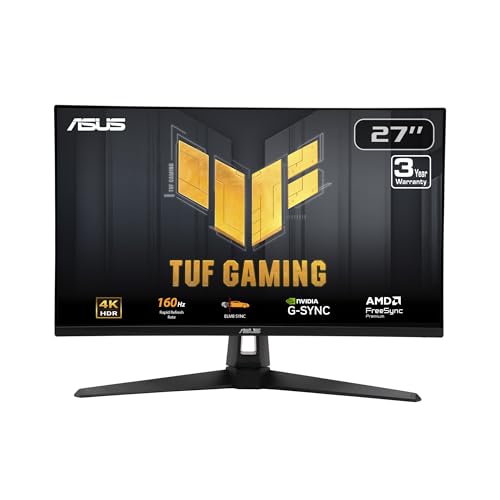
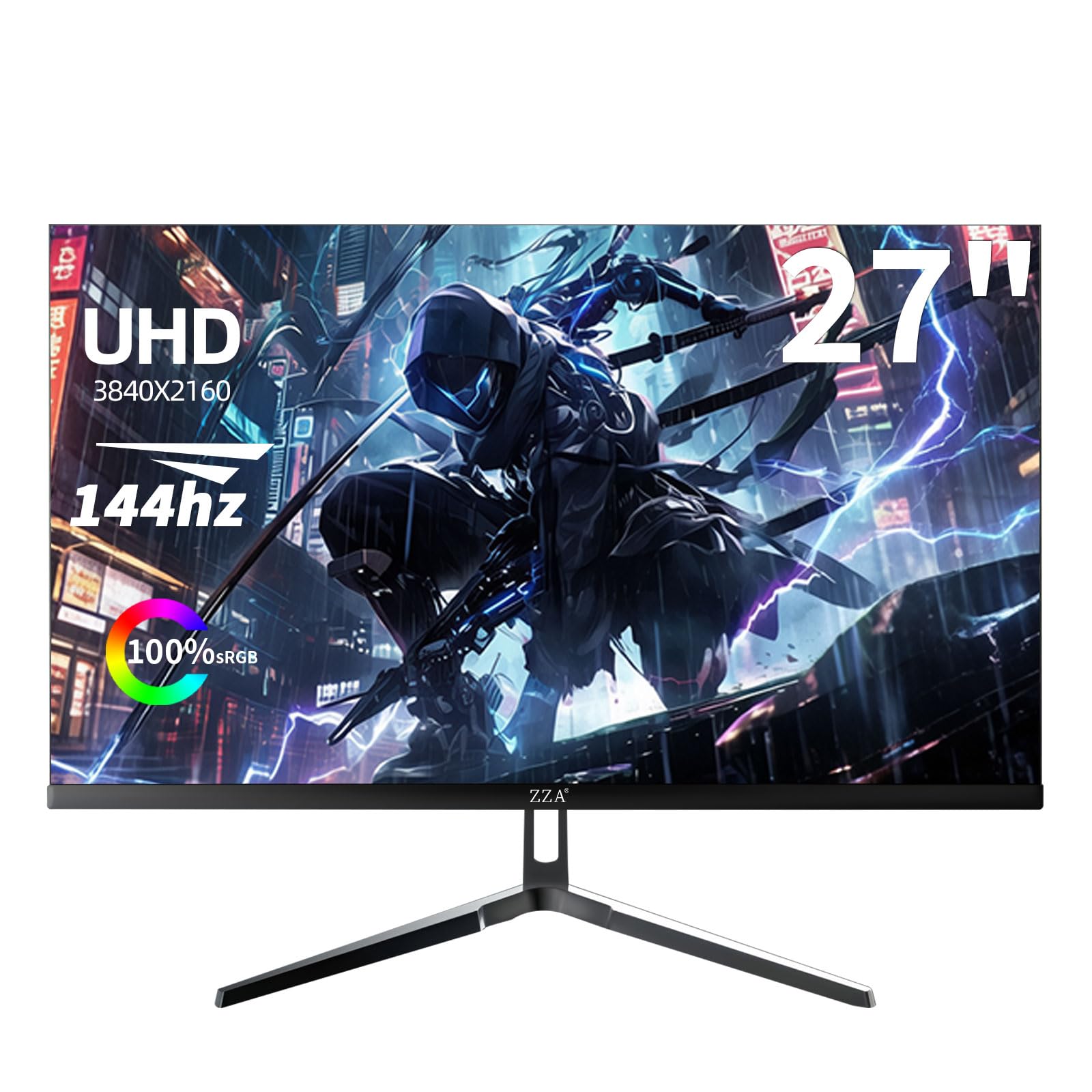
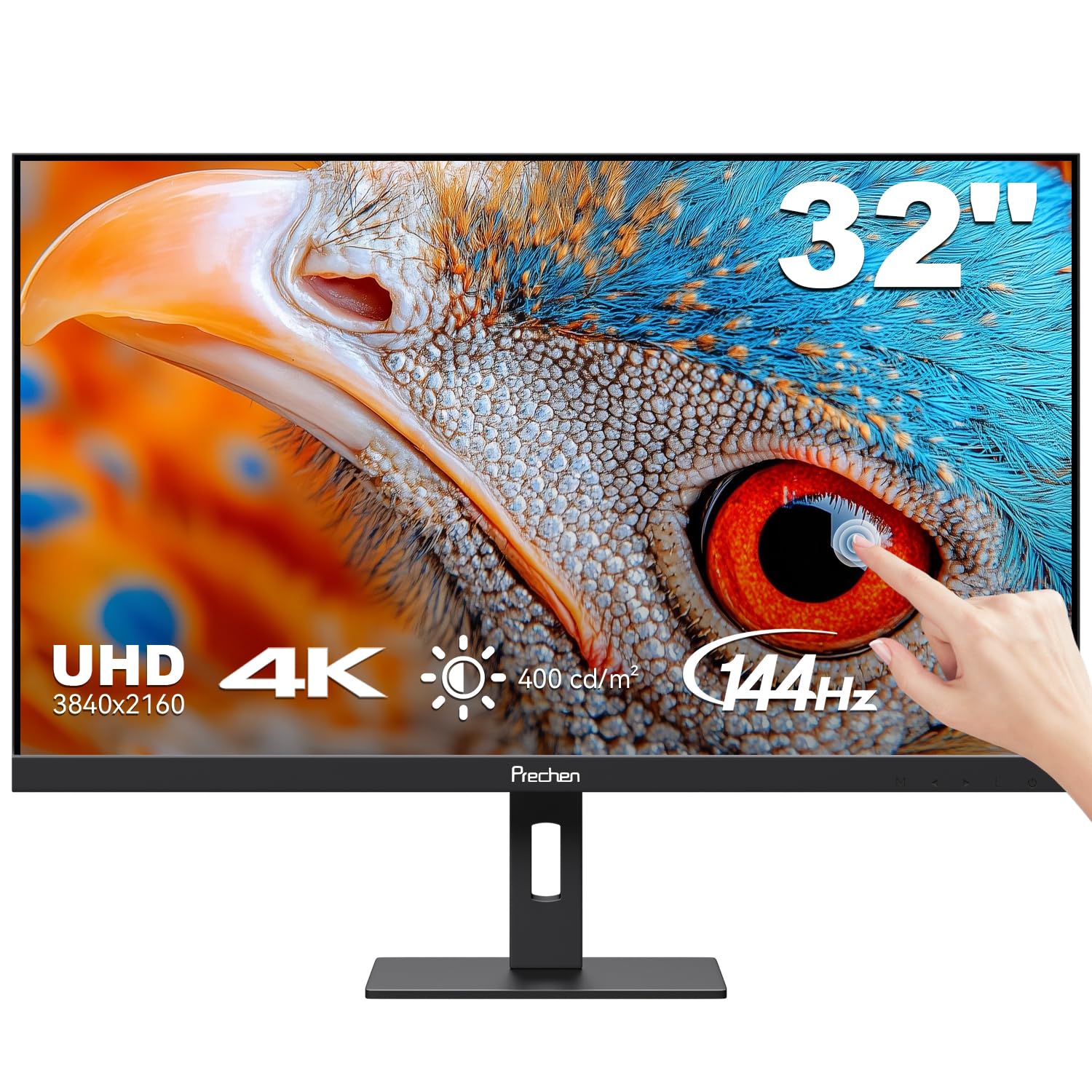
A 27 inch 4K panel gives very high pixel density and razor-sharp text, but you may need to scale the desktop to keep elements readable. A 32 inch panel makes scaling less necessary and is a common choice. Larger 43 inch models behave more like small TVs and suit couch gaming or a deep desk.
Choose according to viewing distance. If you sit close, 27 or 32 inches is plenty. If you sit farther away, a larger screen preserves the sense of detail.
Panel Types at the High End
IPS panels, including Nano IPS and Fast IPS, deliver strong colors and wide viewing angles. Mini LED backlights add local dimming for stronger HDR and contrast. OLED models have near-perfect blacks and very quick response, though they cost more and need care with static images.
For mixed work and play, a quality IPS is the safe choice. For immersive gaming in dim rooms, OLED or Mini LED provides the biggest jump in picture quality.
HDR and Brightness Reality Check
HDR labels vary a great deal. A basic HDR400 label means modest brightness and little local dimming, and the effect can look underwhelming. Stronger HDR needs a high peak brightness and many dimming zones, or an OLED panel.
Judge HDR by buyer descriptions and the backlight type, not the label alone. If HDR matters to you, put the budget toward Mini LED or OLED, otherwise treat it as a bonus.
Gaming Features Worth Having
- Adaptive sync (FreeSync or G-Sync compatible) across the full refresh range.
- A fast response time with tuned overdrive to avoid smearing.
- Low input delay in game mode.
- A stand that adjusts for height and tilt, or VESA mounting.
Extra features such as RGB lighting or built-in crosshairs seldom change the experience and can safely be ignored.
Is 4K at 144Hz Worth the Cost?
For a high-end gaming PC, yes. The sharpness is striking, and the smoothness is noticeable. For a mid-range system, a 1440p screen at the same refresh rate is often the better balance, giving more frames and a lower cost.
If you also work with photos, video or code, the extra pixels give practical benefits beyond games, making 4K at 144Hz a good all-round investment.
Using Upscaling to Reach High Frame Rates
Modern graphics cards offer upscaling features that render a game at a lower internal resolution and rebuild a sharp 4K image. This is how many players reach high frame rates on a 4K screen without a top-tier card. Image quality varies by game and setting, so try the quality and balanced modes before dropping to a lower one.
Upscaling also helps with ray tracing, which is demanding at any resolution. If you plan to use it, build your upgrade plan around the card and the upscaling features it supports.
Desktop Use at 4K and High Refresh
Beyond games, a 4K screen with a high refresh rate makes scrolling, window movement and video editing feel fluid. Text looks very sharp, though you will probably set display scaling to 125 or 150 percent so interface elements stay comfortable.
Check how your applications handle scaling. Most modern programs are fine, while a few older ones look blurry or oversized. Having a plan for those exceptions avoids frustration on the first day with a new screen.
Mistakes People Make With 4K High Refresh Screens
The most common error is plugging into the wrong port and wondering why the screen is stuck at 60Hz. The graphics card may have several outputs, and only some support the full bandwidth. Another is judging the screen before setting the refresh rate and enabling adaptive sync in the driver, which leaves the monitor running below its potential.
People also underestimate how much a top-tier graphics card costs relative to the monitor. Budget for both, or choose a 1440p panel until the rest of the system catches up.
For related options, see our guides to best 4k monitors, best 144hz monitors and best 4k 144hz gaming monitors.
Frequently Asked Questions
Can my graphics card handle 4K at 144Hz?
Only a high-end card reaches that in demanding new games. Lighter games and upscaling features make it possible with lesser hardware.
Do I need HDMI 2.1?
For consoles, yes. For a PC, DisplayPort is usually enough, though HDMI 2.1 offers more flexibility.
Is a 27 inch or 32 inch screen better at 4K?
Both work. 27 inches is sharper, while 32 inches is easier to read without scaling and feels more immersive.
Is OLED safe for a desk monitor?
Many people use OLED daily. Vary the content, use dark themes and the screen-saver options the maker provides.
Final Thoughts on the Best 144hz 4k Monitors
The best 144hz 4k monitors need strong hardware and the right cables, and they reward you with sharp, fluid images. Pick a size that fits your desk, confirm the ports and use the table above to compare current prices. Prices and availability can change, so check the product page before ordering.


