
Best 1440p Monitors Under 400 in 2026: How to Choose
Disclosure: We may earn a commission when you buy through links on this page, at no extra cost to you. As an Amazon Associate I earn from qualifying purchases. Learn more

What to check before choosing the best 1440p monitors under 400: panels, OLED options and features worth paying for.
With up to $400 to spend, a 1440p monitor can be genuinely excellent: fast IPS panels with tight response, early OLED options, premium stands and thoughtful extras. The best 1440p monitors under 400 dollars are no longer a compromise purchase, which makes the real task choosing the right strength rather than avoiding weaknesses.
This guide explains what separates the strongest options in this range, how to choose between IPS, VA and OLED, and which features are worth paying for. Use the product table above for current prices and the sections below to narrow it down.
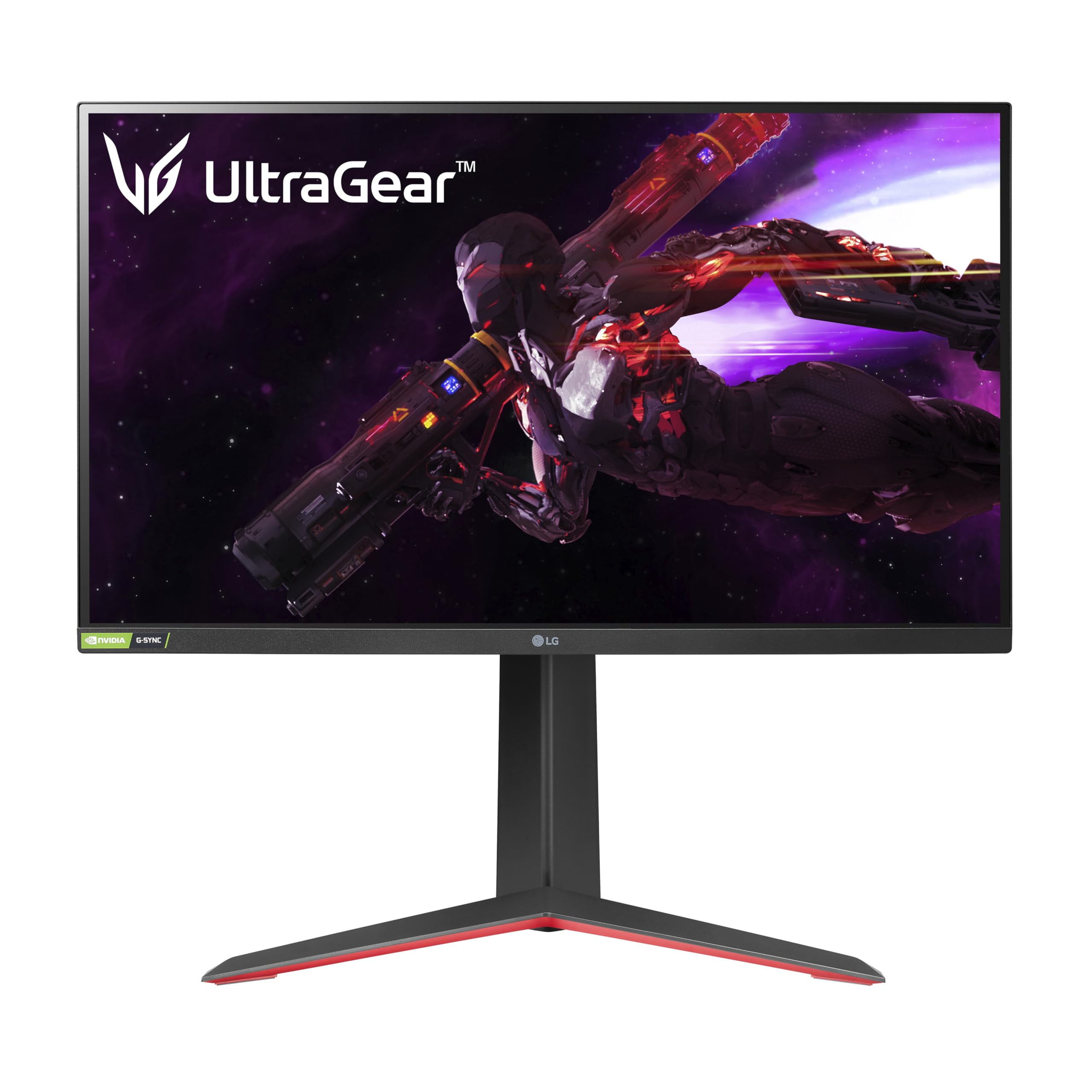
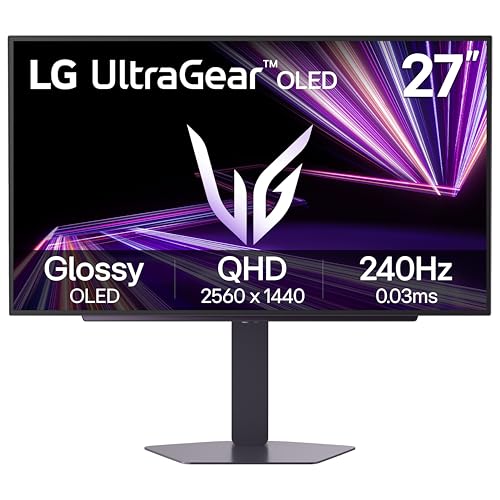

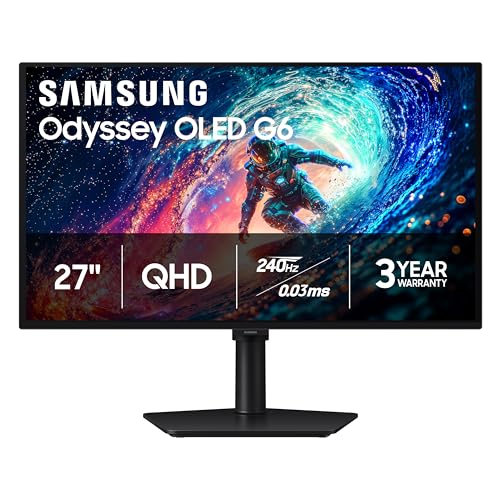

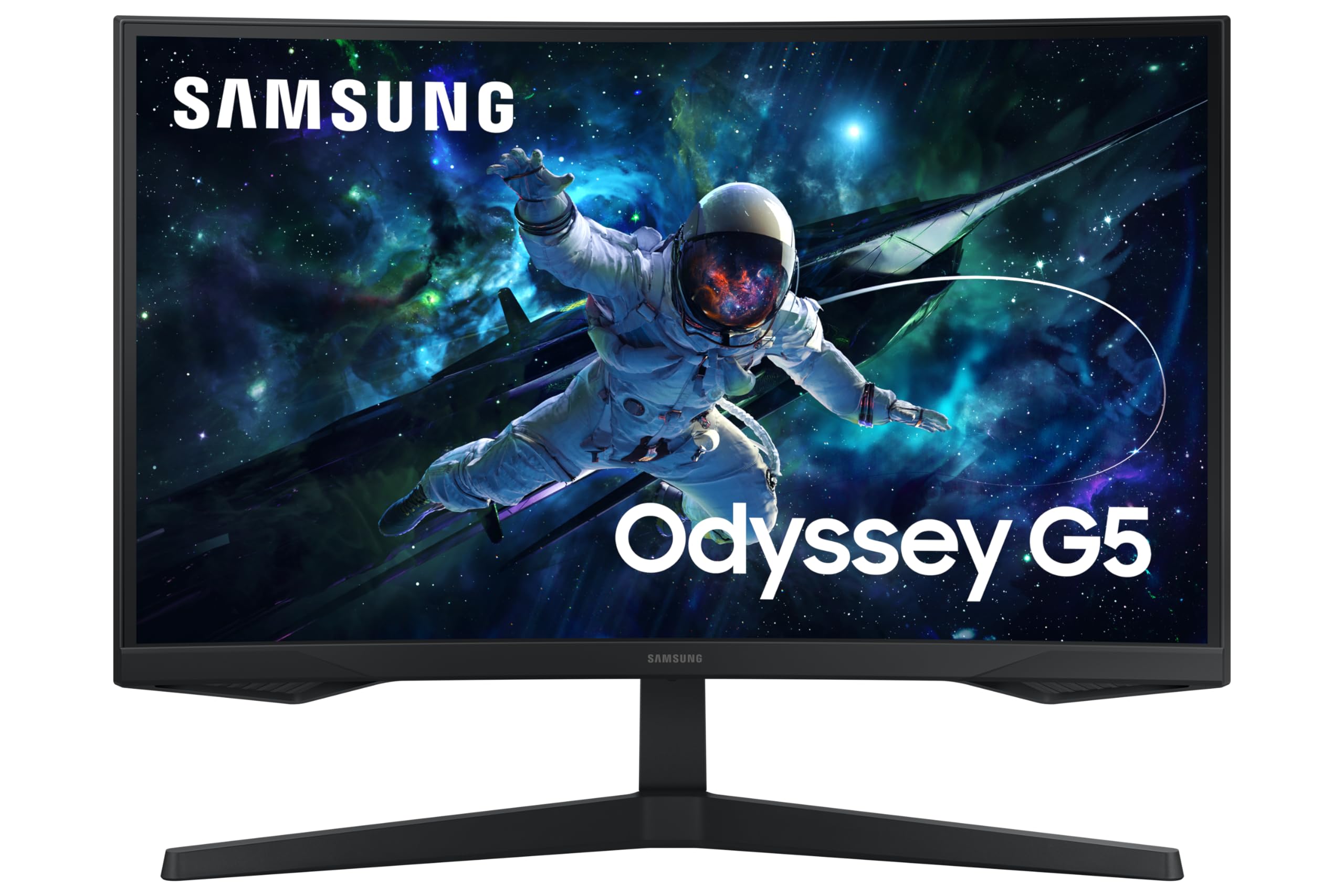
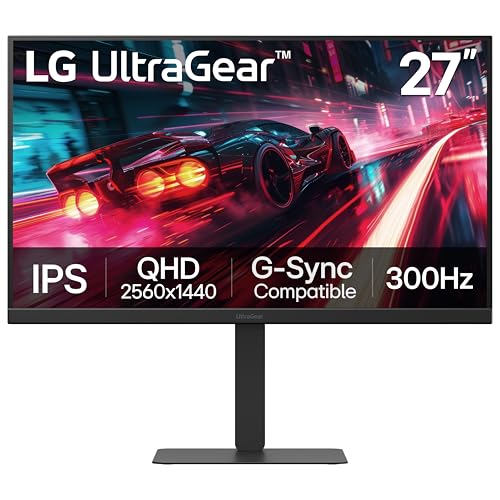


What Changes Once You Reach This Price
Models in this tier usually bring more consistent panel quality, stronger stands, better firmware and tighter overshoot tuning, which reduces the faint trails that cheap fast panels leave behind. Brightness and color coverage are also better, and a few models add features such as USB-C, a built-in KVM or hardware calibration.
You also reach the first affordable OLED monitors. These offer near-perfect blacks and extremely quick response, in exchange for a glossy finish, lower peak brightness for full-screen white and a need to avoid leaving static images up for long periods.
IPS, VA or OLED at This Budget
Nano IPS and fast IPS panels remain the all-round choice: strong colors, wide viewing angles and plenty of speed. VA screens offer higher contrast for dark rooms at a lower price, while OLED delivers the best picture and motion for gaming and movies. If your room is bright or the screen carries a lot of static desktop content, IPS is the safer long-term choice.
If you mostly play games and watch video in a dim room, OLED is worth the budget stretch. Read the warranty terms, since some makers cover burn-in and others do not.
Refresh Rate and Response Strategy
Refresh rates in this range often run from 144Hz up to 240Hz and beyond. Higher is not automatically better: your graphics card must supply the frames, and returns diminish quickly past about 200Hz for most people. A well-tuned 165Hz or 180Hz panel often feels smoother than a poorly tuned 240Hz one.
Look at how buyers describe motion clarity and overshoot rather than relying on a single response time figure. Adaptive sync is standard and should work smoothly over DisplayPort.
Size, Shape and Desk Fit
A 27 inch flat panel is the dependable default, and 32 inch models suit people who sit farther back. Ultrawide 34 inch screens with a 1440p vertical resolution appear near the top of this range and give a wide field of view for racing and strategy games, though they may not suit competitive shooters.
Measure the desk before buying. A 34 inch ultrawide needs considerably more width than a 27 inch panel, and a curved screen sits differently on a shallow desk.
Stand, Ports and Daily Convenience
- A stand with height, tilt and swivel, or VESA holes for an arm.
- DisplayPort and HDMI, plus USB-C if you work from a laptop.
- A USB hub or KVM so one set of peripherals serves two computers.
- Useful on-screen controls, such as a joystick menu instead of rear buttons.
These are the details that shape life with a monitor day after day. They also separate the stronger models in this price band from cheaper ones with similar panels.
Warranty and Return Window
At this budget it pays to confirm the warranty length and whether the maker covers pixel defects and burn-in. Dead pixel policies vary widely, so read the fine print. Register the product when the maker offers it and keep the receipt in case of a claim.
Return policies matter just as much. If you find uneven backlight or a color tint in the first week, a smooth return is the easiest fix.
Matching the Monitor to Your Use
The best 1440p monitors under 400 dollars cover several different strengths, so match yours first. Competitive gamers should favor refresh rate, motion clarity and a modest size. Story-driven gamers get more from contrast and color, which favors OLED or a high-contrast VA panel. Creators should prefer wide color coverage and a flat, matte finish. General users do best with a well-built 27 inch IPS at 165Hz or higher.
Before deciding, picture a normal week at your desk and choose the model that fits it, not the one with the longest feature list.
Mistakes to Avoid When Spending Up to 400 Dollars
The biggest mistake at this price is chasing the highest refresh rate while ignoring the rest of the screen. A 360Hz label means little if the panel looks washed out or the stand wobbles. Treat refresh rate as one factor among several and look at contrast, uniformity and build before paying for the last few frames per second.
Another error is buying an OLED panel for a desk that mostly shows static windows, then regretting the care it needs. Think honestly about what is on screen most of the day. Finally, do not overlook the cable and graphics port: a high refresh screen only reaches its rate through a connection and a card that support it.
Getting the Best Picture After Setup
Start by selecting the native resolution and the highest refresh rate in your display settings. Enable adaptive sync in the monitor menu and the graphics driver, then choose a neutral picture preset and lower brightness until white pages are comfortable in your room. Switch off any aggressive overdrive setting if you notice bright trails behind moving objects.
If HDR is available, try it with a game you know well and compare it with standard mode. Many panels look better with HDR off on the desktop, and the setting is simple to toggle per game.
For related options, see our guides to best monitors under 400, best computer monitors under 400 and best 1440p monitors under 300.
Frequently Asked Questions
Is an OLED monitor worth it at 400 dollars?
For dim-room gaming and video it can be a big upgrade. If your screen shows static desktop content most of the day, an IPS panel is the safer pick.
Do I need 240Hz at this budget?
Only if your graphics card and games can use it. For most players, 165Hz to 180Hz with a well-tuned panel feels almost as smooth and costs less.
Is an ultrawide a good choice?
It is great for racing, strategy and productivity. For competitive shooters, many players prefer a standard widescreen at 27 inches.
Which matters more, the panel or the stand?
The panel decides how the picture looks, but a poor stand affects posture every day. A VESA mount offers a way to fix a weak stand later.
Final Thoughts on the Best 1440p Monitors under 400
The best 1440p monitors under 400 dollars give you excellent panels, strong stands and a few premium features. Decide on size and panel type, confirm the warranty and use the table above to compare current prices. Prices and availability can change, so check the product page before ordering.


