Best 2K IPS Monitors for 2026: Color, Viewing Angles and Backlight Quality Explained
Disclosure: We may earn a commission when you buy through links on this page, at no extra cost to you. As an Amazon Associate I earn from qualifying purchases. Learn more

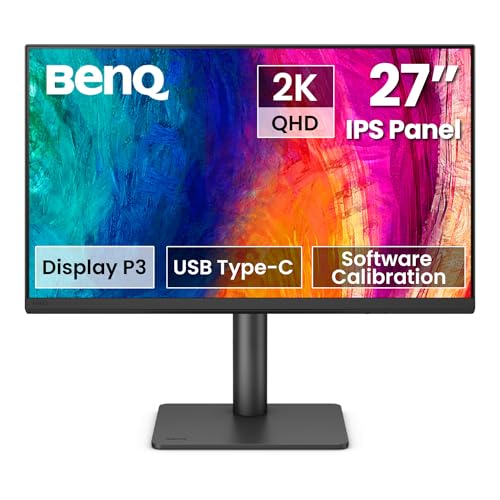
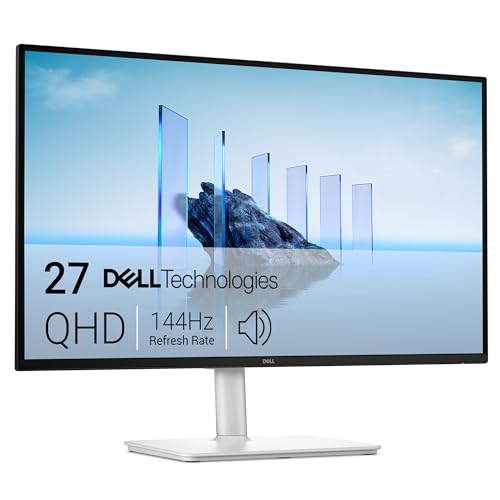
Accurate color from any seat is the promise of the best 2k ips monitors, and a few quirks such as glow and bleed are worth knowing before you buy.
IPS stands for in plane switching, and it describes how the liquid crystals in the panel move. The practical result is that colors and brightness stay steady when you look at the screen from the side or from above. Pair that with a 2560 by 1440 resolution and you have the most popular type of monitor on the market. The best 2k ips monitors go further by controlling backlight quality, color accuracy and response.
This guide explains what IPS does well, where it falls short, what to look for in gamut and brightness, how to judge response, and how to check a new screen for common faults.




What IPS Does Well
IPS panels keep their color when you shift your head, so they suit shared screens, photo editing and shared desks. They generally cover a wide range of sRGB colors and render skin tones naturally. Viewing angles are wide, so the picture does not wash out at the edges when you sit close to a large screen.
Compared with VA panels, IPS has lower native contrast, so black looks a little gray in a dark room. For general computing, gaming and media in a lit room, that is rarely a problem, and many people prefer the cleaner colors.
IPS Glow and Backlight Bleed
IPS panels show a faint glow in the corners when you display a dark picture in a dark room. This is normal and varies with the viewing angle. Backlight bleed is different: light leaking along the edges due to the way the panel is assembled. A little is normal, a lot is a defect.
To test, display a black image in a dim room and look from a normal seat. If you see bright patches that distract you, ask for a replacement. Different units of the same model can vary.
Gamut and Brightness
Look for sRGB coverage of 99 percent or more for accurate web color, and a wider gamut if you edit photos or video. Brightness of 300 candelas per square meter is enough for normal rooms, and higher helps in sun. Some IPS panels use a quantum dot layer or a nano layer to widen color, which gives vivid pictures.
If you want accuracy, choose a model with a factory calibration report and a mode that clamps to sRGB. Wide gamut modes can oversaturate colors in programs that do not manage color. For related choices, see our guides on IPS panel monitors and 1440p IPS monitors.
Response Time and Refresh Rate
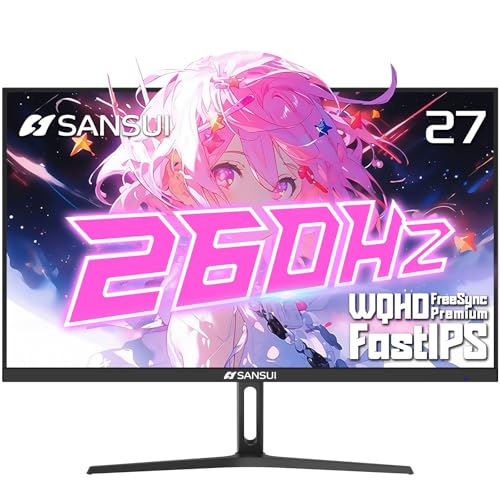
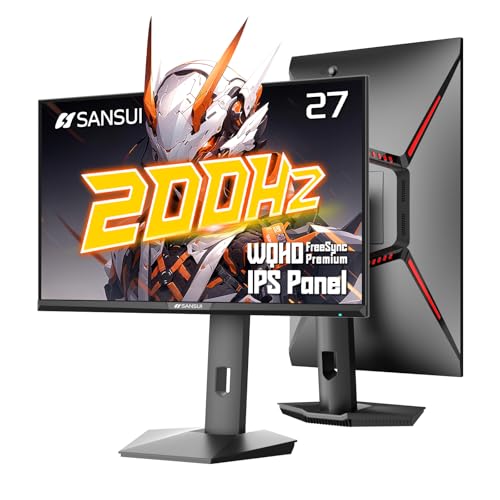
Modern fast IPS panels respond quickly enough for competitive gaming, with refresh rates from 100 to 280 hertz at 1440p. For work, 60 to 100 hertz is enough. Use the overdrive setting in the menu and test a fast scene for trails. Our guide to the 2K monitors and IPS monitors shows more.
IPS Variants
Some marketing names refer to improved IPS types. IPS Black raises contrast by changing the panel structure, and Nano IPS widens the gamut. Fast IPS speeds response. These improvements are real, but check reviews for how they behave in your room, and do not pay a large premium for a name alone.
Sizes and Stands
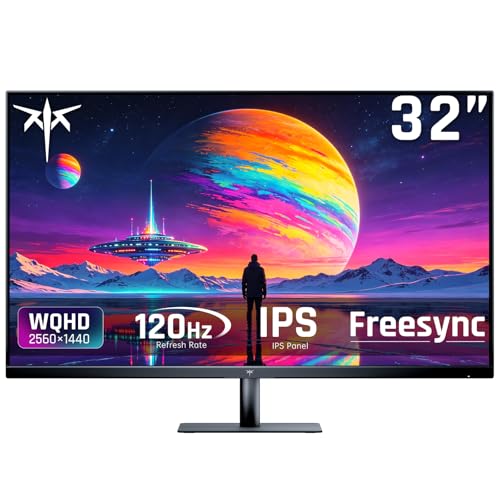
At 27 inches, 1440p IPS is a balanced choice. 24 inch models are very sharp and 32 inch models give more room. A good stand matters, so look for height and tilt, and a VESA mount for an arm.
Checking a New Screen
Within the first week, view solid black, white and gray images and look for stuck pixels, uneven light and color tint. Check the edges for bleed. Run the screen at native resolution and test the refresh rate. If something is wrong, use the return policy.
Mistakes to Avoid
- Mistaking normal IPS glow for a defect.
- Accepting severe backlight bleed because the screen is new.
- Using a wide gamut mode for everyday programs and getting oversaturated color.
- Overpaying for a variant name.
- Ignoring the warranty terms.
Choosing an IPS Screen for Your Use
A student or office worker should favor a flicker free backlight, a matte coating and good ergonomics. A photographer should look for wide gamut coverage, a factory calibration report and uniformity compensation. A gamer should look at refresh rate, response and sync support. A family computer in a shared room benefits from wide viewing angles and sturdy build.
Because IPS covers all these uses, the differences between models come from the details around the panel: the stand, the ports, the calibration and the warranty. Compare those before price, and you will find the best fit for your desk. Remember that a monitor is a long term purchase, so choose a model with a clear warranty and a seller that handles returns well.
Keeping the Picture Looking Good
Clean the screen with a soft microfiber cloth lightly dampened with water. Avoid sprays and alcohol, which can damage the coating. Keep the screen out of direct sun and avoid pressing on it. Set the brightness to match the room and reduce it in the evening.
If you notice color drift after a couple of years, run a calibration with a colorimeter or reset the monitor to factory settings. Backlights dim slowly with age, and a lower brightness setting extends their life.
Frequently Asked Questions
Is IPS better than VA?
IPS has better viewing angles and color, and VA has better contrast. Choose by room and use.
What is IPS glow?
A faint glow in the corners of a dark image, caused by the panel structure. It is normal.
Is IPS good for gaming?
Yes. Fast IPS panels respond quickly and look good.
Do I need a calibrated IPS?
Only for color critical work. For everyday use, a good factory setting is fine.
Final Thoughts
The best 2k ips monitors deliver steady color and quick response. Understand glow and bleed, choose a gamut that matches your work, and check the screen in the first week. Then enjoy the clean picture.
Prices and availability can change, so check the product page before ordering.