
Best 120mm Case Fans: Airflow, Static Pressure, Noise and RGB Compared
Disclosure: We may earn a commission when you buy through links on this page, at no extra cost to you. As an Amazon Associate I earn from qualifying purchases. Learn more

Best 120mm case fans compared by airflow, pressure, PWM control, bearings and noise, plus where to mount them for a cooler quieter PC.
The 120 millimetre fan is the most common size in PC cases, which means there is a huge range of designs to choose from. Some move lots of air quietly, others fight resistance from filters and radiators, and a few are mostly about lighting. The best 120mm case fans match your case layout and your tolerance for noise.
This guide explains airflow versus pressure, control types, bearings, lighting and mounting so you can pick fans that cool well without a constant hum. The product table above lists multi-packs and single fans across the range.
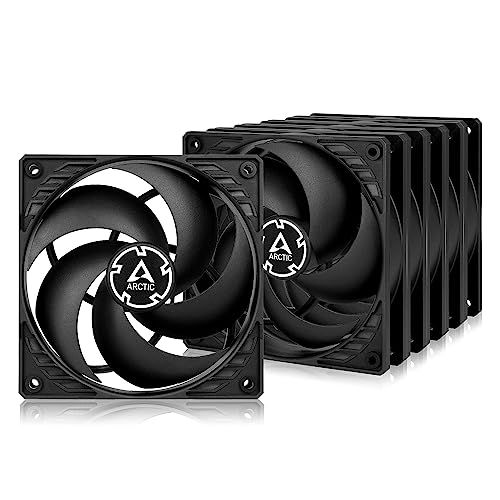
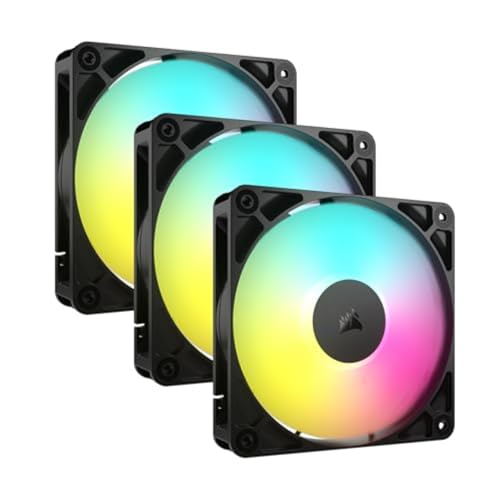

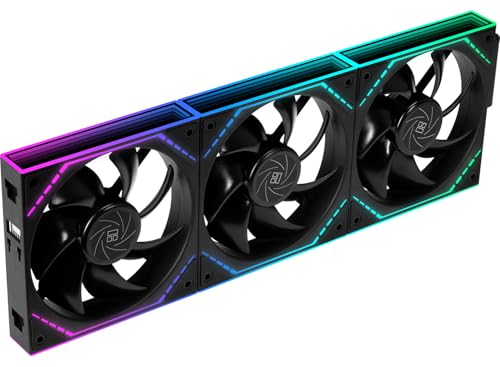
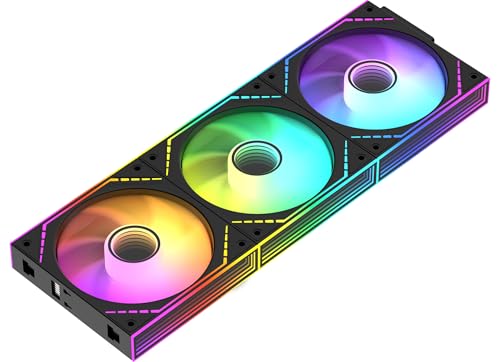


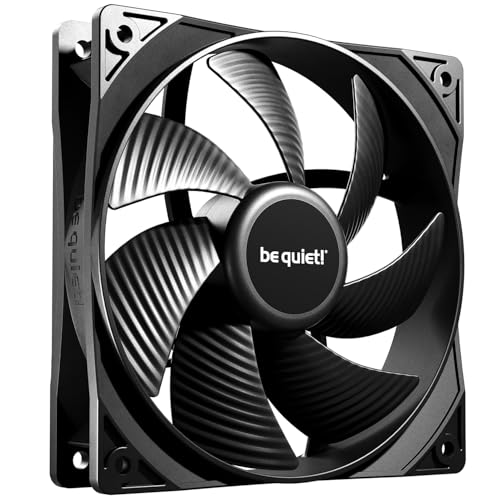
Airflow Versus Static Pressure
Airflow describes how much air a fan moves in open space, while static pressure describes how well it pushes against resistance. Case fans in front of a mesh panel or dust filter face some resistance, and fans on a radiator or heatsink face a lot.
Airflow-focused fans suit empty case exits and open mesh fronts. Pressure-optimized fans suit radiators, dense filters and restrictive panels. Many reviewers publish both numbers, and a fan that handles both well is a good all-rounder. For a larger size, see our guide to 140mm case fans, which move more air at lower speed.
PWM, DC and Fan Control
A four-pin PWM fan can be controlled by the motherboard and adjusts speed smoothly with temperature. A three-pin DC fan changes speed through voltage, which works but offers a narrower range. Many PWM fans can also be daisy chained from one header, which keeps cables tidy.
Use your motherboard's fan curve settings to keep fans slow at idle and ramp up under load. A good fan idles near silent and only becomes audible when the processor or graphics card works hard.
Bearings and Lifespan
Bearing type affects noise and durability. Sleeve bearings are cheap but can wear. Fluid dynamic and similar designs run quietly for longer, and magnetic designs reduce friction further. Manufacturers often state a rated lifespan and a warranty, which signal confidence.
A fan with a long warranty is usually a safer buy than an unbranded pack with exaggerated claims. If a fan develops a rattle, it is a sign to replace it before it fails.
Noise, Speed and Vibration
Noise depends on speed, blade design and mounting. A slow fan with well-shaped blades is quieter than a fast fan at the same airflow. Rubber mounts or pads cut vibration that otherwise rattles through the case.
Check buyer feedback on noise at various speeds rather than trusting a single decibel figure. Differences in cases and filters change how a fan sounds in your PC.
Lighting and Looks
Addressable RGB fans offer color effects that sync with your motherboard software. Some designs hide the lighting in the frame, while others make the blades the centerpiece. Daisy-chain connectors keep cable runs short.
If you do not care about lighting, plain black fans are quieter, cheaper and match any build. Choose RGB only if you will actually enjoy it.
Placement and Airflow Planning
A simple plan works best: pull cool air in from the front and bottom, push warm air out from the rear and top. Slightly more intake than exhaust creates positive pressure, which keeps dust out through the filters. Make sure the fans face the right way, since the frame shows airflow direction.
Our guide to the best case fans gives broader advice, and for very large cases the 200mm case fans guide is useful. Avoid blocking intake panels with cables.
Choosing the Best 120mm Case Fans by Budget
Budget multi-packs give good value for general cooling, and many are quiet enough for a home PC. Mid-priced options add better bearings, PWM control and stronger pressure. Premium fans add refined blades, strong warranties and lighting features.
Buy a matched set so that every fan sounds alike. Mixing fans of different designs can create an uneven hum.
Installation Tips
Switch off and unplug the PC. Mount fans with the screws supplied, make sure the cable does not touch the blades and connect to a fan header or a hub. Check direction before tightening. Run the system and listen for rattles or buzzing, then adjust the fan curve.
Clean dust filters every few months, since clogged filters cut airflow more than a slower fan ever would.
Dust Control and Maintenance
Fans pull in dust along with air, so filters on intake fans save you hours of cleaning. Wipe the blades and frames with a soft brush or a dry microfiber cloth, and hold the blades still while you clean so the bearings do not spin from compressed air. A dusty fan runs hotter and louder than a clean one.
Check mounting screws once a year, since vibration can loosen them. If a fan starts to click, buzz or slow down, replace it early rather than waiting for a failure that could leave a hot component unprotected.
Common Mistakes to Avoid
The biggest mistake is buying many cheap fans without checking the connector type, then finding the motherboard lacks enough headers. A second is installing fans in conflicting directions, so two fans fight each other. A third is focusing on lighting and ignoring noise.
Another trap is ignoring the case itself. A solid front panel or tight mesh can block airflow no matter how good the fans are. If your temperatures stay high, check cable clutter, filter condition and fan curves before buying more fans.
Frequently Asked Questions
How many case fans do I need?
Two or three is enough for most builds, with one at the rear and one or two at the front.
Is higher RPM better?
Not necessarily. Higher speed moves more air but makes more noise. Efficient blade design matters more.
Should I buy PWM fans?
Yes if your motherboard has four-pin headers, since PWM allows smooth control.
Do RGB fans cool better?
No. Lighting does not change cooling, so choose by airflow, noise and price.
Can I mix fan brands?
You can, but matching fans sound more even and are easier to control.
Wrapping Up
Decide how much resistance your case adds, choose PWM fans from a trusted maker and plan intake and exhaust sensibly. The best 120mm case fans keep your PC cool while staying quiet in daily use. Use the product table above to compare packs and check the return window before you order.
Prices and availability can change, so check the product page before ordering.


