
Best 128GB microSD Card: A Simple Way to Choose One Card for Your Device
Disclosure: We may earn a commission when you buy through links on this page, at no extra cost to you. As an Amazon Associate I earn from qualifying purchases. Learn more

Best 128GB microSD card decisions made simple: app class, UHS speed, Express cards for newer consoles and endurance cards for recording.
Buying a single memory card should be simple, yet the shelf is full of confusing labels and near-identical prices. The trick is to start from the device, not the card. Once you know what will read and write to it, the best 128GB microSD card becomes an easy decision between three or four types.
This guide gives you that decision path, explains the key markings and flags the cards that suit newer consoles and constant-recording cameras. The product table above lists cards across those categories.





Step One: Identify the Device
Phones and tablets want a card with good small-file performance for apps and photos. Handheld gaming PCs and consoles want fast reads for game loading. Action cameras and drones want guaranteed sustained write speed. Dash cams and security cameras want endurance, because they overwrite footage nonstop.
Write down your device and check its manual for the card type it supports. Some devices are picky, and a mismatch causes recording errors or slow loading.
A1 Versus A2 Explained
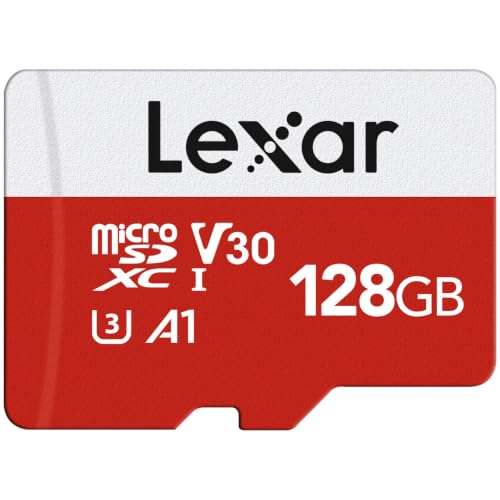
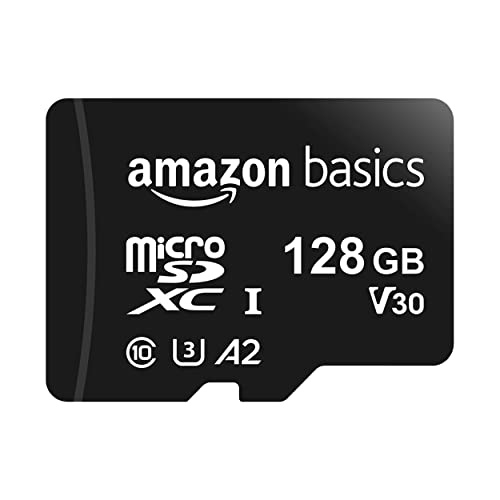
The application class tells you how a card handles random reads and writes, which affects apps and games running from it. A1 is the basic level, and A2 raises the target. A2 cards can load apps and games faster on devices that support the feature, though some devices ignore the difference.
Our short guide to A1 versus A2 explains when you will notice. For general storage, A1 is fine. For a handheld PC that runs games from the card, A2 is a sensible upgrade.
UHS Speed and Video Classes
UHS speed classes and video classes describe sustained write speed. Higher video classes guarantee that the card will not drop below a certain rate while recording, which is vital for high-resolution video. Cards without these marks may still be quick but offer no guarantee.
Match the class to your camera's recommendation. Buying faster than recommended wastes money, while buying slower risks dropped frames.
Handheld PCs and Newer Consoles
A handheld gaming PC can run games from a microSD card, and speed affects loading. Look for cards that suit the device, and check our guide to the best microSD card for Steam Deck for details.
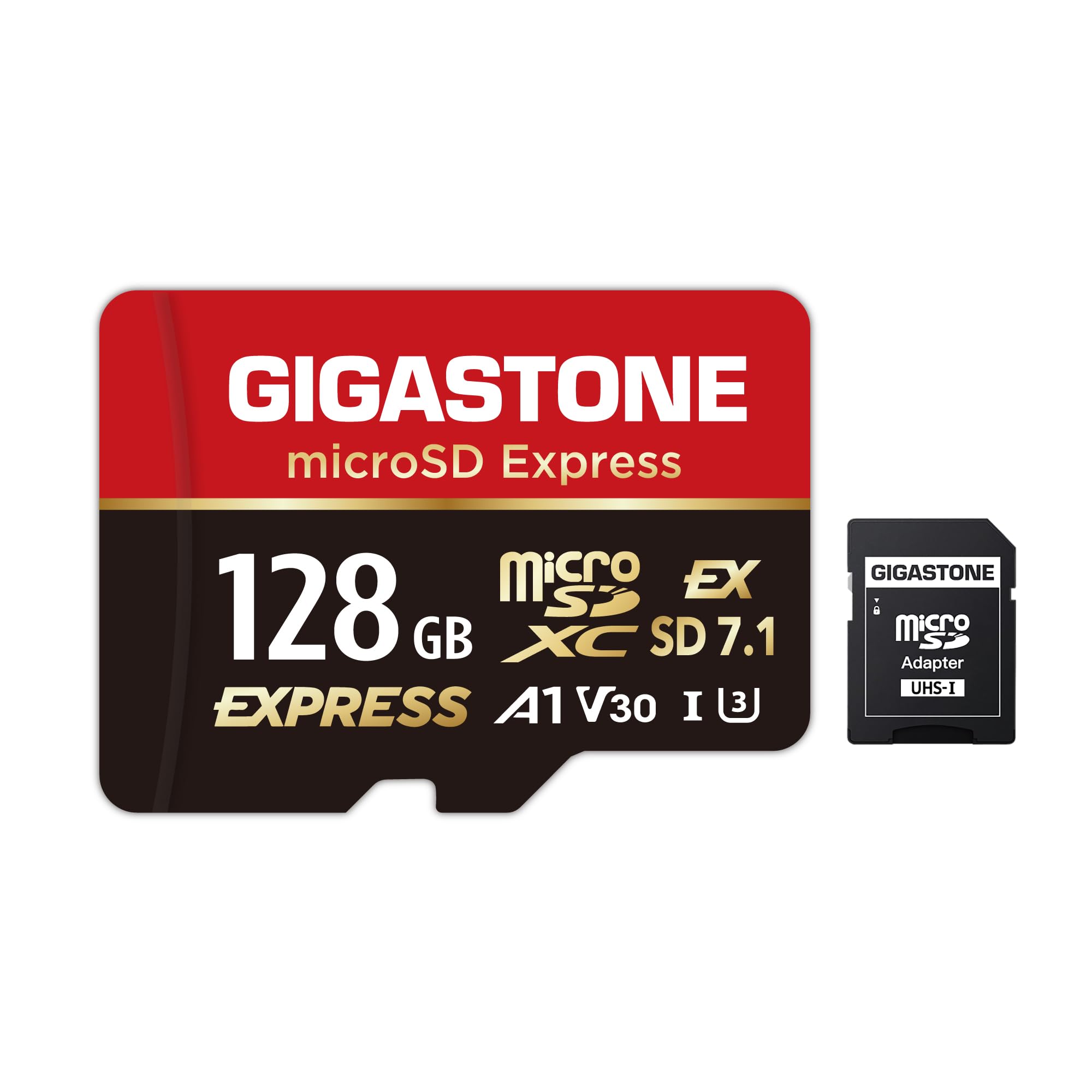
Some newer consoles require microSD Express, a newer and faster card type that looks like a standard card but uses a different interface. Standard cards will not work in a console that demands Express. See the Switch 2 card guide before you buy.
Endurance Cards for Constant Recording
Dash cams, doorbells and security cameras write data constantly. Ordinary cards wear out under that load, and a failing card can silently stop recording. Endurance cards are designed for exactly this job, with higher rated write cycles and often longer warranties.
If you use a card this way, replace it on a schedule and check footage occasionally. Some cameras report card health, which is worth enabling.
Real Capacity and Fakes
Counterfeit cards claim 128GB but hold much less. Buy from the manufacturer's official store or a reputable seller, and check the capacity with a free card checker when the card arrives. Look for printing quality and genuine packaging.
If the card fails the check, return it immediately and avoid using it for anything important. A cheap fake can cost you your photos.
Choosing the Best 128GB microSD Card by Budget
Budget cards are fine for storage and everyday phone use. Mid-priced cards add speed for 4K video and gaming. Premium and Express cards add top performance and warranties.
Spend extra only where the device benefits. A basic card does not make a phone faster, and a fast card does nothing for a device that cannot use it.
Care Tips
Keep the card in its case, avoid heat and moisture and eject it before removing it. Copy important files to a second place. Format the card in the device you will use, which prepares the correct file system.
If a card shows errors, stop using it, rescue what you can and replace it.
Using the Card Day to Day
Treat the card like a small hard drive. Copy photos and videos off it regularly, delete files only from the device or a computer after the copy is safe and keep the card in a case when it is out of the device. If you swap cards between devices, remember that each device may expect its own folder layout.
Do not fill the card to the last megabyte. Leaving some free space keeps writes reliable and reduces the chance of corrupted files when the device saves a final clip.
When to Replace a Card
Replace a card at the first sign of trouble: files that will not open, error messages in the camera or random slowdowns. Heavily used cards, such as those in dash cams, deserve replacement every year or two. A new card costs far less than the footage you could lose.
When you retire a card, wipe it before you give it away or recycle it. A simple format may leave data recoverable, so use the device's secure erase option if one exists.
Frequently Asked Questions
Is A2 worth it?
On devices that support it, yes for apps and games. Otherwise A1 is enough.
Can I use any card in a dash cam?
Use a high endurance card. Ordinary cards wear out quickly under constant recording.
Do I need a faster card for 4K?
Yes, a suitable video class helps prevent dropped frames.
What is microSD Express?
A newer card type used by some new devices. Standard cards will not work where Express is required.
How do I spot a fake?
Buy from trusted sellers and check capacity with a card checker on arrival.
Wrapping Up
Start from the device, check the application and video classes it needs and avoid fakes by buying from trusted sellers. The best 128GB microSD card is the one that matches your device's demands, not simply the one with the biggest speed claim. Use the product table above to compare cards and check the return window.
Prices and availability can change, so check the product page before ordering.


