
Best 13 Inch Laptops: Who the Compact Size Suits and Who Should Pick Larger
Disclosure: We may earn a commission when you buy through links on this page, at no extra cost to you. As an Amazon Associate I earn from qualifying purchases. Learn more

Best 13 inch laptops suit people who carry their computer daily. See who should choose compact, how sizes vary and what to check.
Thirteen inches is the size at which a laptop stops being a burden. It slides into any bag, rests comfortably on a small table and weighs little enough to forget it is there, yet the keyboard and screen remain fully usable. The best 13 inch laptops serve people who move around with their computer, not those who park it on a desk.
This guide explains who benefits from the compact size, how labelled screen sizes differ from real ones, and what to check on ports, keyboard and battery. The product table above lists a wide mix of models so you can compare them.
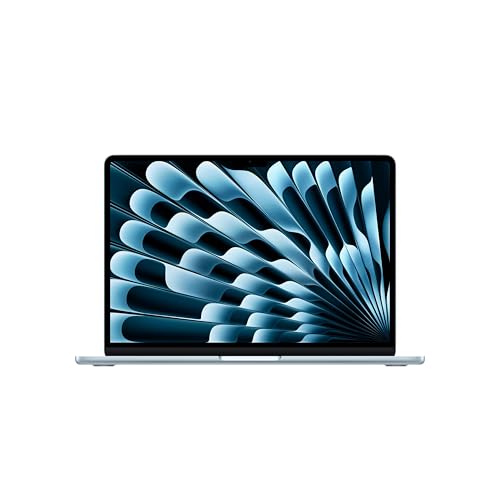
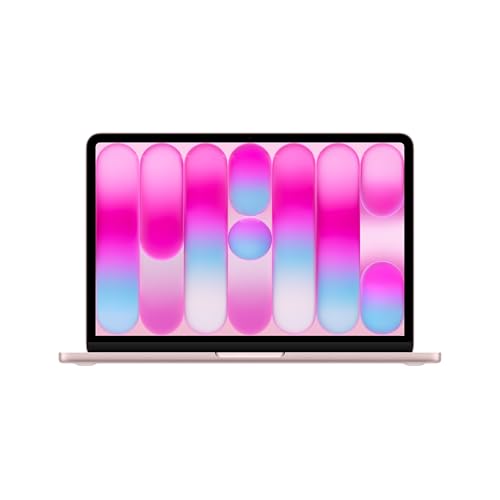
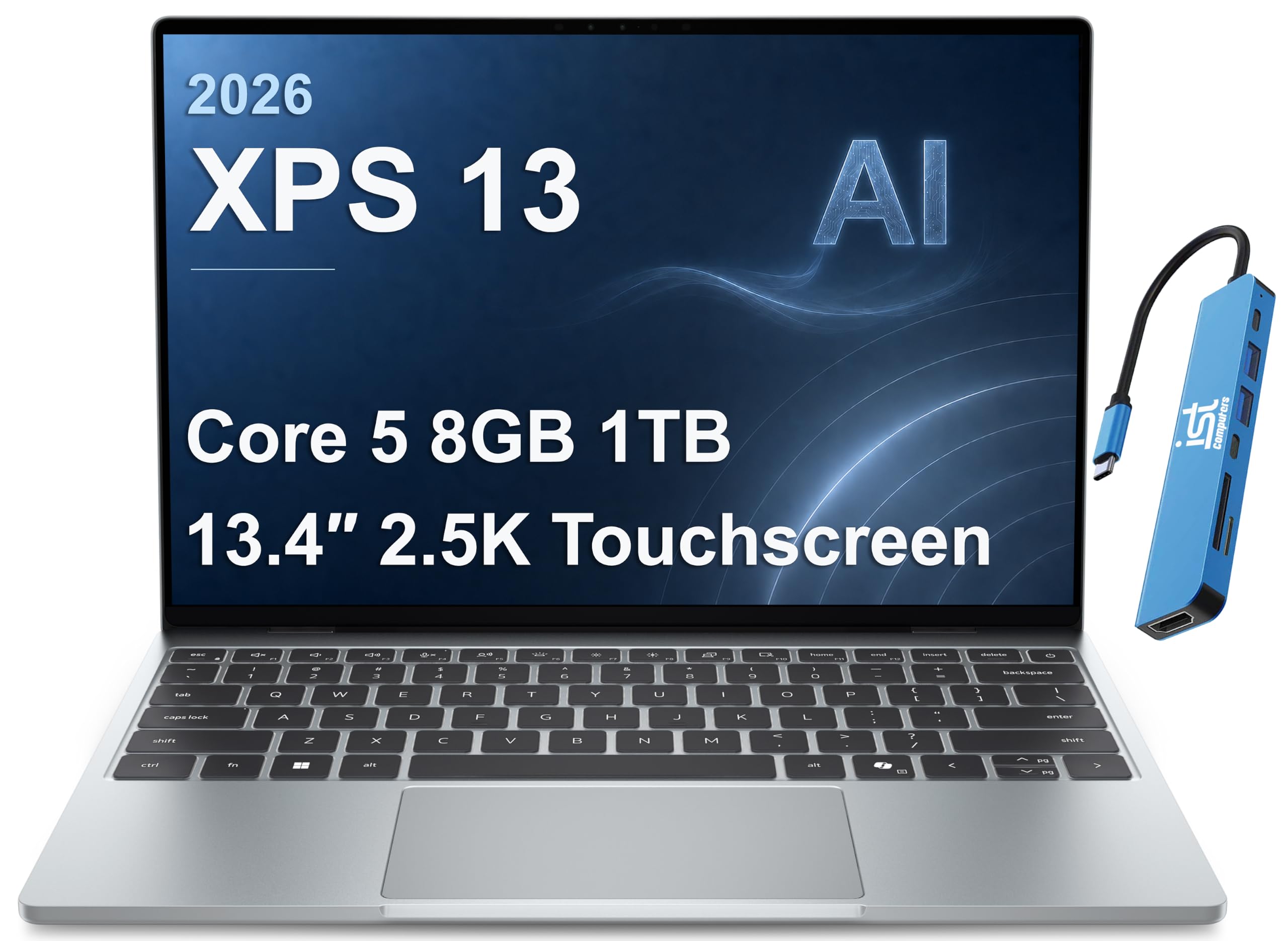
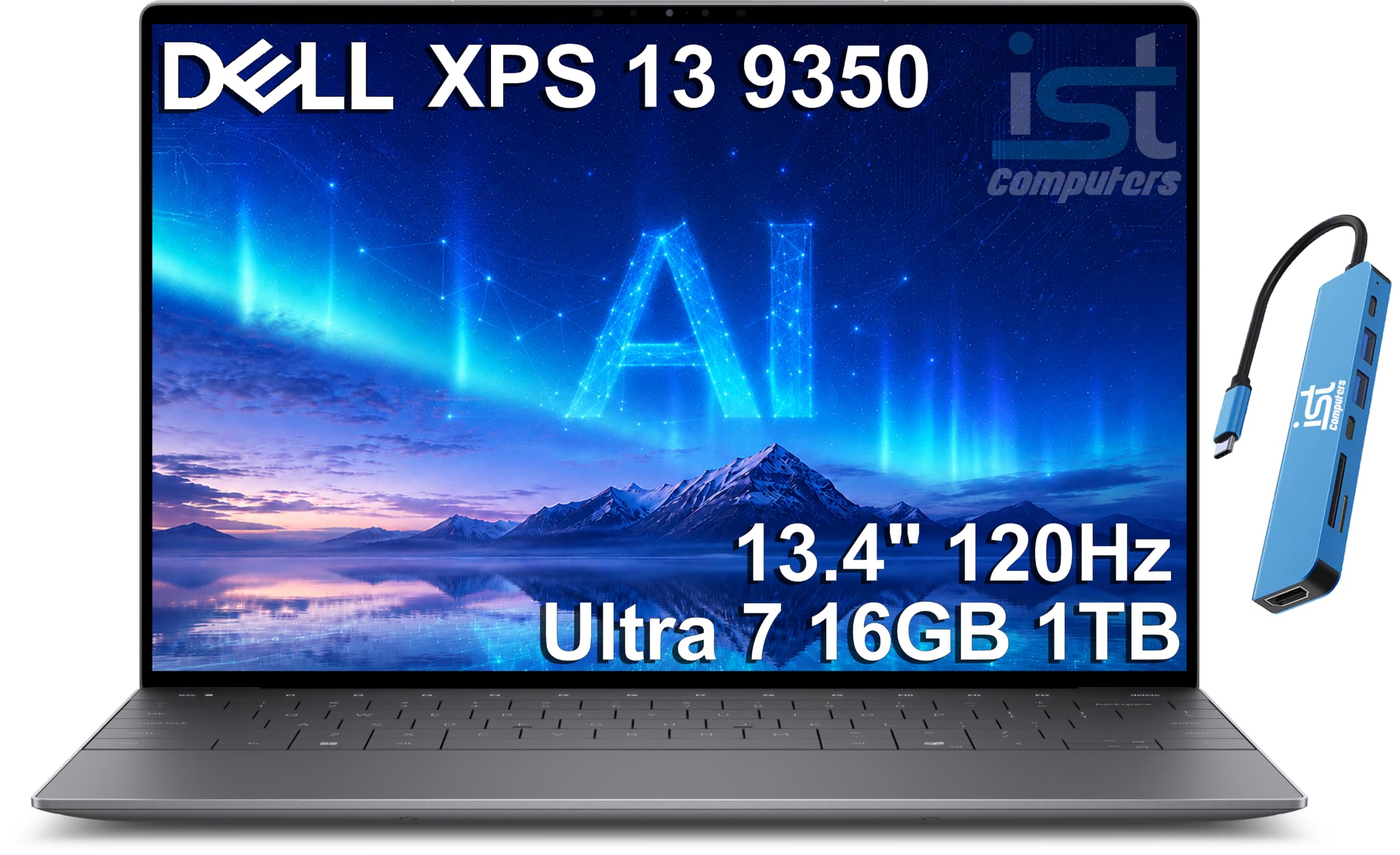
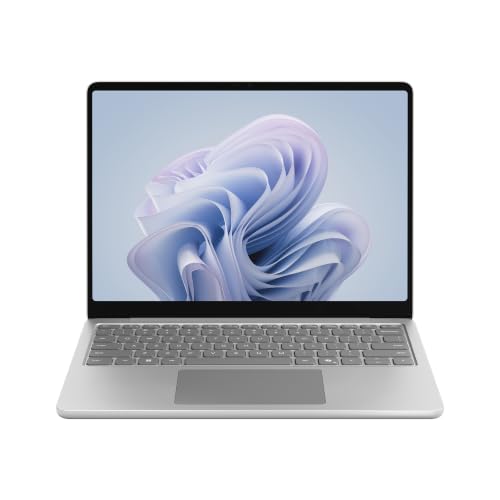
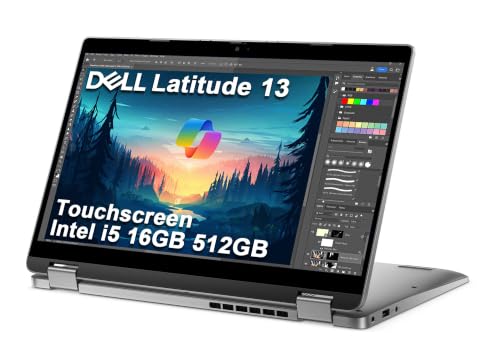


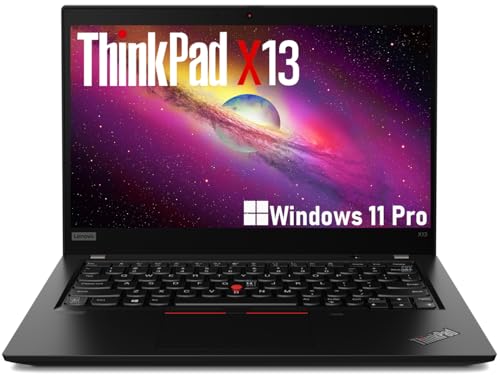


Who the Compact Size Suits
Commuters, students, travelers and anyone who works in cafes or on trains gain the most. Thirteen inches fits on airline tray tables and in small backpacks, and the lighter weight is welcome all day. For writing, email, browsing and video calls, it is more than enough.
It is less comfortable for long hours of spreadsheet work, large video timelines or multi-window design work, where more screen space pays off. If that sounds like you, consider a larger laptop or add an external monitor at home. Our guide to the best laptops overall compares sizes.
Understanding the Size Label
Manufacturers use the thirteen inch label loosely. Some screens measure a little over thirteen inches diagonally, and others are closer to fourteen, such as 13.6 inch panels. The physical body also varies, since thin bezels fit a larger screen into a small footprint.
Do not worry about decimals. Look instead at the body dimensions, weight and screen shape. A taller aspect ratio gives more working space on the same diagonal than a wide screen.
Display Quality
You use the screen all day, so look for good brightness and sharpness. A matte or low-reflection finish helps near windows, and wide viewing angles make sharing easier. For photo or design work, check color coverage.
Glossy touch screens look vivid indoors but reflect light, so choose by where you work. High refresh rates are rare on small laptops, and they matter little unless you game.
Keyboard, Trackpad and Comfort
A compact laptop has less room for the keyboard, so small differences in layout matter. Check key travel, spacing and the placement of arrow keys. A backlight makes evening work easier.
A large, smooth trackpad is a joy on a small laptop, since you may not carry a mouse. Fingerprint readers and a good webcam are small extras that you use every day.
Ports and Expansion
Thin laptops trade ports for size. USB-C is the standard, and it often handles charging, video and data. Check for a headphone jack and any other ports you rely on, and plan for a small hub if needed.
Memory and storage are often fixed, so buy a configuration that suits your needs for the next few years. External drives and cloud storage handle the rest.
Battery Life and Weight
A long battery life is one of the best reasons to buy a compact laptop. Read real-world buyer reports, and compare the weight of the laptop with its charger. A laptop that saves weight but needs a heavy brick charger may not feel as light in your bag.
Fast charging over USB-C lets you recharge quickly between meetings. Many models can charge from the same adapter as your phone.
Platform and Software
Choose between macOS, Windows and ChromeOS based on the programs you need and the devices you already own. Macs offer efficiency and long support, Windows laptops offer variety and compatibility, and Chromebooks offer simplicity and low cost.
If you are comparing on a budget, our guide to the best budget laptops helps. If you plan to keep the laptop for years, update policy is critical.
Care and Cleaning
A compact laptop lives in a bag, so protect it with a sleeve and keep it away from keys and coins. Wipe the screen with a soft microfiber cloth, and follow the steps in our guide on how to clean a laptop screen for stubborn marks.
Keep vents clear and the laptop on a hard surface when running heavy tasks. A few habits keep a thin machine running quietly and cool.
Choosing the Best 13 Inch Laptops by Budget
Entry-level laptops cover basic tasks at low cost, with compromises on screen and build. Mid-priced models improve the display, speed and battery. Premium models add refinement and long software support.
Spend on the screen and battery first, since they shape the daily experience. Our price-based guides, such as those under 500 or under 1000 dollars, narrow the list.
Working Comfortably on a Small Screen
A compact screen asks for a few habits. Use keyboard shortcuts to switch windows, set the display scaling to a level that keeps text sharp without wasting space and keep a browser or document snapped to half the screen while you take notes in the other half.
At a desk, plug into an external monitor, keyboard and mouse. The laptop becomes a portable desktop at home and a light travel tool everywhere else, which many people find the best of both worlds.
Accessories That Make Sense
A padded sleeve, a compact charger and a small hub cover most needs. A foldable stand raises the screen to eye level on a desk, and a travel mouse beats any trackpad for long editing sessions. A webcam cover is a low-cost privacy upgrade.
Skip bulky accessories that defeat the purpose of a small laptop. Pick items that fold flat and fit in the same bag.
Frequently Asked Questions
Is 13 inches too small for work?
For most office and study tasks, no. For large spreadsheets or design, an external monitor helps.
Is 13 inches better than 14 inches?
It is lighter and more portable, while 14 inches gives a little more screen space.
Do I need a touchscreen?
Only if you use pen or tablet features.
How much memory do I need?
Enough for your usual apps, with some room for the future.
How long will a 13 inch laptop last?
Several years, depending on build, battery and software support.
Wrapping Up
Choose thirteen inches if you carry your laptop daily, check the screen, keyboard and battery and match the platform to your apps. The best 13 inch laptops are the ones you take everywhere without thinking about them. Use the product table above to compare options and check the return policy.
Prices and availability can change, so check the product page before ordering.


