
Best 13 Inch Laptops for Students: Light Enough for Campus, Strong Enough for Finals
Disclosure: We may earn a commission when you buy through links on this page, at no extra cost to you. As an Amazon Associate I earn from qualifying purchases. Learn more

Best 13 inch laptops for students balance weight, battery and price. Learn what to check for lectures, labs, notes and four years of use.
A student laptop lives a hard life. It goes to lectures in a backpack, gets pushed onto crowded library tables, runs for hours between charges and has to survive until graduation. A thirteen inch machine is a favorite because it is light and fits fold-out desks. The best 13 inch laptops for students are not the fastest ones but the most dependable and comfortable.
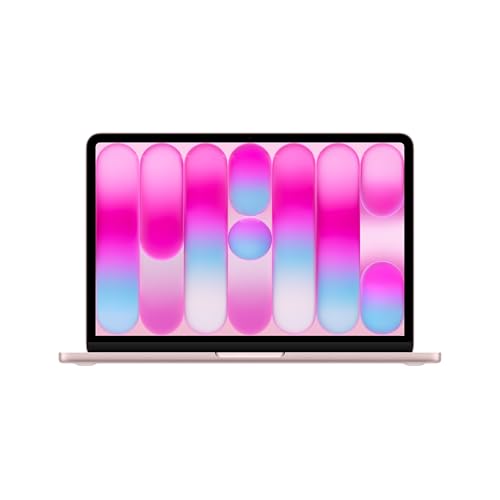
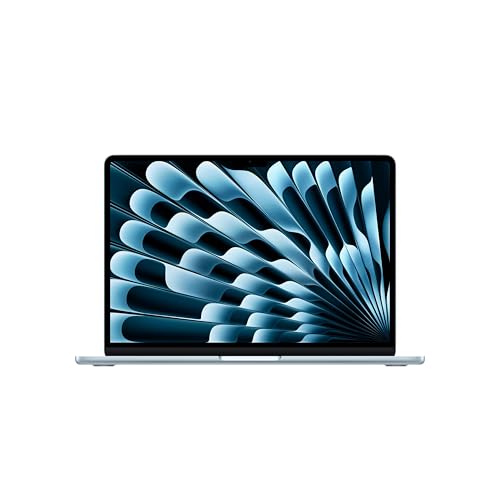
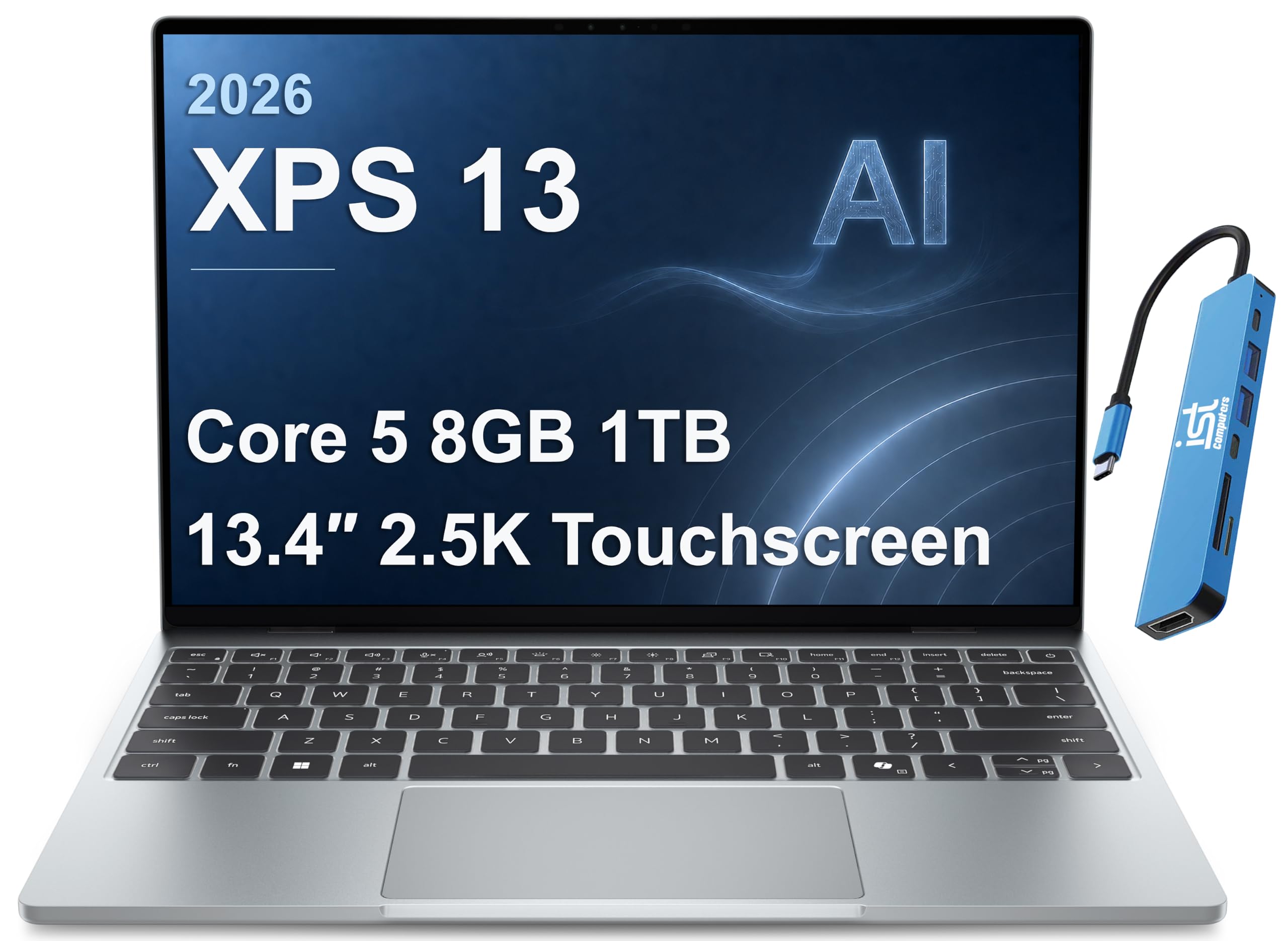
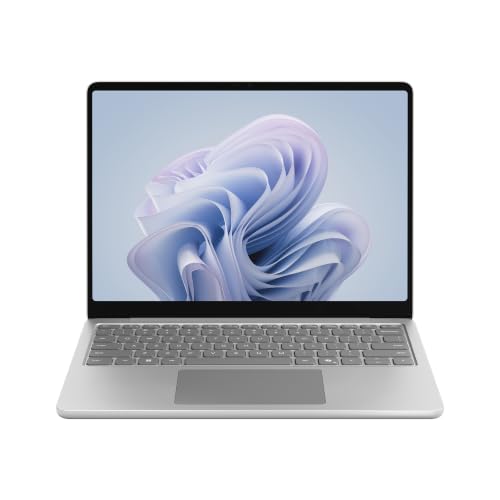
This guide walks through weight, battery, keyboard and software, then looks at durability, budget and course-specific needs. The product table above lists models from affordable Chromebooks to premium ultraportables.
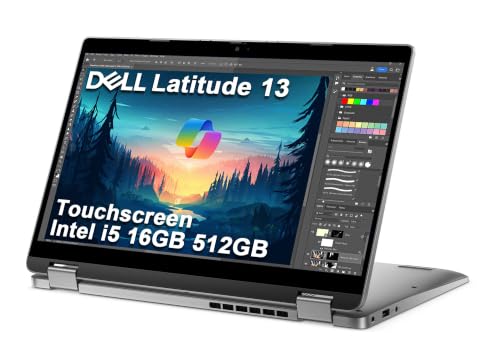


Why 13 Inches Suits Campus Life
Smaller laptops are easier on the shoulders and fit on lecture desks. A thirteen inch screen is big enough for documents, slides and video calls, and for most coursework it feels plenty. If your course needs large spreadsheets or heavy design software, you may want a larger display or an external monitor at home.
For a wider comparison, see our guide to 15 inch laptops for students, which shows what you give up by choosing the smaller size.
Weight and Carry
You carry the laptop every day, so every hundred grams counts across a semester. Check the listed weight and the thickness, and consider the charger as well. A good backpack with a padded sleeve protects the machine, and our guide to the best backpacks for 13 inch laptops helps you choose.
A sturdy lid and a firm hinge handle bag pressure. Metal or reinforced plastic bodies tend to survive better than very thin, flexible ones.
Battery Life Across a Full Day
A student should be able to leave the charger at home on most days. Look for models with strong battery reputations and read buyer feedback about real-world use, which is usually lower than the headline claim. Efficient chips and moderate screen brightness extend life a lot.
Fast charging helps between classes. Check whether the laptop charges over USB-C, which lets you share a charger with your phone.
Keyboard, Trackpad and Typing Comfort
Essays, notes and coding all rely on typing. A comfortable keyboard with decent key travel and a precise trackpad makes long sessions easier. Backlit keys help in dim libraries and dorm rooms.
If you take handwritten notes, consider a touchscreen model with pen support. Otherwise, a standard clamshell is lighter and cheaper.
Operating System and Software
Check what your school recommends or requires. Some programs need Windows or macOS and will not run on ChromeOS. Chromebooks work well for web-based coursework and are secure and simple, but specialized software may not be available.
Look at how long the laptop will receive updates, because it should last through your degree. Premium models promise longer support.
Performance for Coursework
Most coursework needs only a modest processor and enough memory to hold a handful of browser tabs, a document and a video call. Engineering, design and data courses benefit from stronger hardware. Fast storage makes the machine feel quick.
If you plan to game in your spare time, a thin ultraportable will play lighter games but not heavy ones.
Durability, Warranty and Accidents
Laptops get dropped and spilled on. A strong warranty, and for expensive models an accidental damage plan, can save a lot. Check whether the battery is replaceable and how repairs are handled.
Use a sleeve, a screen cover and a sensible bag. A good case costs less than a repair.
Choosing the Best 13 Inch Laptops for Students by Budget
Budget Chromebooks suit web-based study and note taking. Mid-priced Windows laptops offer more flexibility and better screens. Premium models deliver long battery life, light weight and excellent displays, and they often last longer.
Spend on reliability and battery before extras. Our guide to the best 13 inch laptops covers broader options, and students often find that student discounts reduce premium prices.
Display and Eye Comfort for Long Study Sessions
Long hours of reading and writing tire the eyes. Look for a screen with good brightness, an anti-glare surface if you study near windows and a color temperature or night mode for late sessions. A sharper display makes small text easier to read without leaning in.
Position the laptop so the top edge sits roughly at eye level when you use it at a desk, with a stand or a stack of books and an external keyboard if needed. Take short breaks every half hour to rest your eyes.
Study Habits and Digital Organization
A good laptop works best with good habits. Back up coursework automatically to cloud storage or an external drive, and keep a clear folder structure for each class. Use a calendar and a reminder app for deadlines, and turn off notifications during study blocks.
Learn the keyboard shortcuts for your note-taking app and word processor. Small time savings add up across an entire degree. Install updates on a schedule that does not clash with exams.
Security and Privacy on Campus
Public networks are common on campus, so use a trusted connection or a virtual private network for sensitive work. Set a strong password and enable device encryption and tracking features, which help if the laptop is lost or stolen. Never leave it unattended in the library.
Keep your operating system and browser updated, and be careful with email attachments. A few simple habits protect both your work and your personal data.
Frequently Asked Questions
Is 13 inches too small for studying?
For most courses, no. Use an external monitor at a desk if you need more space.
Should I buy a Chromebook?
If your coursework is web-based, yes. Check required software first.
How much memory do I need?
Enough to keep your usual tabs and apps open smoothly, which more is better for heavier courses.
Do I need a touchscreen?
Only if you take handwritten notes or draw.
How long should a student laptop last?
At least the length of your degree, with decent care and battery health.
Wrapping Up
Pick a light, reliable model with strong battery life, check your course software requirements and protect it with a good case and warranty. The best 13 inch laptops for students go everywhere with you and never get in the way of your work. Use the product table above to compare options and check the return window.
Prices and availability can change, so check the product page before ordering.


