
Best 1440p Freesync Monitors: Smooth Play at Every Budget in 2026
Disclosure: We may earn a commission when you buy through links on this page, at no extra cost to you. As an Amazon Associate I earn from qualifying purchases. Learn more

What does FreeSync do at 1440p, and which tier fits your budget? Compare the best 1440p freesync monitors.
The best 1440p freesync monitors keep the picture smooth when your frame rate rises and falls, and they do it without the tearing and stutter that a plain monitor shows. FreeSync is AMD's adaptive sync technology, and it works with AMD graphics cards and with many Nvidia cards that support adaptive sync, so the label matters to most gamers today.
This guide explains what the FreeSync tiers mean, how to pair a monitor with your graphics card, and what each budget buys at 1440p. The product table after the introduction lists in-stock FreeSync monitors from about $145 to over $900, covering standard, curved, ultrawide and OLED models.
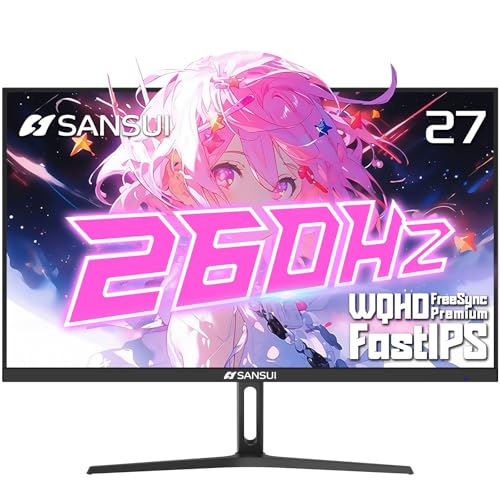
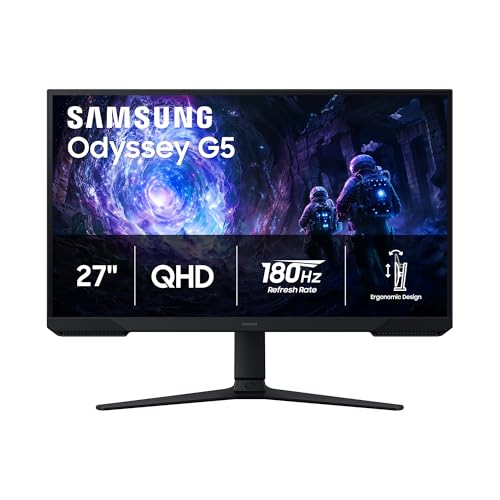
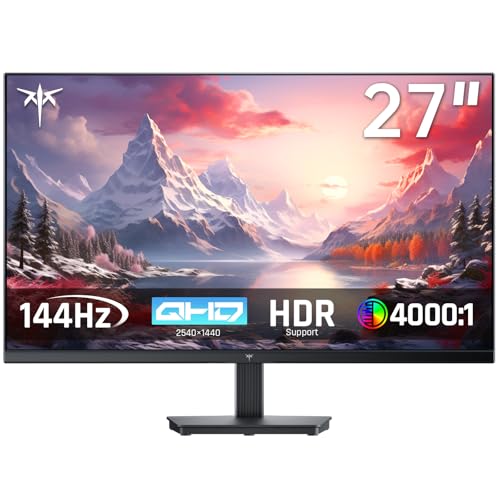
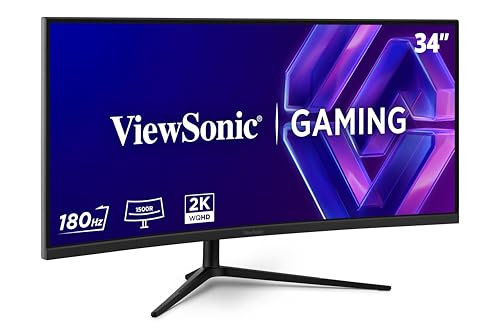


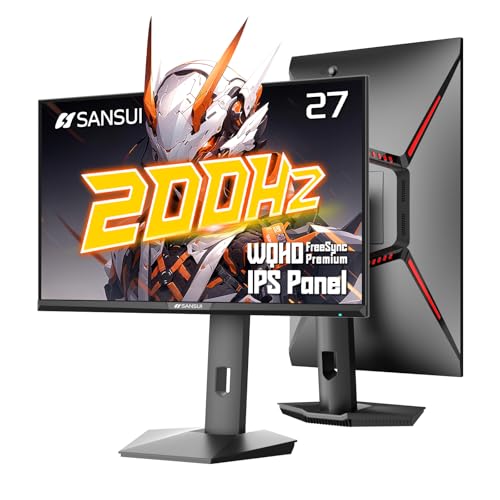
What FreeSync Does
A normal monitor refreshes at a fixed rate, while a game's frame rate varies from moment to moment. When the two do not match, you see tearing, a horizontal split in the picture, or stutter if you switch on vertical sync. Adaptive sync lets the monitor change its refresh to match each frame as it arrives, so motion stays smooth even when the frame rate dips.
The effect is easiest to notice in demanding games at 1440p, where frame rates drift between 70 and 140. At steady frame rates it matters less, but it still avoids tearing. The result is a better experience for any graphics card that sits below the screen's maximum refresh rate most of the time.
FreeSync, FreeSync Premium and G-Sync Compatible
Basic FreeSync handles variable refresh over a limited range. FreeSync Premium adds stricter refresh requirements and low framerate compensation, which repeats frames when the rate drops very low. FreeSync Premium Pro adds HDR requirements. Many monitors also carry a G-Sync Compatible badge, which means Nvidia validated them to work with its cards.
The practical advice is simple. If you use a Nvidia card, look for G-Sync Compatible or a monitor that lists support for both. If you use an AMD card, FreeSync Premium is the label to look for. Either way, adaptive sync should be switched on in the driver, since it is not always on by default. The page about best FreeSync monitors covers other resolutions in more depth.
Smart Options at Each Budget
Under $200
Budget 27 inch fast IPS models and curved screens offer good value here, with 144Hz to 200Hz refresh rates. Brightness and stand quality are the typical savings. For many gamers this tier covers everything they need.
From $200 to $350
The mid range brings better brands, higher refresh rates and larger sizes, including 34 inch ultrawide curved models and 32 inch curves. Build quality, stands and warranties improve, and some models add USB-C.
From $350 to $600
Here you reach 27 inch OLED and QD-OLED panels with deep blacks and rapid response, plus premium ultrawides from large brands. The picture quality jump is the biggest of any tier.
Above $600
The top tier covers 34 inch OLED ultrawides and giant 49 inch models. These suit those who want an immersive desktop and have a strong graphics card, but the value drops quickly above the mid range.
Match the Monitor to Your Graphics Card
A graphics card that cannot run your games above 100 frames at 1440p will not reach the top of a fast screen, but adaptive sync keeps the experience smooth. A card able to run 200 frames or more makes better use of a 240Hz model. Check whether the monitor supports your card's output, for example DisplayPort for the best compatibility, and whether HDMI 2.1 is needed for a console. Avoid paying for a refresh rate your card will never use.
Use the monitor's low framerate compensation, if listed, so dips below the minimum range do not cause flicker. Read buyer comments for reports of flicker with adaptive sync, which can happen on some VA panels in dark scenes.
Panel and Shape Tips
IPS panels are a good all round choice for color and viewing angles. VA panels give more contrast but can show smearing in fast, dark scenes. OLED is the quality leader. For shape, a 27 inch flat or gently curved model is a safe pick, while ultrawides are better for immersive games and multitasking. If you want the best sharpness for desk work, see the best 1440p IPS monitors guide.
If you want even more speed, the 240Hz 1440p monitors add faster motion, and the general 1440p monitors page covers the wider field.
Settings That Make FreeSync Work
Buying the monitor is half the job. Open the monitor's on screen menu and make sure adaptive sync is enabled, because some models ship with it off. Then open your graphics driver software and switch on the matching option, and in Windows confirm the refresh rate is set to the maximum. In games, use full screen or borderless mode and avoid forcing vertical sync unless you see tearing at the upper limit.
A small tweak helps many setups: cap the frame rate a few frames under the refresh rate so adaptive sync stays active all the time. If you see flicker in menus or loading screens, update the monitor firmware or driver and try another cable. Following these steps gets the most from the best 1440p freesync monitors you can afford.
FAQs
Does FreeSync work with Nvidia cards?
Many FreeSync monitors work with Nvidia cards as G-Sync Compatible. Check the listing and turn the feature on in the driver.
Is FreeSync Premium worth it?
It adds low framerate compensation and stricter standards, so it is usually the better label if the price is similar.
Can I use FreeSync with a console?
Some consoles support variable refresh rate over HDMI. Check the console and the monitor's HDMI version.
Does FreeSync add input lag?
It does not add noticeable delay on a good monitor. It often feels more responsive because tearing disappears.
Final Verdict
The best 1440p freesync monitors match your graphics card, offer FreeSync Premium or G-Sync Compatible support and fit your budget tier. Use the product table to compare panel types and sizes, and pick the mid range unless you want OLED.
Prices and availability can change, so check the product page before ordering.


