
Best 1440p Gaming Monitor: Choose by How You Play in 2026
Disclosure: We may earn a commission when you buy through links on this page, at no extra cost to you. As an Amazon Associate I earn from qualifying purchases. Learn more

Competitive, story or mixed use? Find the best 1440p gaming monitor for how you play, with size, panel and price guidance.
The best 1440p gaming monitor depends on the games you play more than on any single spec. A fast shooter player, a slow story gamer and a creator who also games all want different things from the same resolution, so it pays to decide which of those you are before you compare models.
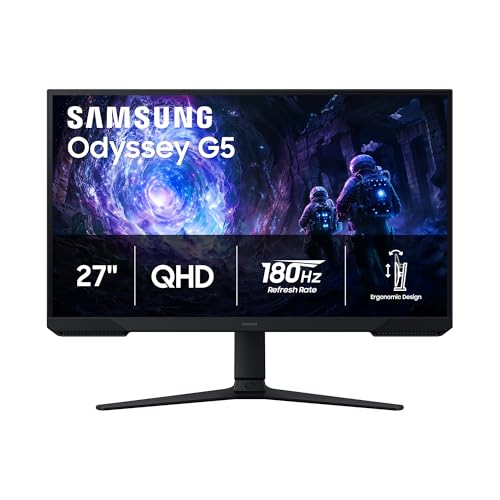
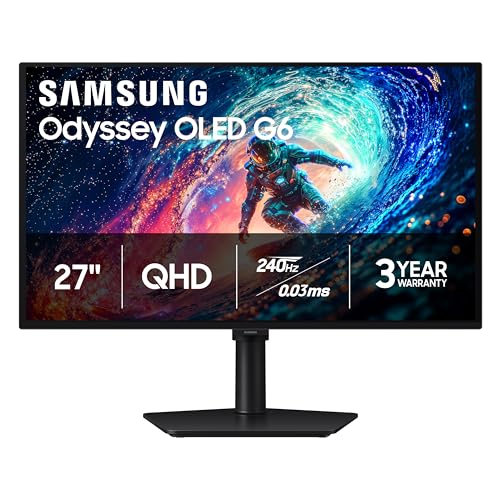
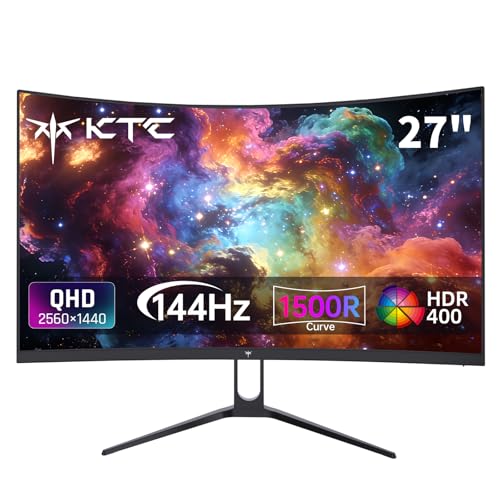
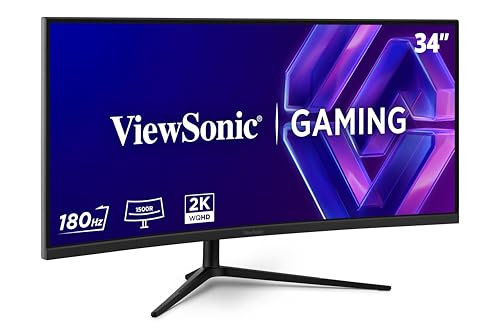
This guide organizes the choice by play style, then explains size, panel type and the features that matter. The product table after the introduction lists in-stock 1440p gaming monitors, from budget 27 inch models near $150 to OLED panels above $500.


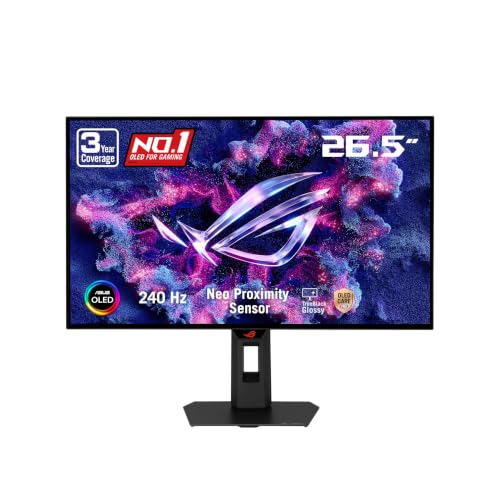

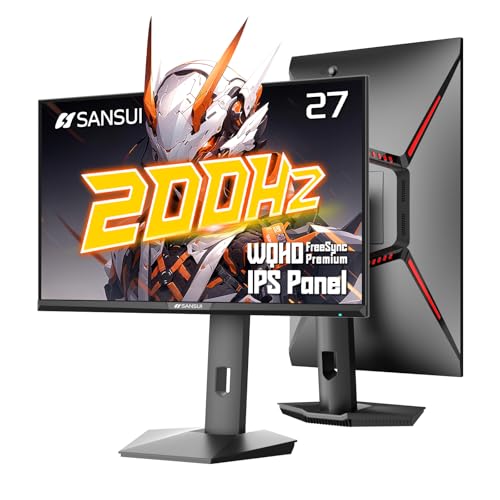
Choose by How You Play
Competitive and esports players
Choose the highest refresh rate you can drive, from 180Hz to 300Hz, with a fast IPS or OLED panel. Look for clear motion, low input delay and a stand that lets you set the height exactly. Size should stay at 24 to 27 inches so you can see the whole screen without moving your eyes.
Story and single player gamers
Image quality counts more than raw speed. An OLED, a high contrast VA panel or a good HDR capable IPS gives atmospheric scenes. A curved 32 inch screen or a 34 inch ultrawide adds immersion for big adventures and open world games.
Mixed use and creators
If the same screen is used for photo editing or office work, favor an IPS panel with accurate color and a flat shape. A 27 inch size with a USB-C connection suits a laptop and a PC on the same desk.
Size and Shape
The 27 inch size gives about 109 pixels per inch at 1440p, a crisp balance for desk distance. A 32 inch screen is a larger picture with a softer image, suited to sitting further back. A 24 or 25 inch 1440p panel is very sharp and compact, ideal for esports setups. Ultrawides at 34 inches give extra width for racing, flight and strategy games, though they need a stronger graphics card.
Check the stand and desk depth too. Large and curved monitors need space, and a stand that cannot adjust height spoils a good panel. A VESA mount lets you add a monitor arm later, and the guide on how to set up dual monitors helps if you plan two.
Panel Type: IPS, VA or OLED
IPS offers accurate color and wide viewing angles, VA gives better contrast at lower cost and OLED gives the best picture and speed at a higher price. Compare them in the guide on OLED vs IPS monitor, and see the best OLED gaming monitor page if you lean that way. OLED panels need a little care to avoid burn in, so use dark themes and screen savers.
Refresh Rate and Your Graphics Card
A higher refresh rate only helps if your computer produces that many frames. A mid range card will reach 144 to 165 frames in many games at 1440p, while 240Hz and faster monitors need strong hardware or lighter games. If you are unsure, a 165Hz to 200Hz monitor is the practical middle. Learn how to switch the setting in how to change refresh rate, because many monitors start at 60Hz until you change it.
Features That Matter and Ones That Do Not
- Adaptive sync: matters for smooth play at any frame rate.
- HDR: a mild bonus on most budget monitors, a major one on OLED.
- Response time claims: ignore the 1ms number and read buyer comments.
- Speakers: acceptable for casual use, but a headset is better.
- USB-C and hub ports: useful for laptops and clean desks.
Ports, Cables and Console Use
Check the input list before you order. DisplayPort is the dependable choice for a PC at high refresh rates, while HDMI 2.1 matters if you want a console at 1440p and high frame rates. Some monitors have only older HDMI ports that cap the refresh rate, so read the listing carefully. A USB hub or USB-C port with power delivery can charge a laptop and cut cable clutter, and a headphone jack saves a trip to the back of the PC.
For consoles, remember that the supported resolutions differ. Some consoles output 1440p on a monitor, while others scale a 4K or 1080p image. If you split the screen between a PC and a console, pick a monitor with quick input switching and picture in picture. These small features decide how pleasant the best 1440p gaming monitor is to live with every day.
Mistakes to Avoid
Do not buy the highest refresh rate on the shelf if your graphics card cannot use it, because you pay extra for speed that never shows. Do not overlook the stand: a wobbly base or one that cannot adjust height ruins a good panel. And do not trust headline numbers such as 1ms response or HDR support without reading what real buyers say about ghosting, backlight bleed and brightness. A short list of buyer complaints tells you more than a long specification.
Price Tiers
Models near $150 to $220 give you a solid fast IPS or a curved 27 inch screen. From $220 to $300 you get better brands and higher refresh rates. OLED gaming monitors begin around $400 and reach $550 and above. For most people, the middle of the table is the best value.
FAQs
Is 1440p better than 1080p for gaming?
It gives a sharper picture, especially at 27 inches. It also asks more of your graphics card.
Is 1440p better than 4K?
For many gamers, yes. 1440p allows higher frame rates for less money, and 4K needs a more expensive card.
What size is best for 1440p?
Twenty seven inches is the usual choice, with 24 inches for competitive play and 32 inches for distance.
Do I need HDR?
It is optional. True HDR needs a bright, high contrast panel, so on budget models it adds little.
Final Verdict
The best 1440p gaming monitor suits your play style, your desk and your graphics card. Use the product table to compare refresh rates and panel types, pick a 27 inch fast IPS for most use, and step up to OLED if image quality matters most.
Prices and availability can change, so check the product page before ordering.


