Best 3 GB RAM Smartphones: What They Can and Cannot Do in 2026
Disclosure: We may earn a commission when you buy through links on this page, at no extra cost to you. As an Amazon Associate I earn from qualifying purchases. Learn more
Best 3 gb ram smartphones are for simple everyday use. Here is what 3GB memory handles, where it slows down and the specs that matter more than RAM alone.
Three gigabytes of memory puts a phone firmly in the entry-level group. The best 3 gb ram smartphones are meant for calls, texts, maps, music and a handful of light apps, not for heavy gaming or dozens of tabs. If that sounds like your use, a phone in this class can feel perfectly adequate, and if it does not, it is better to know before you spend money.
This guide explains what 3GB of RAM handles, what slows it down, which other specs deserve attention and how to find a phone that stays useful for a few years.
What 3GB of RAM really means
RAM is the working memory a phone uses to keep apps open. With 3GB, the system itself takes a large share, so only a few apps can stay in the background. When you switch to a different app, the earlier one may need to reload, which feels like a short pause. Lightweight versions of the operating system, often called Go editions, are designed for this memory level and use less of it.
Some listings advertise virtual or extended RAM, which borrows part of the storage space. It can help a little with multitasking, but it is not the same as physical memory and it uses storage that you might need for photos.
What a 3GB phone does well
- Calls and messaging: voice, text and chat apps run without trouble
- Maps and navigation: a single navigation app in the foreground is fine
- Music and podcasts: streaming apps run smoothly in the background
- Simple social apps: light versions of social apps work better than full ones
- Backup phone or child phone: low cost makes it a sensible second device
Where it struggles
Heavy games, large photo editing apps and many browser tabs are the weak points. Switching between a camera and a messaging app may cause reloads, and long web pages may refresh when you return. Software updates also get heavier over time, so a 3GB phone may slow down more than a 6GB one as the years pass.
If you want a phone that keeps up with newer apps for several years, a higher memory level is a safer buy. Our guides to 4GB RAM phones and 6GB RAM phones cover that next step.
Choosing the best 3 gb ram smartphones
RAM is only one part of the picture, and in this price band the other parts often matter more. A good screen, a decent battery and reliable updates make a bigger difference to daily life than a small RAM change.
Storage
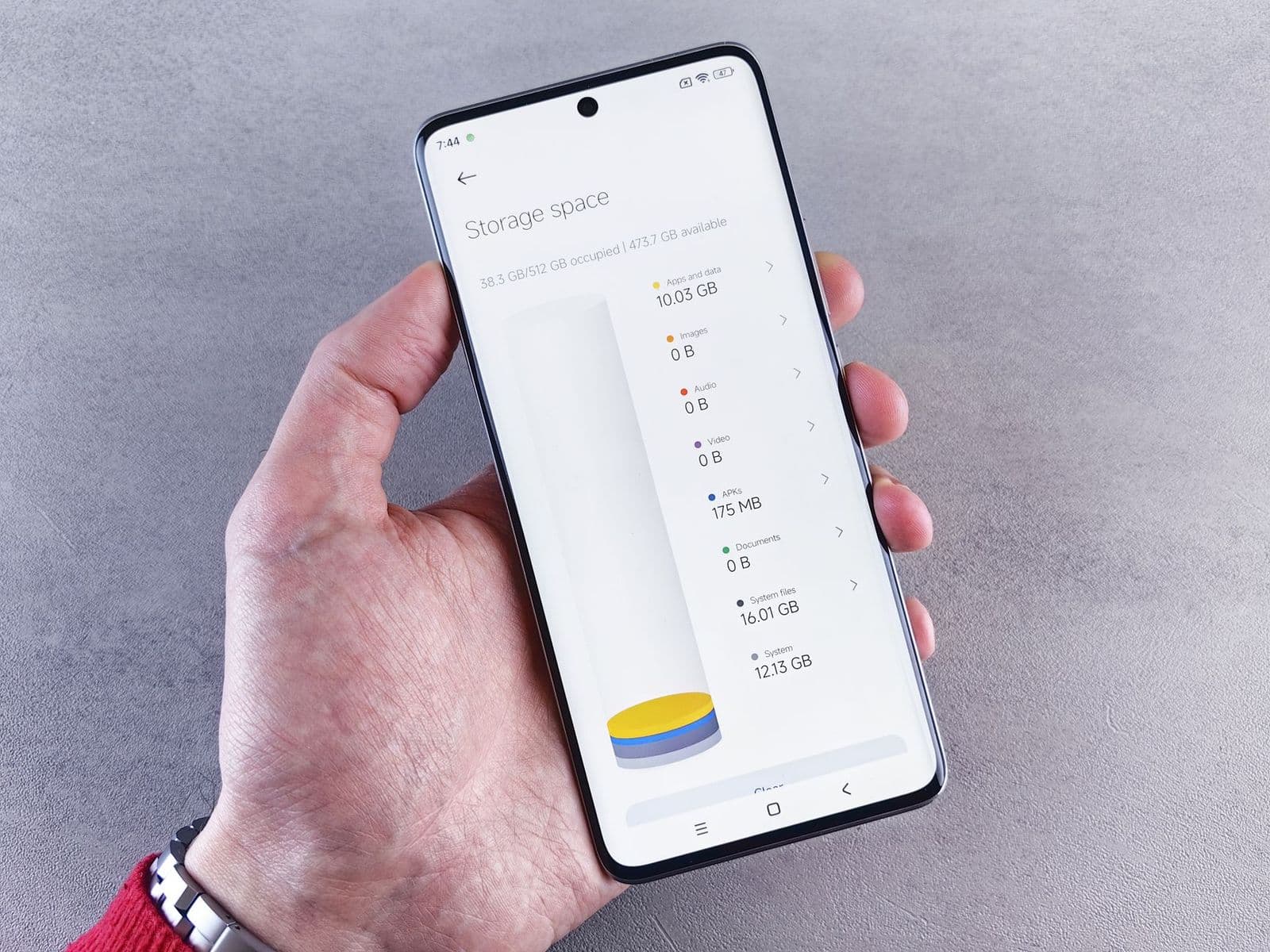
Look for at least 32GB, and preferably 64GB. System files take a big slice of a small drive, and apps and photos quickly fill what remains. A microSD card slot is a useful way to add space for media.
Processor and software
The processor sets the general speed. Entry-level chips are fine for basic tasks. Check which version of Android the phone ships with, and whether the maker promises security updates. A phone without updates becomes a risk for banking and email.
Network compatibility
Not every unlocked phone works on every US carrier. Some do not support the bands used by certain networks. Always read the compatibility notes in the listing, and check them against your carrier's list before ordering. If the listing says a carrier is not supported, believe it.
Battery and charging
A large battery helps entry-level phones last through a day. Charging speed is usually slow at this level, so plan to charge overnight.
Tips to make 3GB go further
- Use lightweight app versions where they exist
- Disable animations in developer options for a snappier feel
- Remove apps you do not use and clear caches regularly
- Restrict background activity for social and shopping apps
- Keep storage under about three quarters full so the system has room to work
New, renewed or refurbished
A new phone comes with a full warranty and fresh software support, and the price in this class is already low. Renewed phones can give more performance for the same money, but their battery health and warranty vary. If you buy renewed, choose a seller that offers a clear return window and replacement battery policy. Avoid heavily discounted phones from unknown sellers, since the price may hide a locked or stolen device.
Security and updates
Entry-level phones often receive fewer updates. Check the support promise from the maker, and if there is none, treat the phone as a short-term device. Do not use it for banking or work accounts if it no longer gets security patches. Keep Google Play Protect or the equivalent switched on, install apps only from trusted stores and use a screen lock.
Camera and media expectations
Cameras on low-cost phones are fine for daylight snapshots, documents and video calls, but they struggle in dim light. Do not expect fast autofocus or strong zoom. For photos that matter, try to shoot in good light and hold still. Video calls work well, though quality may drop in a dim room. If you take lots of photos, a mid-range phone with better optics is a better investment than a bigger RAM number.
Alternatives to consider
If your budget allows, a phone with 4GB or 6GB of RAM and good software support will age better. A renewed phone from a previous generation can give more power for the same money, though check the seller and the warranty. If you only need calls and texts, a basic phone is cheaper still. For high-memory options, see our 8GB RAM phone guide.
FAQ
Is 3GB RAM enough for everyday use?
For basic use, yes. For gaming or heavy multitasking, no.
Can I add more RAM to a phone?
No. Memory is built in, and virtual RAM is only a partial substitute.
Will a 3GB phone get updates?
It depends on the maker. Check the support promise before you buy.
Is it good for kids?
Often yes, since the price is low and the apps they use are light. Add parental controls and a durable case.
Final thoughts
The best 3 gb ram smartphones are about modest needs and modest prices. Be honest about how you use a phone, check storage, updates and carrier support, and consider stepping up to 4GB or 6GB if you want more years of smooth use.