
Best Affordable Graphics Cards: Which One Fits the Way You Use It?
Disclosure: We may earn a commission when you buy through links on this page, at no extra cost to you. As an Amazon Associate I earn from qualifying purchases. Learn more

Budget GPUs matched to 1080p gamers, 1440p players, creators and HTPC builders, with VRAM, power and pairing advice.
Graphics card prices have swung wildly in recent years, and "affordable" now means very different things depending on whether you play esports titles at 1080p, chase high settings at 1440p or need a card for video editing. There is no single budget GPU that suits everyone. This guide to the best affordable graphics cards starts with how you use your PC, then explains which type of card and features fit that routine.
The short answer: 1080p gamers should look at the Intel Arc B580 or AMD Radeon RX 7600 class, around $300 to $350; players who want NVIDIA DLSS and ray tracing at 1080p should consider the GeForce RTX 5060, around $500; and anyone targeting 1440p or wanting more future proofing should choose a 16GB card such as the Radeon RX 9060 XT 16GB, around $590.


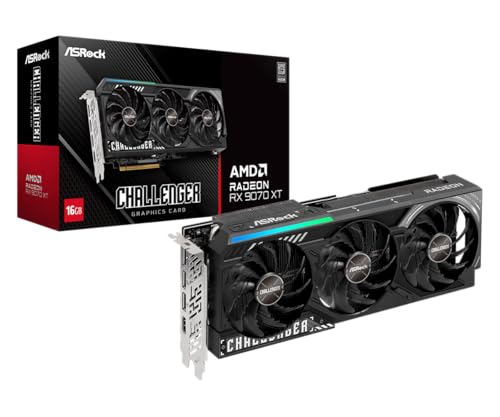


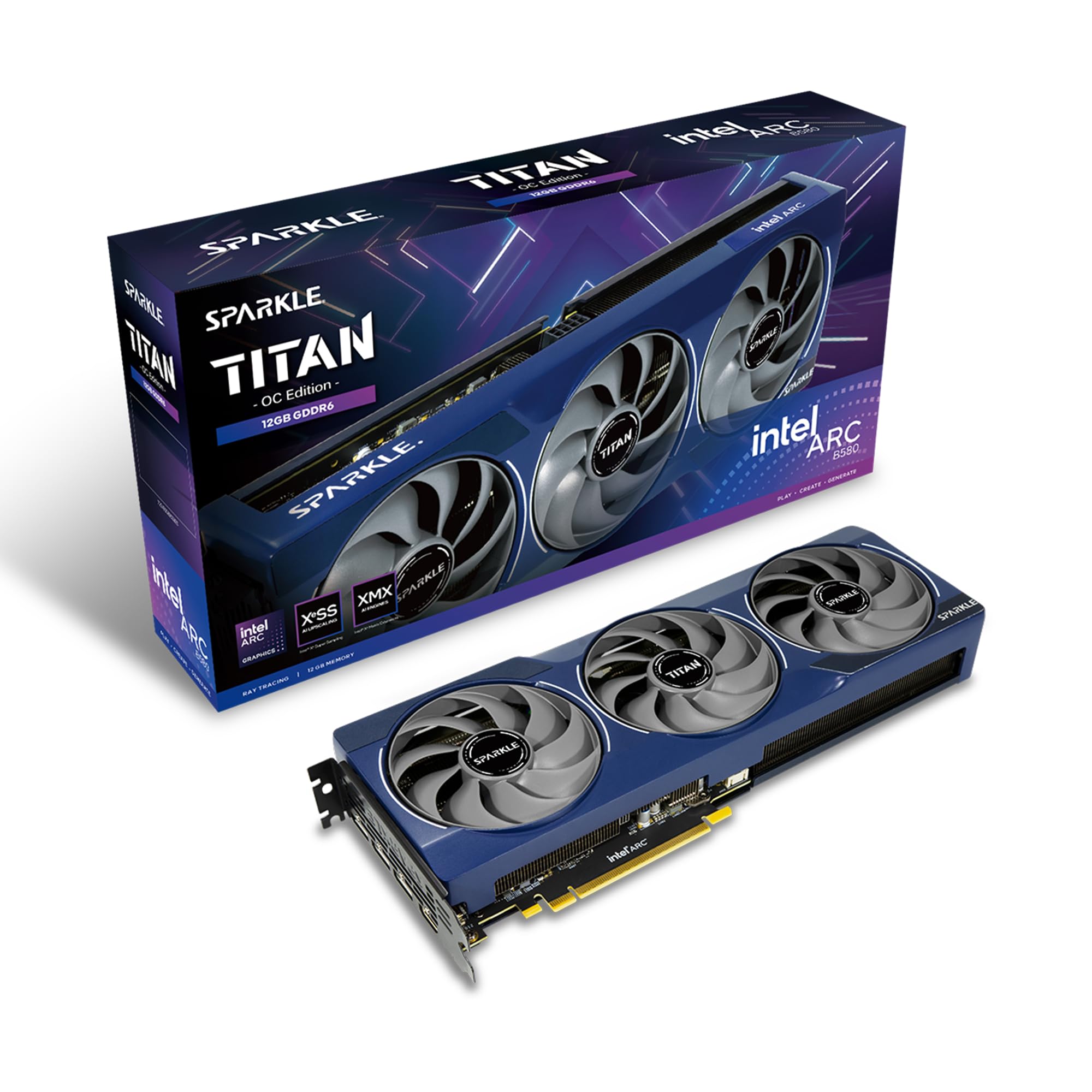
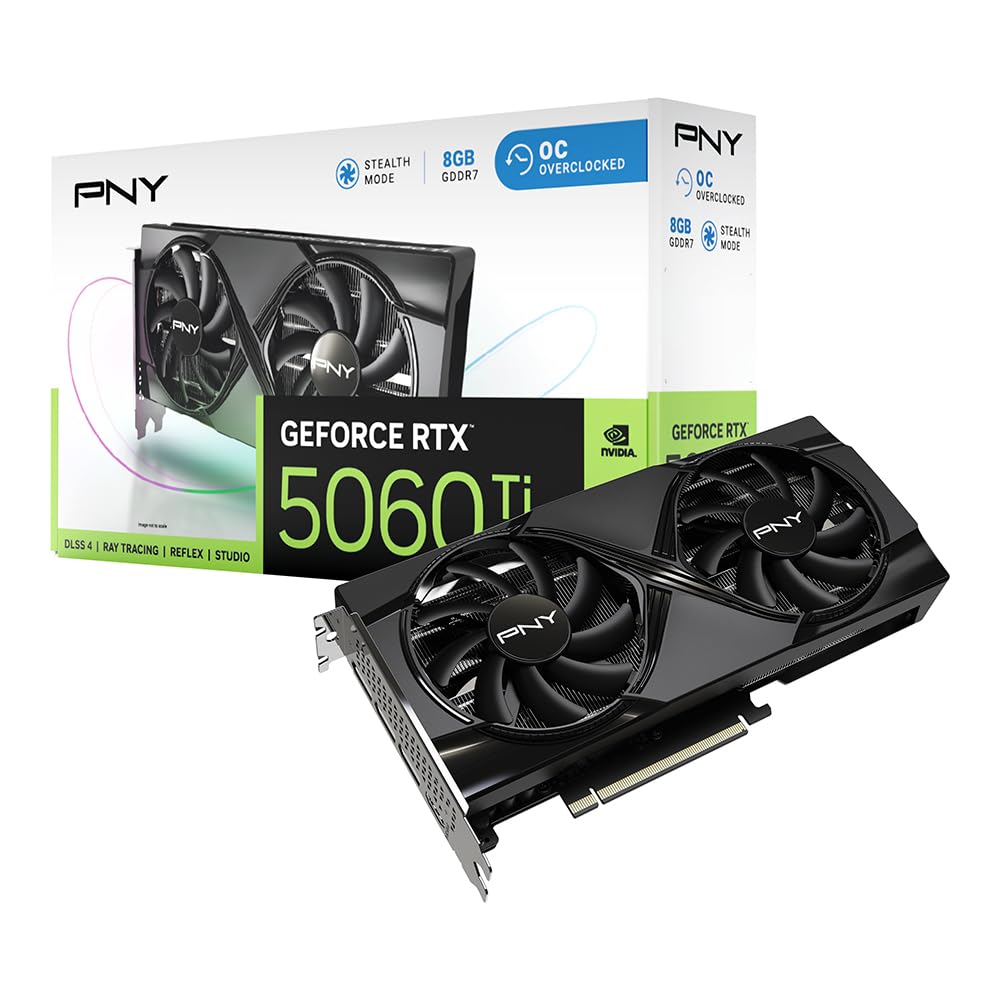

Top 3 Picks at a Glance
These three cards from the product table above represent the strongest options for 1080p value, DLSS features and 1440p headroom.


Who Should Buy Which Graphics Cards?
Budget graphics cards fall into a few performance classes. Entry cards target smooth 1080p gaming at medium to high settings. Midrange cards handle high settings at 1080p and playable 1440p. Upper midrange cards with 16GB of memory deliver strong 1440p performance and longer relevance. Your games, monitor and budget decide which class fits.
For Gamers and Power Users
Gamers with 1440p monitors or high refresh 1080p screens need more performance and memory. Cards with 12GB to 16GB of VRAM handle modern games with high resolution textures without stuttering. Upscaling technologies like NVIDIA DLSS, AMD FSR and Intel XeSS boost frame rates significantly. Power users who also stream, edit video or experiment with AI tools benefit from NVIDIA's NVENC encoder and CUDA support, or from the strong AV1 encoders on current AMD and Intel cards.
For Laptop Owners and Small Builds
Laptop GPUs cannot be swapped like desktop cards, so laptop owners should choose the right GPU at purchase. Some laptops support external GPU enclosures over Thunderbolt or USB4, though performance drops compared with a desktop. Small form factor builders should check card length, thickness and power connectors; compact dual fan cards fit many mini ITX cases.
For Students and Everyday Users
Students and casual players who mainly play esports titles like Valorant, Fortnite and League of Legends can enjoy high frame rates with entry cards around $300 to $350. These cards also accelerate video playback, light photo editing and school projects. Prioritize efficiency and a quiet cooler, since these PCs often sit in bedrooms and dorms.
For Creators and Streamers on a Budget
Creators who edit video and stream benefit from hardware encoders and more VRAM. AV1 encoding, available on current NVIDIA, AMD and Intel cards, delivers better stream quality at lower bitrates. NVIDIA cards remain popular for apps that rely on CUDA, while 16GB cards help with large timelines and effects.
Best Graphics Cards for Specific Needs
Best Affordable Graphics Card for Laptops: What to Prioritize
The best affordable graphics card for laptops is the one built into the laptop you buy, so prioritize three things: GPU model, power limit in watts and cooling. An RTX 5050 or RTX 5060 laptop GPU with a higher power limit outperforms the same chip in a thin, low power design. For upgrades later, choose a laptop with Thunderbolt or USB4 support for an external GPU enclosure.
Best Affordable Graphics Cards for Gaming: What to Prioritize
The best affordable graphics cards for gaming balance raw performance, VRAM and upscaling support. For 1080p, cards like the Intel Arc B580 with 12GB of memory offer excellent value. For DLSS and frame generation, the GeForce RTX 5060 is a strong option. For 1440p, choose 16GB cards like the Radeon RX 9060 XT 16GB or RTX 5060 Ti 16GB.
Best Affordable Graphics Cards with Audio: What to Prioritize
The best affordable graphics cards with audio carry sound over HDMI and DisplayPort to your TV, monitor or AV receiver. Look for HDMI 2.1 with support for high bitrate audio formats if you build a home theater PC. Note that graphics cards do not include analog audio jacks; use your motherboard, a USB DAC or a monitor's headphone jack for headphones.
Key Features to Compare
What You Can Realistically Get on a Budget
Around $300 to $370 buys entry cards like the Intel Arc B580 and Radeon RX 7600 class, ideal for 1080p gaming at high settings in many titles. Around $450 to $550 brings cards like the GeForce RTX 5060 and RTX 5060 Ti 8GB, adding stronger ray tracing and DLSS. Around $590 to $800 covers 16GB cards like the RX 9060 XT 16GB and RTX 5060 Ti 16GB, which handle 1440p and future games better. Prices vary by model and market, so compare current listings.
Upgradability and Standard Parts
Desktop graphics cards use standard PCIe slots, making upgrades easy in most custom and many prebuilt PCs. Check that your case fits the card's length and thickness, and that your power supply has the right connectors. Some prebuilt systems use proprietary power supplies or small cases that limit upgrades. PCIe 5.0 cards work in older PCIe 4.0 or 3.0 slots, though some 8 lane cards lose a little performance on PCIe 3.0.
VRAM and System Memory
Video memory, or VRAM, stores textures and frame data. Eight gigabytes is now the minimum for 1080p gaming, but newer titles increasingly benefit from 12GB to 16GB, especially at high settings and 1440p. For system memory, 16GB of DDR4 or DDR5 is the minimum for gaming, with 32GB recommended for streaming and creative work. Fast NVMe SSDs speed up game loading.
CPU and GPU Pairing
Balance your graphics card with your processor to avoid bottlenecks. Entry and midrange cards pair well with modern six core CPUs like the Ryzen 5 7600 or Core i5 14400. Pairing a powerful GPU with an old quad core CPU limits frame rates in CPU heavy games. Intel Arc cards also require Resizable BAR support on your motherboard for the best performance.
Power, Cooling, and Size
Check your power supply wattage and connectors. Most budget cards need around 450 to 600 watts of total system power, with 8 pin connectors. Dual fan cards are compact and quiet, while triple fan models run cooler but need longer cases. Good airflow in your case keeps temperatures and noise down.
NVIDIA vs AMD vs Intel: Choosing a Brand on a Budget
All three GPU makers now compete in the budget space, and each has strengths. NVIDIA GeForce cards lead in ray tracing performance and DLSS support, which appears in a huge number of games. They also dominate creative software that relies on CUDA and offer the mature NVENC encoder for streaming. The trade off is that budget GeForce cards often ship with 8GB of memory unless you pay more for 16GB versions.
AMD Radeon cards typically offer more raw rasterization performance and more VRAM for the money, which helps with high resolution textures. FSR upscaling works across many games, and the newest Radeon cards add machine learning based upscaling and improved ray tracing. Intel Arc cards deliver excellent value with 12GB of memory at entry prices and strong AV1 encoding, though older DirectX 9 and 10 games may run less consistently and Resizable BAR is required.
For most budget gamers, the best approach is to compare current prices for cards in the same performance class and choose the one with more VRAM and the features you care about most.
How Much to Spend on Affordable Graphics Cards
Graphics card pricing fluctuates with supply and demand, so think in performance tiers rather than fixed prices. Entry cards for smooth 1080p gaming currently sit around $300 to $370. Midrange cards with stronger ray tracing and DLSS support cost around $450 to $550. Cards with 16GB of memory for 1440p gaming cost around $590 to $800.
Track prices over a few weeks if you are not in a hurry, since sales events like Black Friday and back to school promotions often bring meaningful discounts. Previous generation cards can also be good value when they drop in price, but check that they still receive driver updates and support modern features.
Installing a New Graphics Card
Installing a graphics card is one of the easiest PC upgrades. Shut down the PC, unplug it and ground yourself by touching the case. Remove the side panel, unscrew the expansion slot covers and release the old card from the PCIe slot latch. Insert the new card firmly into the top PCIe x16 slot, secure it with screws and connect the power cables from your power supply.
Before installing, uninstall old drivers with a cleanup tool if switching brands. After booting, install the latest drivers from the manufacturer's website, enable Resizable BAR in the BIOS if supported and confirm your monitor cable is plugged into the graphics card rather than the motherboard. Heavy cards benefit from an anti sag bracket.
Common Mistakes to Avoid When Buying Graphics Cards
- Choosing on price alone. The cheapest card may have too little VRAM for new games.
- Ignoring CPU pairing. An old processor can bottleneck a new graphics card.
- Forgetting power and size. Measure your case and confirm power supply wattage and connectors.
- Skipping Resizable BAR. Intel Arc cards need it enabled for strong performance.
- Not checking the warranty. Buy from authorized sellers for full manufacturer coverage.
Tips to Get the Most From Your Graphics Card
Install the latest drivers from NVIDIA, AMD or Intel, and do a clean install when switching brands. Enable upscaling features like DLSS, FSR or XeSS in supported games for higher frame rates. Turn on Resizable BAR in your motherboard BIOS. Keep case airflow clear and dust filters clean. Set a frame rate cap near your monitor's refresh rate to reduce heat and noise.
Understanding Upscaling and Frame Generation
Upscaling renders games at a lower resolution and uses algorithms or AI to reconstruct a sharper image, delivering higher frame rates with minimal quality loss. NVIDIA DLSS is widely supported and uses dedicated Tensor cores. AMD FSR works on cards from any brand, and its newest versions use machine learning on supported Radeon cards. Intel XeSS runs best on Arc GPUs.
Frame generation inserts AI generated frames between rendered frames, making motion smoother. It works best when the base frame rate is already decent, around 50 to 60 frames per second, because it adds some latency. For budget gamers, upscaling and frame generation can make an affordable card feel like a higher tier one.
FAQs
What GPU do I need for 1440p gaming?
For 1440p, choose a card with at least 12GB, ideally 16GB, of VRAM and upper midrange performance. Cards like the Radeon RX 9060 XT 16GB and GeForce RTX 5060 Ti 16GB handle many games at high settings, especially with upscaling enabled. Entry cards can manage 1440p at medium settings in lighter games.
Is it cheaper to build or buy a prebuilt PC?
Building is often cheaper and offers better parts, while prebuilt PCs save time and include warranties. During sales, prebuilt systems can match or beat custom build prices. Check that prebuilt PCs use standard parts so you can upgrade later.
Air or liquid cooling: which is better for a budget build?
Air cooling is better for most budget builds. It is cheaper, reliable and quiet with good case airflow. Graphics cards come with their own air coolers. Liquid cooling mainly helps high end CPUs and compact builds.
How long will a budget graphics card stay relevant?
A budget graphics card typically stays relevant for about three to five years. Cards with more VRAM and upscaling support last longer as games become more demanding. Lowering settings and using upscaling extends usable life.
How much RAM do I need for gaming?
Sixteen gigabytes of system RAM is the minimum for gaming, and 32GB is recommended for streaming and multitasking. Dual channel memory improves performance. More RAM helps when running browsers, voice chat and recording software alongside games.
Is 8GB of VRAM enough?
Eight gigabytes of VRAM is enough for many games at 1080p with medium to high settings, but it is becoming limiting. Newer titles with high resolution textures can exceed 8GB, causing stutter. Choose 12GB to 16GB if you play the latest games or plan to keep the card several years.
Do I need a new power supply for a budget graphics card?
Often not, but check wattage and connectors first. Most budget cards run on quality 500 to 650 watt power supplies with 8 pin PCIe connectors. Older or very low wattage power supplies should be replaced for stability and safety.
Should I buy a used graphics card?
A used graphics card can save money, but it carries more risk. Buy from sellers with return policies, check that the card has no physical damage and confirm the remaining warranty if any. Avoid cards with signs of heavy wear, and remember that new cards include full support and the latest features.
Final Thoughts
The right graphics card depends on your monitor, games and budget. Choose an entry card with 12GB of VRAM for 1080p value, an RTX 5060 class card for DLSS features and a 16GB card for 1440p and longer relevance. Balance the GPU with your CPU, power supply and case, and use upscaling to stretch performance. With the right match, even a modest budget can deliver smooth, enjoyable gaming for years.
Compare the best affordable graphics cards in the product table above to find the right card for your setup and budget.


