
Best 32GB Graphics Cards for 2026: Who Needs 32GB of VRAM and What It Costs
Disclosure: We may earn a commission when you buy through links on this page, at no extra cost to you. As an Amazon Associate I earn from qualifying purchases. Learn more
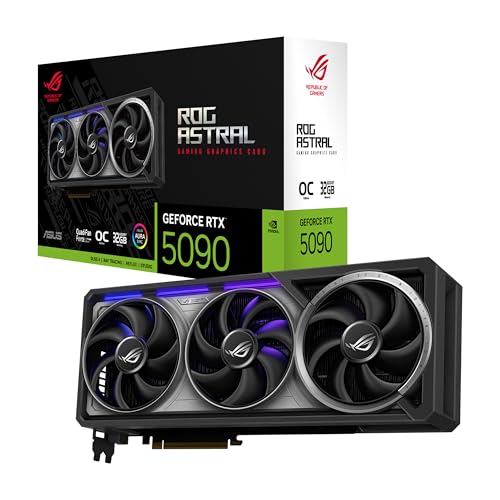
The best 32gb graphics card options are expensive, high end GPUs. See who actually needs 32GB of VRAM, what power and case space they demand and what to choose.
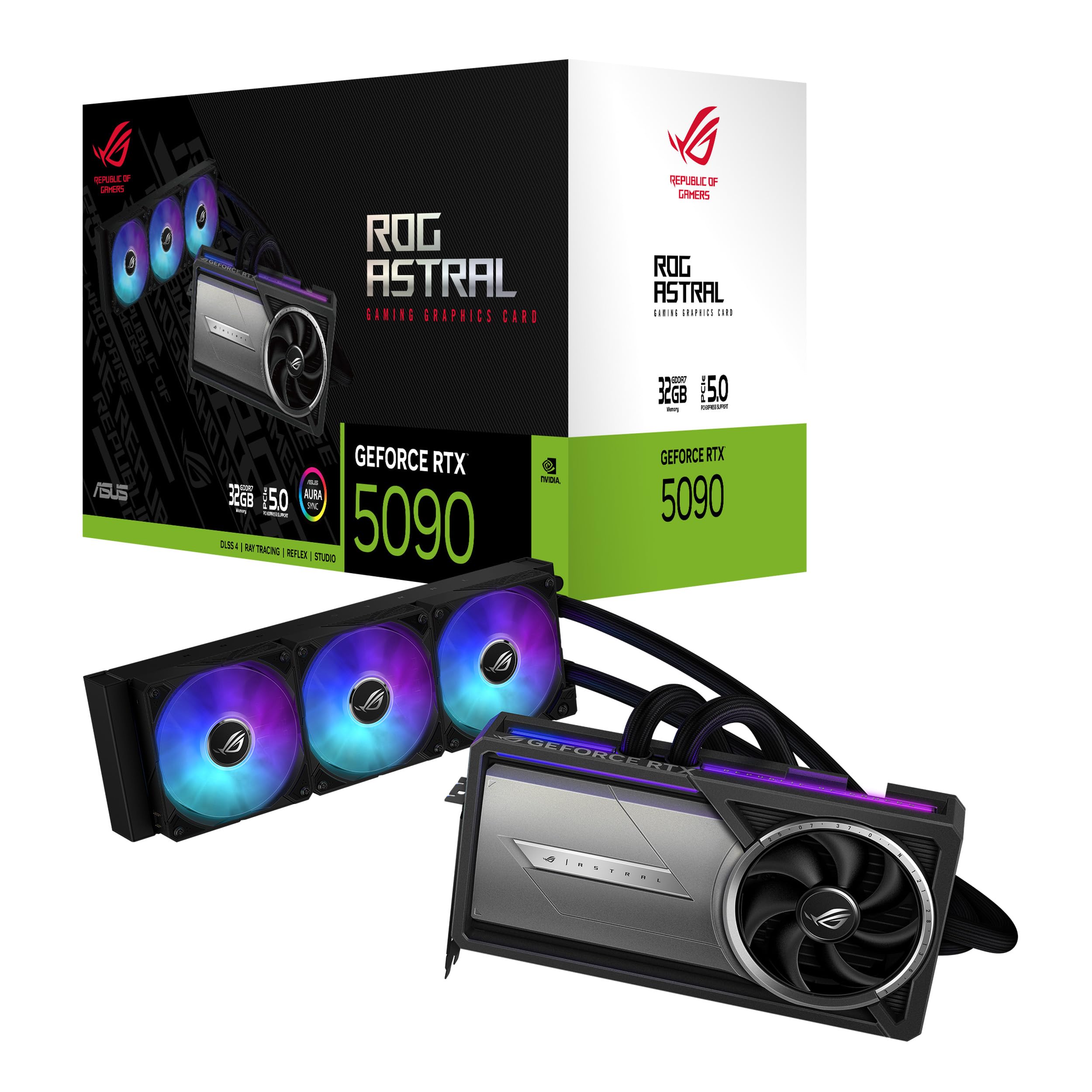
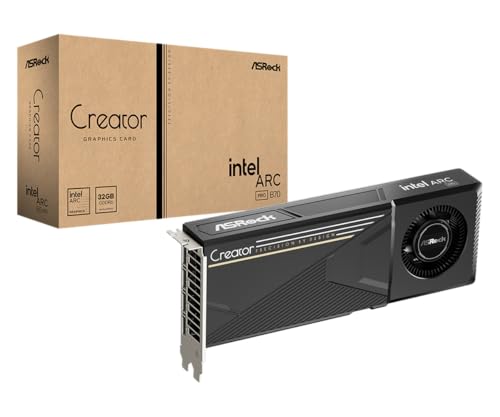
A graphics card with 32GB of video memory is a specialist tool. The best 32gb graphics card come from a short list of top-tier GeForce cards and workstation or AI-focused cards, and they cost far more than the mainstream models most gamers buy. The product table lists the options now available, and this guide helps you decide whether you really need that much memory.
In plain terms: 32GB of VRAM matters when your work does not fit in less. For most games it is more than enough, and a cheaper card with less memory will play them equally well.




Who actually needs 32GB of VRAM
Video memory holds textures, models and data that the GPU is working on right now. When it runs out, performance drops sharply or the job fails. The cases where 32GB makes a difference are specific.
- Local AI work: large language models and image generators load their weights into VRAM, so more memory means bigger models and longer context
- 3D rendering: complex scenes with high resolution textures and many objects can exceed smaller cards
- Video and effects work: 8K timelines and heavy effects stacks use a lot of memory
- Scientific and engineering workloads: simulations and large datasets benefit
- High resolution gaming with mods: a few heavily modded games can use more than average, though 32GB is usually unnecessary
If your work does not belong in this list, consider a card with 16GB or 24GB and spend the savings on the rest of the system. Our guides to the best NVIDIA graphics card and best AMD graphics card cover the mainstream tiers.
GeForce or workstation cards?
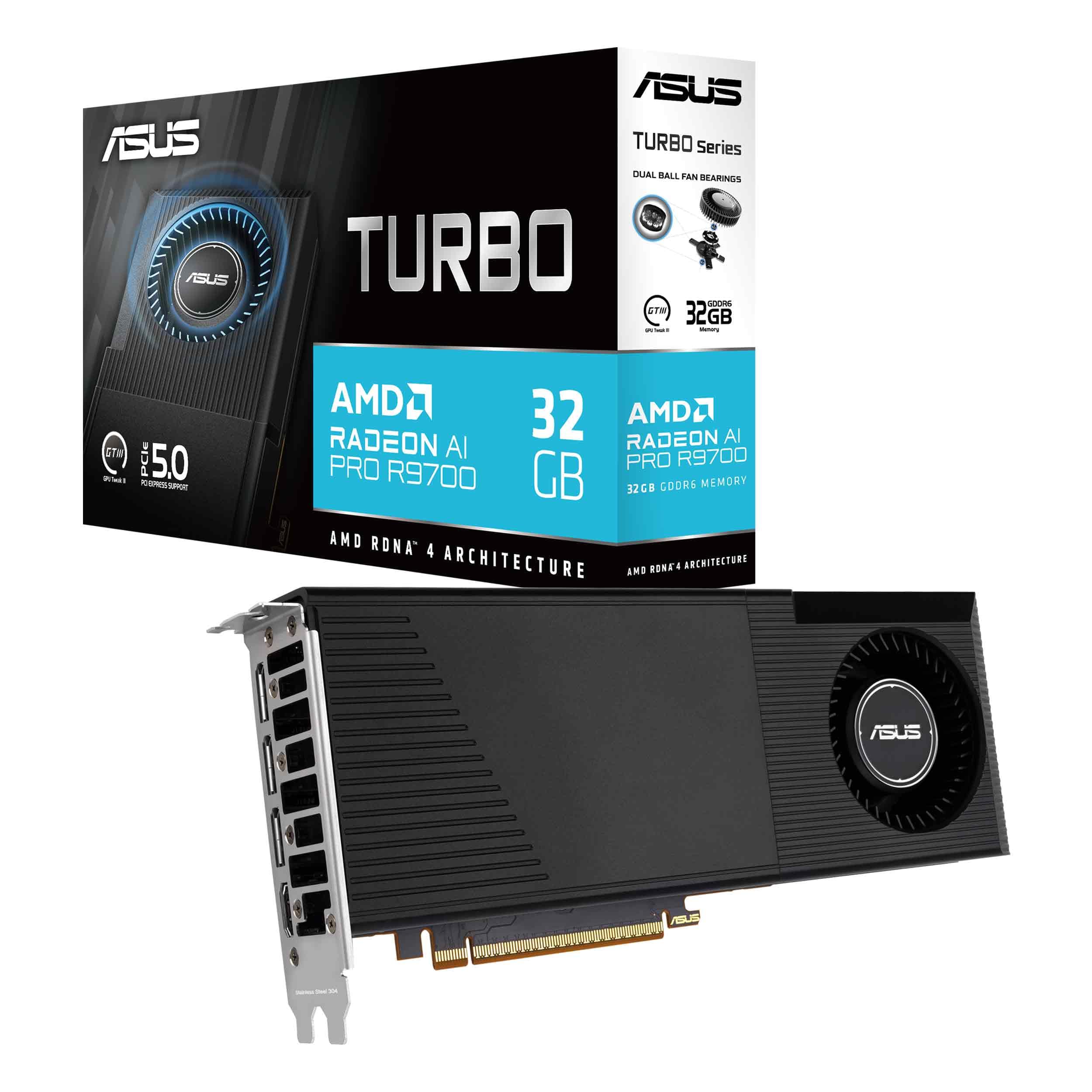
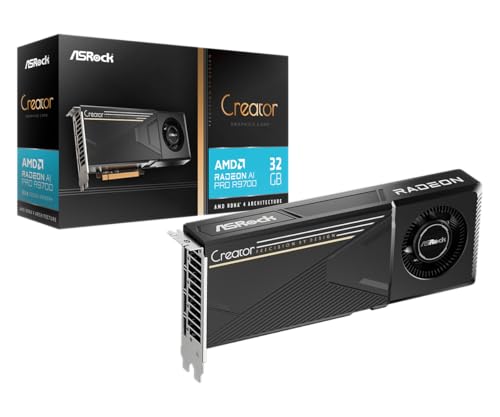
Some 32GB cards are gaming-class GeForce cards with extreme cooling and speed. Others are workstation or AI cards from Radeon Pro, Intel Arc Pro and similar lines, built for steady loads, with drivers tuned for professional software. Gaming cards usually give more raw speed for the price, while workstation cards often offer certified drivers, blower-style cooling that suits multi-card systems and longer support.
Software support matters as much as hardware. Many AI and rendering tools run best on NVIDIA cards because of the CUDA platform, while AMD and Intel cards have their own software stacks that work with a growing list of tools. Check that your main applications support the card before you buy. For a short comparison, see NVIDIA vs AMD.
Power, cooling and size
Top cards draw a lot of power and make a lot of heat. Check the maker's recommended power supply rating, and make sure the supply has the right connectors. Many high-end cards use a high-power 12 volt connector that needs a proper cable or adapter, and a poor connection can be dangerous, so seat it fully.
- Physical size: large cards are long and thick, and may need three or four slots
- Case clearance: measure the length, height and the space for cables
- Cooling: good airflow in the case matters, since a hot card throttles
- Motherboard slot: make sure the board can support the card's weight, and use a bracket if necessary
Workstation blower cards exhaust heat out the back, which suits tight cases, while open-air gaming cards throw heat into the case.
How to choose the best 32gb graphics card
Match the card to the software
Read what your applications recommend. A rendering program or an AI framework may list tested cards. If your tool needs CUDA, choose NVIDIA. If you use open source tools with other back ends, AMD or Intel may work.
Compare memory type and bandwidth
Newer memory types move data faster, which helps large models and heavy scenes. Check the listing for the memory type, not only the size.
Check warranty and support
At this price, warranty terms matter. Choose a brand with a reliable support record, and read the policy on professional use, since some warranties differ.
Think about the whole system
A strong card needs a capable processor, enough system memory and a fast drive. Spending all your budget on the card and starving the rest can leave the GPU waiting for data.
Installing and updating
- Power down, unplug the PC and ground yourself
- Remove the old card and seat the new one firmly in the top x16 slot
- Connect each power cable fully until it clicks
- Boot and install the latest driver from the maker's site
- Check temperatures and fan curves under load
Our guide on how to update graphics card drivers walks through the driver step.
Memory bandwidth and what 32GB cannot fix
VRAM size and speed are separate things. A card can have a big pool of memory and still be slow if the memory bus is narrow or the GPU is modest. For AI tasks, bandwidth decides how fast the model produces results, and a large model on a slow card may run, but slowly. For rendering, the number of compute units sets the time per frame. Read both the memory size and the performance figures in independent reviews, not just the headline capacity.
Also remember that 32GB on one card is not the same as 16GB on two cards. Most games and many tools cannot combine memory across cards, so a single big card is simpler than two smaller ones.
Noise, heat and the room
High-end cards produce serious heat, enough to warm a small room during long jobs. Check the cooling design and plan the case airflow, and keep the PC off the floor and away from carpets that clog filters. If you run long renders overnight, a quieter fan curve and a ventilated space avoid throttling. Some workstation blowers are loud under load, so read comments on noise if the PC sits near your desk.
Warranty and resale
A card in this price range keeps value better than a mid-range model, but resale depends on condition, receipts and warranty transfer. Keep the box and all accessories, register the card and note the serial number. Use the maker's tools to monitor temperatures. Avoid heavy overclocking, which can void the warranty on some models and rarely brings useful gains in professional work.
Alternatives to consider
Cloud GPU rental is a flexible option if you only need a large card occasionally. Dual smaller cards can work in some software, though not in games. A card with 24GB of memory costs less and covers many models. If you only need more memory for a small number of tasks, consider whether lowering the model size or the scene complexity gets the job done on a smaller card.
FAQ
Is 32GB of VRAM good for gaming?
It is more than games need today. The cost is rarely worth it for gaming alone.
Do I need a new power supply?
Most likely, since these cards draw a lot of power.
Will it fit my case?
Only if you measure. Many are very large.
Is a workstation card better for AI?
It depends on software support, memory and price.
Final thoughts
The best 32gb graphics card are for work that outgrows smaller cards. Decide whether your tasks need that much memory, check software support, measure your case and power supply and compare the cards in the product table.
Prices and availability can change, so check the product page before ordering.


