Best Affordable TVs: Every Type Explained Side by Side
Disclosure: We may earn a commission when you buy through links on this page, at no extra cost to you. As an Amazon Associate I earn from qualifying purchases. Learn more

Budget 4K LED, Mini LED QLED, gaming and value OLED TVs compared side by side with prices, strengths and buying tips.
Shopping for an affordable TV is confusing because the same budget can buy very different technology. For the price of one premium set you can choose between a huge basic 4K LED TV, a smaller but much brighter Mini LED model, a fast gaming TV or even a discounted OLED. This guide to the best affordable tvs explains every type side by side so you can decide which trade offs make sense for your room and habits.
The short answer: most people get the best value from a Mini LED QLED TV such as the TCL QM6K or Samsung M70H, which costs around $430 to $650 in 55 to 65 inch sizes and delivers much better brightness and contrast than basic 4K LED TVs; choose a basic 4K LED model around $300 to $400 for bedrooms and casual viewing, and a discounted OLED around $900 to $1,150 if you watch mostly in a dark room.

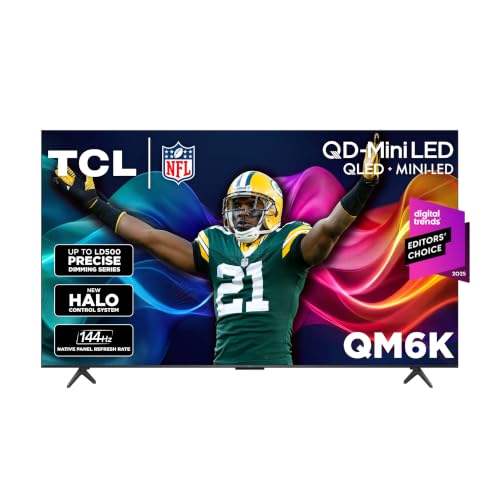
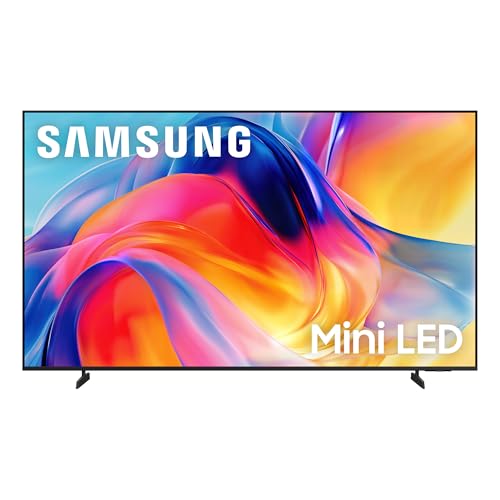
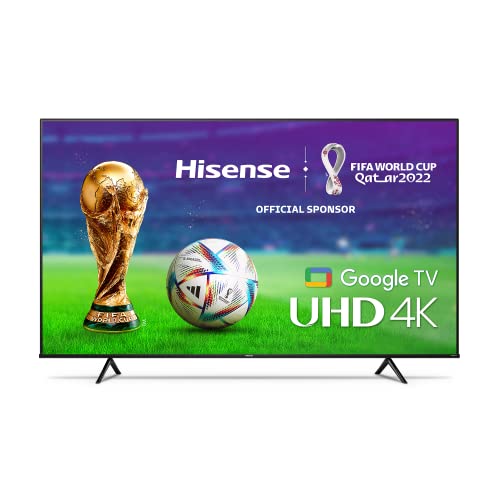
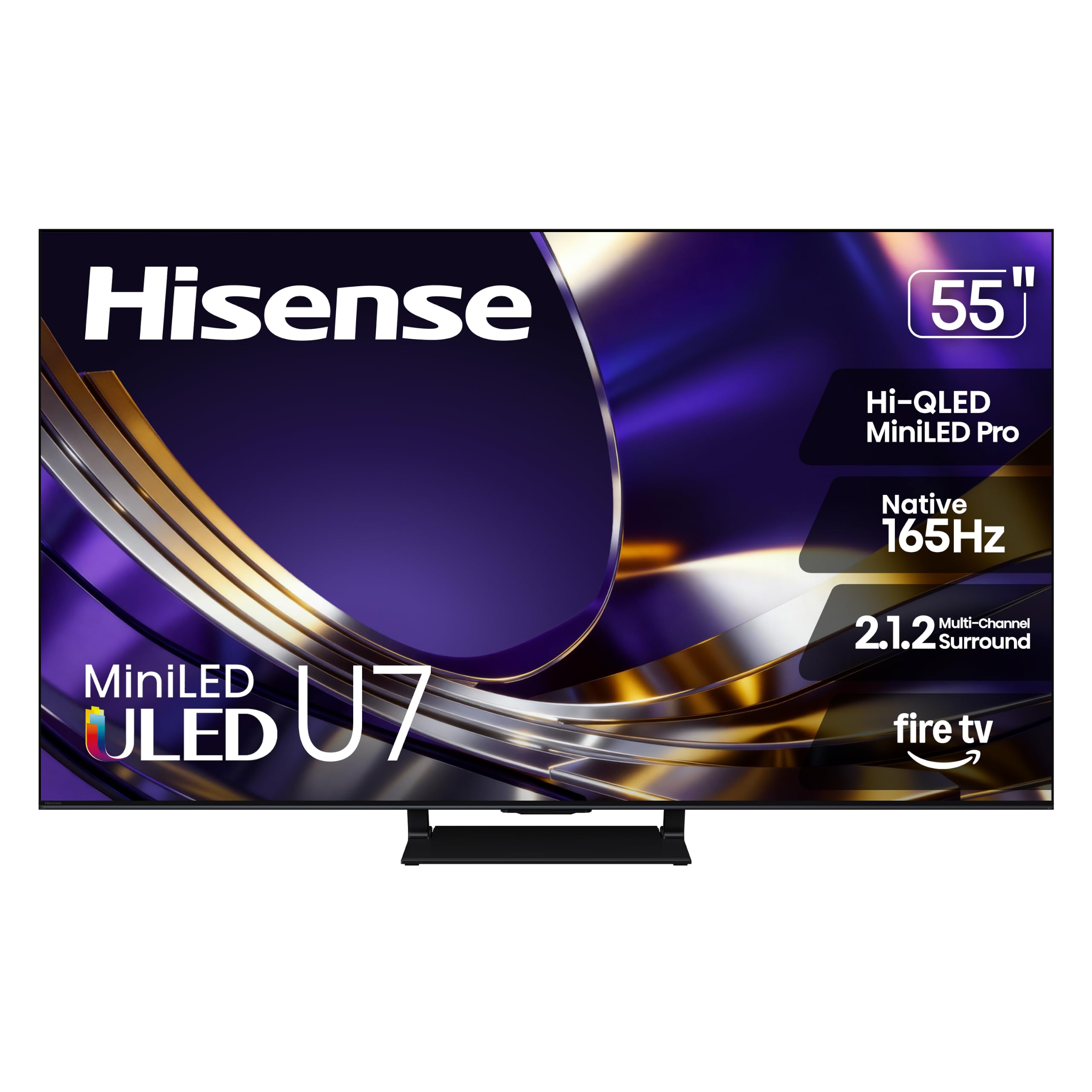


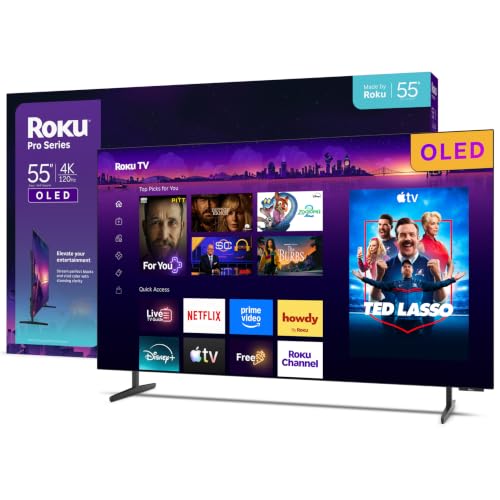
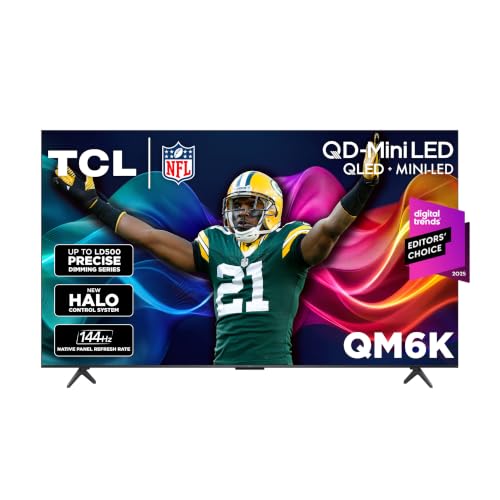
Top 3 Picks at a Glance
These three TVs from the product table above represent the best value in budget 4K LED, Mini LED and big screen categories.


Types of TVs Compared
The table below summarizes the main affordable TV types before we look at each one.
| Type | Best For | Pros | Cons | Typical Price (55 inch) |
|---|---|---|---|---|
| Basic 4K LED | Bedrooms, casual viewing, tight budgets | Low price, 4K resolution, built in smart apps | Limited brightness and contrast, weak HDR | around $300 to $400 |
| Mini LED QLED | Living rooms, bright rooms, most buyers | High brightness, local dimming, strong HDR | Some blooming around bright objects | around $500 to $700 |
| Gaming focused LED | Console and PC gamers | 120Hz to 144Hz, VRR, low input lag | Gaming features add cost | around $550 to $750 |
| Value OLED | Movie nights, dark rooms | Perfect blacks, wide viewing angles, fast response | Less bright, higher price, burn in care | around $900 to $1,150 |
Basic 4K LED TVs
Basic 4K LED TVs use an edge lit or simple direct LED backlight with no or very limited local dimming. They deliver sharp 4K resolution, HDR support on paper and smart platforms such as Fire TV, Roku or Google TV at very low prices. Insignia, Hisense, TCL and Samsung all offer models in this class.
Their weaknesses are brightness and contrast. Dark scenes look grayish, and HDR highlights do not pop. These TVs suit bedrooms, guest rooms, kids' rooms and anyone who mostly watches TV shows, news and sports in moderate light.
Mini LED QLED TVs
Mini LED TVs use thousands of tiny LEDs grouped into local dimming zones behind the screen, combined with quantum dot color. They deliver much higher brightness, deeper blacks and far stronger HDR than basic LED TVs. Many models add 120Hz or 144Hz panels and gaming features.
Some blooming, or halos around bright objects on dark backgrounds, can appear, but overall picture quality is excellent for the money. Mini LED TVs suit living rooms, bright rooms and anyone who wants the biggest jump in picture quality per dollar.
Gaming Focused TVs
Gaming focused TVs prioritize high refresh rates of 120Hz to 144Hz, variable refresh rate, auto low latency mode and HDMI 2.1 ports. Many are Mini LED models, though some basic LED TVs add game modes as well. They make PS5, Xbox Series X and PC games feel smoother and more responsive.
Gaming features add cost, so casual viewers may not need them. Gamers should prioritize native 120Hz panels and at least two HDMI 2.1 ports.
Value OLED TVs
OLED TVs light each pixel individually, producing perfect blacks, infinite contrast and wide viewing angles. Previous year models and new value OLED lines bring prices closer to premium Mini LED TVs. They excel at movies in dark rooms and offer near instant response for gaming.
OLEDs are less bright than top Mini LED models, cost more and need some care to avoid burn in with static images. They suit movie lovers with controlled lighting.
Mini LED vs OLED: Which Should You Choose?
- Brightness: Mini LED TVs get much brighter, ideal for sunny rooms and bright HDR highlights.
- Contrast and blacks: OLED wins with perfect blacks and no blooming.
- Viewing angles: OLED keeps colors accurate from wide angles; many Mini LED TVs fade off center.
- Price: Mini LED offers larger screens for less money.
- Longevity: Mini LED has no burn in risk, while OLED requires some care with static content.
Choose Mini LED for bright rooms, big screens and mixed use. Choose OLED for dedicated movie watching in darker rooms where picture quality matters most.
How to Choose the Right TV
Once you know which type fits, compare models on the features below to find the best affordable tvs for your space.
Smart Platform and Sound
Smart platforms differ in ease of use and features. Roku is simple and neutral, Google TV recommends shows and supports casting, Fire TV integrates with Alexa and Samsung Tizen and LG webOS offer polished interfaces. Built in speakers on thin TVs are usually modest, so budget for a soundbar if audio matters.
What You Can Realistically Get on a Budget
Around $300 to $400 buys a 55 inch basic 4K LED TV with a smart platform. Around $430 to $650 buys a 55 to 65 inch Mini LED QLED TV with much better HDR. Around $900 to $1,150 buys a 55 inch OLED. Do not compromise on brightness and local dimming if you watch in a bright room or care about HDR.
Adaptive Sync and Gaming Features
Gamers should look for native 120Hz or 144Hz panels, HDMI 2.1 ports, variable refresh rate and auto low latency mode. These features reduce tearing and input lag. Casual viewers can skip them, but most Mini LED TVs now include them at affordable prices.
Stand, Mounting, and Ergonomics
Check stand width and placement, since many TVs use feet at the edges that require wide furniture. VESA mounting holes allow wall mounting. Larger TVs weigh more, so confirm your stand or wall can support them.
Panel Technology (VA, IPS, OLED, Mini LED)
VA panels offer better contrast for dark rooms, while IPS style panels provide wider viewing angles for wide seating arrangements. Mini LED backlights improve contrast and brightness on either panel type. OLED panels need no backlight, delivering perfect blacks.
Care and Maintenance Tips
Calibrate picture settings by turning off vivid mode and choosing movie or filmmaker mode for accurate colors. Use pixel refresh on OLEDs, which runs automatically when the TV is off. Clean screens with a microfiber cloth only. Use quality HDMI 2.1 cables for 4K 120Hz gaming. Keep vents clear and use a surge protector to protect electronics.
Setting Up a New TV for the Best Picture
Even an affordable TV looks dramatically better with a few minutes of setup. Start by switching the picture mode from vivid or dynamic, which oversaturates colors, to movie, filmmaker or calibrated mode. Turn off motion smoothing for films to avoid the soap opera effect, but consider a light setting for sports. Adjust backlight or brightness to suit your room: higher for sunny living rooms, lower for dark home theaters.
For gaming, enable game mode or auto low latency mode and confirm your console outputs 4K at 120Hz on HDMI 2.1 ports. Connect a soundbar to the HDMI eARC port for better audio. Finally, update the TV's software and sign into your streaming apps, then place or mount the TV so the center of the screen sits near seated eye level.
Improving Audio on a Budget TV
Thin TVs have small speakers, so dialogue often sounds thin and bass is weak. A soundbar is the most effective upgrade, and capable models start around $100. Choose one with a center channel or dialogue enhancement mode for clearer voices. Soundbars with wireless subwoofers add rumble for movies and games.
Connect the soundbar through HDMI eARC so your TV remote controls volume and audio formats pass through properly. If you watch late at night, look for night modes that compress loud effects or use Bluetooth headphones.
Smart Features Worth Having
Modern affordable TVs include voice remotes, casting support and free ad supported channels. Voice search makes finding shows faster across apps, while Chromecast and AirPlay let you send videos and photos from phones. Free channel services like Roku Channel, Samsung TV Plus and Google TV free channels provide live news and entertainment without subscriptions. Hands free voice control and smart home integration are nice extras but rarely essential.
When to Buy Affordable TVs
TV prices drop significantly during sales events. Black Friday and Cyber Monday bring the deepest discounts, while Super Bowl sales and spring model changeovers offer strong deals on previous year models. Prime Day and Labor Day also feature competitive prices. If you can wait, tracking prices for a few weeks often saves 20 percent or more.
Previous year models are often the best value, delivering nearly identical picture quality at lower prices. Check that they still receive software updates and have the ports you need.
Size vs Quality: Where to Spend
A common dilemma is whether to buy a bigger basic TV or a smaller premium one. For bright living rooms and HDR movies, a 55 inch Mini LED TV often looks better than a 65 inch basic LED TV. For sports and casual viewing from a distance, the bigger screen may matter more. Value Mini LED TVs like the Samsung 65 inch M70H now offer both size and quality for under $450, making the trade off easier than ever.
FAQs
Is 4K worth it on an affordable TV?
Yes, 4K is standard on affordable TVs 43 inches and larger. Most streaming services and consoles support 4K, and budget 4K TVs cost little more than 1080p models. Focus on brightness and contrast, which differ more between models than resolution.
Does refresh rate matter for non gamers?
Refresh rate matters somewhat for sports but less for movies and shows. Native 120Hz panels reduce motion blur in fast action. Non gamers can be satisfied with 60Hz, though many affordable Mini LED TVs now include 120Hz or 144Hz.
How long do affordable TVs last?
Most affordable TVs last around six to ten years. LED backlights and OLED panels are designed for many thousands of hours. Smart platforms may slow down sooner, but a streaming stick can extend a TV's useful life.
What size TV should I get for my room?
Choose a size based on viewing distance: about 55 inches for 5.5 to 7 feet, 65 inches for 6.5 to 8 feet and 75 inches for 7.5 feet or more. Bigger screens feel more immersive, and many people wish they had chosen larger.
IPS vs OLED: which is better?
OLED is better for contrast, viewing angles and motion, while IPS style LED panels are better for brightness and price. OLED excels in dark rooms. IPS style panels keep colors consistent across wide seating, but blacks look grayer.
Are cheap TV brands reliable?
Affordable brands like TCL, Hisense, Insignia and Roku are generally reliable for everyday use. They use panels from major manufacturers and provide warranties and software updates. Use a surge protector and register your warranty to protect your purchase.
Should I buy an extended warranty for an affordable TV?
Extended warranties are rarely worth it for budget TVs but can make sense for expensive OLED or large Mini LED models. Most failures happen early, within the standard warranty period. Check whether your credit card extends manufacturer warranties automatically.
Final Thoughts
The right affordable TV depends on your room, viewing habits and budget. Basic 4K LED TVs suit bedrooms and casual viewing, Mini LED QLED TVs offer the best overall value for living rooms, gaming TVs deliver smooth play and value OLEDs shine in dark rooms. Prioritize brightness, contrast and the features you will use, and take advantage of seasonal sales to stretch your budget further.
Compare the best affordable tvs in the product table above to find the right type and size for your home.