
Best Antennas for TVs in 2026: Which Type Is Right for You?
Disclosure: We may earn a commission when you buy through links on this page, at no extra cost to you. As an Amazon Associate I earn from qualifying purchases. Learn more

Indoor, amplified and outdoor TV antennas compared, with tips on signal maps, range, UHF and VHF, and setup.
Free over the air TV is still one of the best deals in home entertainment. A simple antenna can pull in major local networks, news, sports and dozens of subchannels in full HD, often with better picture quality than compressed cable or streaming feeds, and with no monthly bill. The catch is that reception depends heavily on where you live, how far you are from broadcast towers and what stands in the way. The best antennas for tvs are matched to your distance from towers, the direction of the signals and whether you can mount an antenna indoors, in the attic or outside.
This guide compares antenna types, explains how to choose one and covers setup and care. Compare current models in the product table above.

Types of Antennas for TVs Compared
TV antennas fall into a few main types: indoor flat antennas, amplified indoor antennas, outdoor directional antennas and outdoor multidirectional antennas. Here is how each one works and who it suits.
Indoor Flat Antennas
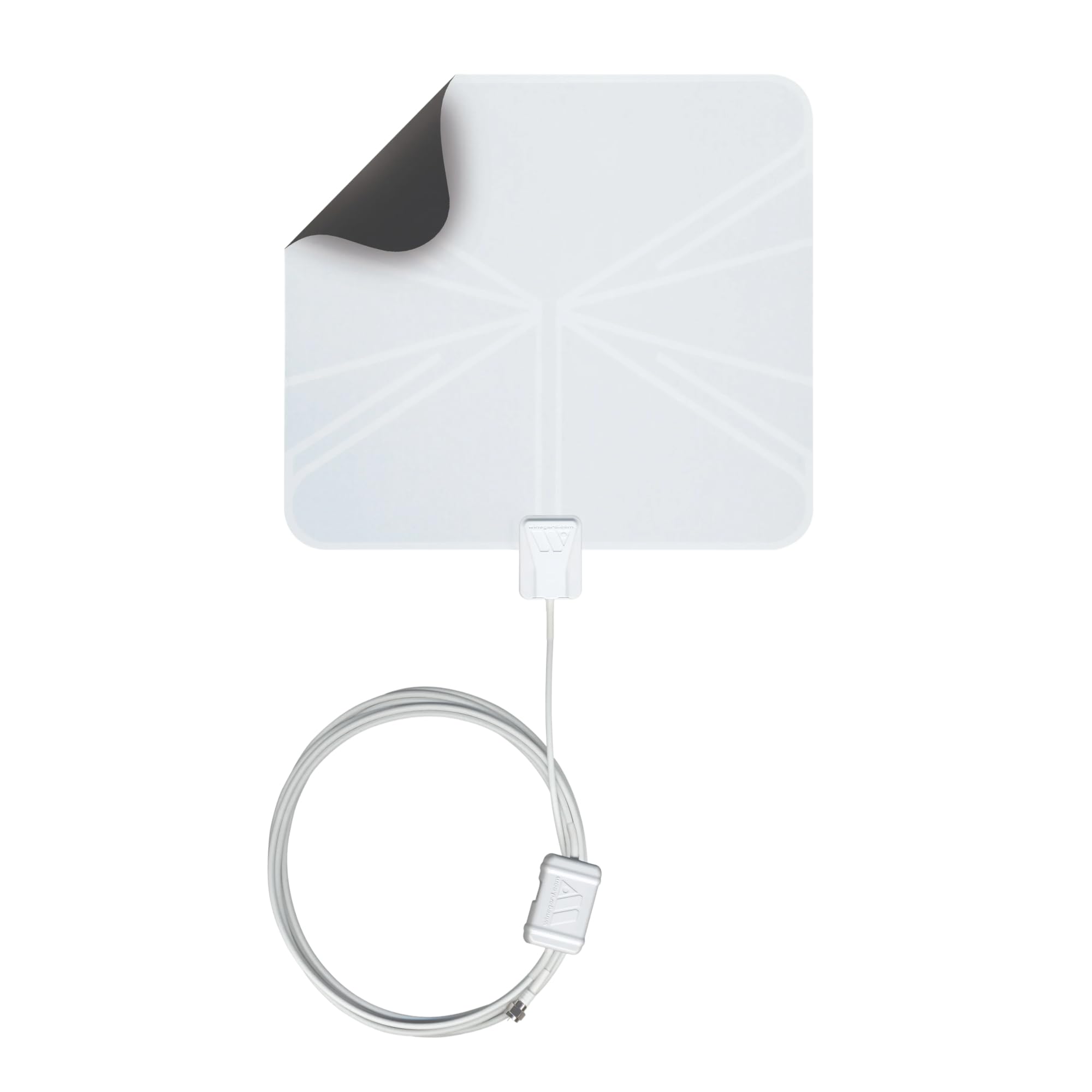
Indoor flat antennas are thin, paper like panels that stick to a wall or window near the TV. They are inexpensive, usually $15 to $50, easy to hide and need no tools. They work best in cities and suburbs within roughly 25 to 35 miles of broadcast towers, especially when placed high on a wall or window facing the towers. Reception drops in basements, behind thick walls or with hills and tall buildings in the way. They are the right first step for most urban viewers.
Amplified Indoor Antennas
Amplified indoor antennas add a small powered amplifier that boosts the signal to overcome losses from long cables or splitters. They can help viewers a bit farther from towers or in homes with weaker signals. However, amplifiers cannot create a signal that is not there, and in areas close to towers they can overload the tuner and make reception worse. Many include a removable amplifier so you can try both ways.
Outdoor Directional Antennas
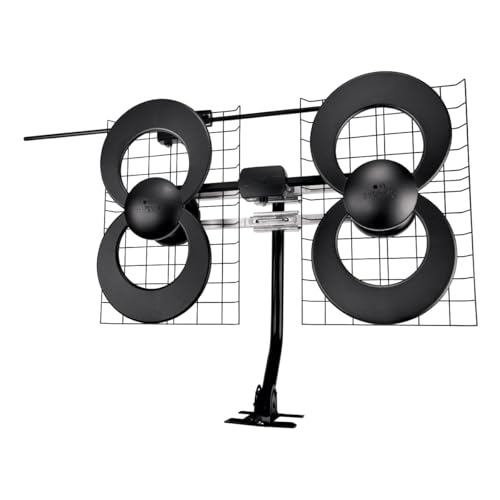
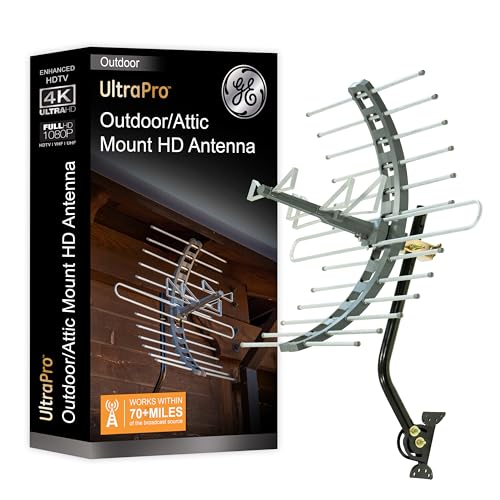
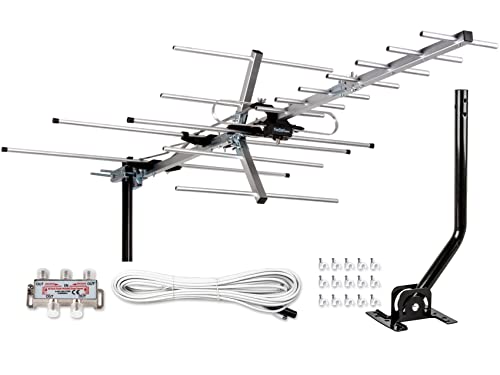
Outdoor directional antennas, such as Yagi and multi element designs, focus on signals coming from one direction. Mounted on a roof or mast, they offer the longest range, often 50 to 70 miles or more in good conditions, and reject interference from other directions. They are ideal for rural homes where towers are all in one direction. Mounting takes more effort and must be done safely, away from power lines.
Outdoor Multidirectional Antennas
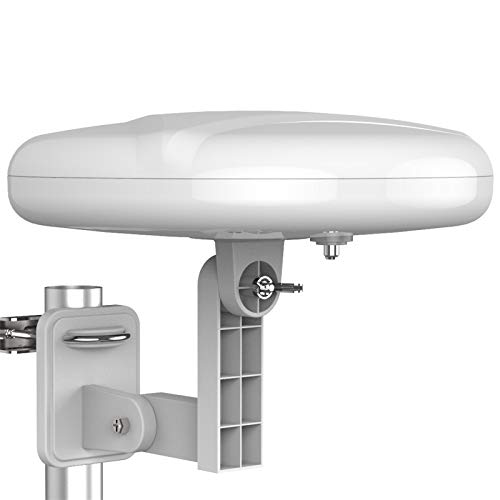
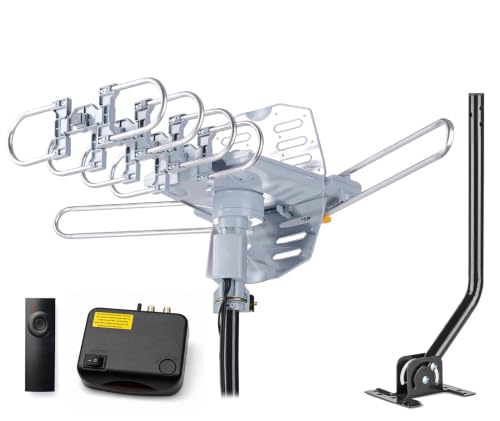
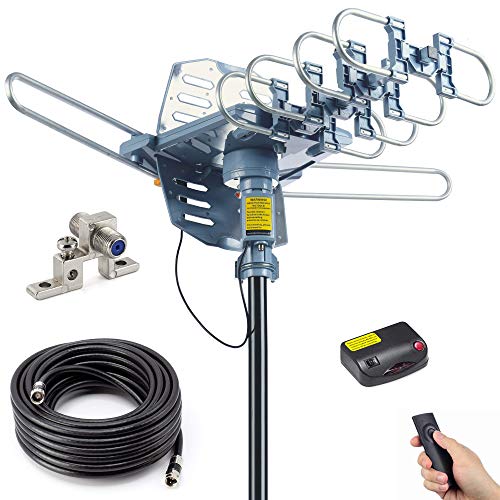
Multidirectional or omnidirectional outdoor antennas receive signals from several directions at once, which suits homes between towers in different cities. They typically cover a medium range of about 30 to 60 miles. Some models include motorized rotation so you can turn the antenna toward specific towers from a remote. Attic installation is a good compromise for these antennas when roof mounting is not allowed, though roofing materials reduce signal somewhat.
RV and Portable Antennas
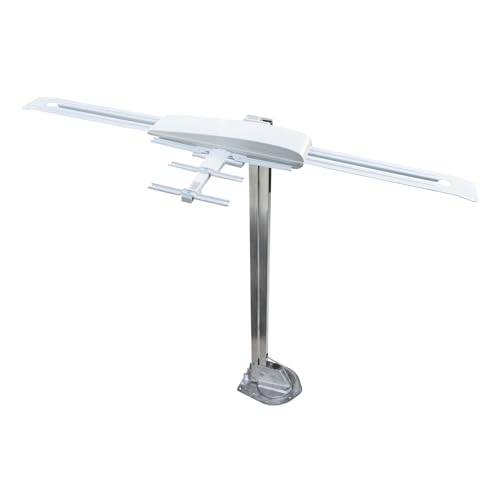
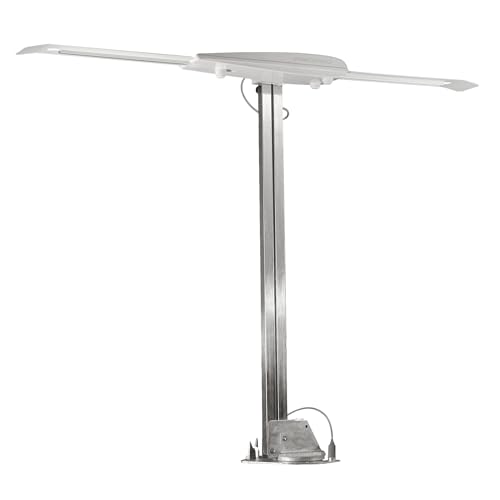
RV antennas, such as crank up batwing designs and compact omnidirectional domes, are built for travel and mount on vehicle roofs. They are designed to handle wind and vibration and pick up local stations wherever you park.
Indoor vs Outdoor Antennas: Which Should You Choose?
Choose an indoor antenna if you live within about 30 miles of most broadcast towers, rent your home or want the simplest setup. Choose an outdoor or attic antenna if you live farther out, have hills or trees blocking signals, or want to receive every possible channel reliably.
Height and placement matter more than anything else. An outdoor antenna mounted 20 to 30 feet up can receive far more channels than an indoor antenna, because it clears walls, trees and nearby buildings. Indoor antennas are cheaper and easier, but signal strength drops each time it passes through walls, glass with metallic coatings and siding. Many viewers start with an indoor antenna and move to an attic or outdoor model only if they are missing channels they want.
How to Choose the Right Antenna
The right TV antenna depends on your distance from towers, signal direction, the channels you want and where you can mount it. These are the factors to check.
Check Your Local Signals First
Before buying, look up which stations broadcast in your area, their distance and their direction from your address. The FCC's DTV Reception Maps and similar signal locator sites show predicted signal strength for each channel at your location. Note whether the stations you want broadcast on UHF or VHF frequencies, since some antennas favor UHF and may miss VHF stations.
Realistic Range Claims
Many antennas advertise ranges of hundreds or even thousands of miles, which is not realistic. Because of the curvature of the earth and terrain, practical reception is usually limited to roughly 70 miles even with large outdoor antennas in ideal conditions. Treat range claims as rough comparisons between models and rely on signal maps for your location.
UHF and VHF Reception
Most digital stations broadcast on UHF, but some major networks in certain markets use high VHF channels (7 to 13), and a few use low VHF. Small flat antennas often struggle with VHF. If any of your desired stations are VHF, choose an antenna rated for both bands, which often means larger elements.
Amplified or Non Amplified
Choose an amplified antenna if you live far from towers, run a long coaxial cable or split the signal to several TVs. Choose a non amplified antenna if you live close to towers, since amplifiers can overload tuners with strong signals. A removable or adjustable amplifier gives you both options.
ATSC 3.0 (NextGen TV)
ATSC 3.0, also called NextGen TV, is the newer broadcast standard rolling out in many markets, offering 4K potential, better audio and improved reception. Any good antenna can receive ATSC 3.0 signals, since it uses the same frequencies, but you need a compatible TV or external tuner to decode them. Marketing that claims an antenna is specially "4K" or "8K" is mostly a label.
Cable Quality and Mounting Hardware
Use RG6 coaxial cable for the best signal, and keep runs as short as practical. Outdoor antennas should include sturdy mounting brackets and weatherproof connectors. Indoor antennas with long detachable cables make it easier to place the antenna in the best spot, which is often not right behind the TV.
Attic Antennas
Attic installation hides an outdoor style antenna from view and protects it from weather, which makes it popular in neighborhoods with HOA rules. Expect some signal loss through roofing, especially metal roofs, foil backed insulation or solar panels, so attic setups work best within about 40 miles of towers. Mount the antenna as high in the attic as possible and away from ductwork and wiring, and run the cable down through an interior wall to the TV or a splitter.
Placement Tips That Add Channels
Small placement changes often add several channels. Try the antenna on different walls, especially those facing the towers, and at different heights. Windows usually work better than interior walls, unless they have metallic low E coatings. Keep the antenna away from large appliances, mirrors and metal furniture. Rescan after each move so the TV finds every channel at the new spot.
Picking the Right Antennas for Different Uses
Different homes call for different antenna setups. Here is what works best for common situations.
Best Outside Antennas for TVs: Which Type Works Best
For rural and fringe areas, a directional outdoor antenna aimed at the main tower cluster delivers the best results. For suburban homes between cities, a multidirectional outdoor antenna or a model with a motorized rotator covers towers in different directions. Mount it as high as safely possible with clear line of sight.
Best Antennas for Smart TVs
Every smart TV with a built in ATSC tuner works with any antenna; simply connect to the RF or antenna input and run a channel scan. Some smart TVs integrate live antenna channels into their guide alongside streaming apps.
Best Antennas for Apartments
Apartment dwellers should use a flat or amplified indoor antenna placed high on a window or wall facing the towers. Higher floors usually get better reception.
Best Antennas for Multiple TVs
To feed several TVs, use one attic or outdoor antenna with a distribution amplifier, or a network tuner that streams antenna channels to smart TVs, phones and streaming devices over your home WiFi.
How to Set Up a TV Antenna
Setting up an antenna takes about 15 to 60 minutes depending on the type.
- Find tower directions using a signal map for your address.
- Place or mount the antenna as high as possible, facing the towers, away from metal objects and electronics.
- Connect the coaxial cable to the TV's antenna input; plug in the amplifier if used.
- Run a channel scan in the TV's settings menu, often called auto program or channel search.
- Adjust and rescan: move the antenna a few feet or rotate it, then rescan to find the best position.
- Rescan periodically, since stations occasionally change frequencies.
For outdoor installs, never mount antennas near power lines, follow ground and lightning protection guidance in the manual and local code, and consider a professional installer for roof work.
Common Reception Problems and How to Fix Them
Most antenna reception problems come from placement, interference or cabling, and they are usually easy to fix.
- Pixelation or freezing: the signal is weak or fluctuating. Move the antenna higher, closer to a window facing the towers, or away from metal objects, then rescan.
- Channels disappear at certain times: weather, foliage and atmospheric conditions affect distant stations. A larger or outdoor antenna adds margin.
- Missing one network: it may broadcast on VHF or from a different direction. Check its frequency and direction on a signal map and choose an antenna that covers it.
- Reception worse with amplifier: strong local signals may be overloading the tuner. Turn the amplifier off or remove it.
- Interference from electronics: LED lights, routers and USB 3.0 devices near the antenna can cause noise. Move the antenna or the devices apart.
- Loose or damaged cable: tighten connectors and replace kinked or corroded coax.
- Signal lost after splitting: each splitter output cuts signal strength, so add a distribution amplifier when feeding three or more TVs.
Cutting the Cord With an Antenna
An antenna pairs well with streaming services to replace cable TV for a fraction of the cost. Local channels cover network shows, local news, many live sports and weather alerts, while streaming apps fill in on demand shows and cable networks. Because antenna channels are free and live, they also keep working during internet outages, which makes them useful for emergency information.
Recording Antenna TV With a DVR or Network Tuner
To record shows, add an over the air DVR or a network tuner with storage. Network tuners connect your antenna to your home network and stream live and recorded channels to smart TVs, phones and streaming players throughout the house, so you only need one well placed antenna. This makes the best antennas for tvs even more useful in homes with several screens.
How to Make Your Antenna Last Longer
Indoor antennas need little care: keep cables from being pinched and avoid repeatedly folding flat antennas. For outdoor and attic antennas, check mounts and connectors once a year and after storms. Use weatherproof boots or tape on outdoor connectors to keep moisture out, and replace corroded cable. Ground outdoor antennas properly to protect equipment from static and lightning surges. Keep amplifier power supplies plugged into a surge protector.
TV Antenna Price Tiers
- Under $30: basic flat indoor antennas for viewers close to towers.
- $30 to $70: amplified indoor antennas and compact outdoor or attic models for suburbs.
- $70 to $150: large outdoor directional and multidirectional antennas for long range reception.
- Over $150: premium outdoor antennas, motorized rotators and RV antenna systems.
Frequently Asked Questions
What features matter most in antennas for tvs?
The most important factors are range suited to your distance from towers, support for both UHF and VHF if your stations use them, and the right mounting style for your home. An amplifier helps only at longer distances or with long cables. Placement high and facing the towers matters more than any single feature.
Does an amplified antenna always work better?
No. Amplifiers help with weak signals, long cable runs and splitters, but near strong broadcast towers they can overload the TV tuner and cause dropouts. If reception gets worse with the amplifier on, try it unpowered.
How long do TV antennas last?
Indoor antennas often last many years with care. Outdoor antennas typically last 10 to 15 years or more, though connectors and cables may need replacement sooner due to weather. Inspect outdoor installations annually.
Is 4K available over the air?
Some ATSC 3.0 (NextGen TV) stations can broadcast in higher quality, and 4K content is limited but growing. Most over the air broadcasts today are 720p or 1080i HD, which still look excellent. You need an ATSC 3.0 compatible TV or tuner for NextGen broadcasts.
Indoor or outdoor: which is better?
Outdoor antennas are better for range and reliability because they sit higher with fewer obstacles. Indoor antennas are cheaper, easier and work well within about 30 miles of towers. Attic antennas are a middle ground when outdoor mounting is not allowed.
How many channels will I get?
It depends on your location. Many city and suburban viewers receive 30 to 80 channels including subchannels, while rural viewers may receive fewer. A signal map for your address gives the best estimate before you buy.
Wrapping Up
Start with a signal map to learn how far and in which direction your local towers are. City viewers usually do well with an indoor flat or amplified antenna, while suburban and rural homes benefit from attic or outdoor directional or multidirectional antennas mounted high. Ignore unrealistic range claims, check UHF and VHF support and place the antenna carefully, and the best antennas for tvs will deliver free HD channels for years. Compare current models in the product table above, and see our best tvs of all time guide to pair it with a great screen.


