
Best Cameras for Bloggers and Vloggers in 2026: Which Type Is Right for You?
Disclosure: We may earn a commission when you buy through links on this page, at no extra cost to you. As an Amazon Associate I earn from qualifying purchases. Learn more

Mirrorless, pocket gimbal, action and compact vlogging cameras compared, with how to choose and essential accessories.
Whether you film travel diaries, product reviews, cooking tutorials or daily vlogs, the camera you choose shapes how good your videos look and how easy they are to make. Phones are convenient, but dedicated vlogging cameras add better stabilization, larger sensors for low light, flip screens for framing yourself, microphone inputs and longer recording times. The best cameras for bloggers and vloggers balance video quality with portability, so you actually carry the camera and hit record.
This guide compares the main camera types for content creators, explains how to choose and covers care and common questions. Compare current models in the product table above.




Types of Cameras Compared
Creators typically choose among four camera types: mirrorless cameras, pocket gimbal cameras, action cameras and compact vlogging cameras. Each fits a different style of content.
Mirrorless Cameras
Mirrorless cameras with APS-C or full frame sensors deliver the best image quality, cinematic background blur and excellent low light performance. Vlogging focused models add fully articulating flip screens, eye tracking autofocus, microphone inputs and wide power zoom lenses. They are ideal for sit down videos, product reviews and travel films, but they are larger and require more gear, such as lenses, mics and tripods.
Pocket Gimbal Cameras
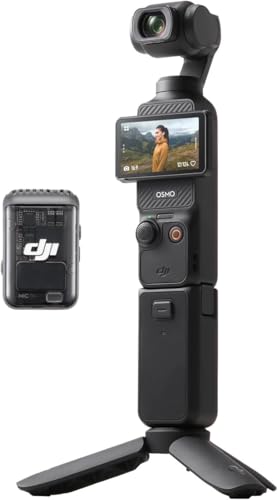
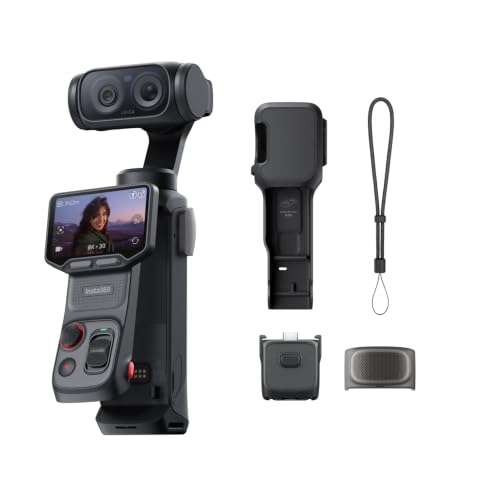
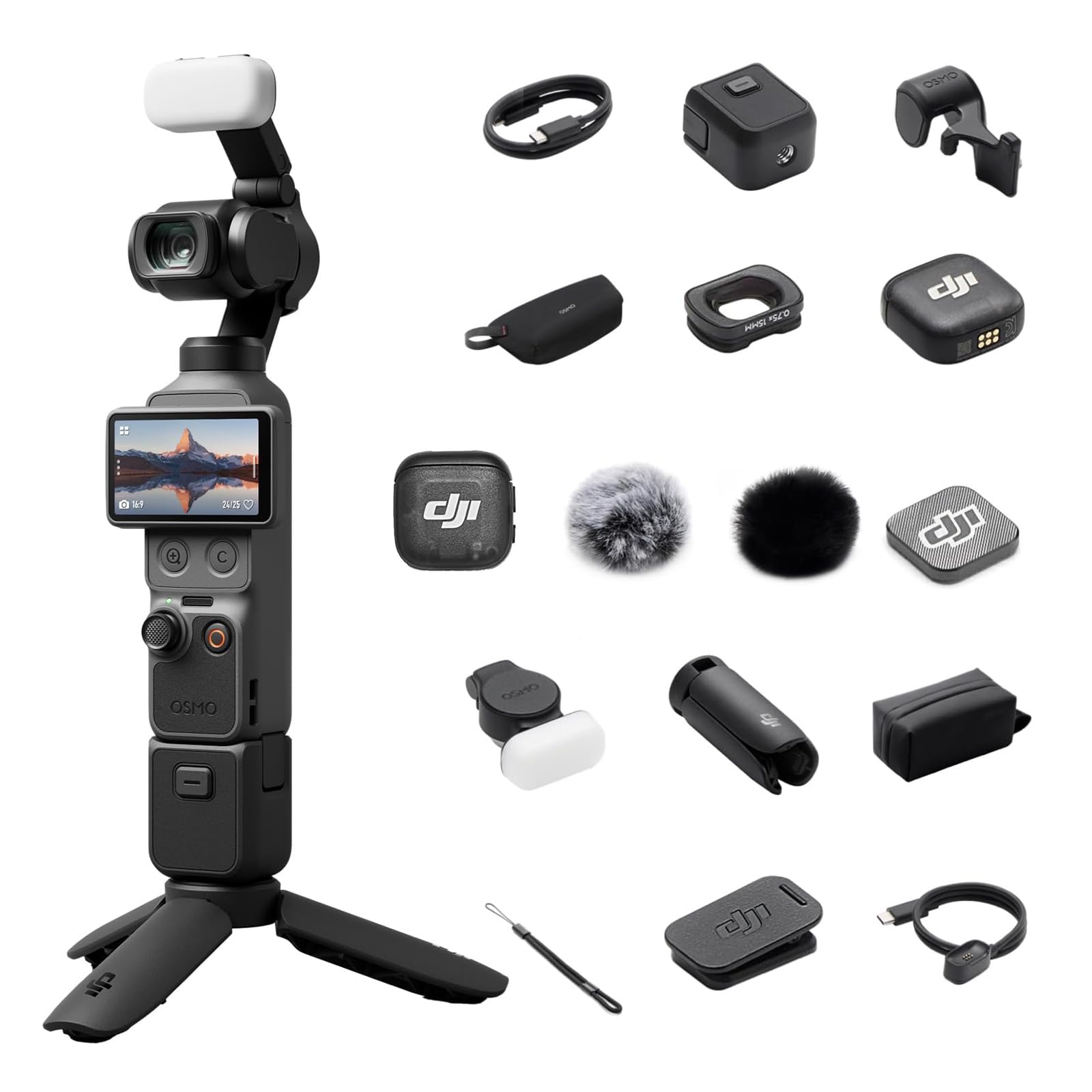
Pocket gimbal cameras like the DJI Osmo Pocket 3 combine a small camera with a built in 3 axis mechanical gimbal, producing very smooth walking footage from a device that fits in a pocket. The Pocket 3 uses a 1 inch sensor and records 4K up to 120fps, according to DJI, with a rotating screen for quick framing. They are perfect for walk and talk vlogs and travel.
Action Cameras
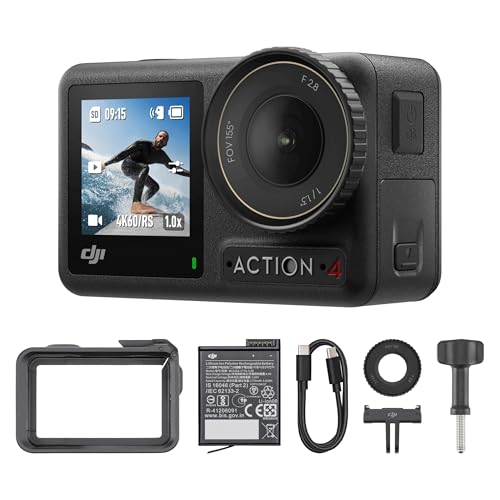
Action cameras such as the DJI Osmo Action 4 and tiny wearable cameras like the Insta360 GO Ultra are rugged, waterproof and designed for sports, outdoor adventures and point of view footage. Electronic stabilization keeps footage steady, and wide lenses capture the scene. They are less suited to talking head videos in low light.
Compact Vlogging Cameras
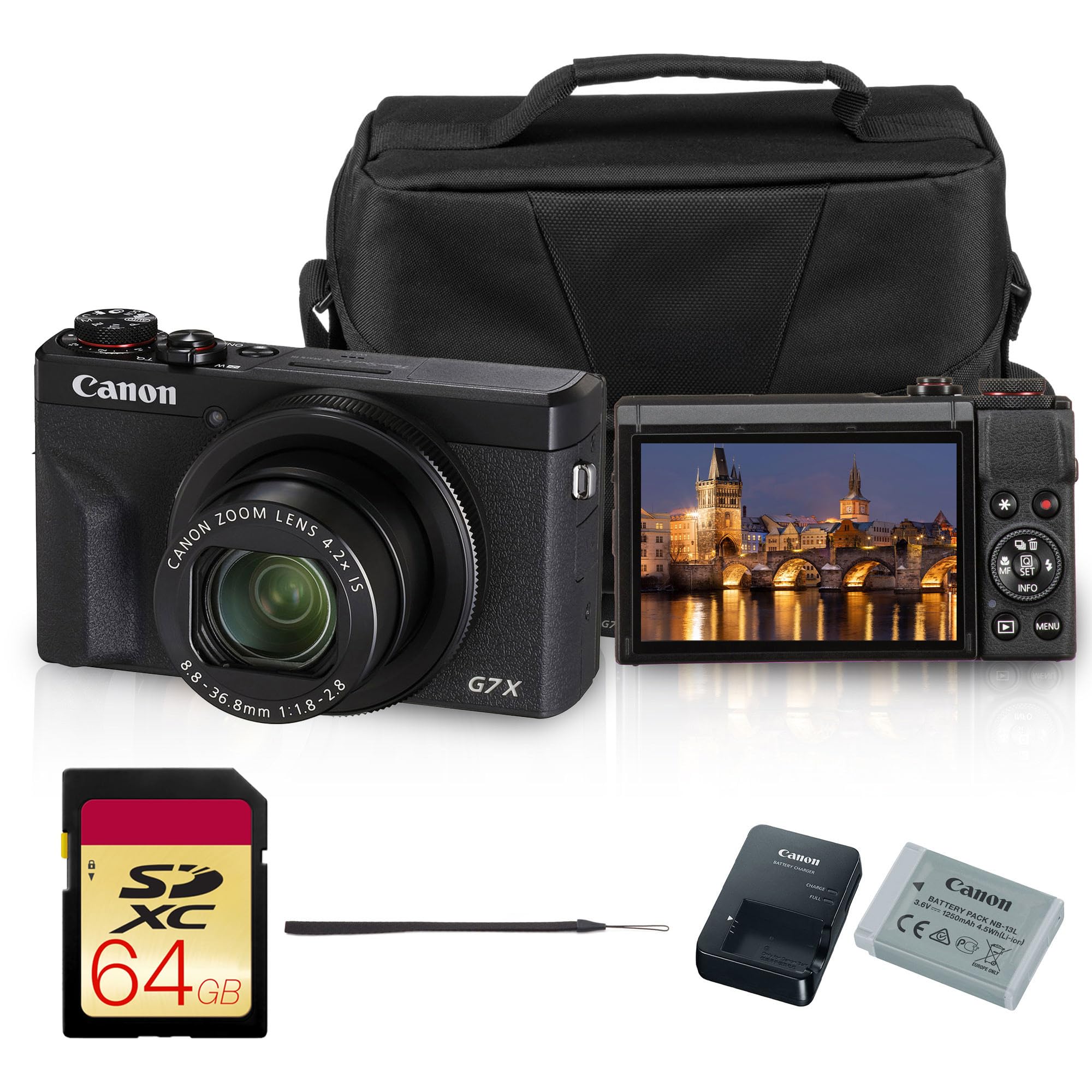
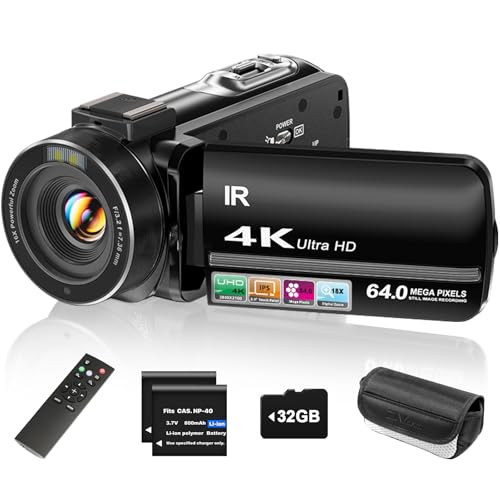
Compact cameras with 1 inch sensors, such as Canon's PowerShot G7 X series, offer better image quality than phones in a pocketable body with flip screens. Budget camcorders and mini vlogging cameras exist at lower prices but usually have small sensors and weaker autofocus.
Mirrorless Cameras vs Pocket Gimbal Cameras: Which Should You Choose?
Choose a mirrorless camera if you want the best image quality, background blur and flexibility to change lenses for studio style content. Choose a pocket gimbal camera if you mostly film on the move and want smooth footage with minimal gear.
Mirrorless setups take more time to rig and carry but produce a polished look for YouTube channels and paid work. Pocket gimbal cameras go everywhere, start recording in seconds and stabilize walking shots better than most handheld mirrorless setups. Many creators own both: a mirrorless camera for the desk and a pocket camera for travel.
How to Choose the Right Camera
The right camera for bloggers and vloggers depends on where you film, how you share and how much gear you want to carry. These are the factors that matter most.
Features That Matter for Bloggers and Vloggers
Look for a flip or rotating screen so you can see yourself, reliable face and eye tracking autofocus, a microphone input or wireless mic support, good stabilization and easy transfer to your phone for quick edits. Vertical video modes help for short form platforms.
Sensor Size and Image Quality
Larger sensors capture more light and detail. 1 inch sensors in pocket and compact cameras are a big step up from phones, while APS-C and full frame mirrorless sensors deliver the best low light quality and natural background blur.
Low Light Performance
Indoor and evening vlogs need good low light performance. Larger sensors, bright lenses and good noise processing make the difference. Adding a small LED light improves any camera.
Battery Life and Charging
Check recording time per battery and whether the camera charges over USB-C while recording. Spare batteries or a power bank keep you filming on long shooting days. Overheating limits can cut 4K recording short on some cameras, so check reviews.
Size, Weight and Ergonomics
The best camera is the one you carry. Pocket and action cameras weigh under a pound, while mirrorless setups with lenses and microphones can weigh several pounds. Consider grips, tripods and how the camera fits your hands.
Audio
Viewers forgive soft footage more than poor audio. Choose a camera with a 3.5mm mic input or wireless mic compatibility, and budget for a lavalier or shotgun microphone. Some creator bundles include wireless mics.
Choosing Cameras for Bloggers and Vloggers by Content Type
- Talking head and studio videos: a mirrorless camera with a flip screen, mic input and a fast or wide lens.
- Travel vlogs: a pocket gimbal camera or compact camera for easy carrying.
- Sports and adventure: a waterproof action camera with strong stabilization.
- Food and product blogs: a mirrorless camera or compact with good close focus and color.
- Short form social video: a camera with vertical recording and fast phone transfer.
- Live streaming: a camera with clean HDMI output or USB webcam support.
Best Camera Settings for Vlogging
Getting a few settings right makes any of the best cameras for bloggers and vloggers look more professional.
- Resolution and frame rate: 4K at 24 or 30fps for most talking videos, and 60fps or higher for action and slow motion. Use 1080p if storage or overheating is a concern.
- Shutter speed: about double your frame rate, such as 1/50 for 24fps, for natural motion blur. Use ND filters outdoors on mirrorless cameras to keep this shutter speed in bright light.
- Autofocus: continuous autofocus with face and eye detection keeps you sharp as you move.
- White balance: set it manually or lock it so skin tones do not shift between clips.
- Picture profile: standard profiles are easiest; flat or log profiles give more editing flexibility but need color grading.
- Audio levels: set levels so normal speech peaks around the upper third of the meter without clipping.
Lighting for Better Vlogs
Good lighting improves video more than a camera upgrade. Face a window for soft natural light, and avoid having a bright window behind you, which turns you into a silhouette. Indoors, a small LED panel or ring light placed slightly above eye level and to the side of the camera gives flattering light. Add a second dim light behind you or on the background to separate you from the wall. Keep color temperatures consistent, mixing daylight and warm bulbs only when intentional.
Lenses for Mirrorless Vlogging
Wide lenses are essential for handheld vlogging, since you need to fit your face and background in the frame at arm's length. On APS-C cameras, look for focal lengths around 10 to 18mm or a 14 to 30mm power zoom. For sit down videos, a 24 to 35mm equivalent prime with a bright aperture like f/1.8 gives sharp images with soft backgrounds. Stabilized lenses help handheld shots, especially on cameras without in body stabilization.
A Simple Editing Workflow
Back up footage to a computer or drive right after filming. Import clips into an editor, cut out mistakes and pauses, then add music, titles and captions. Adjust exposure and color lightly for consistency, check audio levels so voice is clear over music and export in the resolution your platform recommends. Phone apps can handle quick short form edits, while desktop editors give more control for longer videos.
How to Start Vlogging With a New Camera
- Plan short videos with a clear idea and a few talking points.
- Practice framing with the flip screen so your eyes sit about a third from the top of the frame.
- Record a short audio check before every session and listen back with headphones.
- Film extra B roll, such as close ups and scenery, to cover cuts.
- Keep shoots simple at first: one camera, one mic, one light.
- Publish consistently and improve one thing each video, from lighting to pacing.
Popular Camera Picks by Creator Type
These models from our product table show how different creators often choose. Check current prices in the table above.
- Travel and walk and talk creators: the DJI Osmo Pocket 3 pairs a 1 inch sensor with a 3 axis gimbal and 4K up to 120fps in a pocketable body, and creator combos add accessories such as a wireless mic.
- Hands free and point of view creators: the Insta360 GO Ultra is a tiny 4K camera that clips onto clothing and gear for hands free filming.
- Adventure creators: the DJI Osmo Action 4 is a waterproof action camera with strong stabilization for sports, water and outdoor footage.
- Immersive and 360 creators: the Insta360 Luna Ultra records high resolution footage for reframing after the shot.
- Compact camera fans: the Canon PowerShot G7 X Mark III offers a 1 inch sensor and flip screen in a pocketable body.
- Beginners on a budget: 4K camcorders with flip screens are affordable entry points, though small sensors limit low light quality.
Vlogging Camera vs Smartphone
Smartphones are excellent for quick clips and short form posts, and their computational video keeps improving. Dedicated cameras win when you need a gimbal for silky walking shots, larger sensors for low light, optical background blur, external microphones without adapters, longer continuous recording and the ability to keep your phone free for calls and maps. Many creators start on a phone, then add a pocket gimbal or mirrorless camera once they post regularly.
Vlogging Camera Price Tiers
- Under $150: budget camcorders and mini vlogging cameras for beginners and kids.
- $150 to $500: action cameras and pocket gimbal cameras with 4K video.
- $500 to $1,000: creator combos, entry vlogging mirrorless cameras with power zoom lenses and 360 cameras.
- Over $1,000: premium compacts, enthusiast mirrorless cameras and full creator kits.
Essential Vlogging Accessories
- Wireless or lavalier microphone for clear voice audio.
- Small tripod or vlogging grip that doubles as a handle and stand.
- Compact LED light for indoor and evening filming.
- Fast microSD or SD cards rated for 4K recording.
- Spare batteries or a power bank for long shoots.
- Wind muff for outdoor microphone recording.
Care and Maintenance Tips
Keep lenses clean with a blower and microfiber cloth, and protect gimbal cameras by storing them in their cases with the gimbal lock engaged where available. Format memory cards in the camera regularly and back up footage after every shoot. Avoid leaving cameras in hot cars, which can damage batteries and sensors. For action cameras, rinse with fresh water after saltwater or chlorine use and dry before opening battery doors. Update firmware for new features and bug fixes.
Common Vlogging Camera Problems and Fixes
- Camera overheats in 4K: lower frame rate, use external power, keep the camera out of direct sun and turn off unused features.
- Autofocus hunting: use face or eye tracking, add light and avoid busy backgrounds.
- Shaky walking footage: use a gimbal camera, enable stabilization or hold the camera with both hands close to your body.
- Muffled audio: add an external mic and use a wind muff outdoors.
- Footage looks dark: face a window or light source and use exposure compensation.
FAQs
What features matter most in cameras for bloggers and vloggers?
The most important features are a flip screen, reliable face tracking autofocus, good stabilization, clear audio through a mic input or wireless mic and solid low light performance. Easy phone transfer helps creators post quickly.
How much should I spend on my first vlogging camera?
Many beginners get excellent results with a pocket gimbal or action camera around $200 to $500. Spending $700 to $1,000 gets a creator combo or entry mirrorless camera with a flip screen and power zoom lens.
What specs matter most for beginners?
Beginners should focus on 4K video, stabilization, a flip or rotating screen and autofocus that tracks faces. Larger sensors and mic inputs come next. Extreme resolution like 8K is rarely needed.
Which is better for low light?
Mirrorless cameras with APS-C or full frame sensors perform best in low light, followed by 1 inch sensor pocket and compact cameras. Action cameras and phones struggle more in dim conditions.
Is a smartphone enough instead?
Modern smartphones are good enough for many beginners, especially for short form video. A dedicated camera adds better stabilization, low light quality, background blur, audio options and longer recording without draining your phone.
Do I need a gimbal?
Not if your camera has strong built in stabilization, like pocket gimbal cameras and modern action cameras. Mirrorless cameras benefit from a handheld gimbal for walking shots, though many creators manage with stabilized lenses.
Can I use a vlogging camera as a webcam?
Many mirrorless, compact and pocket cameras work as USB webcams or through clean HDMI output with a capture card. This gives much better image quality for streams and video calls than built in laptop webcams.
How long can vlogging cameras record continuously?
Recording limits depend on heat, battery and storage. Pocket and action cameras often record 1 to 2 hours per battery at 1080p and less at 4K, while some cameras stop sooner in hot conditions. External power and good airflow extend recording times.
The Bottom Line
Choose a pocket gimbal camera for smooth travel and walk and talk vlogs, an action camera for sports and adventure, and a mirrorless camera with a flip screen for polished studio style content. Prioritize stabilization, autofocus and good audio, and the best cameras for bloggers and vloggers will help you create content your audience loves. Compare current models in the product table above.


