
Best Car Dash Cameras: A First Time Buyer's Guide for 2026
Disclosure: We may earn a commission when you buy through links on this page, at no extra cost to you. As an Amazon Associate I earn from qualifying purchases. Learn more

A first time buyer's guide to the best car dash cameras: specs, channel types, installation and legal tips.
A dash camera is a small investment that can save a lot of trouble. If someone runs a red light, backs into your parked car or disputes who caused an accident, clear video settles the question quickly. Dash cams also capture road trips, near misses and the occasional meteor. For first time buyers, though, the options are confusing: single, dual and three channel cameras, 2K and 4K resolution, STARVIS sensors, parking modes and hardwire kits. The best car dash cameras record sharp, readable video day and night, start automatically every time you drive and protect footage of incidents.
This guide explains how dash cams work, the key specs in plain English, which type suits your needs, the mistakes first time buyers make and how to install one properly.



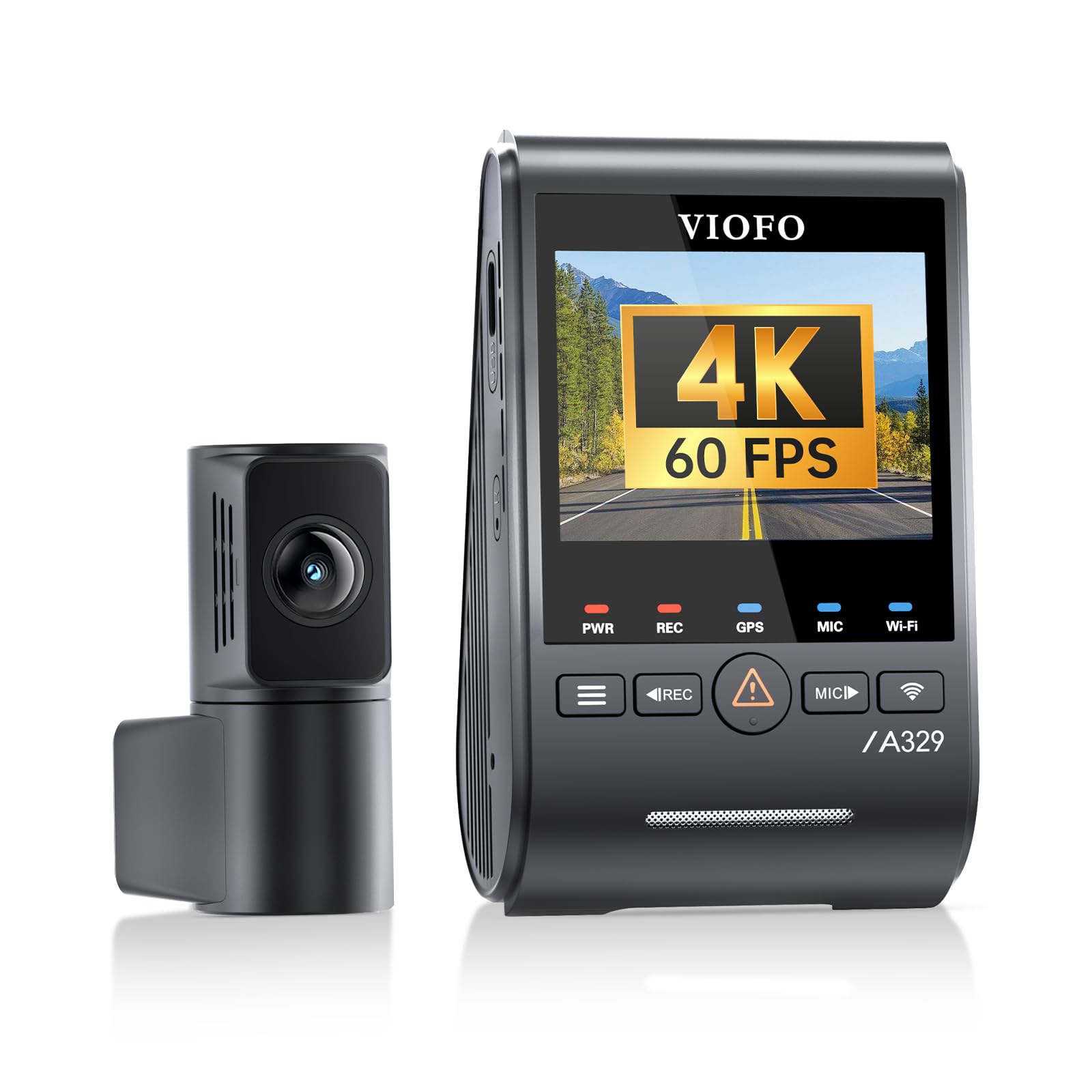
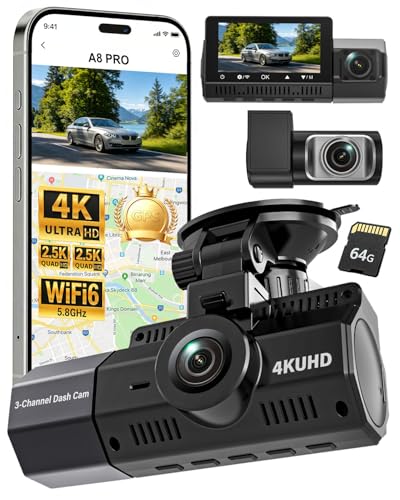

Car Dash Cameras 101: The Basics
A car dash camera is a small video camera that mounts on your windshield, powers on with the car and records the road continuously in loops to a microSD card, automatically saving and locking clips when it senses an impact.
When the memory card fills, the camera overwrites the oldest unlocked footage, so you never need to clear it manually. A built in G sensor detects sudden braking or collisions and protects that clip from being overwritten.
Dash cams come in three main layouts. Single channel cameras record the road ahead. Dual channel cameras add a rear camera mounted on the back window. Three channel cameras add a cabin camera, popular with rideshare drivers. Many models include GPS to log speed and location, WiFi to transfer clips to your phone and parking modes that watch the car while it is parked.
Key Specs Explained in Plain English
Six specs decide how useful a dash cam's footage will be.
Resolution and Image Sensor
Resolution affects whether you can read license plates. 1080p is the minimum, 1440p (2K) gives clearer detail and 4K offers the most detail on the front camera. The image sensor matters as much as resolution. Sony STARVIS and STARVIS 2 sensors are popular because they handle low light and bright headlights well.
Some cameras upscale lower native resolution to 4K. Native 4K captures more true detail than upscaled video.
Field of View and Lens
A field of view of about 140 to 160 degrees covers multiple lanes without heavy fisheye distortion. Wider angles capture more of the scene but make distant plates smaller. A wide aperture such as f/1.5 to f/1.8 lets in more light for night recording.
Ease of Use
Look for automatic recording on startup, a clear screen or a reliable phone app, voice control on some models and simple menus. Fast 5GHz WiFi makes downloading clips to your phone much quicker than 2.4GHz.
Low Light and HDR Performance
Night driving is where cheap cameras fail. STARVIS 2 sensors and HDR (high dynamic range) balance bright headlights and dark roads so plates and details remain readable. HDR on both front and rear cameras is a premium feature worth seeking for frequent night drivers.
Stabilization and Mounting
Dash cams do not use autofocus or optical stabilization like regular cameras; they rely on a fixed focus lens and a solid mount. Adhesive mounts vibrate less than suction cups. A low profile camera that sits behind the rearview mirror stays out of your line of sight and reduces glare.
GPS, Parking Mode and Storage
GPS stamps speed and location on footage, which can help with insurance claims. Parking mode records motion or impacts while the car is off, but usually requires a hardwire kit connected to the fuse box. Use a high endurance microSD card of 128GB or more for dual channel 4K recording.
Single vs Dual vs Three Channel Dash Cams
A single channel dash cam is enough for most commuters, a dual channel dash cam is best for full protection against rear end collisions and a three channel dash cam suits rideshare and delivery drivers who need a cabin view.
- Single channel: simplest install and lowest cost, covers the most common accident angle.
- Dual channel: adds rear coverage, which matters because rear end collisions are common and often disputed.
- Three channel: adds an interior camera, often with infrared LEDs for night cabin recording.
- Four channel or 360 degree: adds side views for complete coverage, at higher cost and complexity.
Best Car Dash Cameras for Specific Needs
Best Cameras for Car Dash Recording: Tips for First Time Buyers
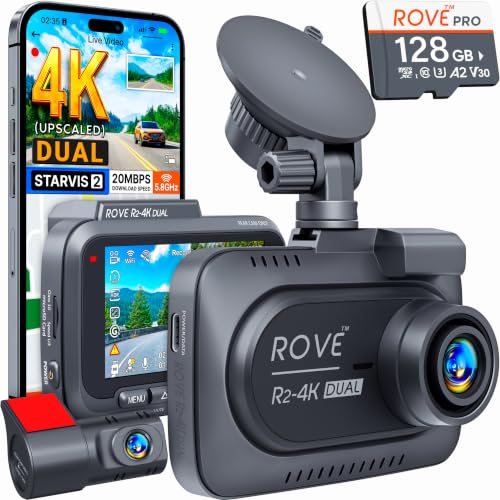
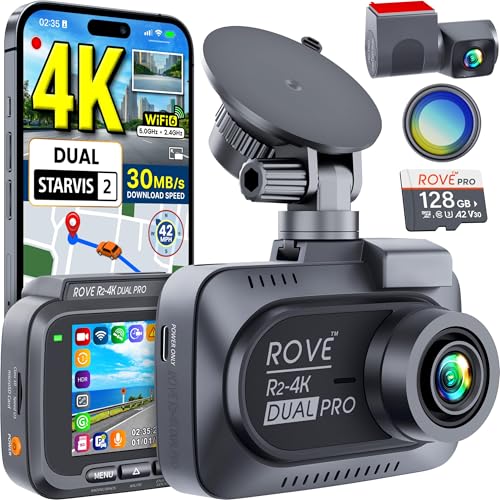
For first time buyers, the best cameras for car dash recording are dual channel models with STARVIS 2 sensors, GPS and 5GHz WiFi, such as the ROVE R2-4K Dual and VIOFO A229 Plus. They balance image quality, coverage and price, and include free memory cards or simple apps to get started.
Best Dash Cams for Rideshare Drivers
Rideshare drivers should choose three channel cameras with infrared cabin recording so passengers are visible at night. Audio recording settings should follow local laws.
Best Dash Cams for Parking Protection
For parking protection, choose a model with buffered parking mode, which saves several seconds before an event, plus a hardwire kit with low voltage cutoff to protect your car battery.
Best Dash Cams With Remote Access
Some dash cams offer 4G LTE connectivity for live view and alerts on your phone when the car is parked. Expect a data plan or subscription.
How Much to Spend on the Best Car Dash Cameras
Most drivers find the best car dash cameras for their needs between about $100 and $280.
- Under $100: basic single channel or budget dual cameras. Check night performance carefully.
- Around $100 to $200: dual channel cameras with STARVIS 2 sensors, GPS and fast WiFi. The sweet spot for most drivers.
- Around $200 to $450: native 4K, HDR on both channels, three channel setups and advanced parking modes.
Rookie Mistakes to Avoid
- Using a cheap memory card: standard cards fail quickly under constant rewriting. Use high endurance cards.
- Mounting in the wiper free zone: place the camera within the area cleared by your wipers.
- Blocking your view: mount behind the rearview mirror, not in your line of sight.
- Skipping firmware updates: updates fix bugs and improve image quality.
- Using parking mode without a voltage cutoff: it can drain your car battery.
- Never checking footage: review clips occasionally to confirm the camera is recording.
Getting Started: Setup and First Use
- Format the memory card in the camera before first use.
- Choose the mounting spot: behind the rearview mirror, centered and inside the wiper path.
- Clean the glass with alcohol before attaching the adhesive mount.
- Route the cable: tuck it along the headliner and down the A pillar trim using the included trim tool, avoiding airbags.
- Connect power: use the included car charger or a hardwire kit for parking mode.
- Install the rear camera: mount it near the top of the rear window and route the cable along the headliner.
- Set date, time and GPS: accurate timestamps matter for insurance claims.
- Adjust settings: set loop length, G sensor sensitivity and parking mode preferences.
Supercapacitor vs Battery Dash Cams
A supercapacitor dash cam is the better choice for hot climates and long term reliability, while a battery powered dash cam can briefly record without external power. Cars can reach well over 140°F inside on summer days, and lithium batteries swell and fail under that heat. Supercapacitors tolerate high and low temperatures far better and provide just enough power to save the last file when the car shuts off. Most reputable dash cam brands now use supercapacitors for this reason.
Choosing the Right Memory Card
The memory card is the most common point of failure in a dash cam. Constant overwriting wears out ordinary cards quickly, so choose a card labeled high endurance or designed for dash cams and security cameras.
- Capacity: 64GB suits single channel 1080p, 128GB suits dual channel 2K or 4K and 256GB gives longer loop history for 4K multi channel cameras.
- Speed: look for U3 or V30 ratings for 4K recording.
- Compatibility: check the maximum card size your camera supports.
- Maintenance: format the card in the camera every month or two to keep recording reliable.
- Replacement: plan to replace the card every year or two with heavy use.
How to Use Dash Cam Footage After an Incident
If you are in a collision, first make sure everyone is safe and call emergency services if needed. The G sensor should lock the clip automatically, but you can also press the emergency or lock button to protect it. As soon as possible, download the footage to your phone through the app or copy the file to a computer, and keep the original unedited. Share the clip with your insurer or police when requested, and avoid posting it publicly before a claim is resolved.
Dash Cam Legal and Privacy Considerations
Dash cams are legal across the US, but some states restrict objects mounted on the windshield, often specifying areas such as behind the mirror or in lower corners. Recording audio inside the car may require passenger consent in some states, so disable audio or inform passengers if needed. Check local regulations before installing.
Common Dash Cam Problems and Fixes
- Camera restarts or stops recording: replace the memory card with a high endurance model and format it in the camera.
- Blurry night footage: clean the windshield inside and out, remove the lens protective film and enable HDR or WDR.
- Glare on the video: add a CPL filter if your camera supports one, and keep the dashboard free of light colored objects that reflect on the glass.
- App will not connect: turn off mobile data while connecting to the camera's WiFi, then try the 2.4GHz mode if 5GHz fails.
- Battery drains overnight: raise the hardwire kit's cutoff voltage setting.
Car Dash Cameras: Your Questions Answered
How much should I spend on my first dash cam?
Around $100 to $200 buys a reliable dual channel dash cam with good night vision, GPS and WiFi. Cheaper cameras often struggle at night and may fail in hot cars, while premium models add 4K, HDR and advanced parking features.
What specs matter most for beginners?
Beginners should focus on at least 1440p front resolution, a STARVIS or STARVIS 2 sensor, loop recording with G sensor locking, a supercapacitor for heat resistance and an easy phone app. Dual channel coverage is strongly recommended.
Which is better for low light?
Dash cams with Sony STARVIS 2 sensors, wide apertures like f/1.5 and HDR perform best in low light. They keep headlights from blowing out and make license plates more readable at night.
Is a smartphone enough instead of a dash cam?
No. Phones are not designed for constant loop recording, overheat on the dashboard, do not start automatically and do not lock footage after impacts. A dedicated dash cam is far more reliable.
Do dash cams drain the car battery?
Not during driving. In parking mode, a hardwired dash cam draws a small current; a hardwire kit with low voltage cutoff turns it off before the battery gets too low.
How long does a dash cam record?
A 128GB card typically holds several hours of dual channel 1440p or 4K footage before looping. The camera then overwrites older unlocked clips automatically.
Can a dash cam lower my insurance premium?
Some insurers in certain regions offer discounts for dash cams, but most US insurers do not reduce premiums directly. The bigger benefit is faster, fairer claims, since clear footage can prove fault and protect your record. Ask your insurer whether they accept or reward dash cam evidence.
Should I hardwire my dash cam?
Hardwiring is worth it if you want parking mode or a cleaner install without a cable in the power outlet. A hardwire kit connects to the fuse box with fuse taps and includes low voltage protection. If you are not comfortable working with fuses, a professional installer can do it in under an hour.
Do dash cams work in extreme cold?
Most supercapacitor dash cams operate from about -4°F to 158°F. In very cold weather, the camera may take a few seconds longer to start. Avoid battery models in harsh winters and summers, since temperature extremes shorten battery life.
Final Thoughts
Choose a dash cam by coverage, night performance and reliability first. A dual channel camera with STARVIS 2 sensors, GPS and fast WiFi suits most drivers, rideshare drivers benefit from three channel models and parking protection requires a hardwire kit. Use a high endurance memory card and mount the camera carefully, and the best car dash cameras will give you clear evidence when it matters. Check the product table above for current models and prices.


