
Best Laptop For Ai Development in 2026: What You Actually Need
Disclosure: We may earn a commission when you buy through links on this page, at no extra cost to you. As an Amazon Associate I earn from qualifying purchases. Learn more

Choosing the best laptop for AI development in 2026 is no longer just about raw clock speed. Whether you are fine-tuning language models, building deep learning pipelines, or running local inference on open-weight models, your laptop has become one of your most critical tools. The right machine saves hours of waiting and eliminates the frustration of throttling mid-training run. The wrong one quietly drains your productivity every day.
This guide cuts through the marketing noise and focuses on what actually matters for serious AI development laptops: GPU power, VRAM, system memory, sustained thermal performance, and the software ecosystem that makes your tools work without friction.

Why Most "AI Laptops" Fall Short for Real Development Work
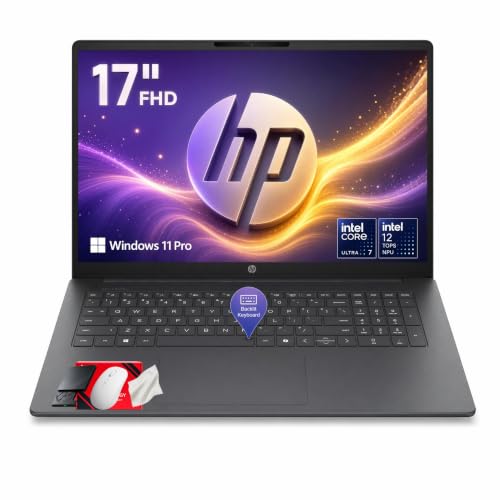
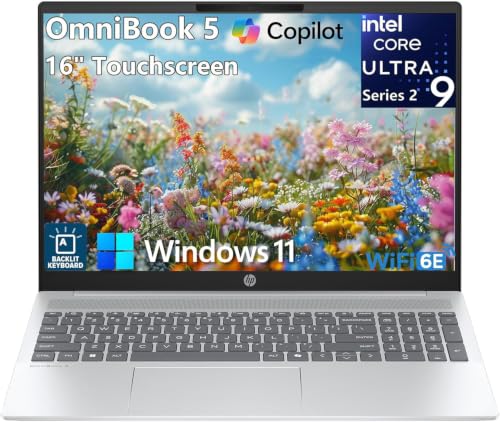
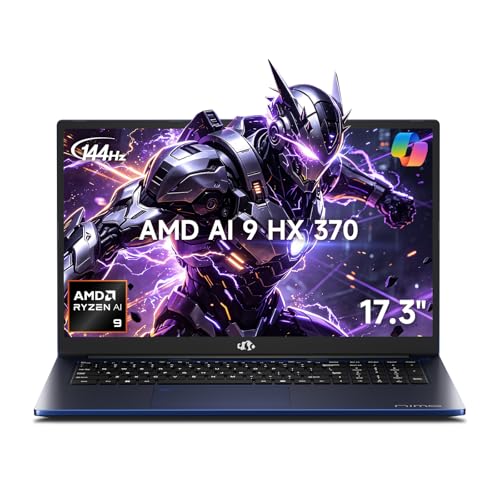
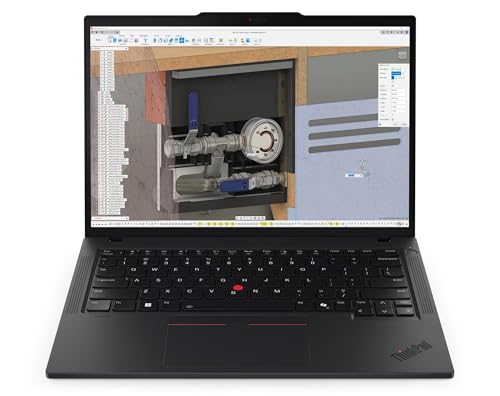
The consumer laptop market is flooded with machines branded as AI-ready or Copilot+ PCs. Most of these badges refer to Neural Processing Units (NPUs) designed for lightweight on-device tasks like background blur, live captions, or voice transcription. Those features are useful, but they are not what machine learning engineers and AI developers need when running PyTorch training loops, loading large language models, or working with stable diffusion pipelines.
For real AI and machine learning development, the bottlenecks are almost always GPU VRAM, memory bandwidth, and whether the system can sustain full GPU wattage over an extended period without thermal throttling. A laptop with an impressive NPU TOPS rating but a weak GPU or poor cooling will disappoint every time.
Key Hardware Specs for the Best AI Development Laptop
GPU and VRAM: The Most Important Factor
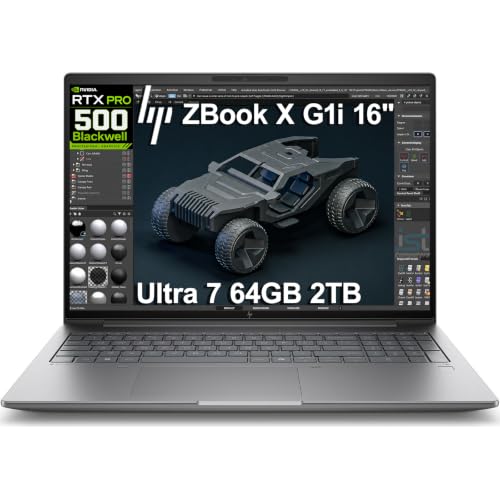
For CUDA-based workflows including PyTorch, TensorFlow, and most modern deep learning frameworks, an NVIDIA RTX GPU is not optional, it is essential. In 2026, the RTX 50-series Blackwell mobile GPUs have set the standard. For serious local AI model training and inference, you want at least 16GB of VRAM. The 24GB found in RTX 5090 laptop GPUs gives you comfortable headroom for running quantized 30B parameter models and fine-tuning smaller architectures locally.
Machines like the Razer Blade 18 and ASUS ROG Strix Scar 18, both equipped with RTX 5090 mobile GPUs, represent the top tier for maximum local AI power in a portable form factor. For the best balance of price and performance among AI development laptops, the Lenovo Legion Pro 7i remains a strong contender, delivering nearly the same capability at a lower price point.
System RAM: 32GB is the New Baseline
For AI and machine learning workflows in 2026, 32GB of system RAM is the practical minimum. AI frameworks, containerized environments, data preprocessing pipelines, and IDEs all compete for memory simultaneously. If you frequently work with large datasets or run multiple models side by side, 64GB is a worthwhile upgrade that extends the usable life of your machine significantly.
Apple Silicon: A Compelling Alternative for Certain Workflows
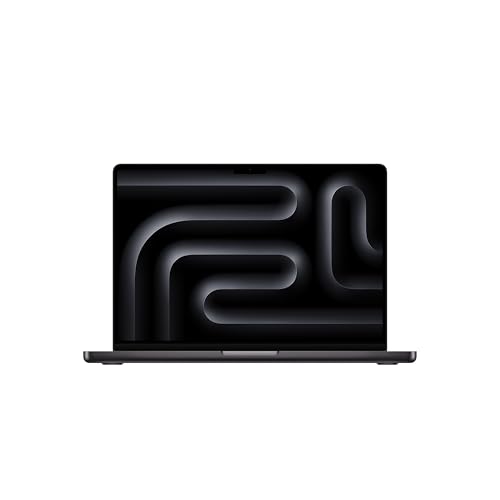
The MacBook Pro with M4 Max or M4 Ultra represents a fundamentally different approach to AI laptop hardware. Apple's unified memory architecture means all RAM is shared between CPU, GPU, and the Neural Engine. A 128GB MacBook Pro 16 can load quantized 70B parameter models entirely into memory, something no single-GPU NVIDIA laptop can match. For developers who primarily work with inference, model evaluation, and cloud-connected pipelines, this is a serious advantage.
However, CUDA-first tooling remains a real constraint on Apple Silicon. Many deep learning frameworks, custom fine-tuning pipelines, and infrastructure-level AI tools are optimized for NVIDIA CUDA and offer incomplete or no Metal Performance Shaders support. If your workflow depends on CUDA, stay on NVIDIA hardware.
Cooling and Sustained Performance
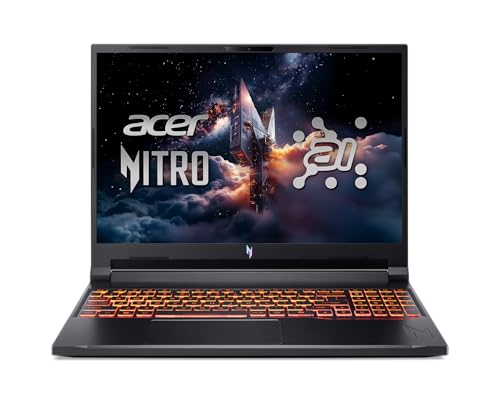
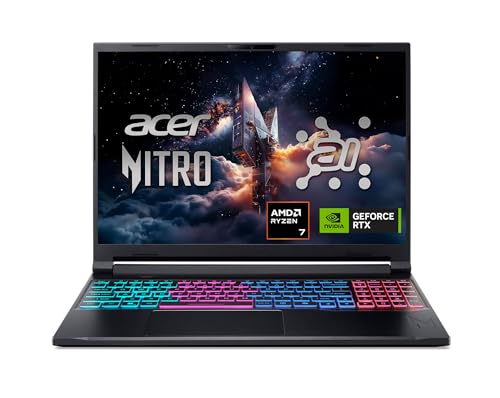
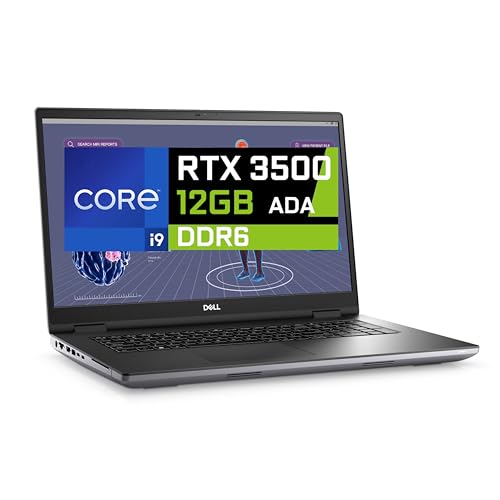
AI training runs are extended, power-intensive workloads that expose weak thermal designs quickly. A laptop that delivers peak GPU performance for five minutes then throttles to 60 percent is not a useful tool for serious AI development. Prioritize machines with proven thermal designs and sustained full-wattage GPU operation. Gaming laptops from Razer, ASUS ROG, and Lenovo Legion tend to outperform thin ultrabooks specifically because their cooling systems are built for sustained load.
Storage: Fast NVMe is Non-Negotiable
Dataset loading, model checkpointing, and Docker image management all demand fast storage. A PCIe Gen 4 or Gen 5 NVMe SSD with at least 1TB is the practical minimum for a laptop for AI and machine learning work in 2026. Budget at least 2TB if you plan to store multiple large model weights locally alongside your datasets.
Choosing the Right AI Development Laptop for Your Workflow
The best laptop for AI development depends directly on how you work. Here is a practical breakdown by use case:
Local model training and fine-tuning: Prioritize an NVIDIA RTX 5080 or RTX 5090 laptop with 24GB VRAM. Accept the weight, noise, and limited battery life as trade-offs for genuine on-device training capability. The ASUS ROG Zephyrus G16 and Razer Blade 16 are built for exactly this scenario.
Inference and prototyping with cloud training: A MacBook Pro M4 Pro or M4 Max handles inference, coding, and cloud-connected workflows with exceptional battery life and a quiet thermal profile. The lack of CUDA support only matters if your tools require it directly.
Balanced development with occasional local training: An RTX 5070 Ti laptop with 16GB VRAM, 32GB of system RAM, and a reputable gaming chassis hits the sweet spot between portability and real GPU performance. The Lenovo Legion Pro 7i consistently delivers on this front.
What to Avoid When Buying an AI Laptop
Do not let NPU TOPS ratings drive your purchase decision if your workflow is GPU-dependent. A high NPU score does not compensate for 8GB of VRAM or a GPU that throttles under sustained load. Similarly, avoid laptops with soldered RAM limited to 16GB if you plan to work with serious machine learning frameworks over the next few years. Memory requirements for AI workflows are rising, not falling.
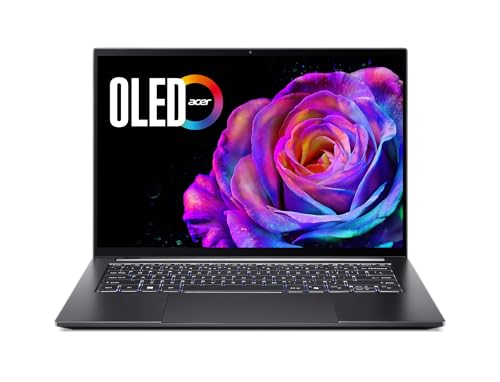
Thin ultrabooks with Intel Arc integrated graphics or low-power discrete GPUs are not suitable as primary AI development machines. They work for light coding and cloud-connected workflows, but they will not run meaningful local model training or load large language models at usable speeds.
Final Thoughts on the Best Laptop for AI Development
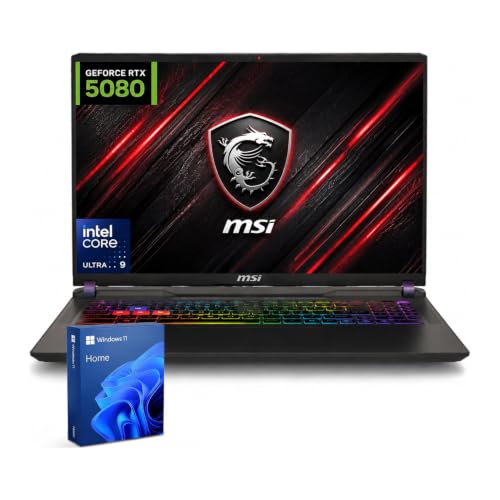
The best laptop for AI development in 2026 is the one that matches your specific workload without compromise. Start with GPU and VRAM, verify cooling performance under sustained load, ensure system RAM is expandable or already at 32GB or above, and pick a storage configuration that can grow with your model and dataset library. The machines that check all of these boxes are available today. The investment pays off in faster iteration, less time waiting, and workflows that simply work the way they are supposed to.


