The Best of Lenovo Laptops: Buying Guide and Top Picks
Disclosure: We may earn a commission when you buy through links on this page, at no extra cost to you. As an Amazon Associate I earn from qualifying purchases. Learn more

Lenovo's laptop families explained, from IdeaPad and Yoga to ThinkPad, Legion and Chromebooks, with three short picks.
Lenovo sells more laptops than almost any other brand, and its lineup covers everything from budget Chromebooks for kids to ThinkPad business machines and Legion gaming rigs. That breadth is great, but the names IdeaPad, Yoga, ThinkPad, ThinkBook, Legion and LOQ can confuse first time shoppers. This guide to the best of lenovo laptops explains how the families differ, which specs matter and which three models suit most buyers.
The short answer: most people should choose a Lenovo Yoga or IdeaPad Slim with a modern Snapdragon X, Intel Core Ultra or AMD Ryzen AI processor, 16GB of RAM and a 512GB or larger SSD, which costs around $620 to $1,300; businesses and heavy typists should choose a ThinkPad, gamers should look at Legion or LOQ models and students on a budget can save with a Lenovo Chromebook.

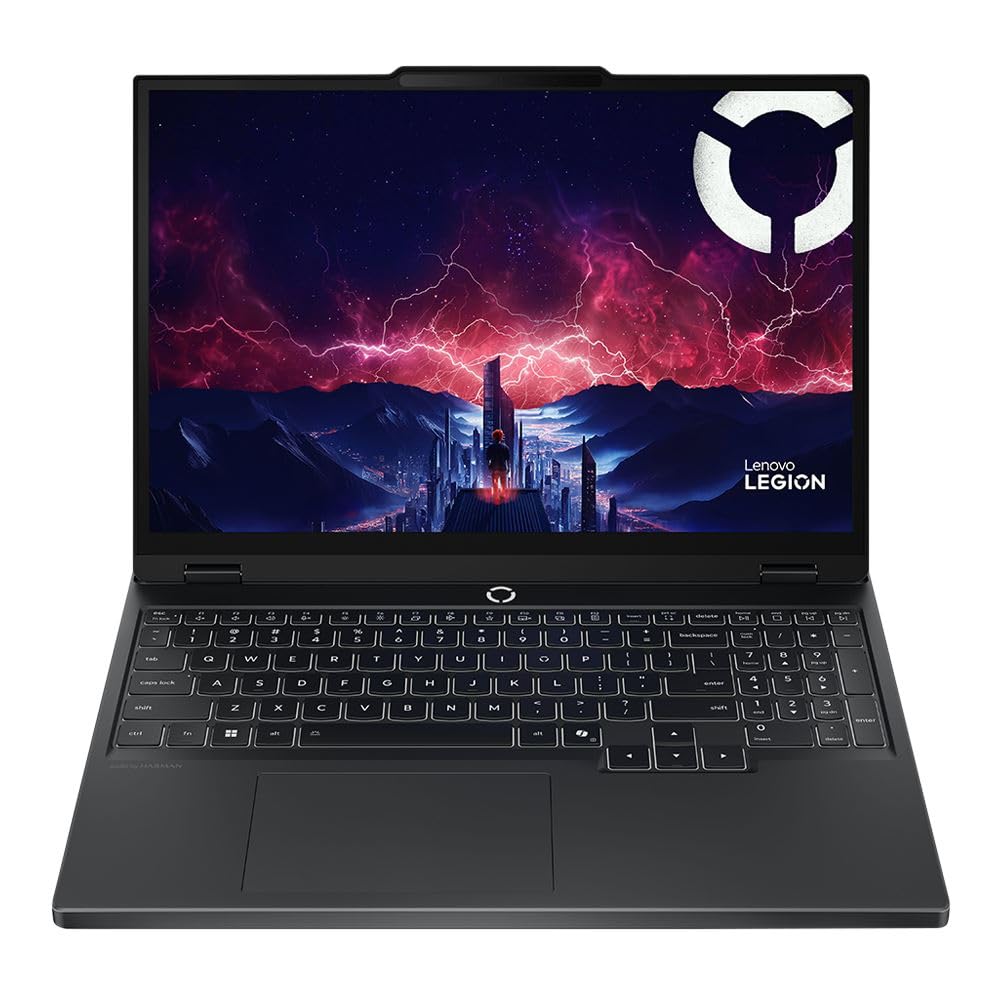
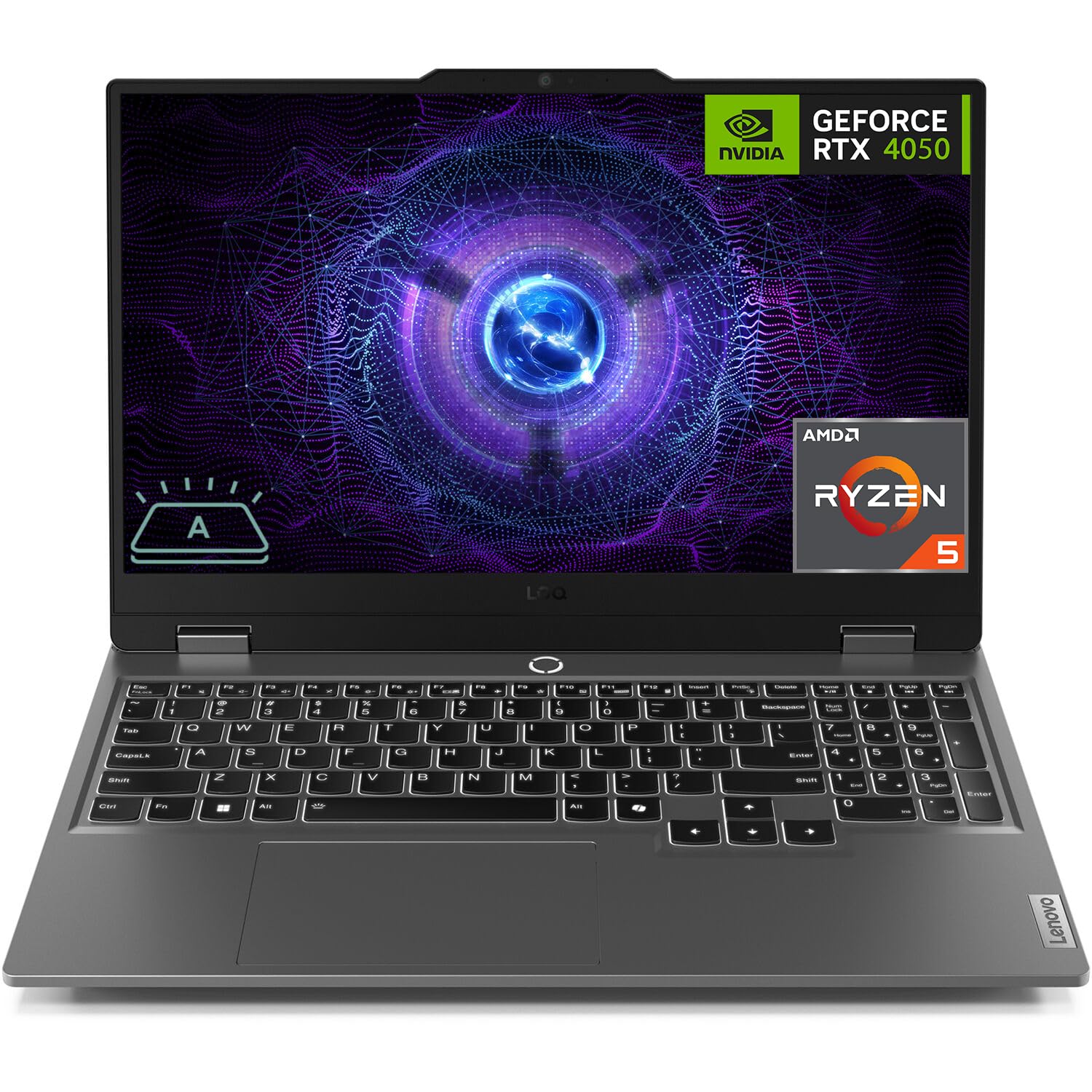

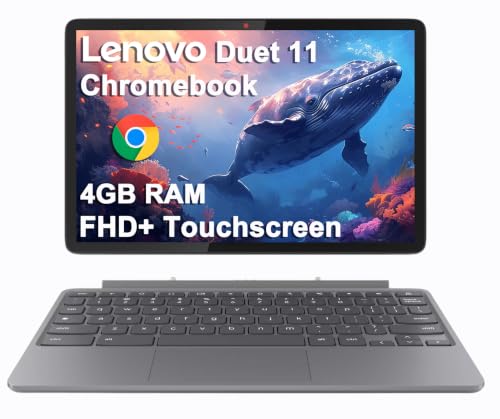
Our Top 3 Picks at a Glance
These three Lenovo laptops from the product table above cover the best overall choice, a value option and a premium business upgrade.


Best Overall
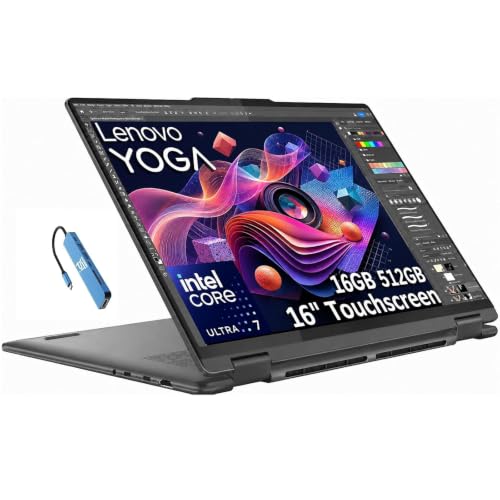
The Lenovo Yoga Slim 7 with Snapdragon X Elite, around $1,300, is our pick for most buyers who want a premium, long lasting laptop. Its first strength is the Snapdragon X Elite processor, which delivers fast multitasking with excellent battery life and instant wake. Its second strength is a 14.5 inch 3K touchscreen in a slim, light chassis with 16GB of fast LPDDR5X memory, making it great for work, study and streaming on the go.
The limitation is Windows on ARM compatibility; most apps run well, but some older programs, games and drivers may not.
Best Value
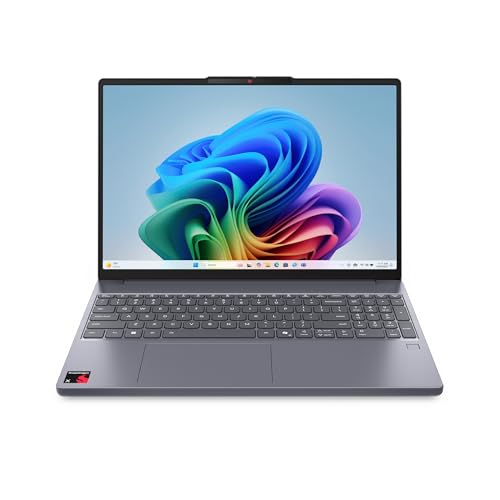
The Lenovo IdeaPad Slim 3X, around $620, is the value pick for students and everyday users. Its first strength is a Copilot+ PC configuration with a Snapdragon X processor and 16GB of memory at a mainstream price, delivering smooth performance and long battery life. Its second strength is a large 15.3 inch WUXGA display that gives plenty of room for documents and split screen work.
The limitation is a plastic build and the same Windows on ARM compatibility considerations as other Snapdragon laptops.
Best Upgrade Pick
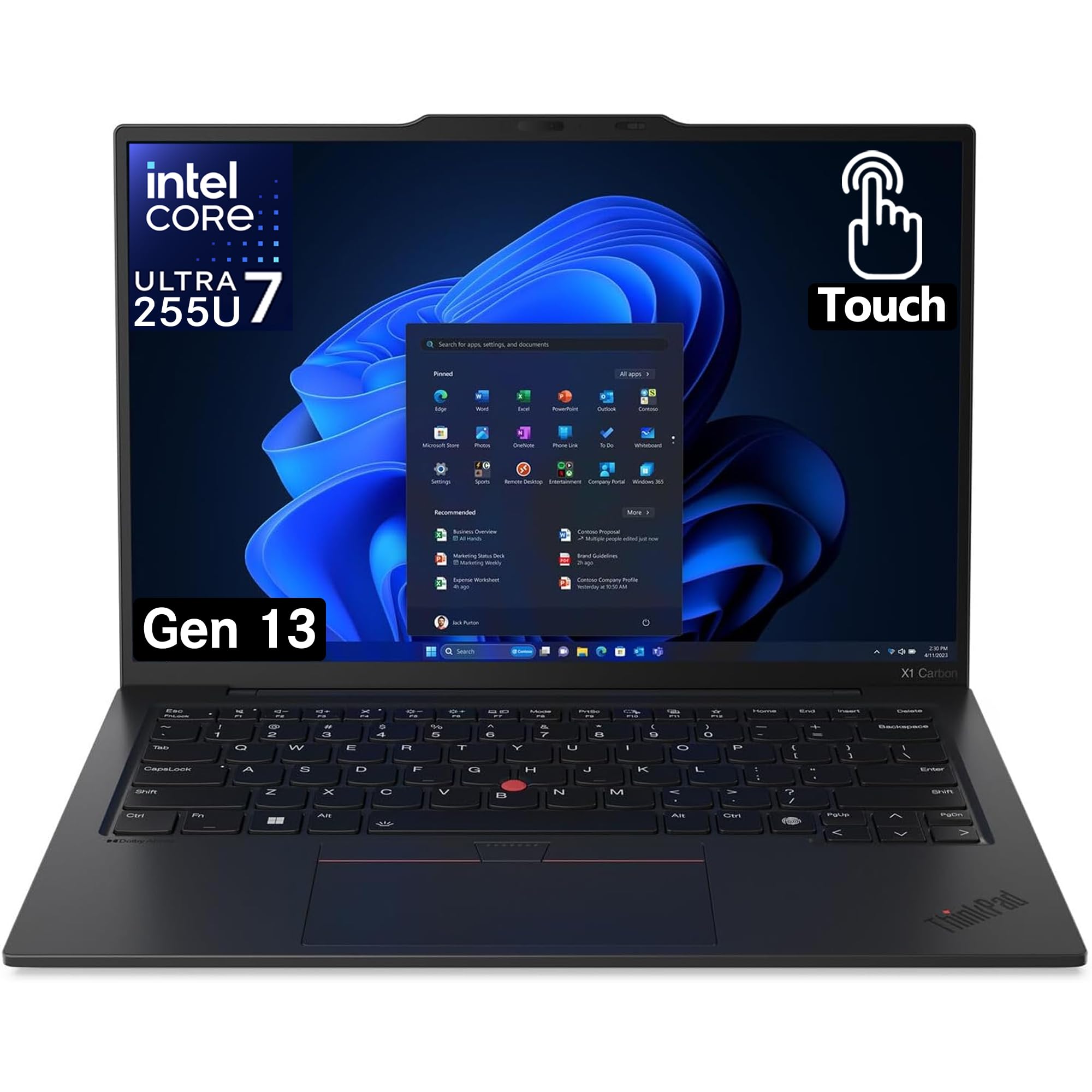
The Lenovo ThinkPad X1 Carbon Gen 13 Aura Edition, around $2,230 with 32GB of RAM and a 1TB SSD, is for professionals who want the best business laptop Lenovo makes. Its first strength is the legendary ThinkPad keyboard and TrackPoint, paired with a lightweight carbon fiber chassis. Its second strength is a powerful Intel Core Ultra 7 configuration with generous memory and storage, plus business security features.
The limitation is price; it is far more than most home users need.
How to Choose the Best Lenovo Laptops: Buying Guide
Here are the specs that matter most when comparing the best of lenovo laptops.
Processor and Performance Tier
Lenovo laptops use Intel Core and Core Ultra, AMD Ryzen and Ryzen AI and Qualcomm Snapdragon X chips. For everyday work and school, Core Ultra 5, Ryzen 5 or Snapdragon X are plenty. Creators and multitaskers benefit from Core Ultra 7, Ryzen AI 7 or Snapdragon X Elite. Gamers need HX or HS series chips paired with RTX graphics, found in Legion and LOQ models.
Weight and Portability
Yoga Slim and ThinkPad X1 models weigh around 2.5 to 3 pounds, ideal for daily carrying. IdeaPad 15 and 16 inch models weigh around 3.5 to 4 pounds, while Legion gaming laptops weigh 5 pounds or more. Choose a 14 inch model if you commute often.
Operating System (Windows, ChromeOS)
Most Lenovo laptops run Windows 11, with ThinkPads often offering Windows 11 Pro. Lenovo also makes Chromebooks and Chromebook tablets for students and budget buyers. Snapdragon models run Windows on ARM, which offers great battery life with some compatibility limits.
Display Size, Resolution, and Brightness
Choose 14 inches for portability and 16 inches for multitasking. Look for at least 1920 by 1200 resolution; Yoga models offer 2K, 3K and OLED options. Brightness of 300 to 400 nits suits most rooms, and higher refresh rates make Legion displays smooth for gaming.
Ports and Connectivity
ThinkPads offer the most ports, including USB A, HDMI and sometimes Ethernet. Yoga and IdeaPad models rely more on USB C. Look for Thunderbolt or USB4 for docking, and WiFi 6E or WiFi 7 for fast wireless.
RAM and Storage
Choose at least 16GB of RAM for Windows laptops, and 32GB for creative work or heavy multitasking. Many slim Lenovo models use soldered memory, so buy enough at purchase. A 512GB SSD suits most users, while gamers and creators should choose 1TB.
Battery Life in Real World Use
Snapdragon and Intel Core Ultra 200V Lenovo laptops can last a full day or more. Legion gaming laptops last only a few hours away from power. Lenovo Vantage software includes conservation modes that protect battery health when plugged in.
Types of Lenovo Laptops
IdeaPad and Yoga Everyday Laptops
IdeaPad laptops are Lenovo's mainstream line, balancing price and performance for students and families. Yoga models add premium designs, better screens and convertible options.
ThinkPad and ThinkBook Business Laptops
ThinkPads are known for durability, excellent keyboards and business security. ThinkBooks bring business features to small companies at lower prices.
Chromebooks
Lenovo Chromebooks and Chromebook Duet tablets are affordable, simple and secure, ideal for schools and young students.
Gaming Laptops
Legion laptops deliver high performance gaming with strong cooling and premium builds, while LOQ laptops offer gaming performance at lower prices.
2 in 1 Convertibles and Tablets
Yoga 2 in 1 laptops fold into tablet mode with pen support, while Lenovo Tab and Idea Tab tablets suit media and note taking.
Choosing Lenovo Laptops for Your Situation
Best Lenovo Laptops for College
The best lenovo laptops for college combine long battery life, light weight and enough power for research and projects. The IdeaPad Slim 3X and Yoga Slim 7 deliver all day battery with 16GB of RAM. Engineering students may need Intel or AMD models for specialized software compatibility.
Best Lenovo Laptops for Business
The best lenovo laptops for business are ThinkPads, such as the T14 and X1 Carbon, with durable builds, security features and excellent keyboards. Small businesses can save with ThinkBook models offering similar features.
Best Lenovo Laptops for School
The best lenovo laptops for school are durable, affordable Chromebooks and IdeaPads that handle Google Classroom and Microsoft Office. The Chromebook Duet doubles as a tablet for younger students.
Best Lenovo Laptops under 300
The best lenovo laptops under 300 are usually Chromebooks or entry IdeaPads on sale. Expect basic processors, 4GB to 8GB of RAM and eMMC storage. They work for web browsing and school apps but struggle with heavy multitasking.
Best Lenovo Laptops for Creators
Photographers, designers and video editors should look at Yoga Pro and Yoga Slim models with OLED or high resolution displays, Intel Core Ultra H or AMD Ryzen AI processors and 32GB of RAM. Some Yoga Pro models add RTX graphics for faster video exports. Color accurate screens with wide DCI P3 coverage make editing more reliable, and Thunderbolt ports speed up transfers from cameras and external drives.
Best Lenovo Laptops for Families
Families sharing one laptop benefit from durable IdeaPad or Yoga 2 in 1 models with 16GB of RAM, large screens and parental controls in Windows. Touchscreens and pen support help kids with schoolwork and drawing, while adults handle email, finances and streaming. Accidental damage protection is worth considering in busy households with young children.
Best Lenovo Laptops for Travel
Frequent travelers should choose light 14 inch models such as the Yoga Slim 7 or ThinkPad X1 Carbon, which weigh under about 3 pounds and charge over USB C. Long battery life from Snapdragon or Core Ultra 200V chips means fewer hunts for outlets at airports.
ThinkPad vs Yoga vs IdeaPad: Which Lenovo Line Fits You?
ThinkPads are built for work. They feature some of the best laptop keyboards available, the red TrackPoint pointing stick, durable chassis that undergo military standard durability checks, generous ports and business security features like fingerprint readers, IR cameras and vPro management on many models. They suit professionals, students in demanding programs and anyone who types for hours.
Yoga laptops focus on design and display quality, with slim aluminum bodies, OLED or high resolution screens and convertible 2 in 1 options with pen support. They suit creatives, travelers and buyers who want a premium experience. IdeaPads are Lenovo's mainstream value line, offering practical performance and decent screens at accessible prices, ideal for families and students on budgets.
If you prioritize typing comfort and durability, choose a ThinkPad. If you want a beautiful screen and premium feel, choose a Yoga. If price matters most, choose an IdeaPad.
Legion vs LOQ: Lenovo Gaming Laptops Explained
Legion is Lenovo's premium gaming brand, offering powerful Intel Core Ultra HX and AMD Ryzen HX processors, high end RTX graphics, excellent cooling and bright high refresh QHD displays. Legion laptops also earn praise for their keyboards and build quality, making them popular with serious gamers and content creators.
LOQ laptops bring gaming to lower prices with RTX 4050 to RTX 5060 class graphics, 144Hz displays and solid cooling. They cut back on materials and screen brightness but deliver strong 1080p gaming performance. Choose LOQ for budget gaming and Legion for maximum performance and longevity.
Lenovo Naming and Model Numbers
Lenovo model names include a series, a number indicating tier and a generation. For example, IdeaPad Slim 3 is entry level, Slim 5 is midrange and Yoga Slim 7 and 9 are premium. ThinkPad E series is entry business, T series is mainstream business and X1 is flagship. Generation numbers, like Gen 6 or Gen 13, indicate the model year. Suffixes such as i for Intel and x for Snapdragon indicate processor brands on some models.
Lenovo Warranty and Support
Consumer Lenovo laptops typically include a one year warranty, while ThinkPads often include longer coverage and onsite service options. Lenovo Premium Care adds 24/7 technical support, and accidental damage protection covers drops and spills. Register your laptop through Lenovo Vantage to track warranty status and speed up service.
How Much to Spend on a Lenovo Laptop
Around $300 to $500 buys Lenovo Chromebooks and entry IdeaPads for school and web browsing. Around $600 to $1,000 covers IdeaPad Slim and LOQ models with modern processors, 16GB of RAM and good screens. Around $1,000 to $1,500 brings Yoga Slim, Yoga 2 in 1 and ThinkPad T series laptops with premium builds. Above $1,500, ThinkPad X1 and Legion models deliver flagship business and gaming performance.
Accessories for Lenovo Laptops
A USB C dock turns any modern Lenovo into a desktop workstation with external monitors and Ethernet; ThinkPad docks integrate especially well with business models. Lenovo Digital Pens add handwriting on Yoga 2 in 1 laptops. A padded sleeve or backpack protects your laptop, and a compact USB C charger keeps you powered on the go.
Common Mistakes When Buying a Lenovo Laptop
- Confusing similar model names. IdeaPad Slim 3, Slim 5 and Yoga Slim 7 differ significantly in build and screen quality; compare full specs.
- Buying 8GB of RAM. Windows laptops with 8GB slow down quickly; choose 16GB.
- Ignoring the display. Budget models may use dim 250 nit panels; look for 300 nits or more.
- Overlooking Snapdragon compatibility. Check that essential apps run on Windows on ARM.
- Skipping warranty registration. Registering speeds up repairs and unlocks support options.
Refurbished and Previous Generation Lenovo Laptops
Lenovo laptops, especially ThinkPads, are popular in refurbished markets because businesses replace them on regular cycles. Refurbished ThinkPads from reputable sellers offer excellent build quality and keyboards at a fraction of their original price. Previous generation models also drop in price when new versions launch, often delivering nearly identical everyday performance. Check battery health, warranty length and whether the model still receives BIOS and driver updates before buying.
Setup and Care Tips
Install Lenovo Vantage to update drivers, BIOS and firmware, and enable battery conservation mode if the laptop stays plugged in. Remove preinstalled apps you do not need. Use a padded sleeve for travel, and clean keyboards and vents with compressed air. On ThinkPads, register the warranty to speed up service requests.
FAQs
How long should a Lenovo laptop last?
A Lenovo laptop should last around four to six years, and ThinkPads often last longer. Choosing 16GB of RAM and a modern processor helps it stay capable. Regular updates and battery care extend lifespan.
Is a dedicated GPU worth it?
A dedicated GPU is worth it for gaming and creative work. Legion and LOQ laptops include RTX graphics for games and editing. For school and office work, integrated graphics are sufficient and improve battery life.
How much RAM do I need?
Most people need 16GB of RAM in a Lenovo laptop. It handles multitasking and video calls smoothly. Choose 32GB for heavy creative work and gaming with streaming.
Should I buy a laptop or a tablet?
Most people should buy a laptop, or a Yoga 2 in 1 if they want both. Laptops run full desktop software, while tablets suit media and reading.
Is a Chromebook enough for school?
Yes, a Lenovo Chromebook is enough for most school work. It runs Google Classroom, Docs and video calls with long battery life. Check whether your school requires Windows software before buying.
Are Lenovo laptops reliable?
Lenovo laptops are generally reliable, and ThinkPads are especially known for durability. Consumer models offer good value, while business models use stronger materials and longer support cycles. Buy from authorized sellers for full warranty coverage.
Can I upgrade RAM in a Lenovo laptop?
Some Lenovo laptops allow RAM upgrades, but many thin models use soldered memory. ThinkPad T series and Legion gaming laptops often have upgradeable RAM and storage, while Yoga and IdeaPad Slim models usually do not. Check specifications before buying.
Our Verdict
Lenovo makes a laptop for nearly every user. Most people will love a Yoga Slim or IdeaPad Slim, businesses should choose ThinkPads, gamers can pick Legion or LOQ and students on tight budgets can rely on Chromebooks. Focus on processor, 16GB of RAM and the right size for your routine.
Compare the best of lenovo laptops in the product table above to find the right Lenovo for your needs and budget.