NZXT
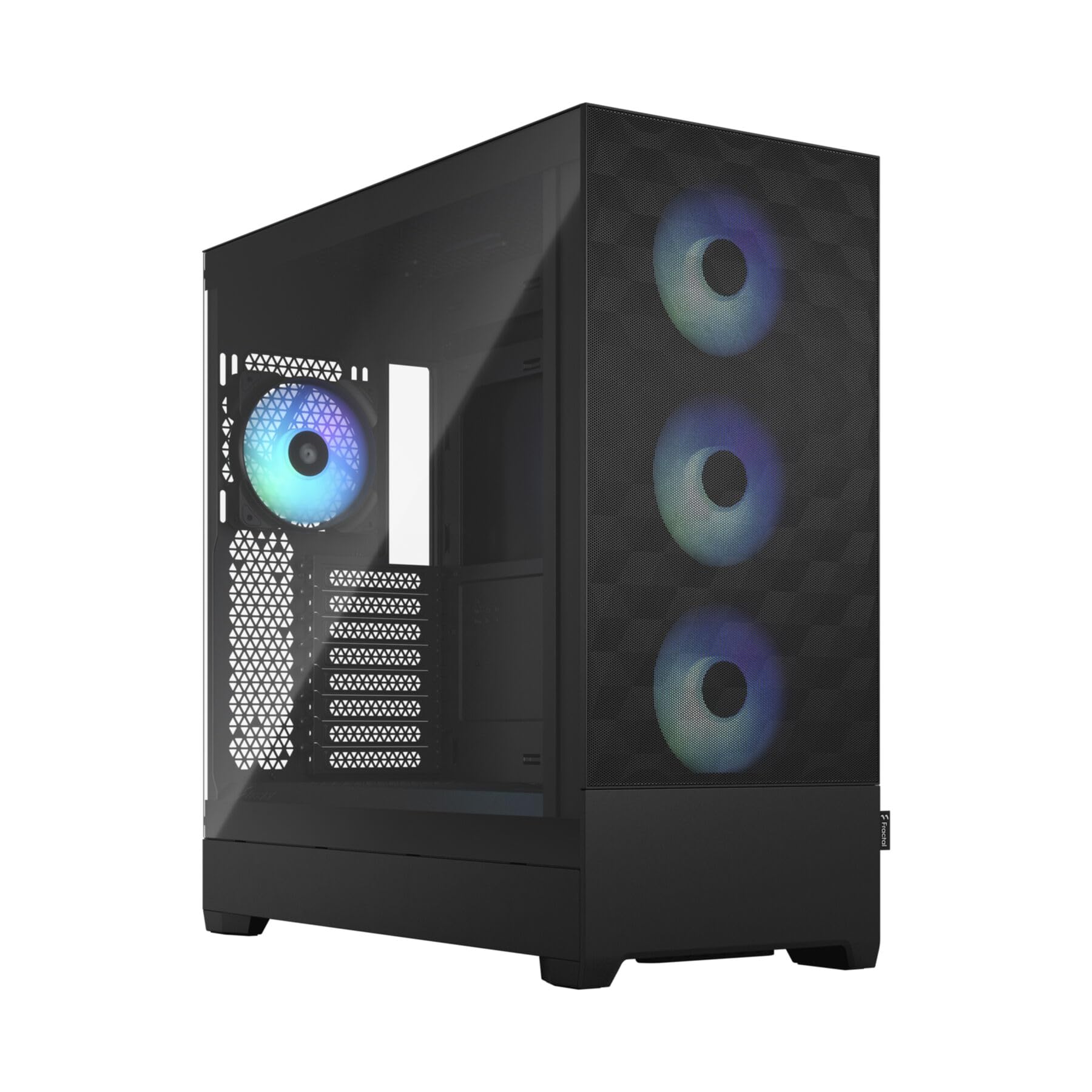
NZXT H5 Flow - Compact ATX Mid-Tower PC Case - Black | Compact mid-tower with 2 included 120mm fans, 360mm front radiator support, and tempered glass. A great first airflow build.
Disclosure: We may earn a commission when you buy through links on this page, at no extra cost to you. As an Amazon Associate I earn from qualifying purchases. Learn more
Highlights
- EXCEPTIONAL GPU COOLING-The PSU shroud is perforated on the side and bottom, enabling optimal air intake from two 120mm fans (not included).
- LARGE RADIATOR SUPPORT-Supports up to a 360mm radiator in front and a 240mm radiator up top for powerful liquid cooling potential.
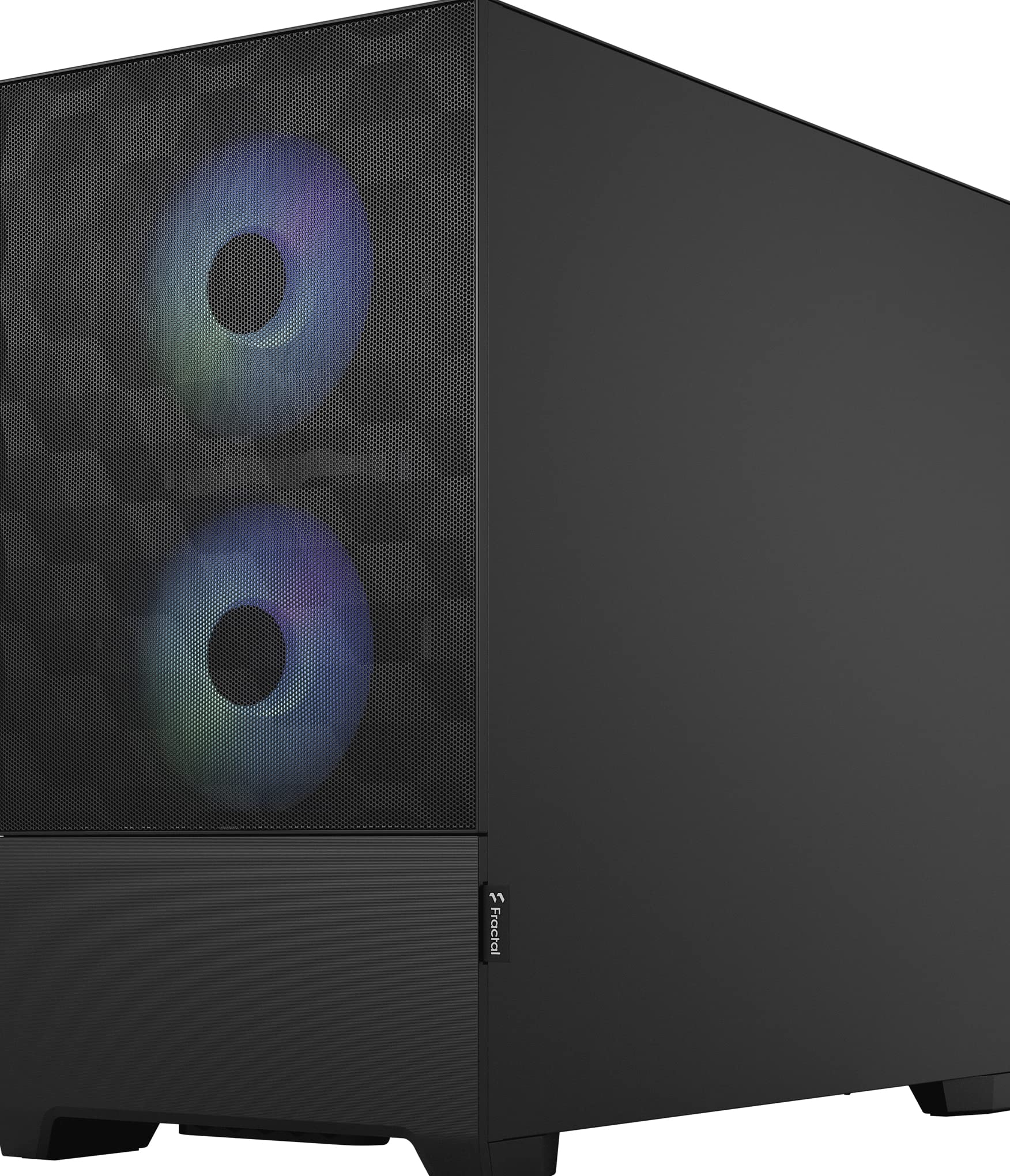
- HIGH-PERFORMANCE AIRFLOW-Ultra-fine mesh on the top, front, and side panels creates maximum airflow and filters dust.
- PRE-INSTALLED FANS-Equipped with two 120mm Quiet Airflow fans—one in front, one in rear—for solid out-of-the-box performance.
- SEAMLESS CABLE MANAGEMENT-Effortlessly route and conceal cables using the wide channels, hooks, and straps.
Why You'll Love It
- Mesh panels across the front, top, and side help move air through the case while filtering dust
- Two included 120mm fans provide front and rear airflow for a ready starting point
- Front support for a 360mm radiator and top support for a 240mm radiator offer liquid cooling flexibility
- Perforated PSU shroud allows two additional 120mm fans to draw air from below and the side
- Wide cable channels, hooks, and straps help keep wiring organized and out of the way
Pros
- +Airflow focused mesh panels
- +Two included 120mm fans
- +Flexible radiator support
- +Dedicated cable routing features
- +Perforated PSU shroud for additional fan intake
Cons
- -Two additional shroud fans are not included
- -Liquid cooling requires a separate radiator setup
- -Compact layout calls for careful component fit checks
Detailed Review
The NZXT H5 Flow is a compact ATX mid-tower PC case designed for builders who want airflow to guide their component choices. Its mesh panels, included fans, and support for liquid cooling give a new build a clear starting point without making the entire cooling plan depend on a single approach. It is particularly worth considering for a first airflow focused build, as well as for anyone who wants cable routing features built into the case rather than treating wire organization as an afterthought.
Airflow is the central design feature. Ultra-fine mesh across the front, top, and side panels provides openings for air movement while helping filter dust. Two 120mm Quiet Airflow fans are included, with one positioned at the front and one at the rear. That arrangement gives builders a starting point for moving air through the case, while leaving room to consider additional cooling according to their own component choices. The perforated power supply unit shroud also allows two optional 120mm fans to draw air through its side and bottom, although those additional fans must be purchased separately.
Cooling flexibility is another reason to consider this model. The front supports a 360mm radiator, while the top supports a 240mm radiator. This gives liquid cooling enthusiasts two placement options to consider when planning their build. The important distinction is that radiator support creates an option, not a complete liquid cooling setup by itself. Buyers should plan the cooling arrangement around their intended components and confirm that the selected configuration fits before committing to it.
Cable management receives practical attention through wide routing channels, hooks, and straps. These features provide places to guide and secure wiring, helping keep cables organized rather than loosely gathered inside the case. That is useful for a first build, when planning cable paths can be an unfamiliar part of the process. The compact mid-tower format also makes planning worthwhile: component fit, radiator placement, fan choices, and cable paths should be considered together rather than as separate decisions.
Verdict: Choose this compact ATX mid-tower PC case if you want mesh airflow, two included fans, flexible radiator support, and built-in cable routing features. Consider a different case if your preferred components or cooling arrangement do not fit its layout, or if you specifically need additional shroud fans included from the start.
Specifications
- Product type: Compact ATX mid-tower PC case
- Color: Black
- Side panel: Tempered glass
- Included fans: Two 120mm Quiet Airflow fans, one front and one rear
- Optional shroud fans: Two 120mm fans, not included
- Front radiator support: Up to 360mm
- Top radiator support: Up to 240mm
- Airflow panels: Ultra-fine mesh on the front, top, and side
- Cable management: Wide channels, hooks, and straps
Who Should Buy It
A great fit if you:
- You are planning a first desktop build and want a case with two fans already included.
- You prefer mesh panels that support airflow while helping filter dust around the case.
- You want the option to plan a liquid cooling setup with front or top radiator placement.
- You value dedicated cable channels, hooks, and straps for keeping wiring organized during assembly.
- You want the flexibility to consider additional shroud fans as part of your cooling plan.
Consider something else if you:
- You need a larger case because your chosen components or planned cooling arrangement require more room.
- You want a case that includes all the extra fans needed for your preferred cooling configuration.
Before You Buy
Confirm on the listing:
- Check the case dimensions and compare them with your available space, especially if compact placement is important to your setup.
- Confirm that your chosen motherboard and other components fit the case, and check the clearance needed for your intended cooling arrangement.
- Review what comes in the box. Two 120mm fans are included, but the two additional shroud fans are not.
- Check the specifications for your intended radiator and other cooling components before choosing front or top placement.
How to compare your options: Start with component fit and cooling layout, then consider the airflow openings, included fans, and cable management features. The H5 Flow offers mesh panels, two included fans, and support for a 360mm front radiator or a 240mm top radiator. Compare those details against the parts you intend to use, rather than choosing a case based on appearance alone. If you expect to add shroud fans, include those separately purchased components in your planning.
Getting the Most From It
Plan your cooling layout before assembling the build. Decide whether the front or top radiator support better suits your intended configuration, then confirm component fit and available clearance. This helps you make cooling decisions alongside the rest of the build rather than treating them as an afterthought.
Make use of the included front and rear fans as the starting point for your airflow plan. If you want additional intake through the perforated PSU shroud, account for the separate purchase of two compatible 120mm fans. Choose additions based on your actual cooling needs instead of assuming every available fan position must be filled.
Use the wide channels, hooks, and straps to organize cables as you assemble the system. Route wiring with the intended paths in mind, keeping the overall layout orderly and considering how your selected components affect access to those routes.
For ongoing care, follow any manufacturer instructions provided for the case and its mesh panels. Check the airflow openings as part of routine cleaning, and keep the mesh free of accumulated dust according to the care guidance. If you change components later, revisit cable routing and cooling placement to make sure the updated arrangement still suits your build.
FAQ
What comes with the NZXT H5 Flow?
The case includes two 120mm Quiet Airflow fans, one at the front and one at the rear. The two additional 120mm fans supported by the PSU shroud are not included.
Does the H5 Flow support a 360mm radiator?
Yes, the front supports a radiator up to 360mm. The top supports a radiator up to 240mm, giving you two placement options to consider when planning liquid cooling.
Can I add more fans?
Yes, the PSU shroud is perforated on its side and bottom to allow intake from two 120mm fans. Those fans are optional and must be obtained separately.
How does the case support airflow?
Ultra-fine mesh on the front, top, and side supports airflow while filtering dust. The included front and rear fans provide a starting point for moving air through the case.
Will it fit my components?
Check the case specifications against your planned components and cooling arrangement before buying. The listed radiator support is helpful for planning, but you should confirm the complete configuration rather than relying on radiator size alone.
Product Details
| Brand | NZXT |
| ASIN | B0D2MK6NML |