
265k vs 9800x3d: Which Is Better in 2026?
Disclosure: We may earn a commission when you buy through links on this page, at no extra cost to you. As an Amazon Associate I earn from qualifying purchases. Learn more

265k vs 9800x3d: how Intel and AMD approach gaming and workloads, what each platform costs, and which chip suits your build.
The comparison of 265k vs 9800x3d pits Intel's upper mid-range Core Ultra chip against AMD's cache-packed gaming processor, and the answer depends on whether you build a PC mainly for games or mainly for work. The Ryzen 7 9800X3D is built to maximize game performance with a large stacked cache, while the Core Ultra 7 265K aims at a broader mix of tasks at a lower price tier. The product table right after this introduction lists current processors from both brands.
This guide compares them on gaming, productivity, platform cost, cooling and upgrade path, so you can choose before buying a motherboard.

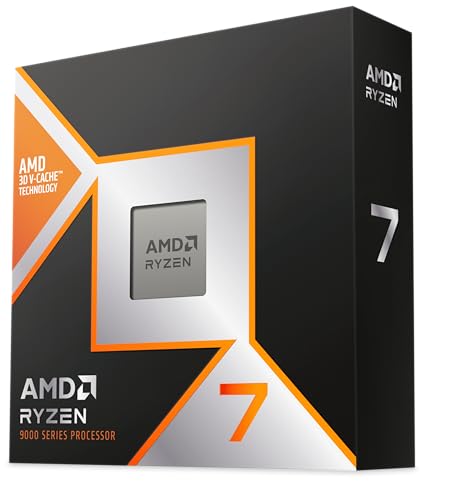

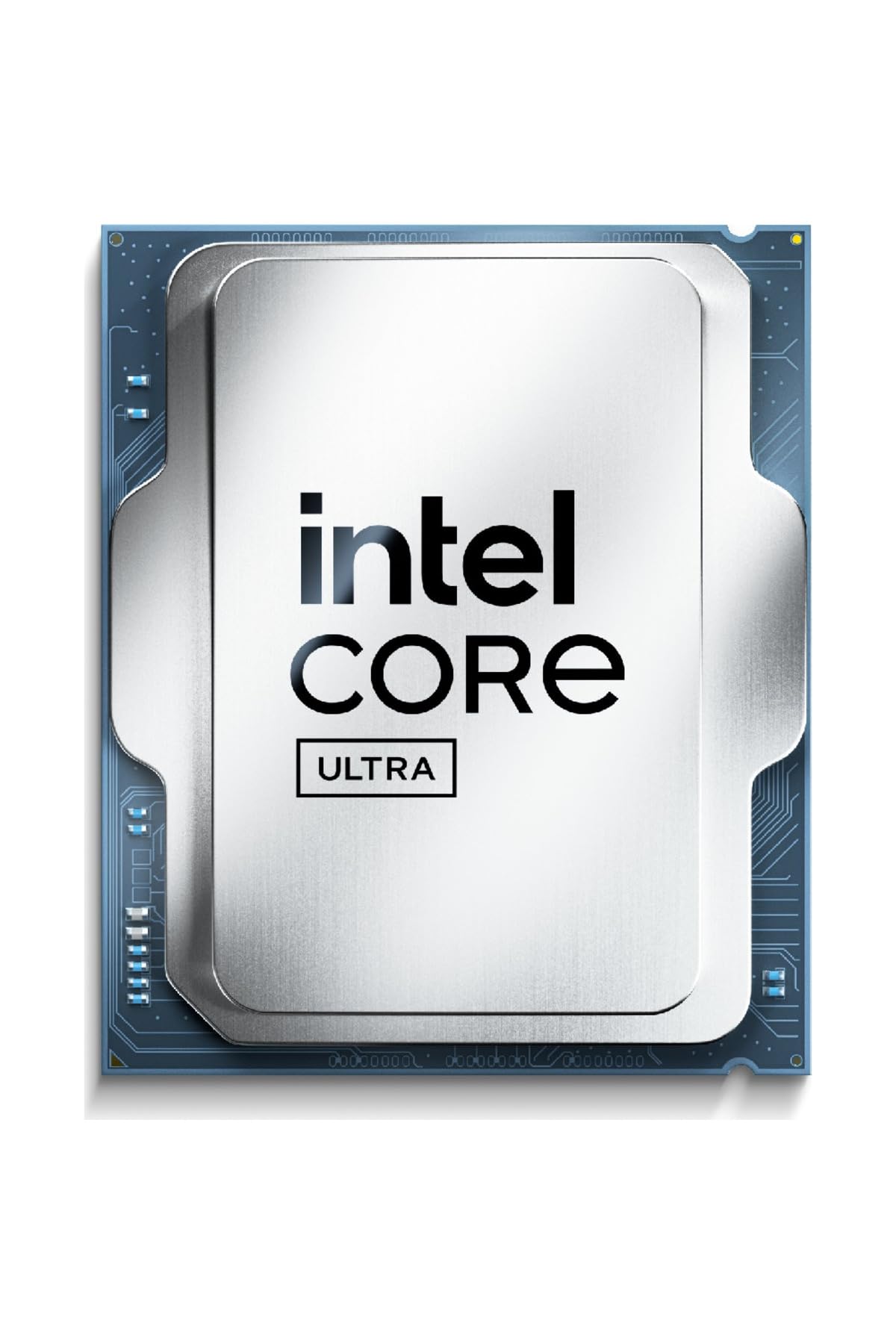


Two Different Design Goals
The 9800X3D has eight cores and sixteen threads, with 96MB of L3 cache thanks to AMD's 3D V-Cache technology, which stacks extra memory on the chip. Games love cache, because it keeps frequently used data close to the cores and cuts waiting. That is why the X3D line has such a strong reputation among gamers.
The Core Ultra 7 265K belongs to Intel's Arrow Lake desktop family, which mixes performance and efficiency cores and aims for strong multi-threaded results with improved efficiency over older Intel designs. It has no stacked cache, so it relies on raw core counts and clocks. Both sit in the upper tier of their makers' lineups, yet they answer different questions.
Gaming Performance
For games, independent reviews have generally placed the X3D chips at or near the top, and the 9800X3D is the newest of them. The effect is most visible at lower resolutions and in processor-limited games, such as simulations, strategy titles and fast shooters, where the cache keeps frame rates high.
At 4K, where the graphics card does most of the work, differences between processors shrink. A fast processor still helps with smoothness and one-percent lows, but a 265K paired with a strong graphics card will deliver an enjoyable experience too. If gaming is your priority and you want the best results, the 9800X3D is the stronger choice.
- Processor-limited games and high frame rates: advantage 9800X3D.
- 4K gaming with a demanding graphics card: the gap is small.
Work and Content Creation
For tasks that use many threads, such as video encoding, rendering and compiling, core count and sustained clocks matter more than cache. Intel's hybrid design gives the 265K a large number of efficient cores that help in those loads, so it can match or beat an eight-core processor in some multi-threaded software. If you edit video or render regularly, check results for your specific programs.
Some creative applications favor Intel for built-in features such as hardware video acceleration. The 265K includes integrated graphics, which is handy for a quick diagnosis or a basic system, and gives access to video encoding features. Programs differ, so look at benchmarks for the software you use.
Platform, Memory and Cooling
The 9800X3D uses Socket AM5 and works with the AMD 600 and 800 series boards. AMD has committed to supporting AM5 for several years, so an upgrade to a newer processor later is likely to be possible on the same board. The 265K uses Intel's newer LGA 1851 socket with 800 series boards, which are more recent, so future support depends on Intel's plans.
Both use DDR5 memory. AMD systems commonly use kits around 6000 for the best balance, while Intel's Arrow Lake platform handles faster memory more readily. Neither ships with a cooler in the box for these models, so budget for a good air or liquid cooler. See our Ryzen 7 9800X3D review for a closer look at that chip.
Power and heat
The X3D chip is known for high gaming performance with moderate power use, which keeps temperatures manageable. Intel's newer chips improved efficiency over older generations but can still draw significant power in heavy multi-threaded loads. A capable cooler is advisable for either.
Price and Value
Pricing changes, so check the table for current figures. The 9800X3D has often sold at a premium because of its popularity, and stock can vary. The 265K tends to cost less, and motherboards for either brand span a wide range. When comparing, include the board and cooler in your total.
If a big gaming performance edge matters, the extra spent on the 9800X3D is easy to justify. If you want solid all-round performance and a lower budget, the 265K leaves more room for a better graphics card, which often lifts gaming performance more than the processor does.
Graphics Card Pairing and Resolution
A processor decision should follow your graphics card. Pairing a top gaming chip with a modest graphics card leaves performance on the table, because the card becomes the limit long before the processor does. If your budget is fixed, a stronger card with the cheaper chip often gives better results than the best processor with a weaker card.
Resolution plays a part too. At 1080p with a fast graphics card, the processor sets the pace, and the stacked cache stands out. At 1440p the gap narrows, and at 4K it nearly disappears in most titles. Decide your target resolution and refresh rate first, then see which processor level your card can actually use.
Memory, Storage and the Wider Build
The rest of the build shapes the experience as much as the processor. Fast DDR5 memory helps both platforms, but Intel boards often accept higher speeds, while AMD builds usually settle around a well-proven speed. Choose a quality NVMe drive, a power supply with comfortable headroom and a case with good airflow so neither chip is held back by heat.
Think about motherboard features as well: the number of M.2 slots, USB ports, networking and BIOS support. A well-equipped board costs more but removes limits later, and a basic board is fine if your needs are simple.
265k vs 9800x3d: Which Should You Choose?
Choose the 9800X3D if you
- Build mainly for gaming and want the best frame rates.
- Like a platform with a likely upgrade path.
- Play processor-hungry games such as simulations and strategy titles.
Choose the 265K if you
- Split time between games and heavy multi-threaded work.
- Want a lower processor price and use the savings on the graphics card.
- Value integrated graphics and Intel's media features.
For other options, read our best CPU guide.
Before You Build
Check the motherboard for the right socket, chipset and a BIOS version that supports your processor. Plan the power supply, with room for your graphics card, and pick a case with proper airflow. Update the BIOS before installing the processor if the board needs it, and enable the memory profile after installation.
FAQ
Is the 9800X3D better than the 265K for gaming?
Generally yes, especially in processor-limited games, though the gap narrows at high resolutions.
Is the 265K better for work?
It can be in multi-threaded tasks, depending on the software, and it offers integrated graphics.
Do they include a cooler?
No, plan to buy a cooler separately.
Will my current motherboard work?
Only if it matches the socket. The 9800X3D needs AM5 and the 265K needs LGA 1851.
To sum up 265k vs 9800x3d: pick the AMD chip when gaming leads your list, and the Intel chip when you want strong all-round performance and a lower processor price.


