
850w vs 1000w: Which Is Better in 2026?
Disclosure: We may earn a commission when you buy through links on this page, at no extra cost to you. As an Amazon Associate I earn from qualifying purchases. Learn more

850w vs 1000w PSU: how to size for a flagship GPU, why unused headroom has a cost, and which wattage suits your build.
At the high end, 850w vs 1000w is a question about the top graphics card in your build. An 850W unit handles most strong gaming systems, while 1000W is for the largest graphics cards, heavy overclocking or multi-component workstations. The extra 150 watts costs real money, and unused capacity does nothing for performance. The product table right after this introduction lists units around both ratings.
This guide explains how to tell which one you need, how power spikes and efficiency work, and when a bigger unit is a wise purchase.


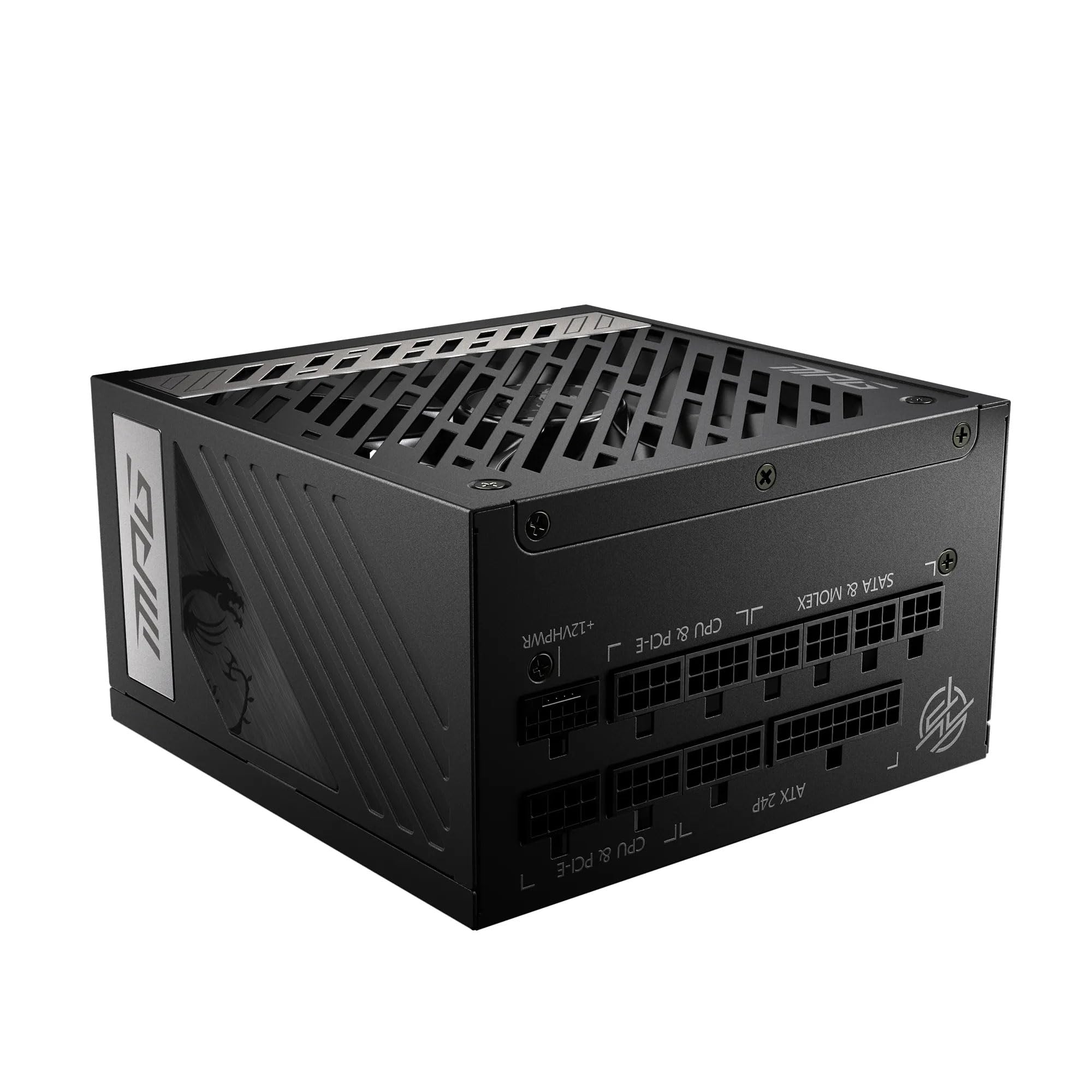


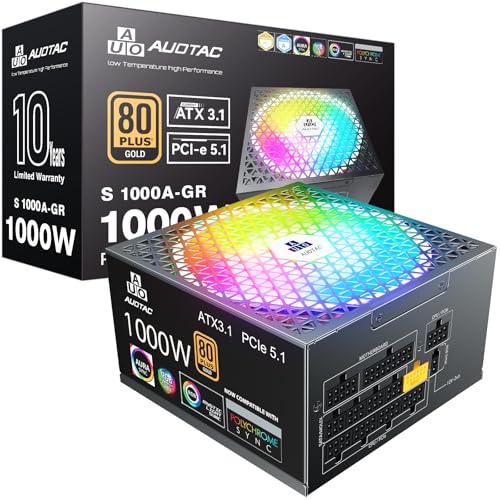


What Pushes a Build Past 850W
For years, 850W was more than enough for nearly every gaming PC. Today the largest graphics cards draw so much power that a build with one of them and a high-end processor can approach or exceed the comfortable range of an 850W unit. The graphics card maker publishes a recommended power supply size, and for the biggest models this is often 850W or more.
The processor matters too. Some top-end chips draw a lot of power under heavy load, particularly when overclocked. Add several drives, a bank of fans and RGB lighting, and the totals climb. If you plan a build at the top of the market, 1000W is a reasonable choice.
- Strong but not flagship graphics card: 850W is usually plenty.
- Flagship graphics card with a power-hungry processor: 1000W gives safer margin.
- Dual-GPU or workstation setups: 1000W or more, depending on parts.
Power Spikes and Headroom
Modern graphics cards can produce brief spikes in power draw well above their typical level. These last a fraction of a second but can trip the protection circuits of a unit running close to its limit, causing a sudden shutdown. A power supply with extra capacity absorbs these spikes comfortably, and newer ATX 3.1 designs are built to handle them better.
That is a strong argument for choosing a unit with margin when you pair a high-end card with a demanding processor. It is a weaker argument for mid-range builds, where spikes stay well within the capacity of an 850W unit.
Efficiency and Noise
A power supply is most efficient around the middle of its load range, and often quietest there too. A 1000W unit powering a 500W system sits at about half load, a comfortable place that can run with the fan off or at low speed. An 850W unit in the same system sits at roughly 60 percent, which is also fine.
An oversized unit running at very low load, such as at idle or light use, can be slightly less efficient than a smaller one, though the difference is small on a quality Gold unit. Look at the 80 Plus rating, the fan behavior and independent noise measurements rather than the wattage number alone.
Connectors to look for
Check for the native 12V-2x6 cable if you have or plan a recent high-power graphics card, and count the PCIe connectors for older cards that need several. Fully modular cables make a tidy build easier, which is welcome in a system with a large graphics card and little free space.
Price and Value
A 1000W unit of the same line costs noticeably more than an 850W model, and prices climb with quality tier. For a build that fits comfortably within 850W, the extra spend is wasted. Spend that money on a better graphics card or cooling instead, which will improve performance more than extra wattage.
If you are buying the biggest graphics card available, do not skimp on the power supply. A reliable 1000W unit is a small share of the total build cost and protects an expensive investment. Our Corsair RM1000x review and Corsair RM850x review compare two well-known units in these classes.
Calculating Your Own Number
You can do the sum yourself in a few minutes. Look up the maximum power of your graphics card and processor on the makers' pages, add around 100 watts for the motherboard, memory, drives and fans, and note the total. Then add 20 to 30 percent for spikes and aging, and compare the result with the unit's rating. If you land under 850, the smaller unit is enough.
Online calculators from power supply makers do the same arithmetic, and they are helpful as a cross-check. Treat their results as estimates and lean toward the graphics card maker's own recommendation when it is higher.
Future Upgrades and Resale
If you tend to upgrade parts rather than rebuild entire systems, a 1000W unit is a safe base for several generations of graphics cards. A good power supply can move to a new case or build, and it holds resale value if kept clean and in its box. A smaller unit may force a replacement when the next graphics card draws more.
That said, trends are not guaranteed. Some newer graphics cards have become more efficient, and not every upgrade increases power draw. Buy for the parts you have or have chosen, plus a sensible margin.
850w vs 1000w: Which Should You Choose?
Choose 850W if you
- Run a strong graphics card that is not at the very top of the range.
- Use a mainstream or efficient processor.
- Want to save money and keep the build tidy.
Choose 1000W if you
- Own, or plan to buy, the largest graphics card.
- Overclock a power-hungry processor.
- Want maximum margin for several years of upgrades.
For other recommendations, see our best power supply guide.
Quality Matters More Than Wattage
A well-made 850W unit is safer than a poorly built 1000W unit. Look for reputable makers, a warranty of at least seven years on high-end models, and protections against over-current, over-voltage and short circuits. Independent reviews with load measurements, ripple and noise results are more informative than the wattage on the box.
Avoid very cheap units at high wattage, since the numbers can be optimistic. A power supply failure can damage other components, so this is one place to buy carefully.
Installing a Large Power Supply
Check that the case supports the unit's length, since high-wattage models can be deep. Route the main cables behind the motherboard tray, and plug the graphics card cable fully until it clicks. Avoid sharp bends right next to the connector, which can strain the cable and the port.
After assembly, watch for noises or unusual smells on first power-up, and monitor temperatures during a demanding game. Keep the dust filter clean to protect the unit's cooling and extend its life.
FAQ
Do I need 1000W for a flagship graphics card?
Often 850W is the minimum, and 1000W gives comfortable margin. Check the card maker's recommendation.
Will a bigger power supply raise my electricity bill?
No, your PC draws what it needs regardless of the unit's rating.
Is 1000W less efficient at low loads?
Slightly, but the difference is small on a quality unit.
Can I reuse my old cables?
No. Always use the cables that came with the unit, since pinouts differ between models.
When it comes to 850w vs 1000w, take 850W for most strong gaming builds and move to 1000W only for flagship graphics cards, heavy overclocking or big upgrade plans.


