
Acer Chromebook Plus Spin 714 Review for 2026: Worth It?
Disclosure: We may earn a commission when you buy through links on this page, at no extra cost to you. As an Amazon Associate I earn from qualifying purchases. Learn more

Acer Chromebook Plus Spin 714 review covering the 16:10 touchscreen, Core Ultra 5 chip, ports and who the premium 2-in-1 Chromebook suits.
The Acer Chromebook Plus Spin 714 is a 14-inch 2-in-1 Chrome OS laptop that flips into tablet and tent modes, and this acer chromebook plus spin 714 review covers its display, chip, ports and the points where listings differ. It suits students and mobile professionals who want a slim, touch-friendly machine that works well with Android apps and Google services.
The Spin 714 sits at the premium end of Chromebooks, so it makes sense to know what the extra money buys before choosing a configuration.
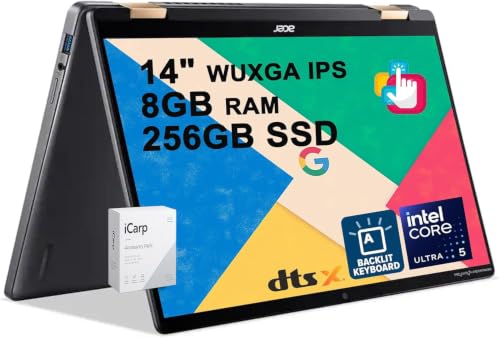
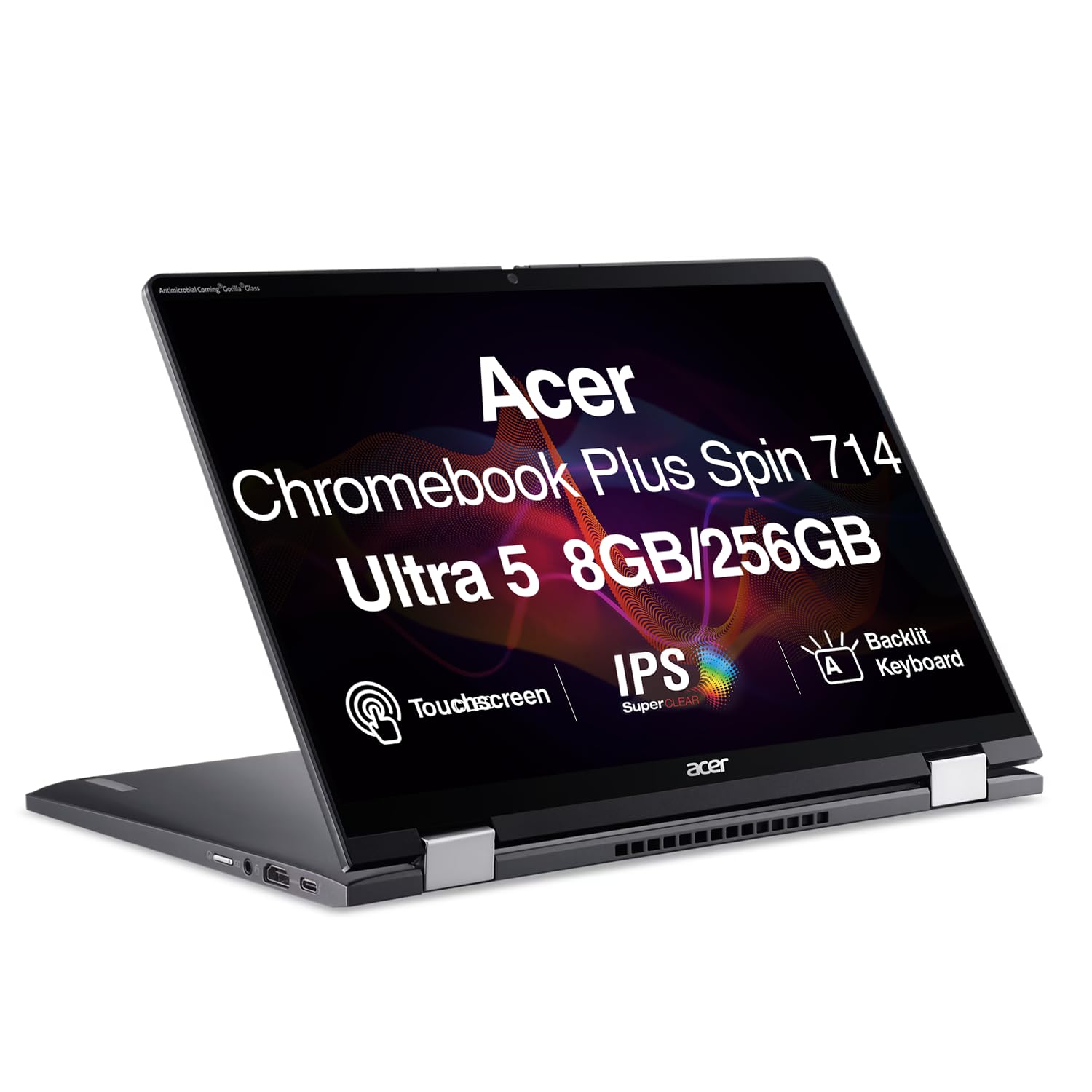
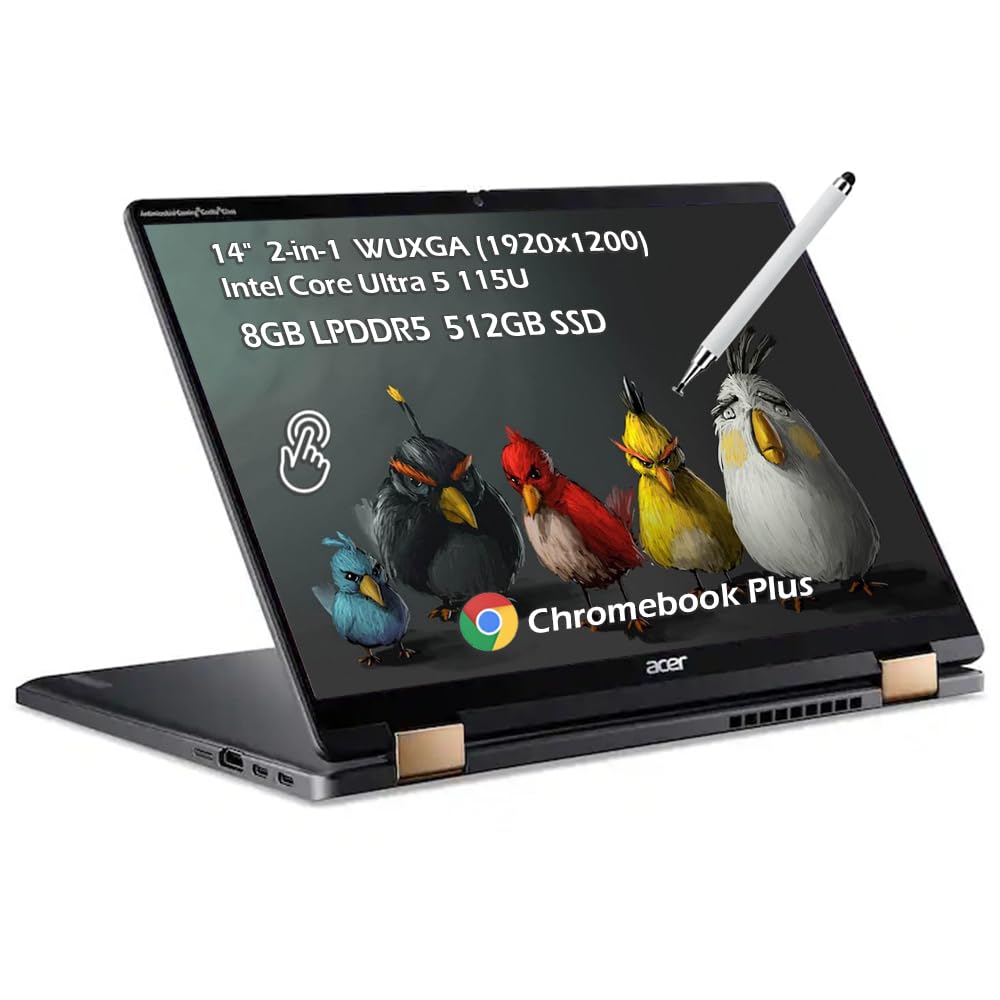

Acer Chromebook Plus Spin 714 Review: Hardware
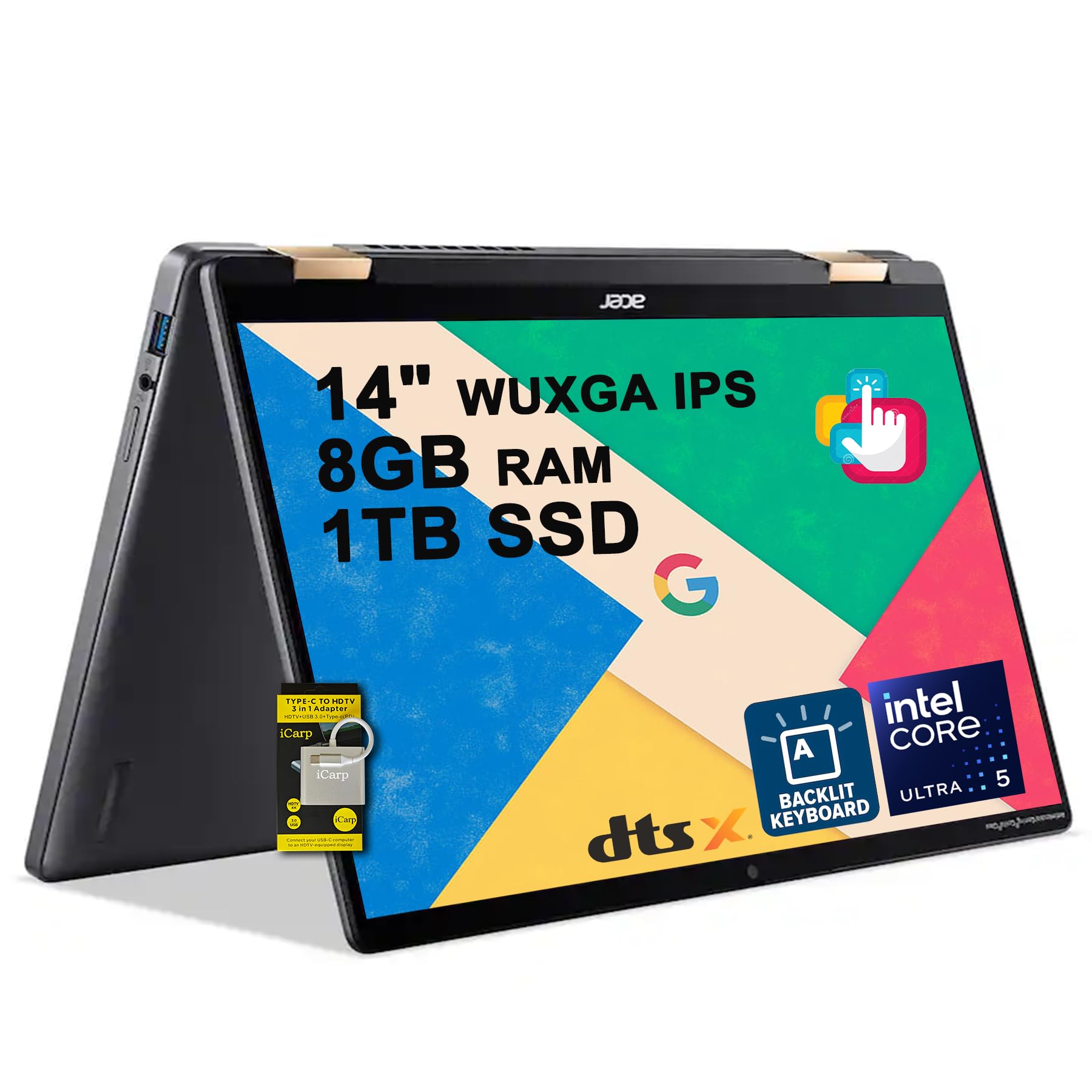
Current listings describe a 14-inch WUXGA (1920 x 1200) IPS touchscreen with 100% sRGB color coverage. Inside is an Intel Core Ultra 5 115U with 8 cores, boost clocks up to 4.2GHz and 10MB of cache, paired with 8GB of memory and a 256GB SSD in the standard configuration.
The taller 16:10 screen gives more vertical space for documents and web pages than a 16:9 panel. Together with the accurate color coverage, it makes the Spin 714 one of the nicer Chromebook displays.
Ports and Connectivity
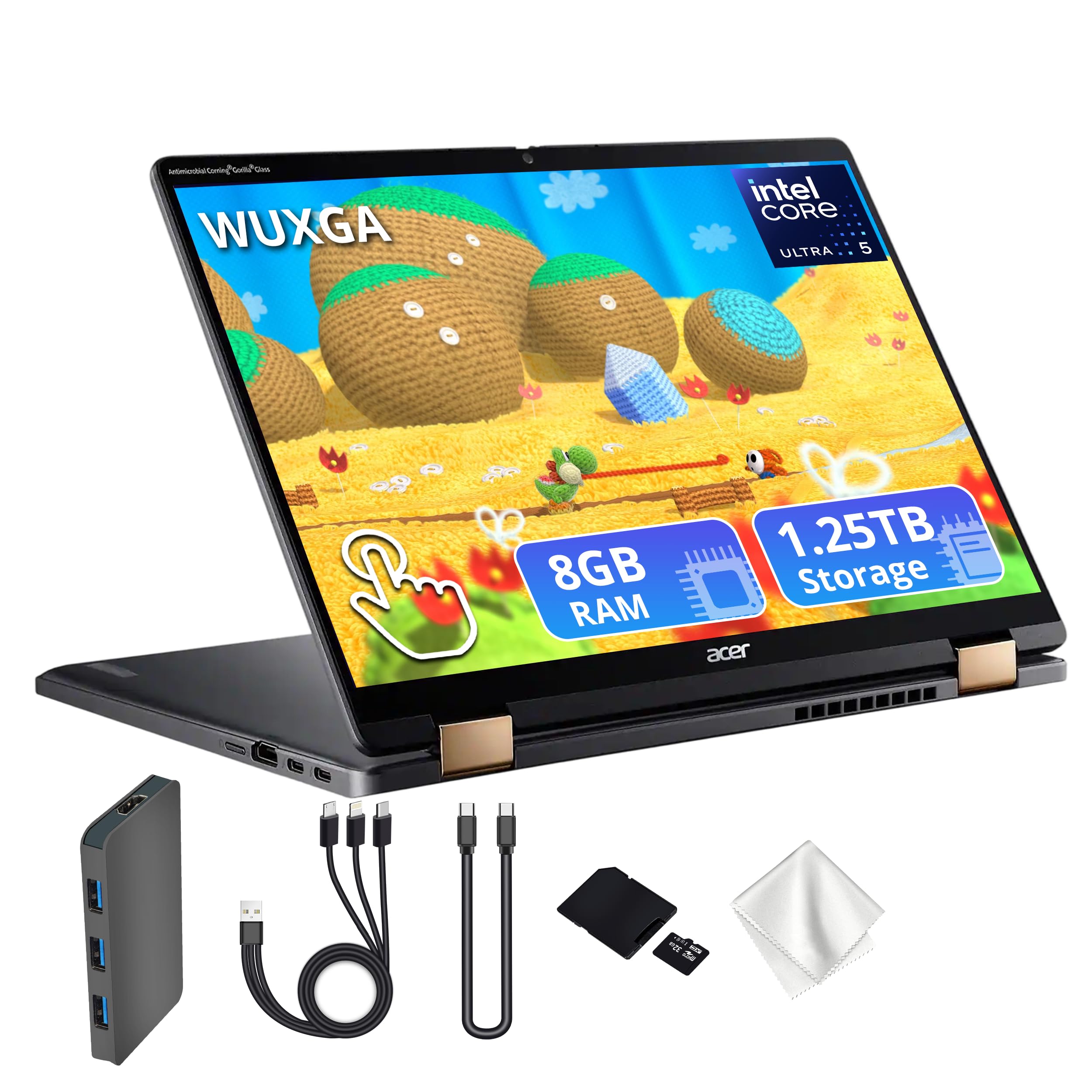
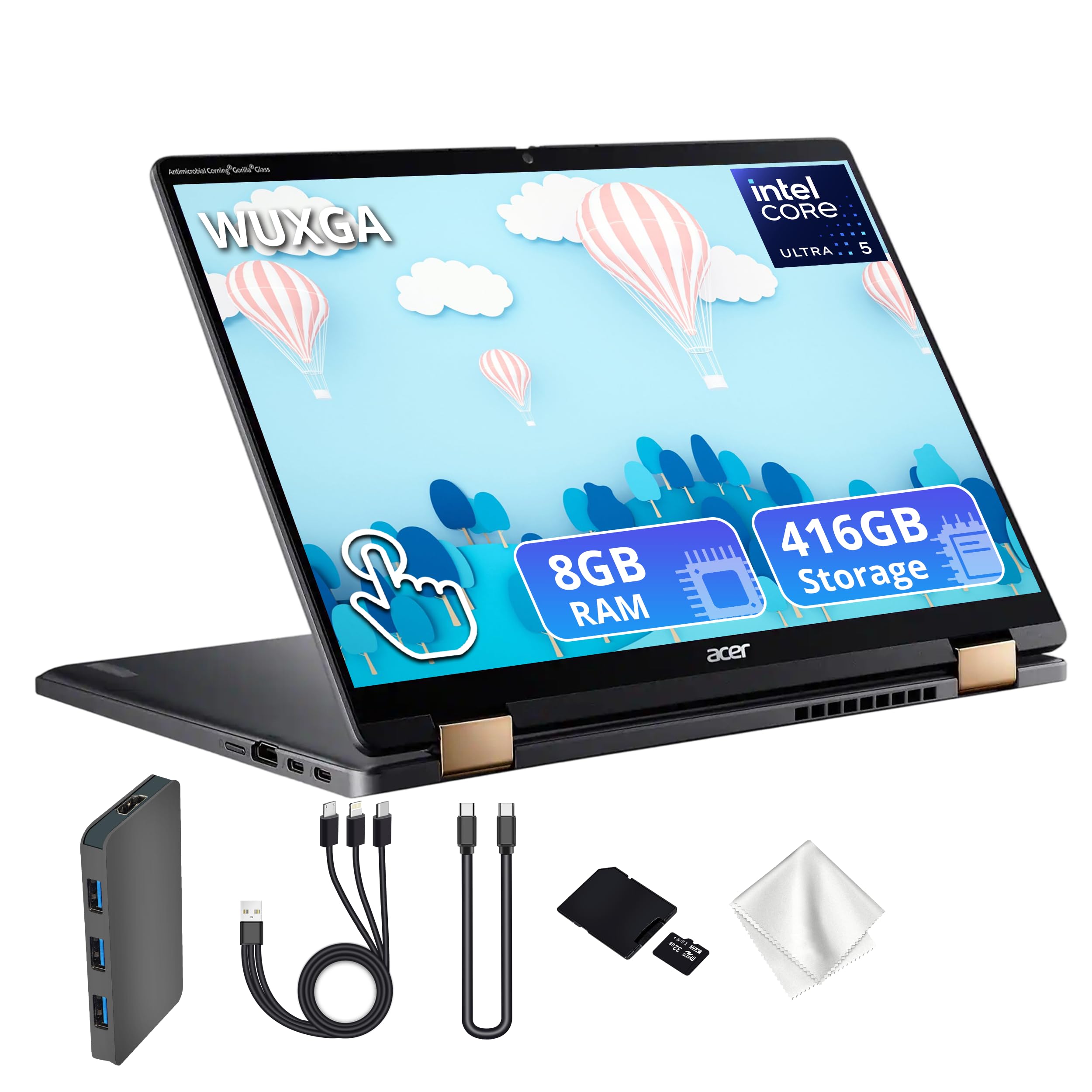
The listing mentions two USB-C ports with Thunderbolt 4, one USB-A 3.2 port and HDMI 1.4b. Thunderbolt 4 can drive external monitors and fast storage over one cable, and it also charges the laptop, so a dock turns it into a desk setup.
Wireless is Wi-Fi 6 on the listing, and the camera is described as QHD with DTS audio, a clear advantage for video meetings compared with the low resolution webcams found on cheaper Chromebooks.
Performance and Battery
Chrome OS is light, so a Core Ultra 5 chip feels fast. Multiple tabs, Google Meet, Android apps and light photo editing run without delay, and the efficient chip helps the battery. The listing promises long-lasting battery life but gives no figure, so treat any hour count you see elsewhere as a manufacturer estimate.
Chromebook Plus models include Google AI features such as writing help and image tools, and some listings mention them in the title. These features need a recent version of Chrome OS and an internet connection.
2-in-1 Design: Tablet and Tent Modes
The 360-degree hinge makes the Spin useful in ways a clamshell is not. Tent mode works for watching video on a table or giving a presentation, and tablet mode suits note taking or reading with the touchscreen. If you never plan to flip the screen, a regular Chromebook such as the Plus 514 costs less and is similar in other ways.
Storage Choices and Pricing
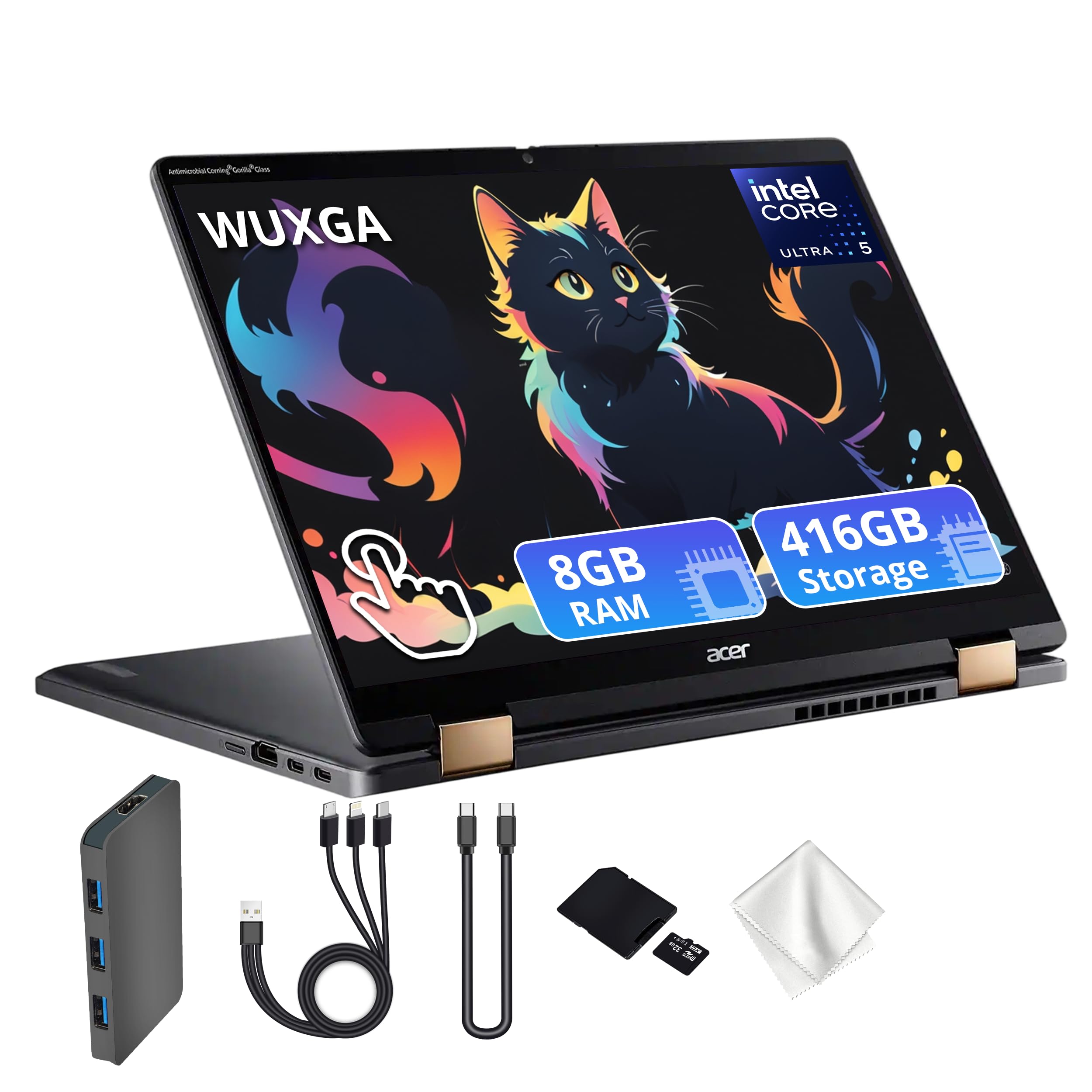
Standard listings carry 256GB, and some resellers list 416GB or more than a terabyte after adding extra storage options. Prices on our hub range from around $650 for the 8GB and 256GB model to higher for bundled storage. For most people the base 256GB is enough, since Chrome OS leans on cloud storage.
Ask whether a higher price is due to hardware or to a bundle of accessories, and confirm what ships in the box.
Spin 714 Versus a Regular Clamshell Chromebook
A flip hinge adds cost and a bit of weight, so it should earn its place. The convertible shape is valuable for students who take notes on the screen, for people who read or watch video with the keyboard folded away, and for anyone who presents from a table. For typing all day at a desk, a clamshell with a similar chip does the same job for less money.
The Core Ultra 5 chip, Thunderbolt 4 ports and the QHD camera are the other upgrades that separate this model from a basic Chromebook. If those matter to you, the price makes sense. If not, look at the cheaper models in the Chromebook Plus range.
Using It as a Tablet
Chrome OS supports Android apps, so tablet mode works with apps designed for touch, such as note takers, readers and drawing tools. In tablet mode the keyboard turns off, so you will not press keys by accident. A 14-inch tablet is large and a little heavy to hold for long periods, so it works better on a table, a lap or a stand than held in one hand.
Check the listing for stylus support if you plan to write or draw, because not every pen works with every Chromebook.
Who Should Buy the Acer Chromebook Plus Spin 714
Pick it if you want a premium Chromebook with a sharp 16:10 touch display, Thunderbolt 4 and a convertible body. It suits students who take handwritten notes, travelers who want a light daily laptop and professionals who live in web apps.
Skip it if budget is tight or you need Windows programs. Compare the Lenovo Chromebook Plus 14 review and the ASUS Chromebook Plus CX34 review, or browse the best chromebook guide for more options.
Spin 714 Buying Tips
- The Spin 714 name has appeared on both older (13th generation Core i5) and newer (Core Ultra 5) builds, so read the chip in the title.
- Prefer sellers that list a clear warranty, since many resellers carry the same laptop.
- If you use a stylus, check which pens the model supports in the product details.
- Use the Thunderbolt 4 port for a monitor or dock to turn it into a desktop replacement.
FAQ
Is the Acer Chromebook Plus Spin 714 worth it?
It is worth it if you will use the touchscreen and flip hinge, and you want a better display and ports than a basic Chromebook offers. Otherwise, a cheaper clamshell does the job.
Does it have a touchscreen?
Yes. The 14-inch WUXGA IPS display is a touchscreen and the hinge folds fully back.
What chip does it use?
Newer listings use the Intel Core Ultra 5 115U. Older Spin 714 models used a 13th generation Core i5.
Can it connect to an external monitor?
Yes. The two Thunderbolt 4 ports and the HDMI port can all drive a display.
Final Verdict
This acer chromebook plus spin 714 review shows a polished convertible with a strong display and ports, best for people who will use the 2-in-1 design. Compare the models in the table above, confirm the chip generation and storage, and buy the 8GB and 256GB version unless you need more.


