
All in One vs Desktop: Which Computer Is Better in 2026?
Disclosure: We may earn a commission when you buy through links on this page, at no extra cost to you. As an Amazon Associate I earn from qualifying purchases. Learn more

All in one vs desktop compared on space, performance, upgrades and price, with a clear pick for tidy desks and for power users.
The all in one vs desktop decision comes down to space, upgrades and price per unit of performance. An all-in-one computer hides the processor behind the screen, uses one power cable and looks tidy on any desk. A tower desktop needs a separate monitor but gives you more power for the money, more ports and room to upgrade parts over the years.
This guide compares the two on performance, upgrades, price, screen quality, repairs and everyday use, then recommends who should choose which.
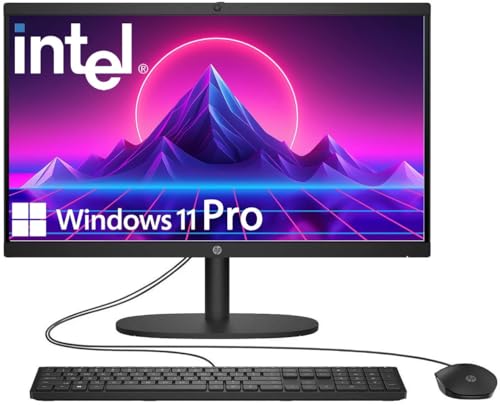

All in One vs Desktop: The Short Answer
Choose an all-in-one if you want a clean, space-saving computer for home, school or reception use, and you rarely open a computer case. Choose a tower desktop if you want better performance for the price, easy upgrades, a choice of monitor and the option to add a graphics card.
Prices tell part of the story. All-in-ones on our hub start around $500 for a 22 or 24-inch Full HD model with a basic Intel processor, while a tower with a similar processor costs around $650 to $850 before you buy a monitor, and the tower gives more performance for the money once you pass the entry level.
Space and Setup
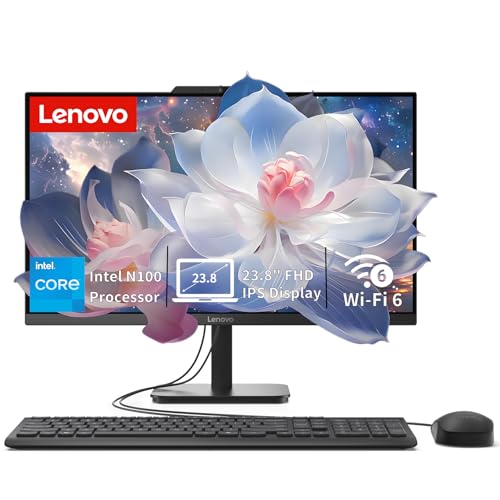
An all-in-one has the computer built into the display, so it needs one power cable and perhaps a keyboard and mouse. The Lenovo IdeaCentre all-in-ones list a 24-inch Full HD IPS display with a built-in camera, speakers and Wi-Fi 6 for around $500 to $570. That makes setup a few minutes of work.
A tower needs a monitor, keyboard, mouse and speakers or headphones, and it takes floor or desk space for the case. In return, you can place the tower under the desk and choose a monitor in any size and quality you like.
Performance and Power
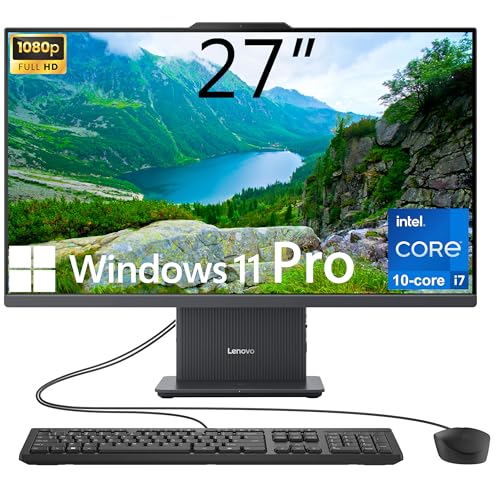
Most all-in-ones use laptop-class processors, because heat must be handled behind the screen. The budget Lenovo model uses an Intel N100 with four cores, and a higher listing uses a 10-core Intel Core i7-13620H. The Apple iMac uses an M4 chip with a 10-core CPU and 10-core GPU, and it is fast for editing and everyday work.
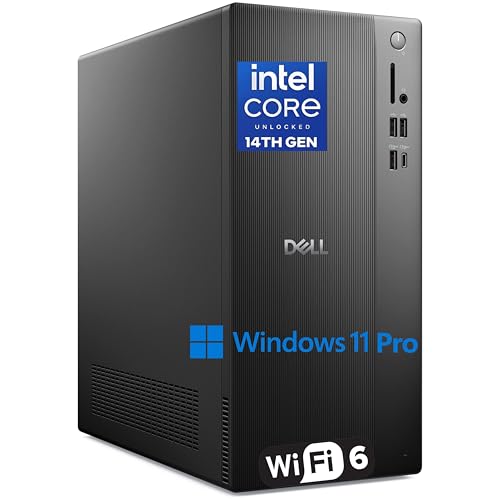
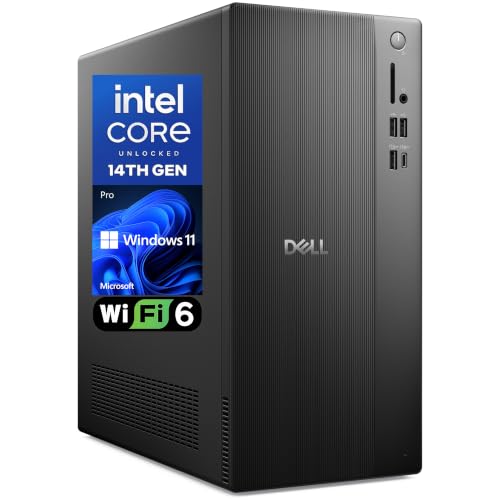
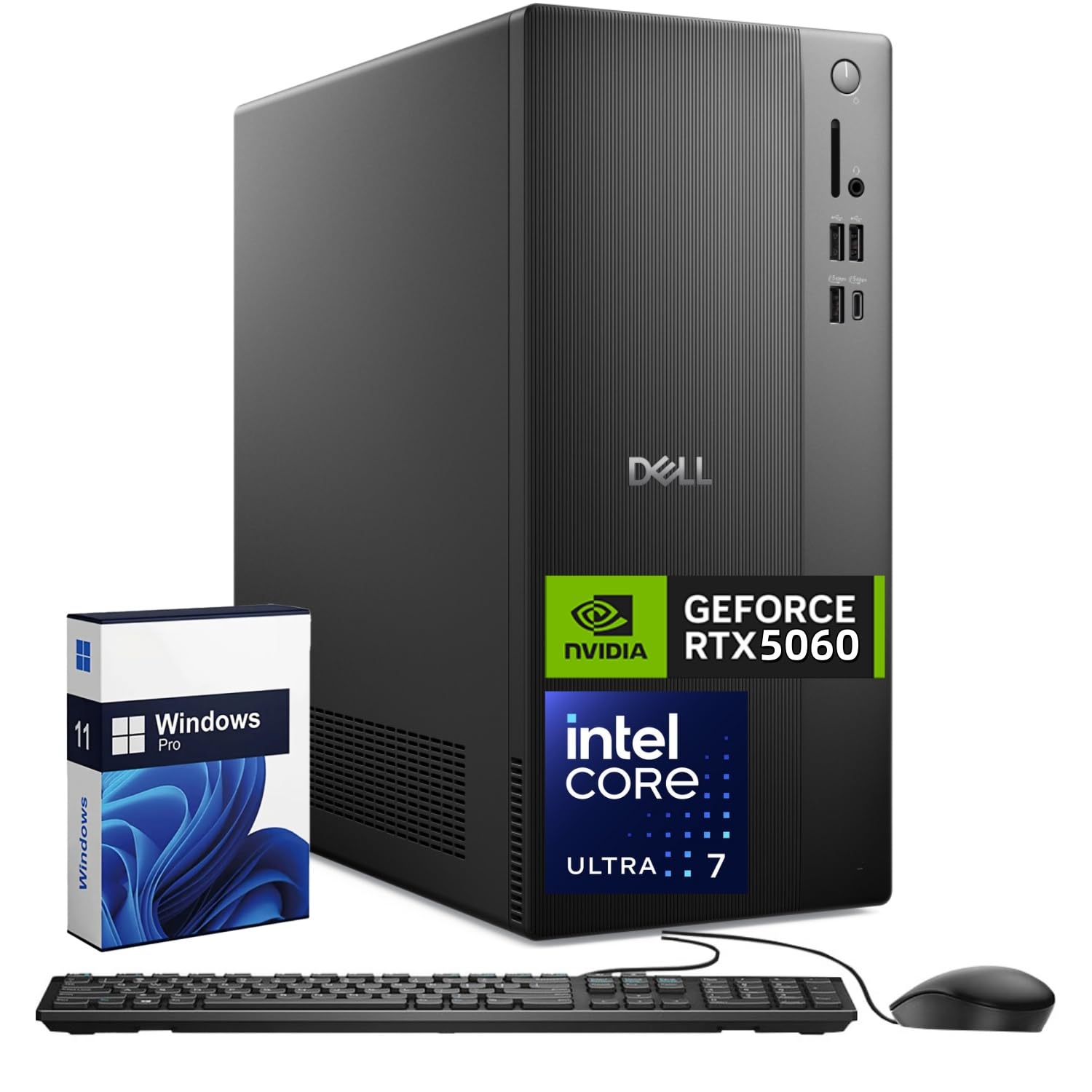
A tower can use desktop processors with higher power limits and a graphics card. Dell's tower listings run from a Core i3 at around $650 to a Core Ultra 7 265F with an RTX 5060 and 32GB of memory at around $1,870, which is far beyond what an all-in-one offers at the same price.
Upgrades and Repairs
An all-in-one is hard to upgrade. Some models allow more memory or storage, and the Lenovo 27-inch listing mentions up to 64GB of DDR5 and up to 4TB of storage, but graphics, processor and screen are fixed. If the screen fails, the whole computer is affected, and repairs can be costly.
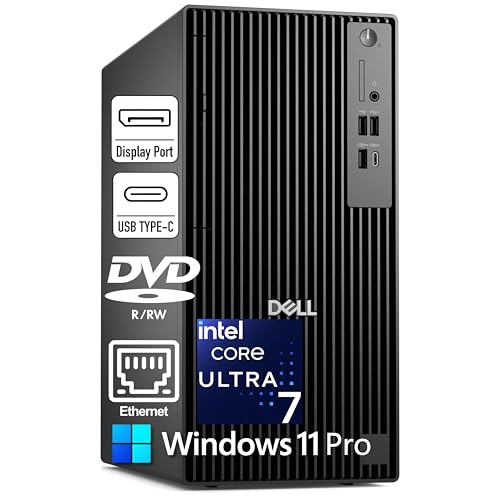
A tower is easy to service. Replace the graphics card, add storage, change the power supply or swap the processor on a compatible board. Business towers vary: the Dell Pro Tower Plus lists a 260W Bronze power supply and wired Ethernet only, so check the specs before planning a graphics upgrade.
Screen Quality and Features
All-in-ones include a screen, camera and speakers, and the quality varies. Budget models offer a Full HD IPS panel at 250 to 300 nits, with 99% sRGB on some listings, which is fine for office and streaming. Premium models, such as the iMac, offer a 24-inch 4.5K Retina display with 500 nits, a 12MP camera, three microphones and six speakers.
With a tower, you choose the monitor, so you can pick a high refresh rate screen for games or a color accurate one for editing, and upgrade it separately later.
Price and Value
A budget all-in-one at around $500 is a good value for basic needs because the price includes the screen, camera and speakers. A comparable tower and monitor combination costs more at the low end. As you move to mid-range and high end, towers pull ahead: a $1,500 tower offers much more performance than a $1,500 all-in-one, though you still need a monitor.
Apple's iMac is the exception for people who prefer macOS. It lists from around $1,490 to $2,080 depending on the configuration, and it includes a high quality display.
Who Should Choose Which
Choose an all-in-one if
You want a simple, tidy computer for a home office, kitchen, dorm or reception desk, and your tasks are browsing, documents, video calls and streaming.
Choose a desktop tower if
You want better performance for the money, a graphics card for games or creative software, and the ability to upgrade later. See our best desktop computer guide, the HP OmniDesk review and the Dell Tower Plus review for specific models.
Everyday Use and Longevity
For daily tasks such as email, documents, video meetings and streaming, an entry all-in-one and a basic tower feel similar. The differences show after a few years. A tower can get a new graphics card, more memory or a fresh SSD for a small cost, which keeps it useful longer. An all-in-one tends to stay the same until it is replaced, though the screen, camera and speakers mean you never have to buy those separately.
Think about where the computer will live. In a shared family room, a kitchen or a small apartment, the tidy look of an all-in-one often matters more than raw power. In a home office or a gaming room, a tower with a larger monitor makes more sense.
Business and Education Use
For offices and schools, the choice often follows the management tools. Business towers such as the Dell Pro Tower Plus list Windows 11 Pro with BitLocker, Remote Desktop, domain join and Hyper-V, plus support for three 4K monitors through DisplayPort. Some all-in-ones also ship with Windows 11 Pro and offer a webcam and speakers built in, which suits reception desks and video-call stations. Compare the operating system edition and the warranty for any computer you plan to deploy in numbers.
Buying Tips
- Check the processor and memory first: avoid 4GB of memory and look for 16GB when possible.
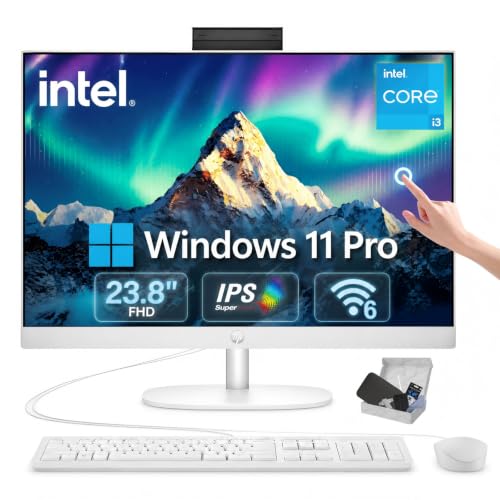
- For an all-in-one, confirm the display resolution, brightness and whether the screen is touch.
- For a tower, plan the monitor budget and check the number and type of video outputs.
- Read the warranty and service terms from the seller.
FAQ
Is an all-in-one better than a desktop?
It is better for space and simplicity. A tower desktop is better for performance, upgrades and price per power.
Can I upgrade an all-in-one?
Sometimes memory and storage, but not the processor, graphics or screen.
Are all-in-ones good for gaming?
Not usually. Most use integrated graphics, so a tower with a graphics card is the better choice.
Do all-in-ones last as long as towers?
They can, but a failed screen or processor is harder to fix, so a tower tends to last longer through upgrades.
Final Verdict
The all in one vs desktop choice favors the all-in-one for tidy, simple use and the tower for performance and upgrades. Check the models in the table above and choose based on your space, budget and how long you want to keep the computer.


