
Apple Mac Pro Alternative Options for 2026: Workstations Compared
Disclosure: We may earn a commission when you buy through links on this page, at no extra cost to you. As an Amazon Associate I earn from qualifying purchases. Learn more

Need workstation power without a Mac Pro? This apple mac pro alternative guide compares Apple, HP, Dell and Minisforum machines.
Apple's tower is a niche machine, and buyers who need workstation power often find better value elsewhere. If you want an Apple Mac Pro alternative, the listings above include HP and Dell workstations, compact Minisforum workstations, Apple's own Mac Studio and gaming towers with high-end graphics.
The product table covers a wide price range, so compare current prices there and then read below to decide which type of machine matches your work.


What Makes a Workstation a Workstation
A workstation is built for sustained loads: video rendering, 3D modeling, simulation, code compilation and data science. It has more memory capacity than a consumer desktop, professional graphics options, better cooling and often validated drivers for professional software. Many also offer error-correcting memory and long warranties.
The Mac Studio
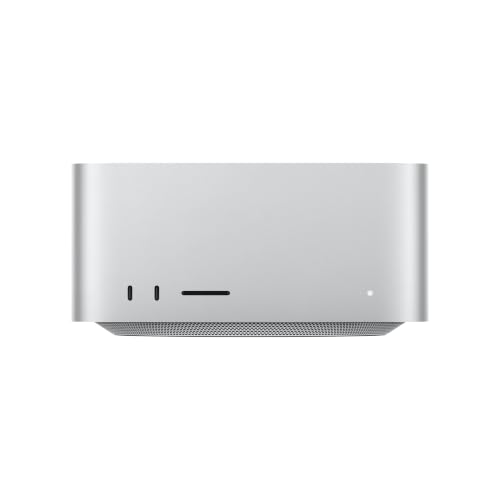
If you want to stay with macOS, the Mac Studio is the closest sibling to the Mac Pro. It uses the same class of chip in a much smaller body and costs far less than the tower. You lose the expansion slots, but most professionals never used them. For video, music and photography it is the obvious Apple choice.
Apple Mac Pro Alternative: HP Z Series Workstations
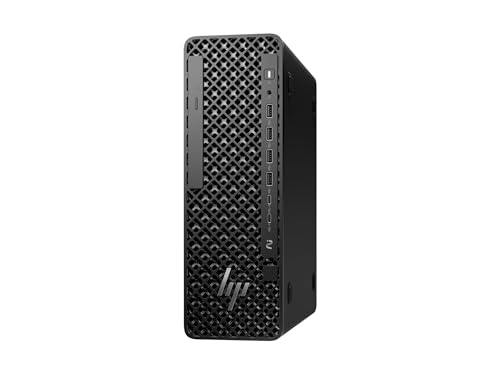
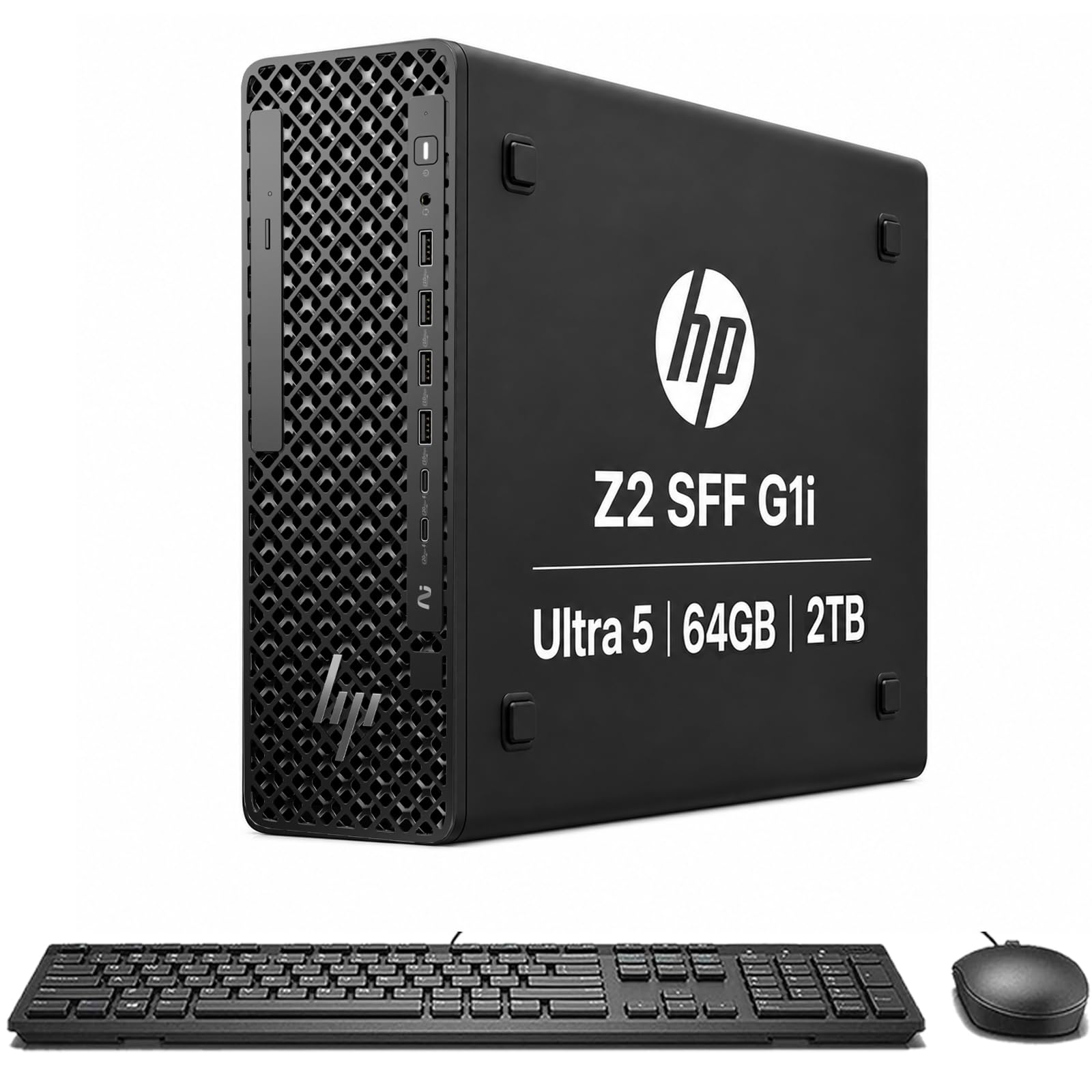
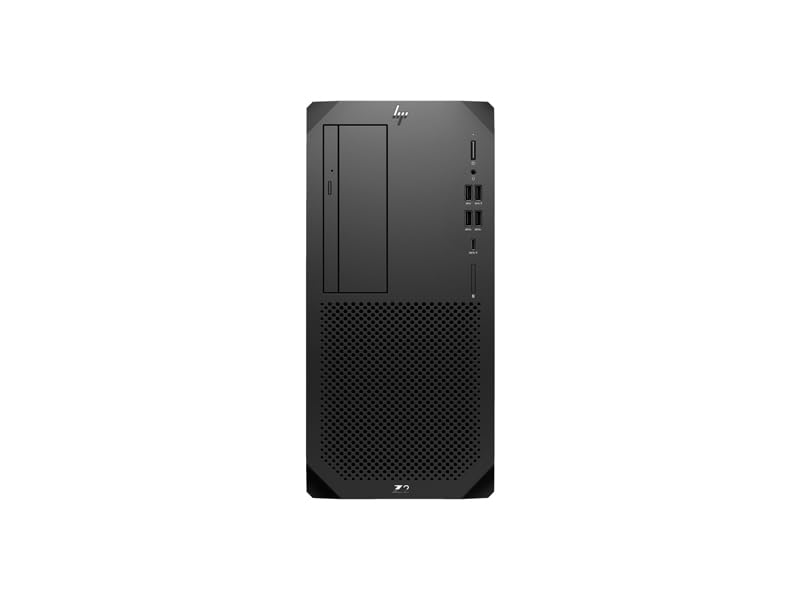
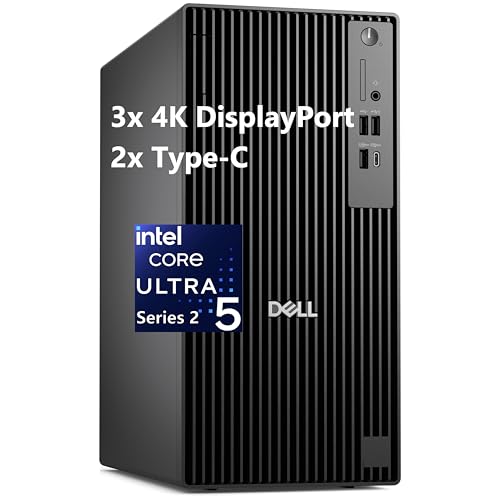
HP's Z2 workstations, such as the Z2 G1i and Z2 G9, are a mainstream professional option with Intel processors, workstation graphics options and good service plans. They come in small form factor and tower sizes, and they are common in design studios and engineering offices. Check the listing for the exact processor, memory and graphics card.
Dell Pro Max and Precision
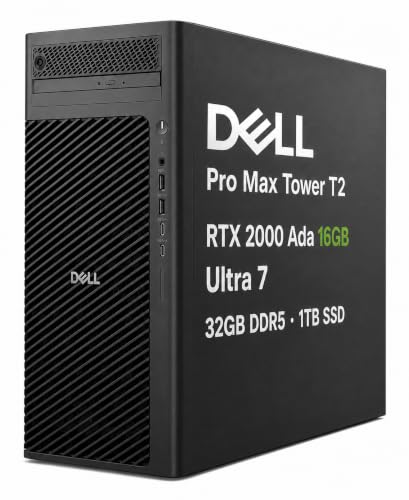
Dell's Pro Max tower line is the successor to the Precision range, with options such as AMD Radeon PRO and NVIDIA RTX professional graphics. Older Precision towers with dual Xeon processors still appear in listings and are fast for rendering but loud and power-hungry, so check what you are buying. The Dell Pro Tower Plus is a more modest business desktop.
Compact Mini Workstations
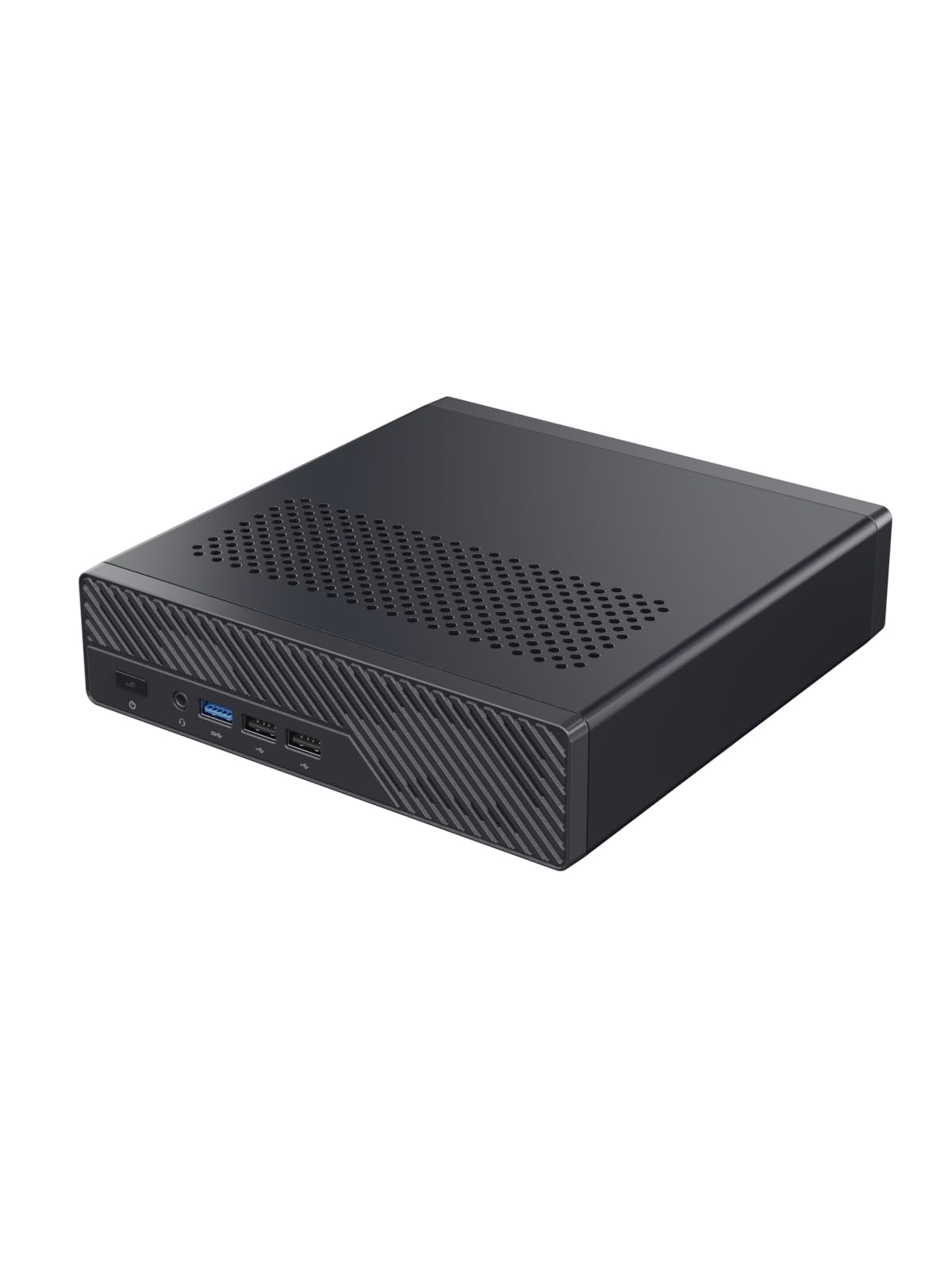
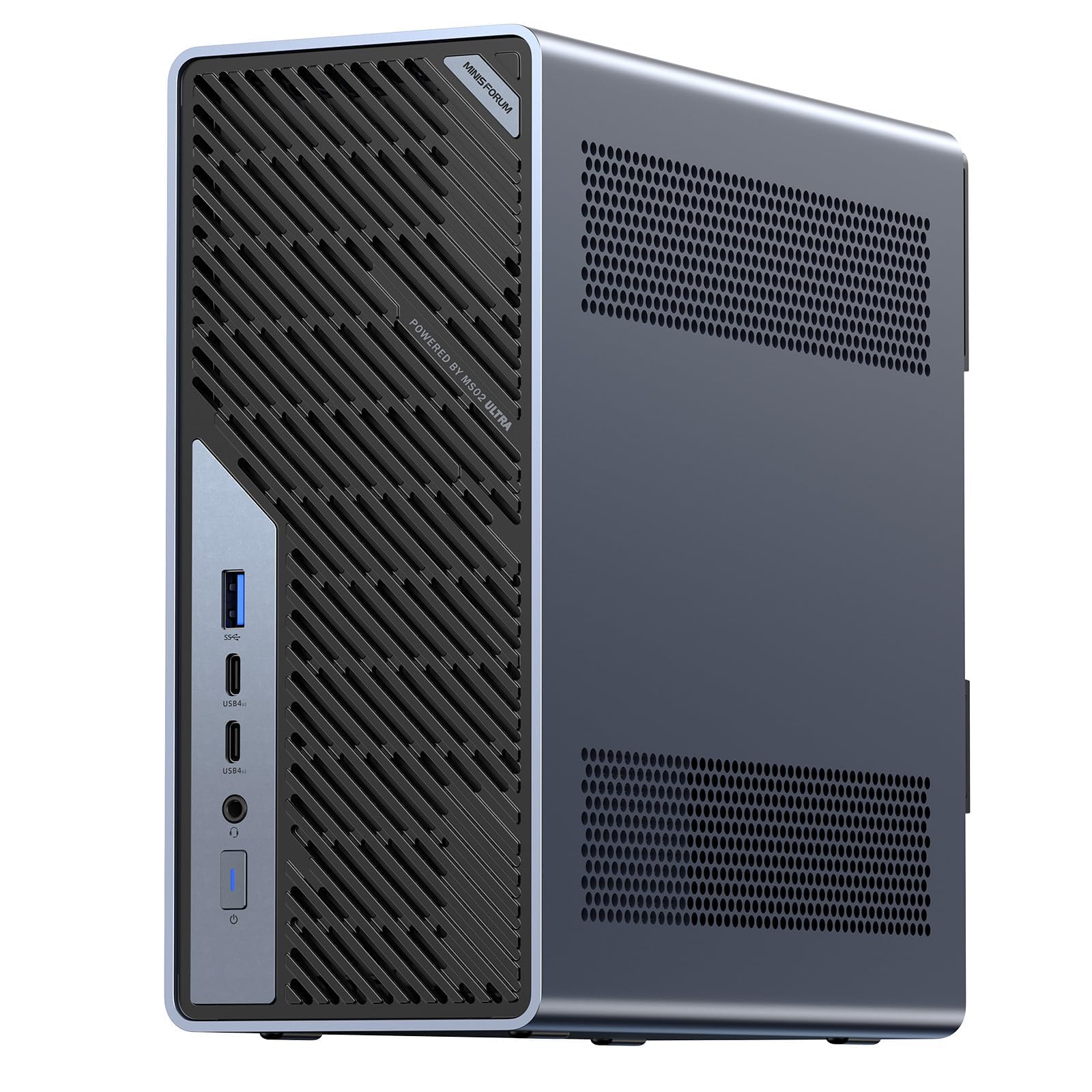
Minisforum's MS-01 and MS-03 are tiny workstations with multiple Ethernet ports, PCIe expansion and strong processors. They are popular with home-lab owners, developers and small studios who need power in a small space. They do not match a full tower for cooling or graphics, but they cost less and fit on a shelf.
- Best for macOS: Mac Studio.
- Best for professional software support: HP Z2 or Dell Pro Max.
- Best for small spaces and home labs: Minisforum MS-01 or MS-03.
Gaming Towers as a Creative Option
High-end gaming desktops from Skytech, Horizon and others offer strong graphics cards and fast processors for less than a certified workstation. They suit freelancers who render in GPU-accelerated software and want a good value. They lack professional service plans and validated drivers, which matters in some industries.
Setting Up a Workstation Properly
A workstation needs a plan. Place it where airflow is clear, add a surge protector or a UPS, and connect it to a fast network. Install the manufacturer's graphics drivers rather than generic ones, since stability matters more than benchmark gains. Use a large, color-accurate monitor and calibrate it if your work involves color.
Keep a separate fast drive for projects and another for backups. Many pros follow a simple rule: one copy on the machine, one on a local drive and one offsite or in the cloud.
Operating System and Software Notes
Most professional applications run on Windows, and many also run on macOS. If you move from macOS to Windows, check that your plug-ins, color profiles and file formats have equivalents. Some tools, such as Final Cut and Logic, remain Apple-only, and others, such as certain CAD and simulation packages, are Windows-only. A short trial of the software on the new platform can prevent expensive mistakes.
Price and Value Expectations
Certified workstations cost more than comparable consumer parts, and the premium pays for support, validated drivers and longer warranties. Compact Minisforum machines and gaming towers cost less but may lack on-site service. Choose by the cost of downtime: if an hour of lost work costs more than the price difference, buy the machine with the strongest support.
Which Machine Fits Which Job
A video editor on macOS should choose a Mac Studio. A mechanical engineer using CAD should consider an HP Z2 or Dell Pro Max with a professional graphics card. A home-lab owner who wants many network ports and virtual machines will like the Minisforum MS-01. A freelance 3D artist using GPU renderers can get excellent value from a gaming tower with a high-end graphics card.
What to Check Before You Buy
List the software you use and read its hardware recommendations. Check whether the application prefers an NVIDIA card, a lot of memory or fast storage. Confirm the warranty and on-site service options, since downtime costs money. Look at power supply capacity and ports, especially for multiple monitors.
See our best workstation guide, the HP Z4 G5 review, the Lenovo ThinkStation P8 review and the Apple Mac Pro review for more detail.
Common Questions From Buyers
People often ask whether they really need a workstation. If your work is stable on a normal desktop, you do not. Workstations are worth the money when crashes cost time, when you need professional graphics drivers or when you rely on high memory capacity. Others ask about used machines. Used workstations can be bargains, but check the age of the processor, the condition of the fans and the warranty, since replacements are costly.
FAQs
Is a workstation better than a gaming PC for work?
Workstations offer certified drivers and service, while gaming PCs offer more speed per dollar for graphics work.
Can I run macOS on a Windows workstation?
No. macOS runs on Apple hardware only.
How much memory do I need?
For most creative work, 32 to 64 gigabytes is a comfortable range. Heavy simulation needs more.
Are older workstations worth buying?
They can be fast but loud and power-hungry. Check the age of parts and the warranty.
Final Verdict
The best Apple Mac Pro alternative depends on your software. Stay on macOS with a Mac Studio, choose an HP or Dell workstation for professional support, or pick a compact Minisforum or a gaming tower for value. Compare prices in the product table before buying. If this apple mac pro alternative list still leaves you torn, shortlist two models and use the return window to decide.
Prices and availability can change, so check the product page before ordering.

