
Asus ROG Falchion RX Low Profile Review for 2026: 65% Keyboard
Disclosure: We may earn a commission when you buy through links on this page, at no extra cost to you. As an Amazon Associate I earn from qualifying purchases. Learn more

This asus rog falchion rx low profile review covers the 65 percent layout, optical low profile switches, tri mode wireless and touch panel.
Compact keyboards trade keys for desk space, and this asus rog falchion rx low profile review looks at one that also trims height. The Falchion RX Low Profile is a wireless 65 percent keyboard with optical low profile switches, tri mode connectivity and a touch panel. It costs about $160 to $170 and aims at gamers who want mouse room without giving up arrow keys.
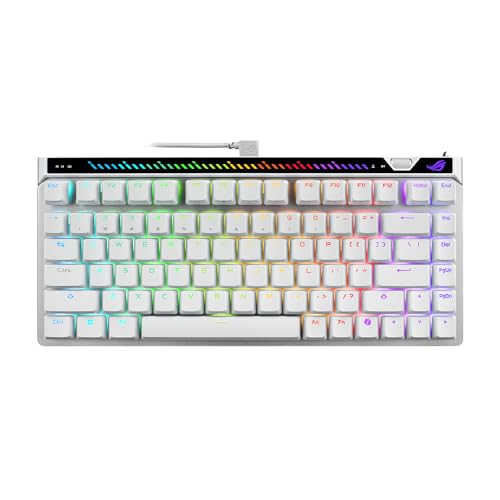
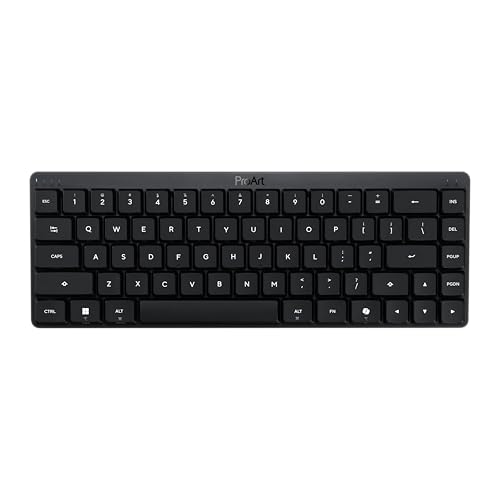
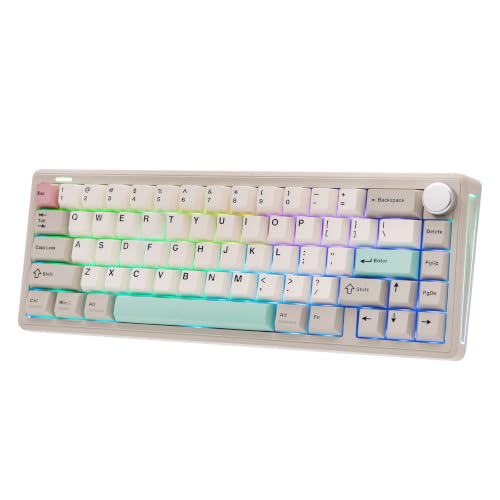
The product table lists the Falchion RX with other compact keyboards, so you can compare price and features.



Asus Rog Falchion Rx Low Profile Review: Layout and Build
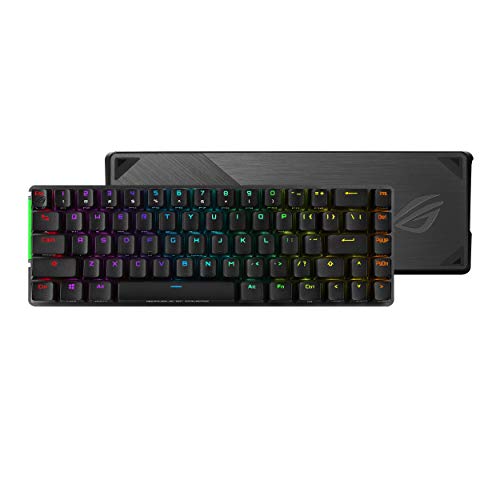
The listing describes a 65 percent layout in a 60 percent sized frame, which maximizes space for mouse movement. Arrow keys stay, which is a big advantage over 60 percent boards. The slim body is also more comfortable for wrists, because it needs less lift.
A protective cover is included, and it doubles as a tray mount. That makes the keyboard easier to carry in a bag. The cover also keeps dust off the keys when the board is stored.
Switches and Typing
ROG RX low profile optical switches are pre lubed, with lubricated stems, stabilizers and springs, according to the listing. Optical switches use light rather than metal contacts, which allows near zero debounce delay and fast response. They are available in RX Red linear and RX Blue clicky versions.
Low profile switches have shorter travel and a lower actuation point, so the keys register faster. The trade off is a different feel, which takes a day or two to get used to. Two layers of silicone foam reduce echo and pinging for a quieter typing sound.
Linear or clicky
Choose linear if you want smooth, fast presses with little noise. Choose clicky if you enjoy feedback with every keystroke and do not mind sound. In a shared room, linear is the safer choice.
Wireless Modes and Battery
Tri mode connectivity covers Bluetooth for up to three devices, a 2.4 GHz connection with ROG SpeedNova wireless technology and a wired USB mode. The listing quotes up to 430 hours of battery life with RGB off. Real life numbers depend on lighting and use, so treat that figure as a best case.
Use the 2.4 GHz mode for gaming, since it offers the lowest delay. Switch to Bluetooth for a laptop or tablet. When you plug in, the keyboard charges and works as a wired board.
Touch Panel and Software
The touch panel controls media playback, volume and lighting. It is quick to use and removes the need for function key combinations. You can adjust settings and record macros through the software, and Mac support lets you toggle between Windows and macOS modes.
The keyboard has programmable keys for macros, which is useful for games and productivity apps. Set up a profile for each application and the board will switch on its own.
Everyday Comfort and Setup
A low profile keyboard sits closer to the desk, which keeps the wrists flatter. Many people can type comfortably without a wrist rest, though a thin one still helps during long sessions. Place the keyboard directly in front of you with the mouse close, and enjoy the saved width.
A 65 percent layout drops the number pad and the function row, so some actions need a function key combination. Learn the shortcuts for volume, media and lighting, and the missing keys stop mattering after a week. If you use a spreadsheet often, an external number pad is a cheap add on.
Gaming habits that suit this layout
Shooters and fast action games benefit from the extra mouse room, since low sensitivity players swing the mouse wide. The arrow keys remain for games and menus. Players of strategy and role playing games that rely on many hotkeys should check that the key map fits their style.
Care and Cleaning
Low profile keycaps are thin and need careful handling. Use a keycap puller or a gentle lift when you clean under them, and avoid bending the stems. A soft brush and compressed air handle most dust.
Use the cover when you travel or store the keyboard. It protects the keys from scratches and keeps small objects from pressing them in a bag.
Who Should Buy It
Players who want a compact keyboard with arrow keys and a slim profile will like it. Travelers and people with small desks benefit from the size and the cover. It is also a good fit for those who want to use one keyboard across a PC, a laptop and a tablet.
Typists who need a number pad or a full function row should pick a larger board. Those who love tall, deep keys may find low profile switches too shallow.
Price and Alternatives
At around $165 the Falchion RX costs more than many compact keyboards. You pay for optical switches, tri mode wireless and the touch panel. Cheaper options exist with mechanical switches and hot swap sockets, and the table shows several.
Compare with the best gaming keyboard guide, the Keychron K2 HE review and the Wooting 80HE review if you want to see other approaches.
Frequently Asked Questions
Is the Falchion RX wireless?
Yes, with a 2.4 GHz mode, Bluetooth for up to three devices and a wired option.
Does it have arrow keys?
Yes, the 65 percent layout keeps them.
What switches does it use?
ROG RX low profile optical switches, in red linear or blue clicky versions.
How long does the battery last?
The listing quotes up to 430 hours with RGB off, but real use is lower with lighting on.
Does it work with Mac?
Yes, there is a Windows and macOS toggle.
Final Verdict
This asus rog falchion rx low profile review finds a slim, compact and flexible keyboard that suits small desks and travel. Pick red or blue switches based on the sound you want. Compare alternatives in the product table, and buy it if the layout and the low profile feel match your habits.
Prices and availability can change, so check the product page before ordering.


