
ASUS ROG USB-BE92 Review for 2026: WiFi 7 USB Adapter
Disclosure: We may earn a commission when you buy through links on this page, at no extra cost to you. As an Amazon Associate I earn from qualifying purchases. Learn more

An asus rog usb-be92 review for PC owners: what WiFi 7 and the 6GHz band add, who needs it and which alternative adapters to compare.
Older PCs and desktops without built-in wireless are the usual reason people shop for a USB WiFi adapter, and many still search for ASUS models from the WiFi 6 era. This asus rog usb-be92 review looks at the current ASUS USB adapter in that line, the ROG USB-BE92, which replaces the older USB-AX56 as the model to buy new, and explains whether you need WiFi 7 at all.
The adapter in the product table is a tri-band BE6500 WiFi 7 USB adapter. The listing says it uses the 6GHz band, 4096-QAM and Multi-Link Operation, supports both Type A and Type C connections, and uses WPA3 security.

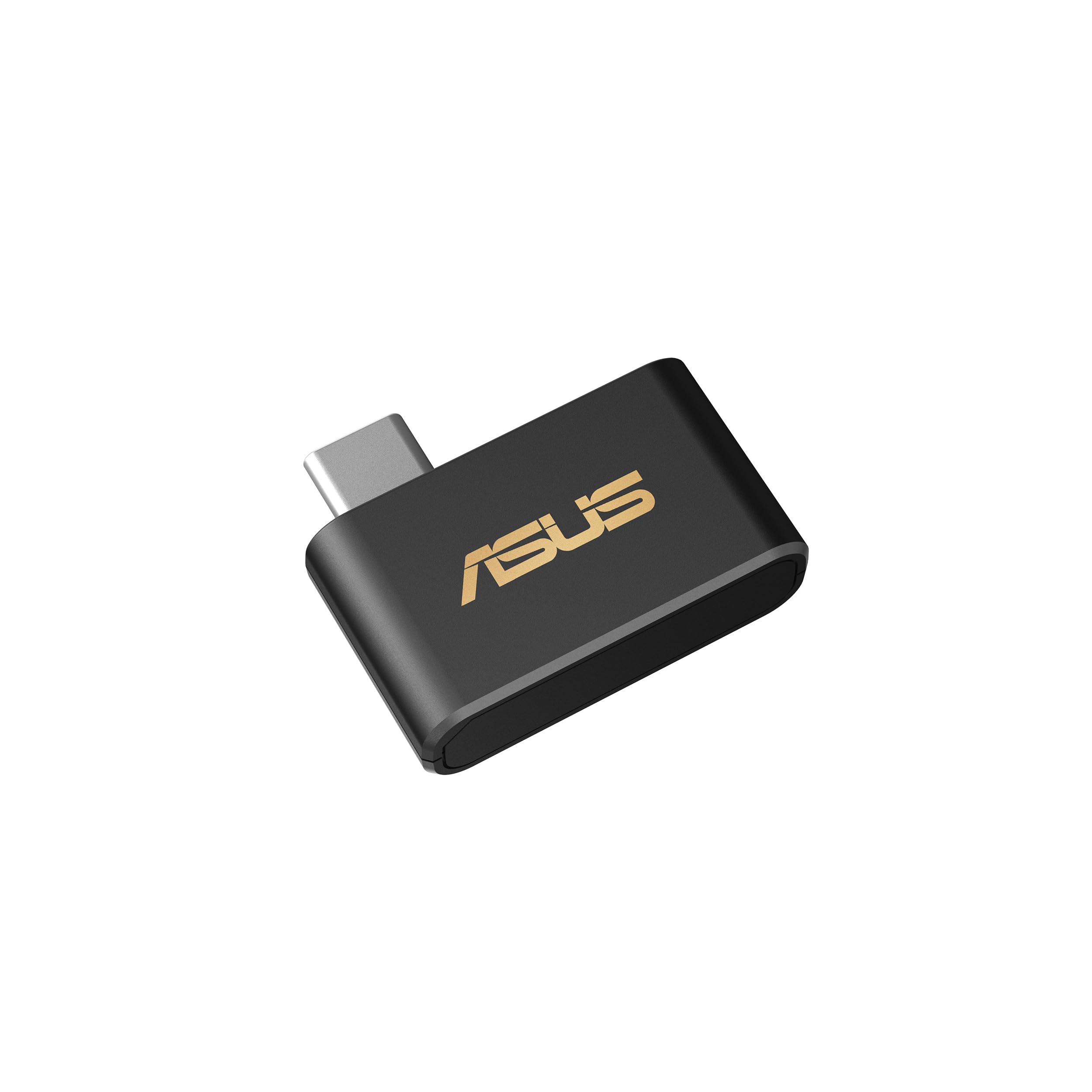
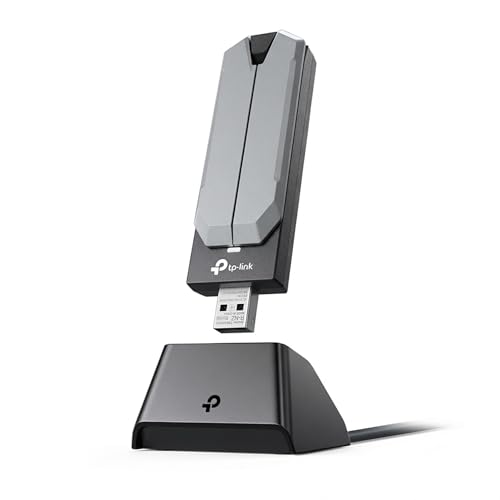

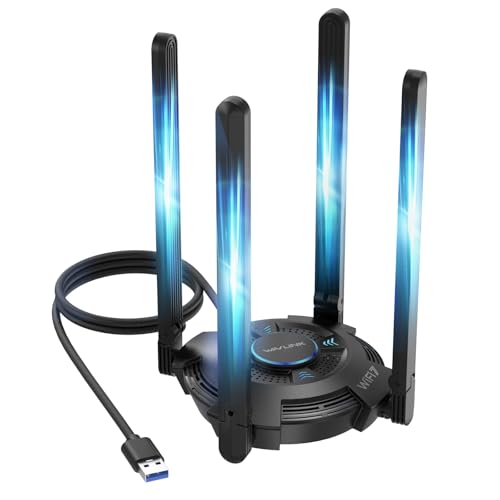

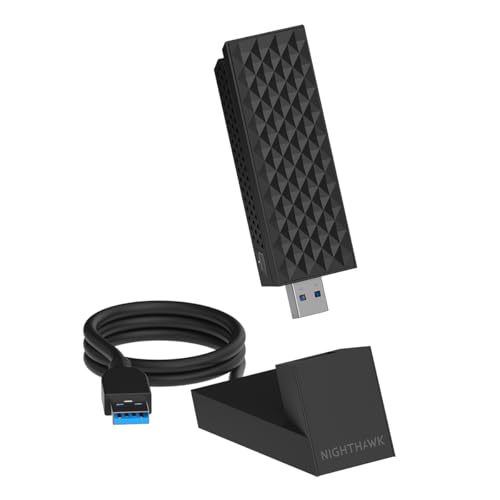


ASUS ROG USB-BE92 Review: What It Offers
- Tri-band WiFi 7 (BE6500): 688 Mbps on 2.4GHz, 2,882 Mbps on 5GHz and 2,882 Mbps on 6GHz, according to the listing.
- Newer features: 4096-QAM, Multi-Link Operation, OFDMA, MU-MIMO and BSS Coloring.
- Connections: it supports both Type A and Type C, so it fits most desktops and laptops.
- Setup: the listing describes plug-and-play use and support for a wide range of operating systems.
ASUS claims it is 3.6 times faster than a WiFi 6 client, which is a maximum figure under ideal conditions, not what you will see on every network.
How It Replaces the USB-AX56
The older USB-AX56 was a dual-band AX1800 WiFi 6 adapter. It is no longer listed as available new, so the BE92 is the logical upgrade. You gain a third band, higher top speeds and the newer WiFi 7 features. If you only have a WiFi 5 or basic WiFi 6 router, you will still see a benefit from better antennas, but the biggest gains come with a WiFi 7 router.
Do You Need WiFi 7?
Be honest about your network before you spend the money. The adapter can only go as fast as the router and the internet plan allow. If your router is a WiFi 6 model and your home connection is modest, a cheaper adapter like the ASUS USB-AX55 Nano in the table gives most of what you need. WiFi 7 makes more sense if you have, or plan to buy, a WiFi 7 router, such as one of the models in the ASUS RT-BE86U review, or if you move large files across your home network.
The Value of the 6GHz Band
The 6GHz band is less crowded than 2.4GHz and 5GHz because few older devices use it. That gives steadier speeds and lower delay in apartments with many neighboring networks. The trade-off is range: 6GHz signals are weaker through walls, so the adapter works best in the same room as the router or one room away.
Placement Tips
- Use a USB 3 port, preferably on the back of the PC, rather than a crowded front hub.
- Use a short extension cable to lift the adapter away from the metal case.
- Keep it away from other USB 3 devices that may add radio noise.
- Update the driver from ASUS if the connection drops.
Who Should Skip It
If the computer already has good built-in WiFi, or sits next to the router and can use an Ethernet cable, an adapter adds little. A wired connection is still faster and steadier than any wireless link, so plug in a cable when the PC does not need to move. Likewise, anyone on a basic internet plan will not see WiFi 7 speeds, because the plan limits the connection long before the adapter does.
Compatibility Notes
Check the listing for the operating systems it supports. Some competing WiFi 7 adapters are limited to Windows 11, and the table includes one that says it does not work on Mac or older Windows. Always confirm that your computer meets the requirement before ordering.
Alternatives to Consider
- TP-Link BE6500 and BE6200: WiFi 7 adapters from a well-known networking brand.
- WAVLINK BE6500: advertises four high gain antennas for the same speed class at a lower price.
- NETGEAR Nighthawk A9000: WiFi 7, but it states it needs Windows 11.
- TP-Link AXE3000: WiFi 6E with 6GHz at a lower price, for those with a 6E router.
- ASUS USB-AX55 Nano: a small WiFi 6 adapter for basic upgrades.
Browse the best WiFi adapter guide for a wider comparison and the TP-Link Archer TXE75E review if you want an internal card instead of a USB stick.
If the Connection Drops
Most problems with USB adapters come from power or placement, not from the adapter itself. Move it to another USB 3 port, remove any hub in between and restart the router. If speeds are lower than expected, check that the computer actually joined the 5GHz or 6GHz network name and not the 2.4GHz one, since many routers use separate names for each band. Check the router firmware too, because WiFi 7 features such as Multi-Link Operation depend on both sides supporting them.
Keep expectations realistic: wireless speed depends on distance, walls and neighboring networks, so a large benchmark number on a box is a ceiling, not a promise.
USB Adapter or Internal Card
A USB adapter is simpler: no opening the case, and you can move it to another computer. An internal PCIe card usually has better antennas and more stable performance for a desktop that stays in place. If you use a laptop or a small form factor PC, USB is the practical choice.
Frequently Asked Questions
Is the USB-AX56 still available?
The listing for the older USB-AX56 is not available new, so the ROG USB-BE92 is the current ASUS option.
Do I need a WiFi 7 router?
To use WiFi 7 features you do, but the adapter also connects to older WiFi networks.
Does it work on Mac?
The listing mentions wide operating system support, but check the product page for the exact list before you buy.
Will it make my internet faster?
Only if the adapter or Wi-Fi link is the bottleneck. Your internet plan sets the upper limit.
Is the 6GHz band worth it?
It helps in crowded areas, especially at short range with a compatible router.
Final Verdict
The asus rog usb-be92 review verdict is that this is the best choice if you want an ASUS USB adapter that is current, fast and future-proof. If you have an older router, a lower cost WiFi 6 adapter is the smarter buy. Compare the models in the product table and confirm compatibility with your operating system. Prices and availability change, so check the product page before you order.


