
ASUS TUF Gaming BE6500 Review for 2026: Mid-Price WiFi 7 Gaming Router
Disclosure: We may earn a commission when you buy through links on this page, at no extra cost to you. As an Amazon Associate I earn from qualifying purchases. Learn more

This asus tuf gaming be6500 review covers the ports, gaming tools and coverage of the WiFi 7 router, and how it compares with rivals.
Gamers who want WiFi 7 without a flagship price usually end up looking at the ASUS TUF Gaming BE6500. This asus tuf gaming be6500 review covers what the router offers, who it suits and what to compare before you buy.
It is the current TUF Gaming router in our hub, and it replaces the entry level TUF idea with a faster dual-band design. The product table below lists it first, followed by other WiFi 7 routers worth weighing against it.



What the ASUS TUF Gaming BE6500 Offers
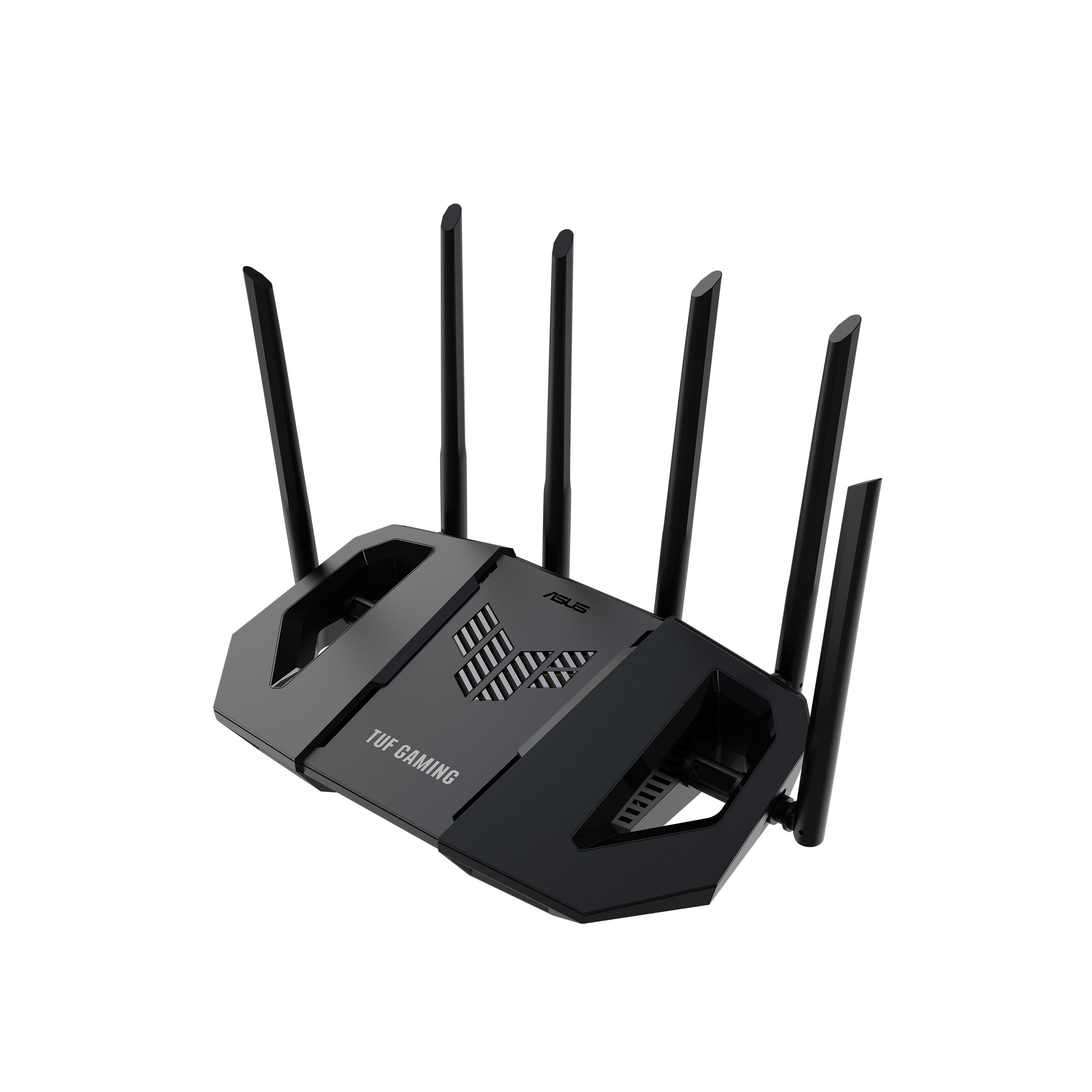
The listing describes a dual-band WiFi 7 (802.11be) gaming router with speeds up to 6,500 Mbps, 4096-QAM and Multi-Link Operation. It has four 2.5G ports, set up as one WAN and three LAN, and ASUS says traffic through those ports gets top priority. You also get a dedicated Gaming Port, one-tap prioritization for mobile game packets, mesh and VPN compatibility, and ASUS network security that does not need a subscription.
Dual-band means it uses the 2.4 GHz and 5 GHz bands but not 6 GHz. That keeps the price down, and for a console or PC on a cable or a laptop in the same room it rarely matters.
Asus TUF Gaming BE6500 Review: Ports and Wired Speed
The port layout is the main reason to pick this router over cheaper BE3600 models. Four 2.5G ports mean a gaming PC, a NAS and a second console can all run faster than gigabit at the same time. A 2.5G WAN port also lets the router take advantage of internet plans above 1 Gbps if your modem supports it.
Many routers in the same price range give you one or two 2.5G ports and fill the rest with gigabit ones. If you have several wired devices, count the ports first and match them to your own setup.
Gaming Features Explained
The Gaming Port is a LAN port that the router treats as the front of the queue. Plug your console or PC into it and its traffic is handled ahead of other devices, which helps when someone else is streaming video in the next room. Mobile game prioritization works in a similar way for phones, using a one-tap setting in the ASUS app.
These tools do not lower the ping that your internet provider and the game server give you. What they do is stop your own household from adding extra delay when the network is busy, and that is where a gaming router earns its price.
- Use the Gaming Port for the device you care about most.
- Keep the router in an open central spot, off the floor.
- Run a cable to your console or PC whenever you can.
How It Compares With Other WiFi 7 Routers
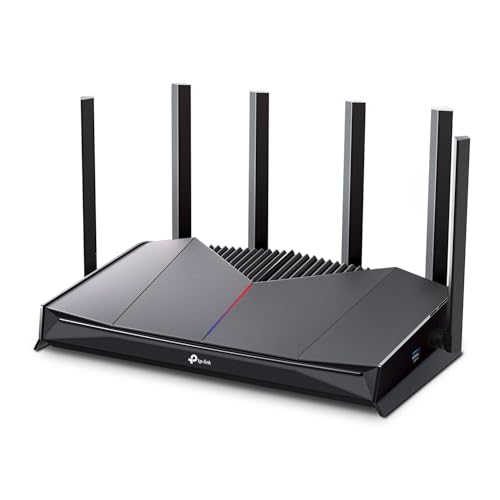
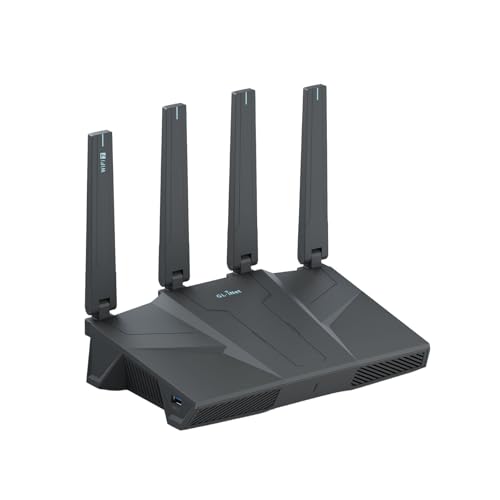
The TUF Gaming BE6500 sits in the middle of the WiFi 7 market. Below it are BE3600 routers, which have lower speed ratings and often only two 2.5G ports. Above it are tri-band routers with a 6 GHz band and 10G ports, which cost more and matter mostly in larger homes with many WiFi 7 devices. TP-Link and GL.iNet also sell BE6500 dual-band models, so look at the product table for the nearest rivals.
Check three things when you compare: the number of 2.5G ports, whether gaming features are built in, and how long the maker keeps updating the firmware. ASUS gives its routers a mature app and AiMesh-style mesh support, which many buyers value more than a headline speed number.
Coverage and Mesh in Real Homes
A dual-band router like this covers an apartment or a medium house well when it sits in a central spot. Thick walls, brick and several floors cut range, and the 5 GHz band suffers most. If one router is not enough, a second compatible ASUS router can join as a mesh node, and linking the two with an Ethernet cable keeps speeds high because the wireless bands stay free for your devices.
Speed ratings are a ceiling, not a promise. Real throughput depends on your internet plan, your device and the distance to the router, so do not expect the full 6,500 Mbps from any single device.
Who Should Buy It
It suits players who have several wired devices, a plan of 1 Gbps or more, and a wish to stay on a supported WiFi 7 platform for years. It also suits people upgrading from an older WiFi 5 or WiFi 6 router who want a simple, gaming-minded setup.
It is less useful if you only use WiFi on a phone and a laptop, or if your plan is slow. In those cases a cheaper dual-band WiFi 7 router gives you most of the benefit, and you can spend the savings on a better modem or a wired connection.
Setup Tips
Connect your modem to the WAN port, power the router on and follow the app. Pick a strong WiFi password, then check for firmware updates before you do anything else. Turn on the security features, assign the Gaming Port to your main device and name your bands the same way if you want devices to pick the best one automatically.
After setup, move your most demanding wired devices to the 2.5G ports and leave the rest on any remaining ports. If you use a travel setup or a VPN, check that the router's VPN features suit it.
See also: RT-BE86U review, best gaming router.
Frequently Asked Questions
Is the TUF Gaming BE6500 WiFi 7?
Yes. It uses the 802.11be standard with Multi-Link Operation and 4096-QAM, on the 2.4 GHz and 5 GHz bands.
Does it have a 6 GHz band?
No. It is a dual-band design, so the 6 GHz band is only found on tri-band routers.
How many 2.5G ports does it have?
Four, arranged as one WAN port and three LAN ports according to the listing.
Does it need a subscription for security?
No. The listing says the ASUS network security is subscription free.
Final Verdict
This asus tuf gaming be6500 review finds a sensible mid-priced WiFi 7 gaming router with a strong port layout and useful prioritization tools. Compare its ports and price with the other routers in the table, then choose the one that fits your wired devices and your internet plan.


