
ASUS Zenbook A14 Alternative for 2026: Options Worth Considering
Disclosure: We may earn a commission when you buy through links on this page, at no extra cost to you. As an Amazon Associate I earn from qualifying purchases. Learn more

ASUS Zenbook A14 Alternative: other thin and light laptops that match its weight, battery or OLED screen at different prices.
Anyone searching for an asus zenbook a14 alternative usually wants one of three things: the same featherweight feel with a standard Intel or AMD chip, a cheaper laptop that still looks good, or a Snapdragon laptop from a different brand. The right answer depends on which part of the A14 you actually like.
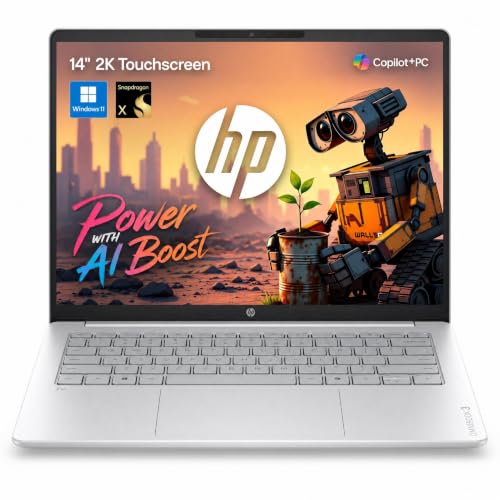
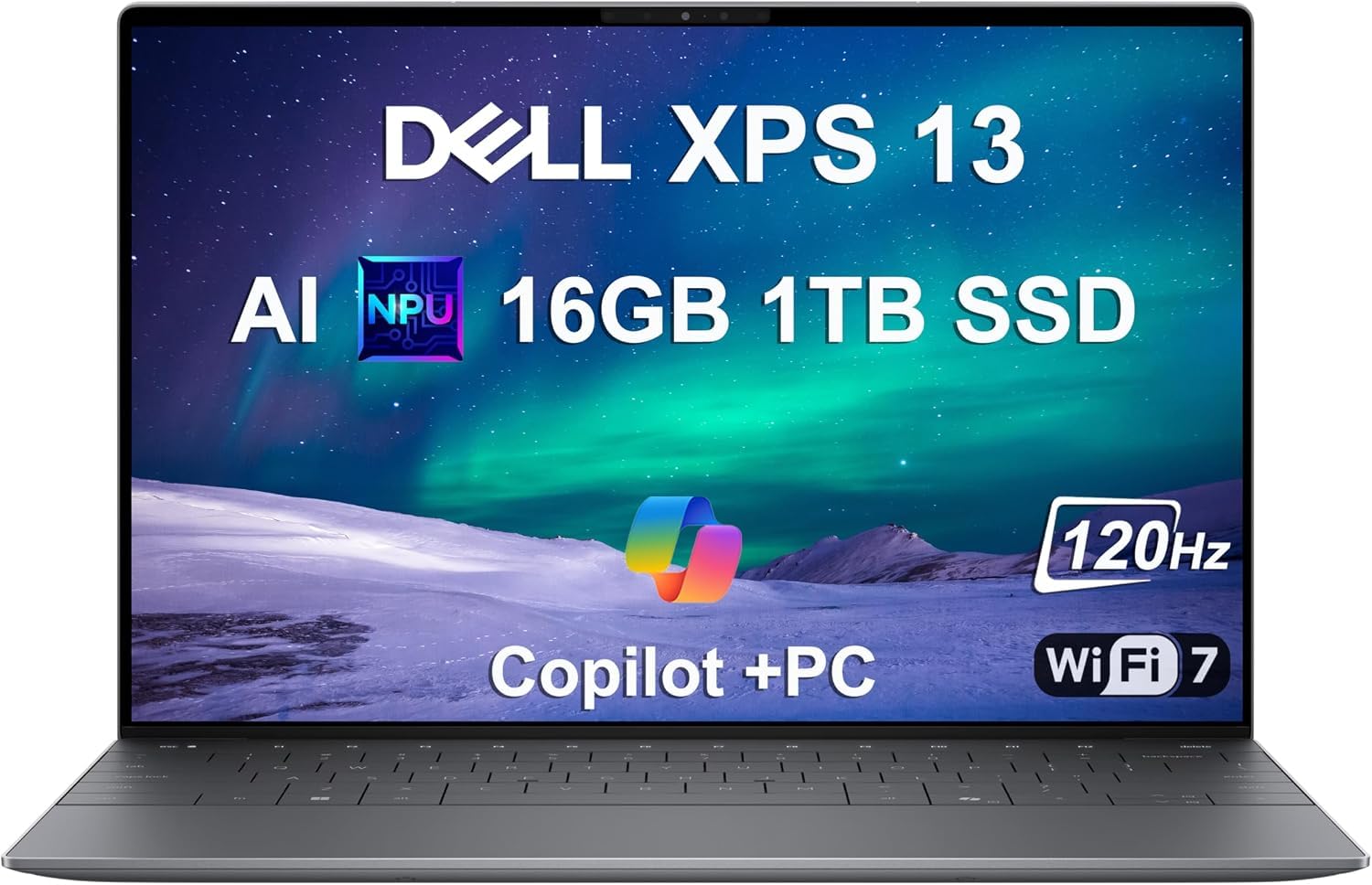
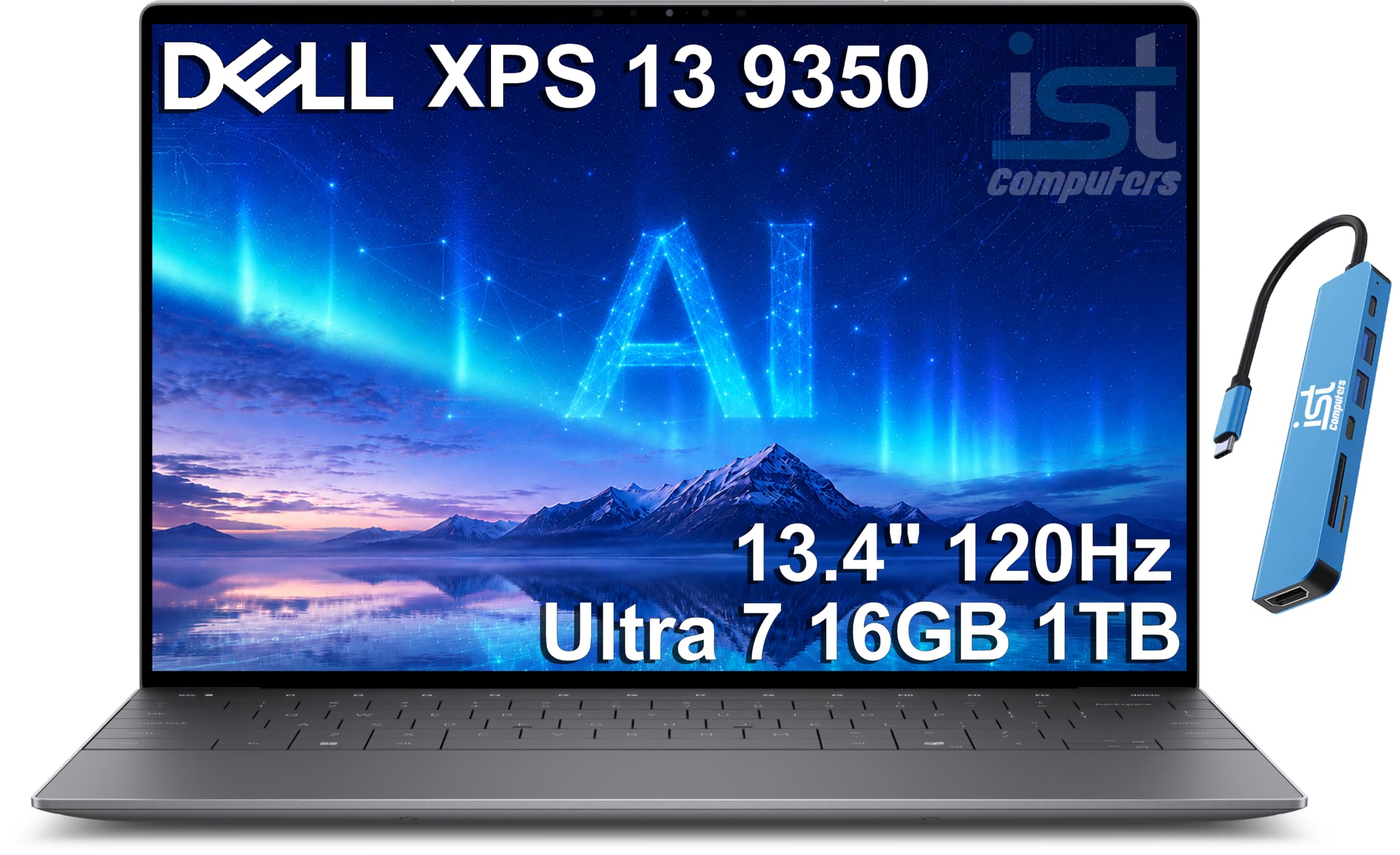
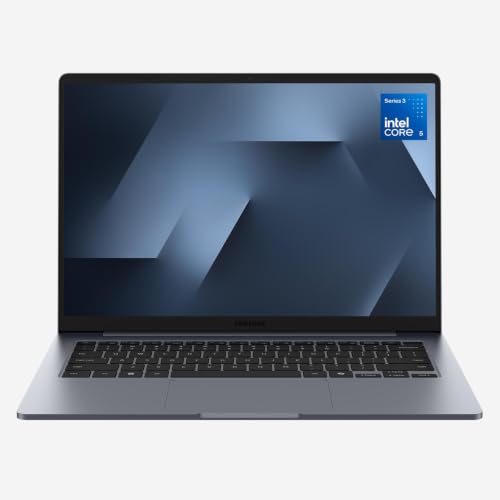
This guide breaks the decision into clear questions so you can narrow the field fast. The product table shows thin 14 inch class laptops from several brands, and the sections below explain how to choose among them.




Why Look for an ASUS Zenbook A14 Alternative
The Zenbook A14 is built around a Snapdragon X processor, a 14 inch OLED screen and a very low weight. People look elsewhere for practical reasons: some of their software is not ready for Windows on Arm, some want a larger SSD or more ports, and some simply find a better price on another brand.
Start by writing down what you would keep from the A14. If it is the weight, filter by weight. If it is battery life, look at Snapdragon and efficient Intel or AMD models. If it is the OLED screen, filter by display type first and compare the rest afterward.
Stay on Arm or Move to Intel and AMD
Other Snapdragon laptops
If your apps already run well on Arm and you love the battery life, other Snapdragon X laptops give you the same experience in a different body. Look at the Surface Laptop line, Lenovo Yoga Slim models and HP OmniBook models with Snapdragon chips. They share the Copilot+ features and the cool, quiet running, and the choice becomes about keyboard feel, screen and price.
Intel and AMD thin laptops
If you need maximum software compatibility, an Intel or AMD ultrabook removes the Arm question completely. The Dell XPS 13, LG gram 14 and Samsung Galaxy Book models are well known thin and light options, and the XPS 13 is also sold in a Snapdragon version, which makes it an easy swap for A14 shoppers.
The trade is usually battery life and fan noise. Efficient modern Intel and AMD chips have narrowed the gap, but a Snapdragon laptop still tends to run cooler under light loads.
Screen: OLED or a Good IPS Panel
OLED is the A14 selling point, and several alternatives offer it too, including HP OmniBook 3 and Lenovo Yoga models. If you want deep contrast for video and photo editing, keep OLED on the shortlist.
A high quality IPS display is still a fine choice for office work, and it avoids the reflections and the care habits that come with glossy OLED. It also usually costs less, which pays for a bigger SSD or more memory.
Weight, Size and Build
The A14 is among the lightest 14 inch laptops, so almost any alternative will weigh a little more. Compare listed weights rather than guessing, because a few hundred grams matter when you carry the laptop daily.
Check the build: metal lids feel solid, plastic keeps weight and price down, and a 360 degree hinge adds versatility at the cost of a little thickness. Think about whether you will really use tent or tablet mode before paying for a convertible.
Ports, Memory and Storage
Alternatives often add ports the A14 lacks, such as a full-size USB-A port or an SD slot. Make a short list of what you plug in, and match it against the port list on the listing.
Aim for 16GB of memory as a baseline and a 512GB SSD at minimum. If a laptop has soldered memory, you cannot add more later, so buy what you need now.
Price: Where the Savings Are
You can save the most by skipping the premium screen or choosing last year's configuration. HP OmniBook models and some Lenovo and Samsung laptops sit below the A14 price while keeping decent keyboards and screens.
Be careful with bargain listings that cut memory to 8GB or storage to 128GB. A laptop that runs out of space or memory feels slow and ages badly, so a slightly higher price for the right configuration is better value.
Quick Decision Guide
- Want the same battery life and Arm efficiency: pick another Snapdragon X laptop.
- Want maximum app compatibility: pick a thin Intel or AMD laptop.
- Want a convertible for notes or tablet use: look at 2-in-1 models.
- Want to spend less: choose an IPS model with 16GB of memory.
For a wider view of AI-ready models, see our guide to the best ai laptop, and for workstation class power compare the dell pro max 16 review.
How to Compare Two Finalists
Once you have two laptops on the shortlist, compare them on the things you will notice every day. Look at the keyboard layout and key travel, the size of the trackpad, the brightness and finish of the screen, and the position of the speakers. Read the port list and confirm that the charger is USB-C, since that lets you share one charger with your phone and tablet.
Then check the practical details that listings often hide in the fine print: whether the memory is soldered, whether the SSD can be replaced, how long the warranty runs and whether the seller is the maker or a reseller. A slightly dearer laptop from the maker with a clear warranty is usually a safer purchase than a cheaper listing with vague terms.
FAQ
What is the closest alternative to the Zenbook A14?
Another thin Snapdragon X laptop with an OLED screen is the closest match in feel, and an ultralight Intel or AMD laptop is the closest match if you need broader app support.
Is there a cheaper laptop with an OLED screen?
Yes. Several HP and Lenovo models offer OLED at lower prices, usually with less polished materials or smaller SSDs, so compare the full configuration.
Should I worry about Windows on Arm?
Only if you rely on older software, specialized drivers or games with anti-cheat systems. Check your must-have programs before choosing a Snapdragon laptop.
How important is weight?
If you carry the laptop every day, it matters a lot. Compare listed weights and accept a slightly heavier body only for clear gains such as ports or a larger battery.
Final Verdict
The best asus zenbook a14 alternative keeps what you value most about the A14, whether that is weight, battery life or the screen, and gives up the rest for a better price or wider software support. Work through the checklist, compare the laptops in the product table, and choose the configuration that matches how you work.
Prices and availability can change, so check the product page before ordering.


