
ATX 3.0 vs 3.1: Which Is Better in 2026?
Disclosure: We may earn a commission when you buy through links on this page, at no extra cost to you. As an Amazon Associate I earn from qualifying purchases. Learn more

ATX 3.0 vs 3.1: what the newer power supply standard changes, including the safer 12V-2x6 connector.
The atx 3.0 vs 3.1 choice looks like a technical detail, but it affects which graphics card cable you plug in, how your power supply handles sudden load spikes and how future-proof your build is. The short version is that ATX 3.1 is the newer standard, it fixes a few weak points of ATX 3.0, and it costs little or nothing extra today.
This guide explains what changed, whether an ATX 3.0 power supply is still safe to buy, and how to pick the right wattage and cables. The product table lists current ATX 3.x power supplies so you can compare them against the checklist below.

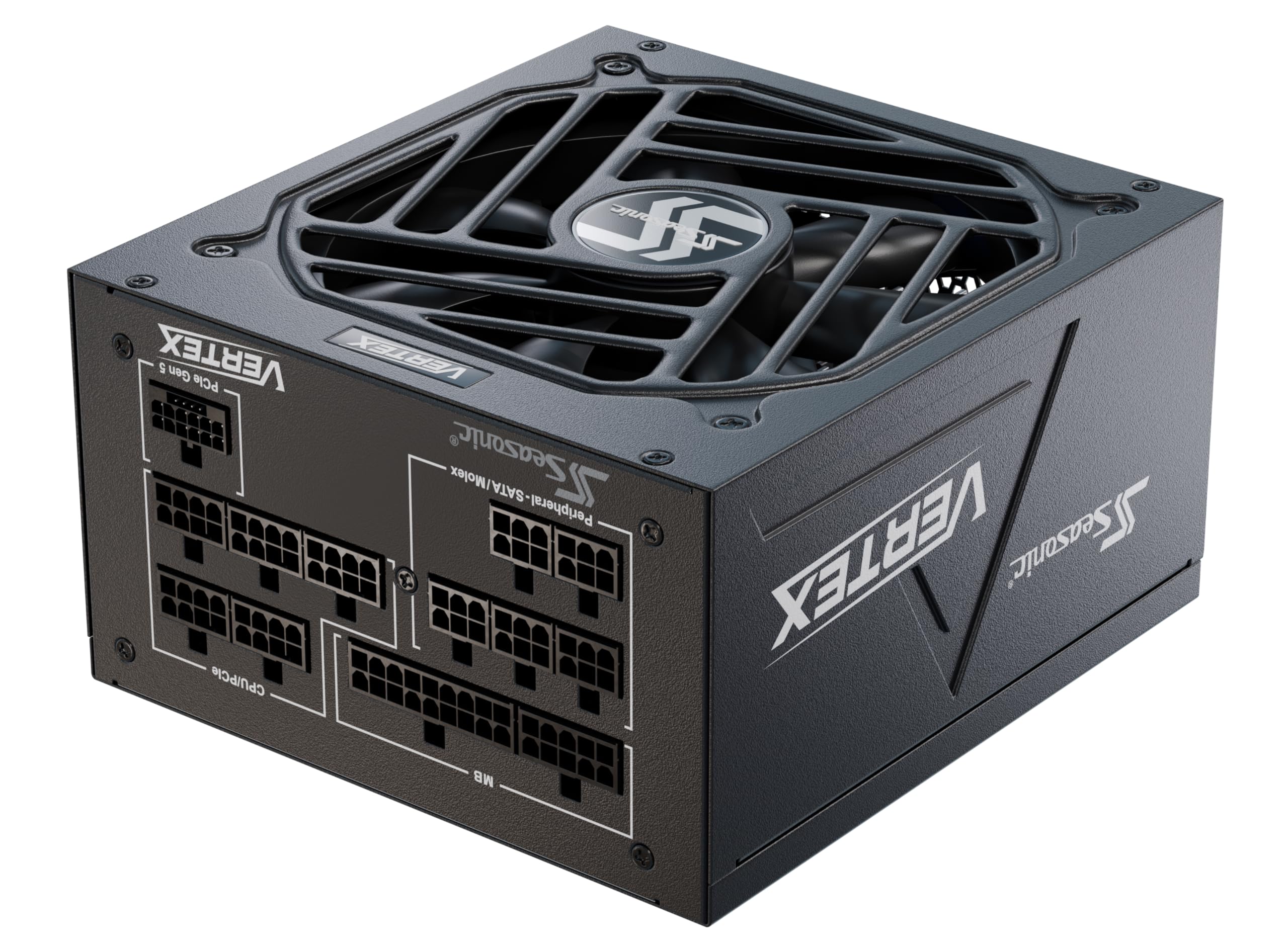

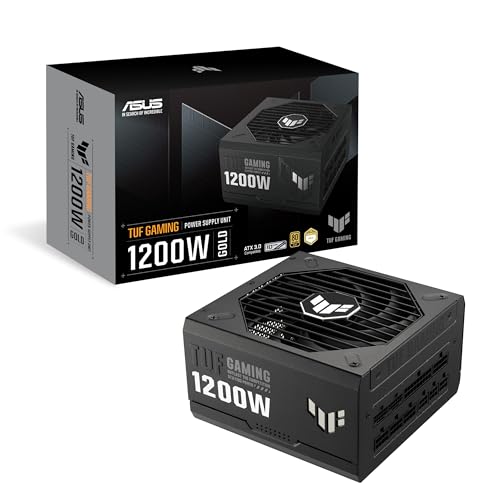


ATX 3.0 vs 3.1: What Changed
ATX 3.0 introduced a new power supply standard built for modern graphics cards, including a high-power 16-pin connector known as 12VHPWR and tougher handling of short power spikes. ATX 3.1 refines that design. It renames the connector 12V-2x6, updates the sense pins on the plug to make partial connections less likely, and improves hold-up time so the supply keeps running longer if power briefly drops.
PCIe versions moved too: ATX 3.0 is tied to PCIe 5.0, and ATX 3.1 to PCIe 5.1. For a normal desktop user, that means a 3.1 supply has the newer, safer connector and slightly better resilience.
The 12VHPWR and 12V-2x6 Connector
The new connector delivers a lot of power to high-end graphics cards through one cable. The key issue is seating. If the plug is not pushed in fully, resistance rises and the connector can overheat. The 12V-2x6 redesign makes it harder for a card to draw power when the plug is not fully seated, which is the main practical gain of ATX 3.1.
When you install the cable, push firmly until it clicks, avoid sharp bends right at the plug and check the seating after the first hour of play. Those habits matter with either version.
Compatibility Between ATX 3.0 and 3.1
The two standards are mostly compatible. A newer graphics card with a 12V-2x6 connector works with an ATX 3.0 power supply's 12VHPWR cable, and the reverse is also fine, because the plugs fit the same socket. The difference is in how the connector is made, not in what the card needs from the supply.
Check your power supply maker's notes on cable compatibility and use the cable that comes with the supply. Third-party cables can fit but may not be rated for your card.
Should You Buy ATX 3.0 or 3.1
If you are buying today, choose ATX 3.1 when the price is similar. Many 3.1 power supplies, such as the Corsair HX1000i, the Seasonic Vertex PX-1000 and the be quiet! Dark Power 14 in the table, list the standard in the title, and several are priced in the same range as their 3.0 predecessors.
An ATX 3.0 supply remains safe and useful if you find a good deal, especially for a card that does not use the 16-pin connector. Do not pay extra for 3.0 when a 3.1 version is available for the same money.
Choosing the Right Wattage
Pick a wattage with some headroom above your build's real needs. A mid-range gaming PC is comfortable on a power supply in the 750 to 850 watt range, while a high-end graphics card calls for 1000 watts or more. Check your graphics card maker's recommendation and add a little for upgrades.
Extra wattage is not wasted. Power supplies run quietest and most efficiently around the middle of their load, and headroom helps absorb the spikes that modern cards produce.
Other Features to Check
- 80 Plus efficiency: Gold is a good baseline, and Platinum or Titanium run cooler.
- Fully modular cables: easier building and better airflow.
- Warranty: ten years is common on quality units.
- Size: small form factor cases need SFX or SFX-L power supplies, such as the Corsair SF1000.
For more models, see our best power supply guide, the corsair rm1000x review, the corsair rm850x review and the corsair rm750e review.
Installing the Cables Safely
Take a few minutes over the graphics card cable. Switch off and unplug the supply, push the 16-pin plug straight into the card until it clicks and leave a straight run of the cable for a few centimeters before any bend. If your case side panel presses on the plug, choose a cable with a right-angle connector or give the cable more room.
Use only the cables supplied with your modular power supply, because pin layouts differ between brands and mixing cables can damage components. Keep the original box and any extra cables in case you upgrade later.
When an Older Power Supply Is Fine
If your graphics card uses ordinary 8-pin connectors, you do not need ATX 3.x at all. A quality older supply with adequate wattage, good efficiency and a valid warranty can keep running for years. Replace it when it is old, noisy or failing to meet your card's power demand, not just because a newer standard exists.
Buy from a reputable seller, check that the unit is new and avoid unbranded listings with inflated wattage claims. A power supply protects every other part in the PC, so it is the wrong place to take risks to save a few dollars.
FAQ
Is ATX 3.1 backward compatible?
Yes. An ATX 3.1 supply works with older graphics cards that use standard 8-pin cables, and with newer cards that use the 16-pin connector.
Is ATX 3.0 safe for an RTX card?
Yes, if the cable is fully seated and not bent sharply at the plug. ATX 3.1 simply makes the connection safer by design.
Do I need ATX 3.1 for a new build?
You do not need it, but it is the better choice when prices are close, since it is the current standard.
Can I reuse my old power supply?
If it has enough wattage and the right cables, yes. Check the age and warranty, and replace very old or cheap units.
Final Verdict
When prices are similar, ATX 3.1 is the better pick, and the atx 3.0 vs 3.1 decision is simple. Choose a fully modular, 80 Plus Gold or better supply with enough wattage for your graphics card, and compare the options in the product table.
Prices and availability can change, so check the product page before ordering.


