
Behringer UMC202HD Review for 2026: A Budget USB Audio Interface
Disclosure: We may earn a commission when you buy through links on this page, at no extra cost to you. As an Amazon Associate I earn from qualifying purchases. Learn more

A behringer umc202hd review for beginners: two inputs, Midas preamps, phantom power, drivers, and when a pricier interface makes sense.
The UMC202HD is one of the cheapest ways to get a clean, two channel USB audio interface for recording voice and instruments at home. This behringer umc202hd review covers what you get, where it shines, and where a pricier interface makes sense.
You will find notes on inputs, preamps, monitoring, drivers, and the kind of music or podcast projects it suits. The product table near the top lists related interfaces so you can compare price and features.



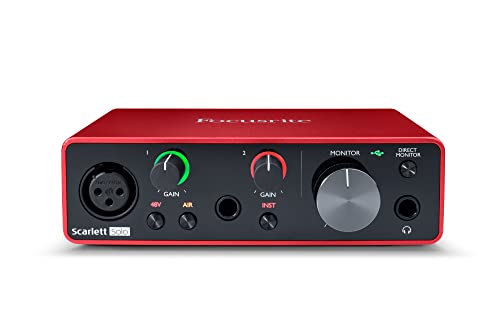
Behringer UMC202HD Review: Features and Inputs
The listing describes a 2x2 interface with 24 bit, 192 kHz audio, Midas designed microphone preamplifiers, phantom power for condenser microphones, and inputs for microphones and instruments. A headphone output with level control and a direct monitor switch lets you listen without delay while recording.
The case is described as an impact resistant metal chassis, which suits a desk that gets bumped. Two channels are enough for a solo vocalist, a podcast with a guest, or a guitar and a microphone.
Sound Quality and Preamps
The Midas preamps are the main selling point. They offer clean gain for typical dynamic and condenser microphones, though very quiet microphones may need extra gain, and the noise floor is acceptable for home recording.
Interfaces cost more because of better converters and cleaner preamps. At this price, expect a clear sound that a good microphone and a quiet room will improve more than any upgrade to the interface.
Drivers, Software, and Compatibility
The listing mentions compatibility with popular recording programs such as Pro Tools, Ableton Live, and Cubase. On Windows you often install a driver for low delay, while macOS generally uses class compliant audio.
Check the maker's driver page before you plug it in, and close other audio programs to avoid conflicts. Set the buffer size low for recording and higher for mixing to balance delay and stability.
Monitoring and Workflow
Direct monitor lets you hear the input without the computer delay, which makes singing or playing guitar more comfortable. Use closed back headphones to avoid leaking sound into the microphone.
If you plan to use studio monitors, check the output connectors. A small desktop interface is meant for a simple home setup, not a multi room studio.
Who Should Buy the UMC202HD
- Beginners who want a first interface without spending much.
- Podcasters who record a host and a guest.
- Singer songwriters who record voice and guitar together.
- Streamers who want a better microphone path than a USB microphone.
It is less suited to people who need many channels at once, advanced routing, or the lowest possible delay. For those jobs, compare the larger models in our best audio interface guide, the MOTU M2 review, and the MOTU M4 review.
Care and Accessories
You will need microphone cables, a microphone stand, and headphones. A pop filter and a foam shield improve voice recordings more than most upgrades. Keep the interface away from power adapters, which can add hum, and use quality USB cables.
Wipe the case with a dry cloth, and unplug it during storms. Update the driver when the maker releases a new version.
How It Compares With Rivals
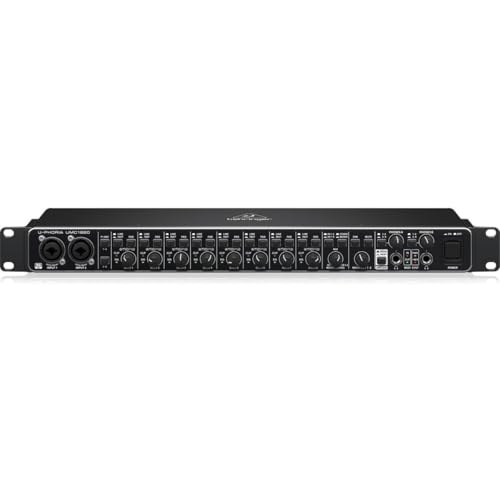
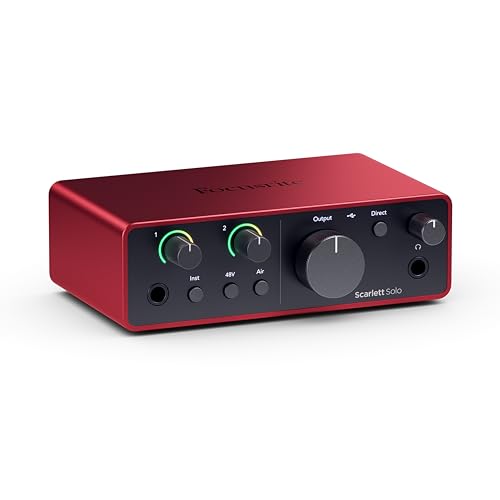
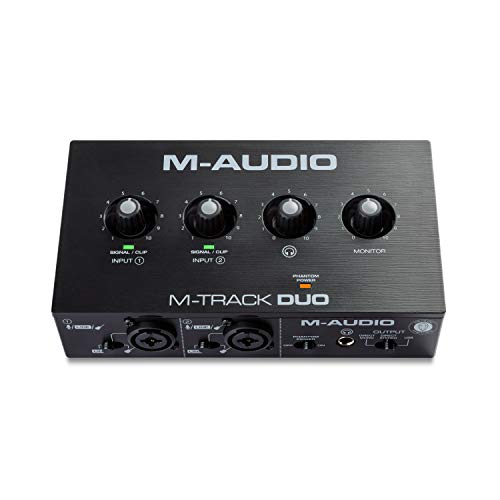
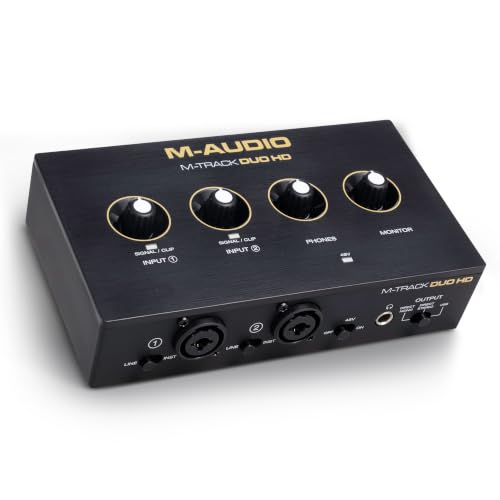
Popular alternatives from Focusrite, M-Audio, and MOTU cost more but offer different preamps, loopback, and software bundles. The table above shows the price range. If your needs are simple, the Behringer is often enough, and the savings can go toward a better microphone.
Think about growth. If you may add more instruments or a second microphone soon, consider an interface with more inputs from the start.
Setting Up Your First Recording Session
Connect the interface by USB, install any needed driver, and select it as the input and output in your recording program. Plug in a microphone, switch on phantom power only for condenser models, and raise the gain until the loudest part of your performance sits comfortably below the clipping point.
Record a short take, then play it back through headphones. If you hear hiss, lower the gain and move the microphone closer. If you hear room echo, add blankets or foam behind you, because a treated corner often improves a recording more than any hardware upgrade.
Save your session often and name tracks clearly. Good habits early on make mixing easier, and they matter more than the model of the interface.
Troubleshooting Common Problems
If the computer does not see the interface, try another USB port and a different cable, and avoid unpowered hubs. If you hear crackles, raise the buffer size in the audio settings. If the microphone sounds quiet, check that phantom power matches the microphone type and that the gain knob is not near zero.
On Windows, switch the driver type to the maker's own driver for the lowest delay. On a Mac, check the audio MIDI setup to confirm the sample rate matches your project.
Pairing With Microphones and Headphones
A dynamic microphone is forgiving in untreated rooms and works well with the interface's preamps, while a condenser microphone captures more detail and benefits from phantom power and a quiet space. Choose a microphone that matches your voice and room, and use closed back headphones for monitoring so the sound does not leak into the recording.
For guitar, connect the instrument directly to the input and use the instrument setting. Record a clean signal and add amp simulation in software, which gives you freedom to change the tone later.
Growing Past a Two Input Interface
If you start recording drums or several instruments, two inputs run out quickly. Four and eight input interfaces exist, and some can be linked with a digital connection to grow later. Think about whether you will record bands or only yourself, and buy the smallest interface that matches your plans.
FAQs
Does the UMC202HD have phantom power?
Yes, the listing includes phantom power for condenser microphones.
Can I use it with a Mac?
It generally works as a class compliant device. Check the maker's page for current notes.
Is it good for streaming?
It works well for a microphone and headphones. If you need loopback, look at a model that lists it.
How many inputs does it have?
It is a two input, two output interface with combo connectors for microphones and instruments.
For a low priced start in home recording, this behringer umc202hd review finds a capable interface, and the table above shows the next step up. Prices and availability can change, so check the product page before ordering.


