
Best 1080p Gaming PCs: What to Check in a Prebuilt (2026)
Disclosure: We may earn a commission when you buy through links on this page, at no extra cost to you. As an Amazon Associate I earn from qualifying purchases. Learn more

First-time buyers: how to judge the best 1080p gaming pc by graphics card, memory, storage, power supply and cooling, and how to spot weak prebuilt listings.
Full HD is the resolution where a modest gaming PC shines: it keeps frame rates high, keeps costs down and pairs with the most common monitors. The best 1080p gaming pc is a ready-built desktop with a graphics card strong enough for your games, enough memory and storage and a case that stays cool and quiet.
This guide explains how to judge a prebuilt PC for 1080p play, which parts matter most and where makers cut corners. The product table lists desktop gaming PCs from entry-level to mid-range.
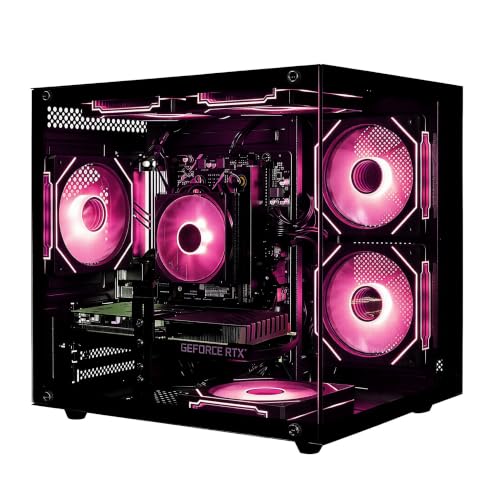
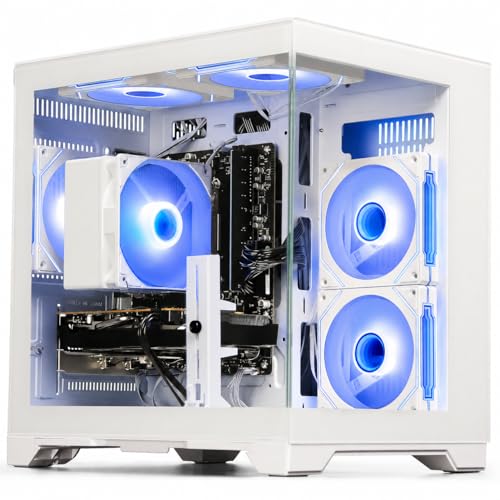
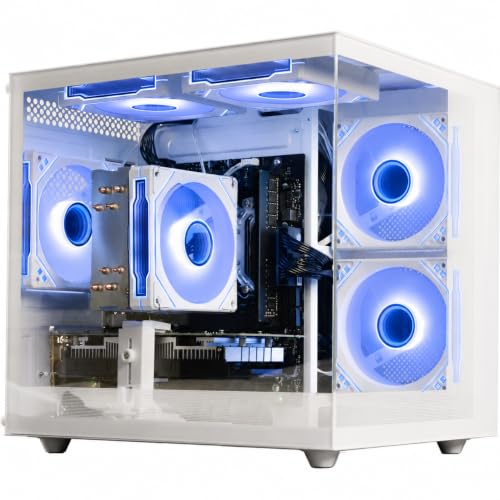
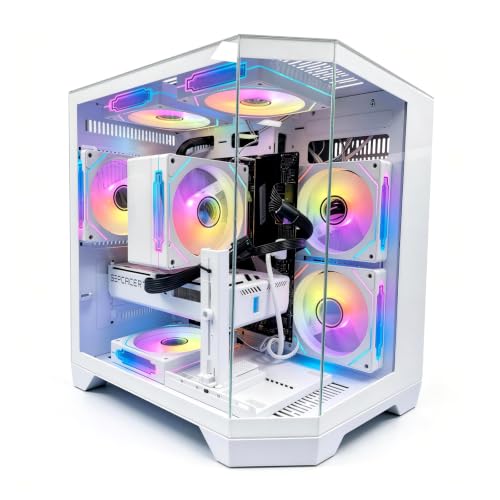
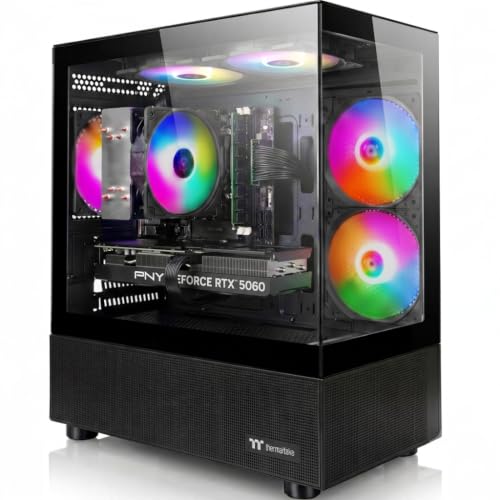

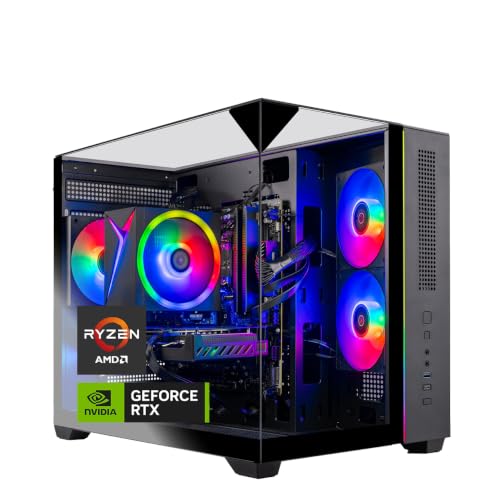
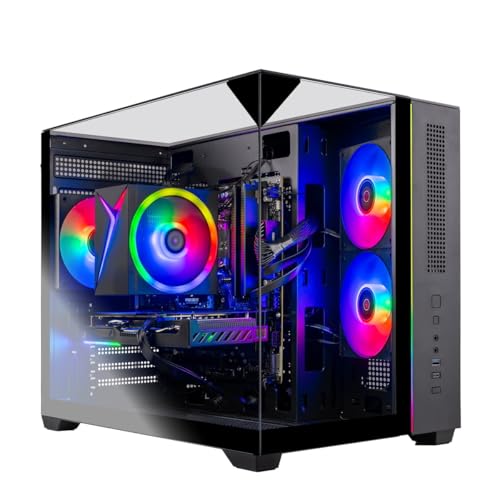
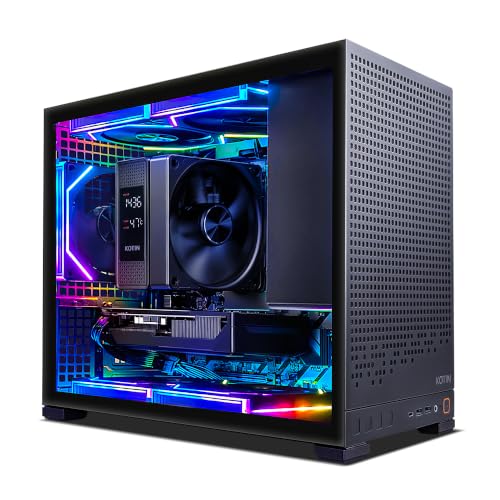
What a 1080p Gaming PC Needs
At 1080p, the graphics card does most of the work, the processor supports it and memory and storage keep things smooth. You do not need a flagship card to enjoy modern games at high settings in this resolution, and entry-level and mid-range cards can reach high frame rates in many titles. A weaker card can still run games well if you accept lower settings.
The aim is to match the PC to the monitor. A 60Hz monitor does not benefit from a card that produces several hundred frames, while a 144Hz or faster monitor rewards a stronger card.
The Graphics Card First
Read the card name in the listing, not just the marketing words. Look for the generation and tier of the card, the amount of video memory and whether it is a desktop card. Eight gigabytes of video memory is the common baseline for current 1080p gaming. Older or entry-level cards can still work for esports titles and older games.
Processor, Memory and Storage
- Processor: a six-core or better chip from a recent generation avoids bottlenecks at 1080p.
- Memory: 16GB is the practical minimum for modern games, and 32GB gives room for multitasking.
- Storage: an SSD makes loading much faster. 512GB fills quickly, so 1TB is more comfortable.
- Memory type: newer DDR5 systems cost more, while DDR4 builds are cheaper and still capable at 1080p.
Power Supply, Cooling and the Case
Prebuilt makers sometimes save money on the power supply and cooling. A listing that names the power supply wattage and the cooling method is a good sign. Look for a case with a front mesh panel or good airflow and at least a couple of fans. A cool PC stays quiet and keeps its performance during long sessions.
Upgrade Room
Check that the motherboard has free memory slots and a spare storage slot. A standard power supply and a roomy case make graphics card upgrades easier later. Some compact prebuilts use proprietary parts that limit upgrades, so read the details if you plan to grow the system.
Connections and Included Extras
Look for enough USB ports on the front and back, a DisplayPort and HDMI output on the graphics card, Wi-Fi if you do not have a wired connection and Bluetooth for controllers. Some bundles include a keyboard and mouse, which are usually basic. Treat them as a bonus rather than a reason to choose a system.
Choosing the Best 1080p Gaming PC
Set a budget, then compare graphics card, memory, storage and warranty. Prices range from about $600 for entry-level systems with older cards to $1,000 and above for mid-range systems with newer cards. Check the warranty length and who handles support, since a prebuilt is only as good as the seller's service.
For related guidance, read best gaming pc for beginners and gaming pc vs console.
Setting Up Your New PC
Unbox the PC, check for shipping damage and connect the monitor to the graphics card, not to the motherboard. Install updates and the latest graphics driver. Open the display settings and set your monitor's refresh rate. In your games, choose a quality preset that holds a steady frame rate, then adjust settings one at a time.
Prebuilt Red Flags
- No named power supply or a power supply described only by wattage.
- A graphics card listed with a vague name or without a model number.
- A single stick of memory, which halves memory bandwidth in many systems.
- Tiny SSDs paired with a huge hard drive as the only main storage.
- Stacked bundles of keyboard, mouse and headset that raise the price but not the performance.
Compare the listing against the product images and buyer comments. If the case shows a front panel without vents, ask whether airflow is good.
Console or PC?
A console costs less and is simpler, but a PC offers upgrades, a wider game library and use as a regular computer. If you already own a monitor, a keyboard and a mouse, a 1080p PC may cost less than you think. If you do not, add them to the budget.
Monitor Pairing
Pair the PC with a 1080p monitor at 144Hz or higher if the graphics card supports it. A 60Hz monitor makes a stronger card pointless. Check the monitor's ports and use DisplayPort when possible. If you plan to move to higher resolutions later, pick a PC with a strong graphics card and a good power supply.
Noise, Heat and Room Placement
Gaming PCs generate heat. Keep the case where air can flow in at the front and out at the back, and keep it off thick carpet. Dust filters need cleaning every few months. If noise bothers you, look for buyer comments about fan sound under load and check whether the case has sound-damping panels.
Ports and Wireless
Count the USB ports on the front, check for a USB-C port and see whether the PC includes Wi-Fi and Bluetooth. A PC without Wi-Fi needs an Ethernet cable or an adapter. Controllers and headsets are simpler to use when the PC has Bluetooth built in.
Frequently Asked Questions
Is 1080p still worth it for gaming?
Yes. It is easier to run at high frame rates and costs less than higher resolutions.
How much memory do I need?
Sixteen gigabytes is the practical minimum for modern games. More helps if you stream or run other programs.
Should I buy a prebuilt or build my own?
A prebuilt is quicker and comes with a warranty. Building gives more control but takes time and knowledge.
Can I upgrade a prebuilt later?
Often yes, if it uses standard parts. Check the motherboard slots, the power supply and the case size.
Final Thoughts
Choose a graphics card to match your monitor, check memory and storage and look closely at power and cooling. The best 1080p gaming pc plays today's games smoothly and leaves room to upgrade. Prices and availability can change, so check the product page before ordering.


