
Best 1080p Monitors: Sizes, Panels and Refresh Rates (2026)
Disclosure: We may earn a commission when you buy through links on this page, at no extra cost to you. As an Amazon Associate I earn from qualifying purchases. Learn more

A broad look for desks, gaming and study: how to choose the best 1080p monitors by size, panel type, refresh rate, ports and stand quality.
A 1080p monitor is still the best-value choice for most desks. The resolution is sharp on screens up to 24 inches, easy on any graphics card and widely supported by laptops, consoles and set-top boxes. Choosing among the best 1080p monitors comes down to size, panel type, refresh rate and the stand.
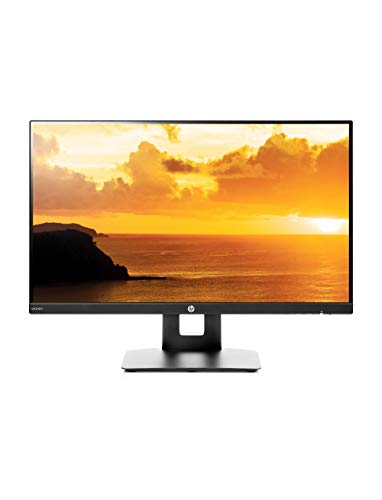
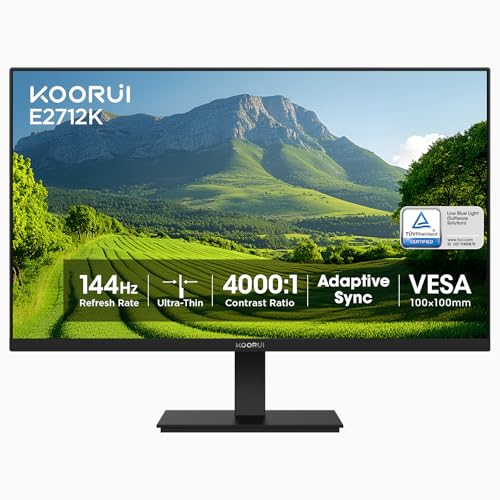
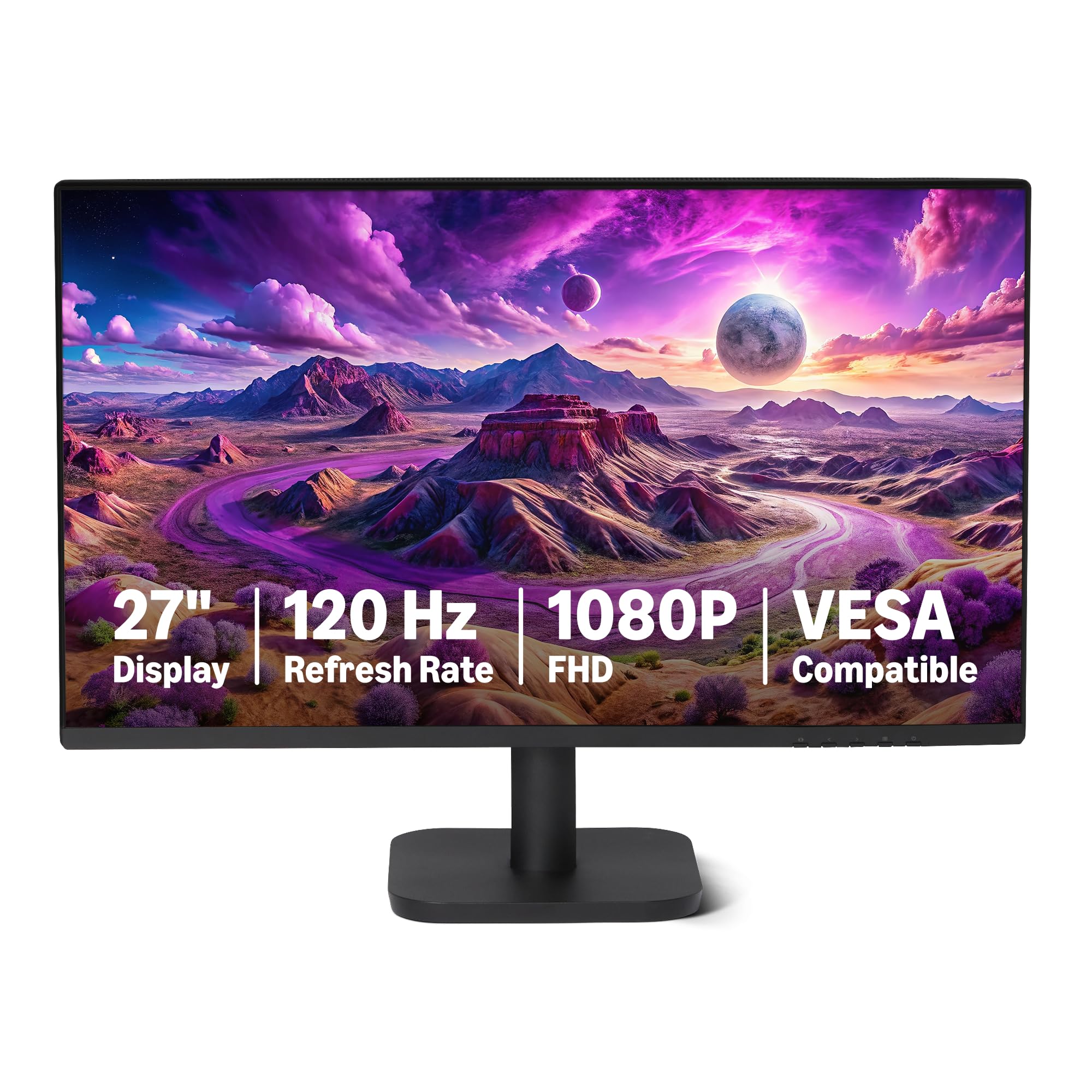
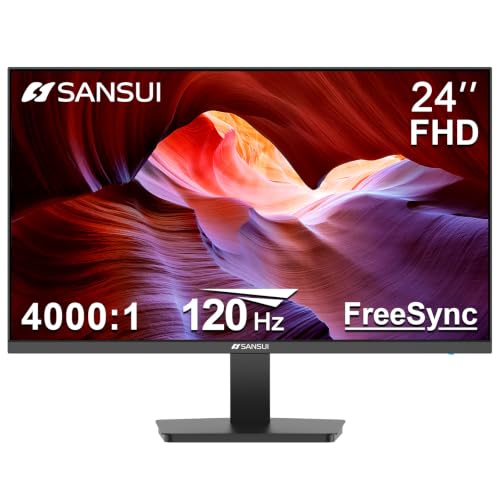
This guide gives a broad view of what is on offer at this resolution so you can decide which kind of monitor suits you. The product table lines up a range of sizes and prices to compare against the sections below.



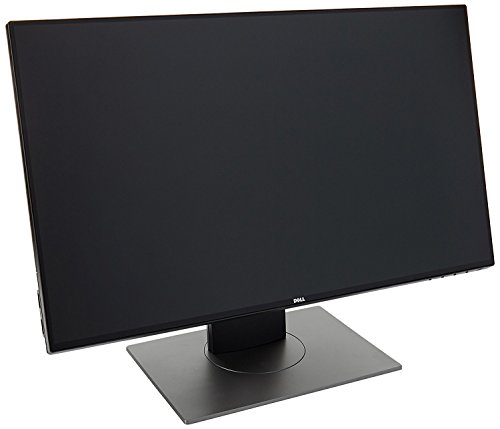
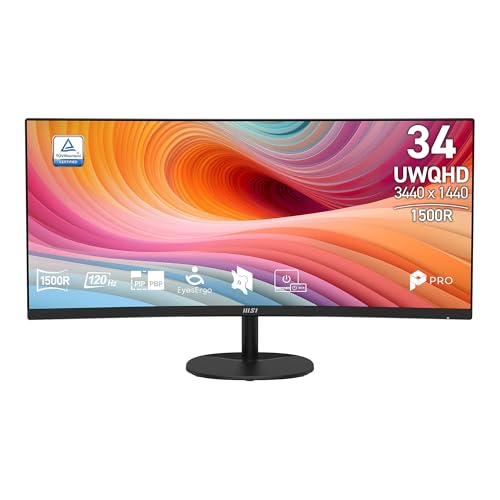

What 1080p Means
1080p, or Full HD, is a grid of 1920 by 1080 pixels. On a 22 to 24 inch screen the pixels are small enough that text and images look crisp from normal desk distance. On a 27 inch screen the same grid is stretched larger, so the picture is slightly softer. Beyond that, a higher resolution is the better choice.
Refresh Rate: 60, 100, 120, 144 and Beyond
A basic office monitor runs at 60Hz. Many new 1080p models now offer 100 or 120Hz at little extra cost, which makes scrolling and cursor movement look smoother. Gamers choose 144Hz or higher. The faster options are worth having even for office use, and you can pick one without paying a large premium.
Panel Types
IPS panels give wide viewing angles and good color, and they suit most buyers. VA panels offer deeper contrast and are often curved. TN panels are fast and cheap but weaker in color. If you share your screen with others or edit photos, IPS is the safer pick.
Size and Shape
- 22 to 24 inches: compact, sharp and good for crowded desks.
- 27 inches: roomy for multitasking and movies, with a softer picture.
- Curved screens: wrap around your view and suit larger sizes.
- Ultrawide screens: wider than standard, covered in other guides.
- Portable screens: 15 to 17 inches for travel and second-screen use.
Ports and Connectivity
Look for HDMI and DisplayPort at minimum. A USB-C input with power delivery is helpful if you work from a laptop. A headphone jack, built-in speakers and a USB hub can save desk clutter. Check the cables in the box, since some monitors ship with only one.
Ergonomics
A stand with height, tilt and swivel adjustment is more valuable than most buyers expect. If the stand is basic, a VESA mount lets you attach a monitor arm. Look for a flicker-free backlight, a low blue light mode and a matte coating if your room is bright.
Best Uses for a 1080p Monitor
For an office or home desk, a 24 inch IPS screen is ideal. For gaming, a 144Hz or higher model with adaptive sync is the best fit, and a 1080p panel is easy for a mid-range graphics card to drive. For a bedroom or kitchen, a bigger 27 inch screen doubles as a second TV with a streaming stick. For students, a portable screen turns a laptop into a two-screen workstation.
Price Ranges
Basic 22 or 24 inch screens start under $100. Mid-range 27 inch IPS monitors with good stands sit between about $100 and $200. Premium business monitors with excellent stands and color control reach higher, with some well-known models above $200. A higher price does not always mean a better picture, so check buyer comments.
How to Choose Among the Best 1080p Monitors
Pick the screen size for your desk, set a refresh rate that suits your use, then check the stand and ports. Read return policies and warranty length, since monitors can arrive with pixel flaws. Compare specific refresh rates in best 1080p 144hz monitors, best 1080p 60hz monitors and best 1080p 240hz monitors.
Business, Home and School Differences
Business monitors usually offer better stands, more ports and longer warranties, and they are built to run all day. Home monitors lean toward style, thin bezels and built-in speakers. School and student setups often favor a portable screen that goes into a bag. Think about who will use the monitor and for how long, then choose the features that matter to them rather than the longest specification list.
If more than one person shares the monitor, a stand with easy height adjustment and a wide viewing angle makes it comfortable for everyone. A low blue light mode and a flicker-free backlight help during evening sessions.
Avoiding Common Mistakes
People often buy a monitor with a fast refresh rate and then leave it at 60Hz because they never changed the setting. Others pick a monitor with a basic stand and then find it sits too low. Some forget to check the ports and end up needing an adapter. A short checklist avoids these problems: confirm the ports on your computer, read the stand details, check the refresh rate setting after setup and keep the box for the first few weeks in case of pixel or backlight problems.
Setup and Calibration
Set the native resolution and your preferred refresh rate in the display settings. Lower the brightness to match the room, and use the monitor's standard mode. If color accuracy matters, use a built-in calibration tool or an inexpensive color meter. Keep the screen away from direct sunlight.
Warranty and Return Window
Check each monitor for stuck pixels, backlight bleed and stand wobble on arrival. A quick look at a white page and a dark page shows most problems. Keep the box for a few weeks, and return a monitor quickly if you find a flaw.
Frequently Asked Questions
Is 1080p still good enough?
Yes, for most desk uses. A higher resolution adds sharpness but also cost and graphics demand.
Should I buy 24 or 27 inches?
Choose 24 for sharpness on a compact desk and 27 for more room, accepting a softer picture.
Do I need a high refresh rate?
Not for office use, but 100Hz or higher feels smoother and costs little extra at this resolution.
Can a 1080p monitor work with a console?
Yes. Check the ports and the maximum refresh rate your console outputs.
Final Thoughts
Choose the size, refresh rate and panel type that match your desk. The best 1080p monitors give you a sharp, smooth picture without paying for pixels you will not use. Prices and availability can change, so check the product page before ordering.


