Best 13 Inch Portable Monitors: USB-C, Resolution and Panel Choices for a Second Screen
Disclosure: We may earn a commission when you buy through links on this page, at no extra cost to you. As an Amazon Associate I earn from qualifying purchases. Learn more

Best 13 inch portable monitor guide: compare USB-C connection, resolution, OLED and IPS panels, touch, stands and power use.
A thirteen inch portable monitor is a thin extra screen that goes where your laptop goes. It matches the width of a small laptop, slips into the same sleeve and turns a cramped train-table setup into a dual-screen workspace. The best 13 inch portable monitor connects with one cable, looks sharp and does not drain your laptop battery too quickly.
This guide covers connection types, resolution and panel choices, stands and covers, and compatibility with phones and consoles. The product table above lists models across several budgets.



Why a 13 Inch Screen
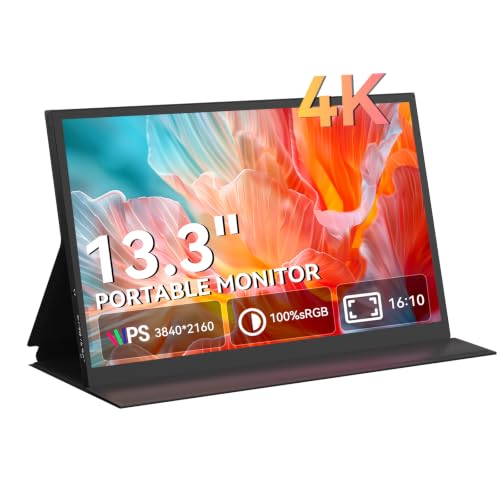
Thirteen inches is the smallest practical size for a second screen. It matches most compact laptops, weighs little and sits easily beside one on a cafe table. Larger portable monitors give more space but are heavier and harder to place.
If you want a bigger screen, our guide to the best portable monitors for laptops compares sizes. Smaller screens suit travelers who value weight above all else.
Connection: One Cable or Two
Most portable monitors connect over USB-C, which carries video and power in one cable. Check that your laptop's USB-C port supports video output, since not all do. If it does not, use the HDMI input with a separate power cable.
Power draw is worth noting. A monitor that takes power from your laptop reduces battery life, and some laptops cannot supply enough on one port. A monitor with a second USB-C port for pass-through charging solves this.
Resolution and Sharpness
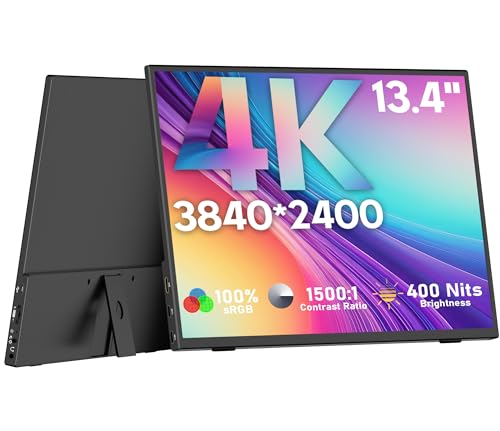
At thirteen inches, even full HD looks sharp, and higher resolutions look excellent. Very high resolution costs more and uses more power, so choose based on use. For documents and email, full HD is plenty. For photo work or movies, higher resolution rewards you.
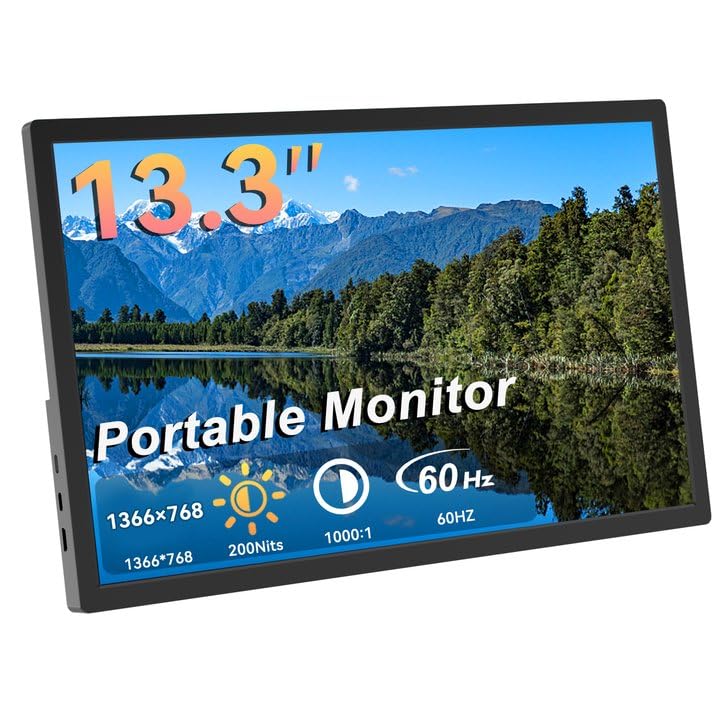
Low-resolution budget panels exist and look soft up close. Check the stated resolution and avoid models with minimal pixel counts if you will read text for hours.
OLED Versus IPS
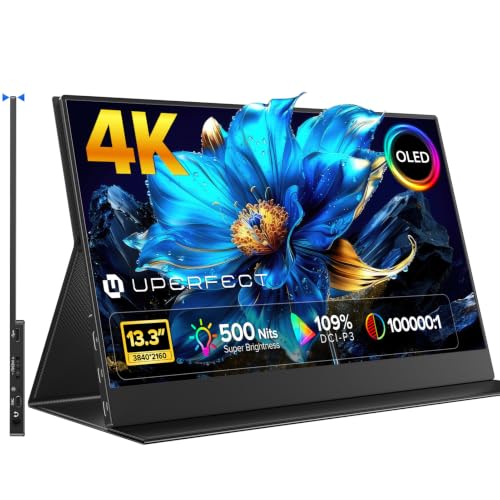
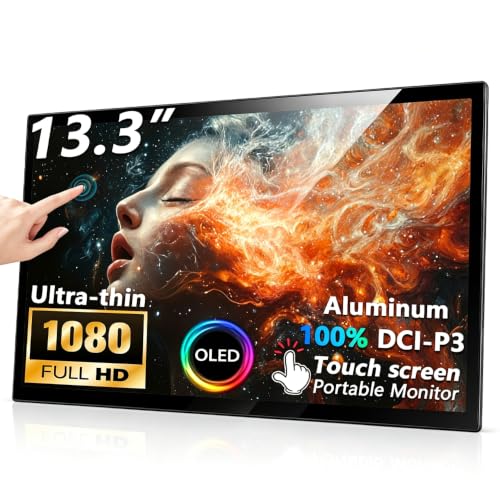
OLED panels give deep blacks, vivid color and fast response, which suits movies and creative work. They cost more and may draw more power at full brightness. IPS panels offer good color and brightness at lower prices, with wide viewing angles.
For a travel monitor, brightness matters. A dim panel is hard to read near a window. Check the stated brightness and look at buyer comments about outdoor visibility.
Touch, Stand and Cover
Some portable monitors have touch input, which is handy for tablets, phones and presentations, but adds cost. Check that your devices support touch over the connection.
A good cover that folds into a stand makes the monitor stable on a table. Check the angle range, because a stand that only offers one angle may not suit you. Magnetic covers are convenient but can slip on soft surfaces.
Compatibility With Phones, Consoles and Mac
Many phones support video output over USB-C, giving you a desktop-like experience on a portable monitor. Consoles can use the HDMI input, though you will need power from a separate source. Macs and Windows laptops usually work, but check driver notes and refresh rate.
Read the listing for compatibility notes, especially if you plan to use the monitor with a phone or console. Our review of the ASUS ZenScreen MB16AHG shows how a mainstream portable monitor performs, and our guide to the best portable monitors for gaming covers fast screens.
Speakers, Ports and Extras
Built-in speakers are small and tinny, so use headphones for anything serious. A headphone jack is a handy feature, as are on-screen controls and a brightness adjustment. Some monitors include a mini HDMI port, and you may need an adapter cable.
Check what is in the box, including cables, a cover and a power adapter. A cheap listing that leaves out the cable is not a bargain.
Choosing the Best 13 Inch Portable Monitor by Budget
Budget monitors give a sharp enough picture for email and documents, with basic brightness and plastic builds. Mid-priced models improve color, brightness and stands. Premium OLED models are lovely but expensive.
Spend on brightness and connection quality first. Skip touch if you will not use it, and skip extras that add weight.
Setting Up a Second Screen
Connect the cable, then open your display settings and choose whether to extend or mirror the desktop. Extending gives you extra space, which is the whole point, while mirroring suits presentations. Arrange the screens in settings so that the pointer moves naturally from one to the other.
Adjust scaling so text on the small screen is comfortable, and put the window you need to watch constantly, such as email or chat, on it. Keep the main work on the laptop screen.
Working Across Two Screens
Place the portable monitor beside the laptop, at a similar height, using its stand. Avoid tilting your neck for long periods by choosing a primary screen and keeping the second one for reference material, messages and tools.
If you travel often, practice a quick setup routine so the second screen is ready in a minute. A short cable and a small power bank complete a compact kit.
Care and Protection
Keep the screen covered in transit and avoid pressure on the panel when it is in a bag. Wipe it with a soft microfiber cloth and avoid pressing hard on the surface. Do not leave it in a hot car, since heat can damage thin panels and adhesives.
Handle the connector gently, and use the cable that came in the box. Cheap cables can limit video or fail to power the screen properly.
Frequently Asked Questions
Will it work with my laptop?
If your USB-C port supports video output, yes. Otherwise use the HDMI input.
Does it need its own power?
Many run from one USB-C cable, but some need an extra power source.
Is OLED worth it?
For color and contrast, yes. For basic work, IPS is fine.
Can I use it with a phone or console?
Often yes, with the right cable and power setup.
How do I carry it?
In a sleeve with the cover closed, away from keys and coins.
Wrapping Up
Check your laptop's USB-C video support, choose a bright, sharp panel and plan power and stand needs. The best 13 inch portable monitor gives you a second screen without adding bulk. Use the product table above to compare options and check the return policy.
Prices and availability can change, so check the product page before ordering.