
Best 14 Inch Laptops: Chip, Screen and Price Tiers Explained in 2026
Disclosure: We may earn a commission when you buy through links on this page, at no extra cost to you. As an Amazon Associate I earn from qualifying purchases. Learn more

Choose among the best 14 inch laptops by chip, memory, screen and weight, with clear price tiers from budget to premium.
The best 14 inch laptops hit the balance that most people want: a screen big enough to work on for hours and a body light enough to carry every day. Fourteen inches has become the default for office workers, students and travelers, and it covers everything from $300 budget machines to $2,000 premium notebooks.
This guide shows how to choose between them. It covers processor and memory, the display, weight and ports, and what each price tier gets you. The product table after the introduction lists in-stock models from several brands so you can compare them against the checks below.
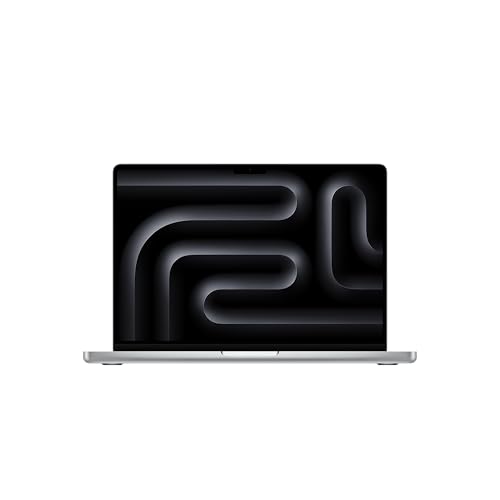
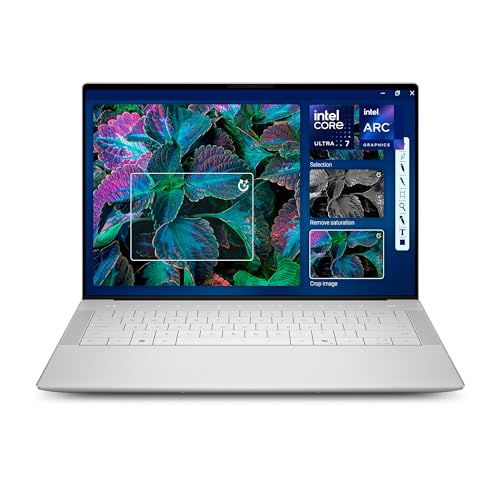


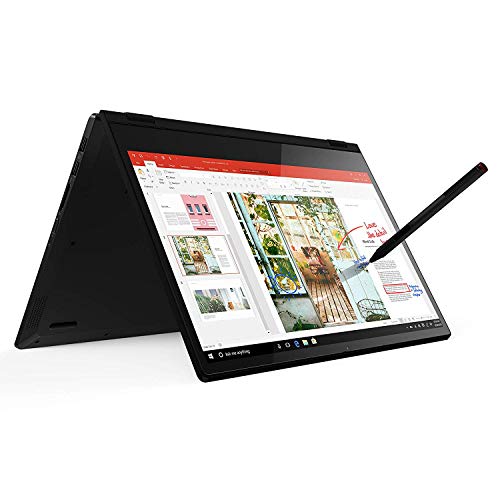


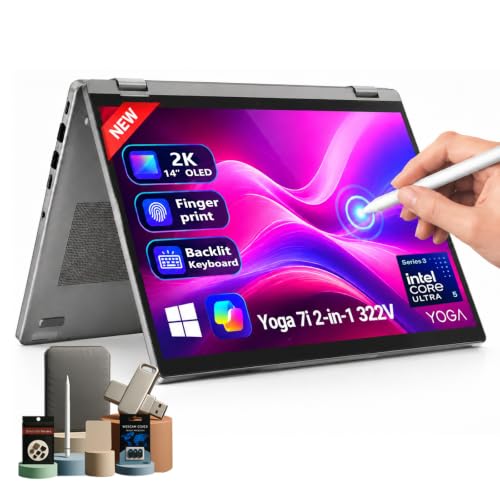
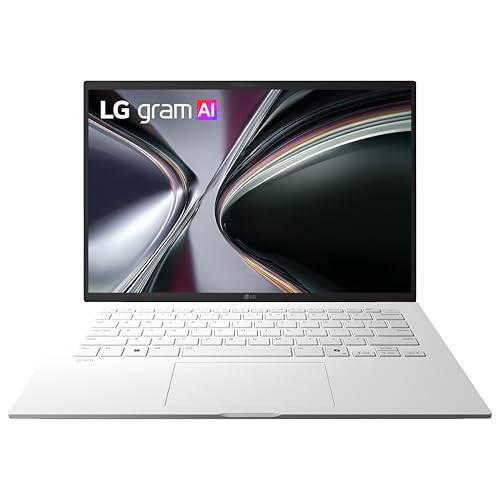
Why 14 Inches Is the Practical Size
A 13 inch laptop is the lightest option but can feel cramped with two windows open. A 15 or 16 inch laptop gives more room and usually better ports, but it weighs more and is harder to use on a train or lecture hall desk. The 14 inch class sits between them. Most bodies are slim, the keyboard has full size keys, and many designs fit into a bag made for a 13 inch machine.
The screen shape also matters. Many 14 inch laptops now use a 16:10 panel, which is a little taller than the older 16:9 shape, and the extra height shows more of a document or web page without scrolling. If you mainly watch video, 16:9 is fine, but for work the taller screen is the nicer one.
Processor and Memory: Match the Chip to the Job
Everyday browsing and office work
Budget 14 inch laptops use entry level Intel N series or Celeron chips and AMD Ryzen 3 class chips. They handle web pages, email, streaming and documents without trouble, but they slow down with many tabs and heavy spreadsheets. Pick 8GB of memory if you can, because 4GB models struggle once a browser and a video call run together.
Work, study and light creative use
Step up to Intel Core i5 or Ryzen 5 class chips, or Apple and Snapdragon models, if you edit photos, run many apps or want a laptop that stays quick for five years. Sixteen gigabytes is the comfortable amount. Thin laptops often solder the memory in place, so the amount you buy is the amount you keep.
Heavier creative work
For video editing, large photo libraries or programming with virtual machines, look at the premium chips in the table, more memory and a bright, color accurate screen. A cooling system that keeps speed steady matters as much as the chip name here.
Display, Weight and Battery
Resolution is the first display choice. Full HD is the minimum worth buying; cheaper HD panels look soft with small text. Sharper 2.5K and OLED screens add color and contrast and suit creators and movie lovers, but they cost more and can reduce battery life. Touch screens and 2-in-1 hinges suit note taking and tablet use.
Weight and battery shape your day. Compare the listed weight with the laptop you carry now, and treat the maker's battery hours as a best case. A laptop that charges over USB-C is easier to live with because you can share a charger with your phone. If you travel, look for fast charging as well.
Ports and Everyday Details
Check for the connections you use: USB-C for charging and displays, USB-A for older accessories, HDMI for presentations and a headphone jack. A webcam with a privacy shutter and a decent microphone matter if you take many calls. Wi-Fi 6 or newer gives a more stable connection on busy networks. A backlit keyboard helps in dim rooms, and a fingerprint reader or face unlock speeds up sign in.
What Each Price Tier Gets You
The table runs from roughly $230 to well above $2,000. Under $500 you are paying for a light, simple Windows or ChromeOS laptop that handles school and home use. Between $500 and $1,000 you gain faster chips, sharper screens, metal bodies and better keyboards. Above $1,000 the extras are OLED panels, premium build, long battery life and the Apple and Copilot+ models.
Not sure which operating system to buy? The Chromebook vs laptop comparison explains when a simpler machine is enough. If you are weighing a Mac, read MacBook Air vs MacBook Pro, and for the lowest prices see the best budget laptop guide. Brand comparisons such as Dell vs HP laptop can help once you have two close finalists.
Keyboard, Trackpad and Build Quality
Because you will type on it daily, the keyboard deserves attention. Look for keys with enough travel to feel clear, a layout with a full row of arrow keys and, if you type in the evening, backlighting. A glass or large trackpad that clicks evenly across its surface is easier to live with than a small, plasticky one. Buyer comments are the best guide to flex in the palm rest and wobble in the hinge.
Build material also affects weight and durability. Aluminum bodies feel premium and resist flex, while plastic bodies keep the price down and are easier to carry in a hurry. Neither is wrong; match it to how roughly you travel. Many of the best 14 inch laptops now mix a metal lid with a plastic base to keep weight low, and a spill resistant keyboard is a quiet extra for students and commuters.
Finally, check the warranty and the return window before you order. A longer warranty and a simple return process are worth more than a small discount, because a laptop is something you use every day for years.
FAQs
Is a 14 inch laptop big enough for work?
Yes for most office tasks. With a 16:10 screen you can fit two windows side by side, and you can connect an external monitor at your desk.
How much memory do I need in a 14 inch laptop?
Eight gigabytes covers everyday use. Sixteen gigabytes is better if you want the laptop to stay fast for years or you multitask a lot.
Which is better, a 14 inch or a 15 inch laptop?
Fourteen inches wins on portability. Fifteen inches gives more screen and sometimes more ports, so choose it if the laptop mostly stays on a desk.
Should I buy OLED?
OLED gives richer color and contrast, which creators and film fans enjoy. If you work mostly in white documents, a bright IPS screen is just as good and often cheaper.
Final Verdict
The best 14 inch laptops are the ones that match the work you do, so choose the chip, memory and screen first and the brand second. Use the product table to compare prices across the tiers, and keep portability in mind when two models feel equal.
Prices and availability can change, so check the product page before ordering.


