
Best 1440p 165hz Monitors: How Much Does 165Hz Really Add in 2026
Disclosure: We may earn a commission when you buy through links on this page, at no extra cost to you. As an Amazon Associate I earn from qualifying purchases. Learn more

The jump from 144Hz to 165Hz is small, so choose the best 1440p 165hz monitors by panel, size and price first.
Picking among the best 1440p 165hz monitors is less about the refresh rate number and more about the panel, size and price that come with it. The step from 144Hz to 165Hz is small, so most buyers should treat 165Hz as a pleasant bonus and decide on the rest of the specifications first.
This guide explains how much 165Hz really adds, the monitor shapes you can choose, and where the price differences come from. The product table after the introduction lists in-stock 1440p monitors rated for 165Hz or higher, from budget 24 inch models to large ultrawides.
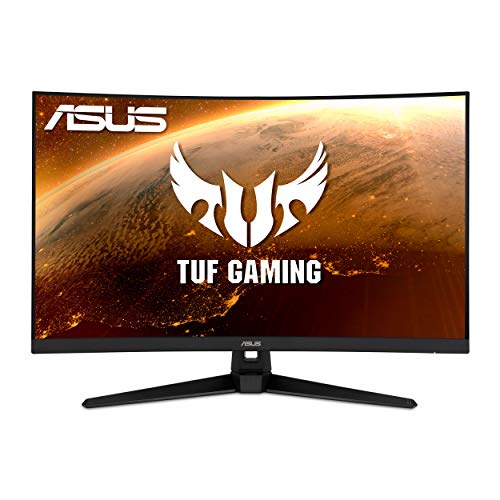


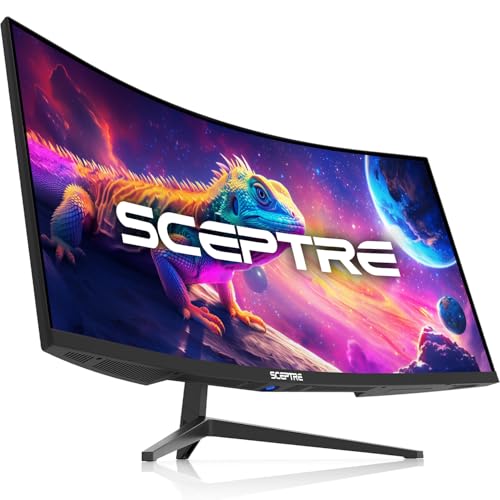


How Much Better Is 165Hz Than 144Hz
The change from 144Hz to 165Hz is about 15 percent more frames drawn each second. In a blind comparison most people struggle to tell them apart; the real jump in smoothness happens between 60Hz and 120Hz or more. That is why 165Hz monitors cost about the same as 144Hz models and often sit in the same product line.
So buy a 165Hz monitor because it fits your budget and offers the right panel, not because you expect a night and day change. If you want a bigger step, look at 1440p 240Hz monitors; if you want the full list across resolutions, see the best 165Hz monitors. For a general view of the resolution, the best 1440p monitors page covers every refresh rate.
Pick the Monitor Shape
24 inch compact
A 24 inch 1440p panel packs a lot of pixels into a small space, so the picture is very sharp. It suits competitive players with limited desk space, though some find text small without scaling.
27 and 32 inch standard
The 27 inch size is the best balance at 1440p. A 32 inch curved model gives an immersive picture for those who sit further back, with slightly lower sharpness.
34 inch ultrawide
Ultrawide screens at 3440 by 1440 add width for racing, strategy and productivity. Many 165Hz ultrawides use VA panels with deep blacks and curved shapes that wrap the view. They need a graphics card able to drive the larger image.
VA, IPS and Other Panels
IPS panels are the safe choice for color and viewing angles, and their response time suits fast play. VA panels give richer contrast and are common in curved and ultrawide monitors, but they can show smearing in very dark scenes. Nano IPS panels extend the color range. Look at buyer comments for backlight bleed and panel uniformity, as these vary even between units of the same model.
Brightness and HDR labels need a light touch. A model advertising HDR support at a low price usually has modest peak brightness, so treat it as a minor feature rather than a reason to buy.
Features Worth Having at This Price
- Adaptive sync: FreeSync or G-Sync compatibility for tear free gaming at any frame rate.
- Ports: DisplayPort and HDMI at the speeds needed for 165Hz at 1440p.
- Stand: height and tilt adjustment, or a VESA mount for an arm.
- Low motion blur modes: handy in shooters, though they reduce brightness.
- Warranty and dead pixel policy: read these before ordering.
What They Cost
The 1440p models in the table are mostly between $145 and $300, and a good 34 inch ultrawide sits near the top of that range. Mid range 27 inch monitors from large brands sit near $230 to $290, while budget brands offer 34 inch ultrawides near $190 to $200. Large well known brands cost more but offer longer warranties, refined stands and tighter quality control.
Graphics Card Matching
A card that can run your games at 100 frames per second or better at 1440p will make use of a 165Hz screen. If your card averages 70 frames, the monitor still helps through adaptive sync, which smooths the experience. You can lock the frame rate slightly below the refresh rate to avoid tearing and reduce heat. For the best 1440p 165hz monitors the screen should outlast the graphics card, so buy for the monitor you will keep for years.
Mistakes People Make With 165Hz Screens
The most common mistake is plugging in the monitor and never enabling the refresh rate, so the screen runs at 60Hz for months. Open the display settings once and confirm the number. The second mistake is buying on the refresh rate alone while ignoring the panel, so check whether the monitor uses IPS or VA and read comments about uniformity and backlight bleed.
A third mistake is overspending on a very fast screen to pair with a graphics card that cannot use it. A 165Hz monitor paired with a modest card still looks great, and the savings can go into the card itself. Finally, check the stand before you order; a wobbly or non adjustable stand spoils a good panel, and a VESA mount lets you fix that with an arm later. Also look at how the monitor handles power saving and input switching if you share it between a console and a PC, since some budget models are slow to wake.
FAQs
Is 165Hz worth buying over 144Hz?
If the price is the same, yes. If a 144Hz model is much cheaper and has a better panel, the cheaper one is a fair choice.
Does a 165Hz monitor work at 60Hz?
Yes. You can select a lower refresh rate, and adaptive sync handles variable frame rates.
Is curved better than flat?
It is a matter of taste. Curved screens feel immersive for games, flat ones are better for work needing straight lines.
Do I need a DisplayPort cable?
For 165Hz at 1440p, DisplayPort is the safest option, and a good HDMI cable works on many models.
Final Verdict
The best 1440p 165hz monitors give you a sharp panel, adaptive sync and a stand you like at a price that suits your graphics card. Use the product table to compare sizes and panel types, and treat the extra 21 Hz over 144Hz as a bonus.
Prices and availability can change, so check the product page before ordering.


