
Best 1440p 240hz Monitors: Fast IPS or OLED for Your Games in 2026
Disclosure: We may earn a commission when you buy through links on this page, at no extra cost to you. As an Amazon Associate I earn from qualifying purchases. Learn more

Who needs 240Hz at 1440p, and is fast IPS or OLED better? Compare the best 1440p 240hz monitors by use and budget.
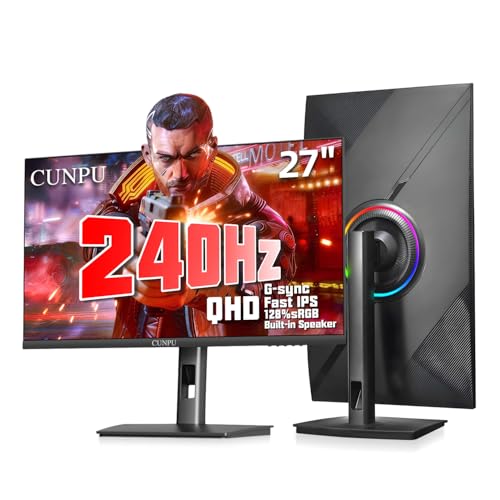
The best 1440p 240hz monitors are built for players who want both a sharp picture and the fastest motion that a mainstream monitor can deliver. At 2560 by 1440 pixels and 240 refreshes per second, fast shooters and racing games look clean, and aiming feels immediate, though your graphics card needs to be strong enough to use the speed.
This guide explains who benefits from 240Hz, how fast IPS compares with OLED, and what graphics power and cables you need. The product table after the introduction lists in-stock monitors from about $155 for budget fast IPS models to $950 for large OLED screens.




Who Benefits From 240Hz at 1440p
Competitive players in shooters and fast action games notice the gain most, because every frame shown sooner shortens the delay between your input and the screen. Casual players and those who mostly play slower story games get less value and may prefer a 144Hz or 165Hz monitor with a better panel for the same money.
The higher refresh rate also reduces the blur that sample and hold screens create when objects move. If you value motion clarity above everything, 240Hz with a quick panel is the right class. If you play at lower frame rates, the gain disappears, so match the monitor to your hardware. The page about the best 240Hz monitors for gaming covers other resolutions, and best 240Hz monitors gives the broad view.
Fast IPS or OLED
Fast IPS
These panels combine good color with fast pixel response and tend to cost between $155 and $300 in the table. Brightness is strong, there is no burn in concern and they work well for mixed use such as gaming and office work. The weak point is contrast, which is lower than OLED.
OLED and QD-OLED
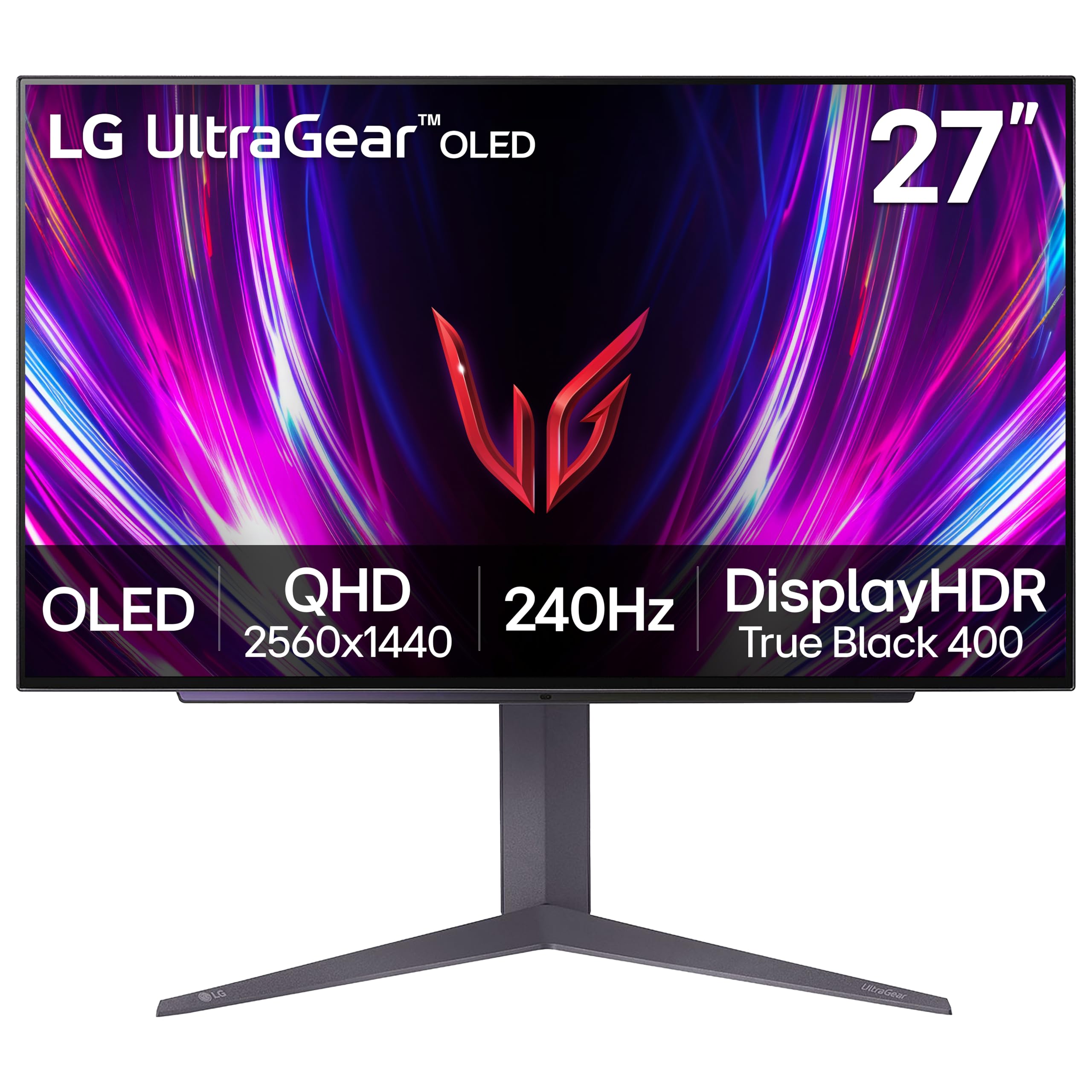
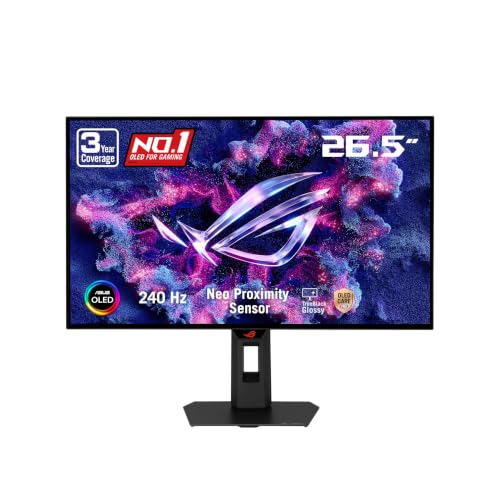
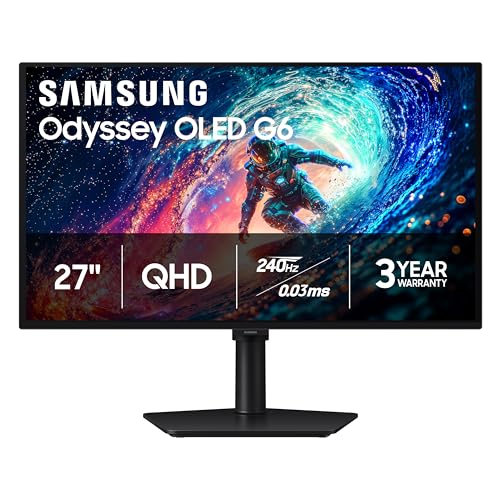
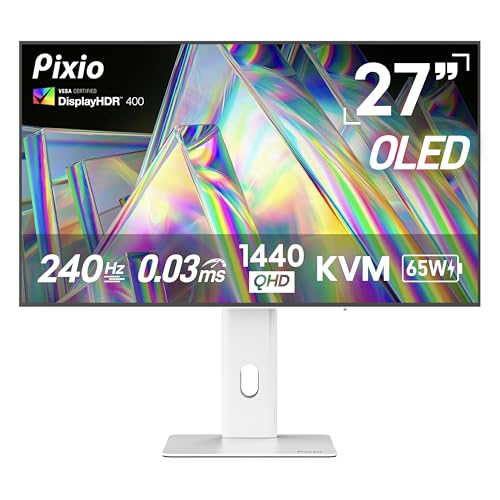
OLED screens give almost instant response, perfect black levels and bright highlights, which makes games look dramatic. They cost more, and the text can look a little less crisp on some subpixel layouts. Static elements such as taskbars can cause image retention over long periods, so use a dark theme and let the screen refresh cycles run.
Curved and ultrawide
Some 240Hz models are curved 32 inch screens or ultrawides with 5120 by 1440 pixels. They add immersion but demand much more from the graphics card, so check your hardware first.
Graphics Card and Cable Requirements
To use 240Hz at 1440p you need a strong graphics card and a processor that can feed it. Many esports titles reach that frame rate on mid range cards, while newer big budget games may need upscaling to get near 240. A monitor like this still works well at lower frame rates thanks to adaptive sync, so the investment is not wasted if your card is only moderate.
Use a DisplayPort cable that supports high refresh rates, or an HDMI 2.1 cable on models that offer it. A poor cable can limit the refresh rate or cause blinking. Check that your graphics card has a matching output, since some older cards lack the needed bandwidth.
Other Features to Check
- Adaptive sync: FreeSync Premium or G-Sync compatible support.
- Response time: look for real buyer measurements, not only the 1ms claim.
- Stand: height, tilt and pivot, or a VESA mount for a monitor arm.
- Ports: two HDMI and a DisplayPort are common.
- Warranty: OLED models should include coverage for burn in.
Price Tiers
Budget fast IPS models from lesser known brands run about $155 to $220, with a few well reviewed by many buyers. Mid tier IPS and large curved monitors from known brands cost $250 to $300. Entry OLED models start around $400 and reach $600 for 27 inch panels, with large ultrawide OLED displays near $900. The best value depends on your games: a fast IPS gives most of the benefit for under $250.
For a more balanced experience, compare the best 1440p monitors and the best 1440p IPS monitors before you commit to the faster, more expensive class.
Getting the Most From a 240Hz Screen
Turn on the highest refresh rate in the operating system, enable adaptive sync in the graphics driver and cap the frame rate a little below 240 to avoid tearing at the limit. Use the monitor's overdrive setting carefully, because the highest level can create overshoot trails. Pair the screen with a high polling rate mouse, as the benefits of a fast monitor are lost on slow input hardware.
Desk Setup and Eye Comfort
Fast monitors tempt you to push everything to maximum, but comfort matters over long sessions. Sit about an arm's length from a 27 inch screen, place the top edge of the panel at or just below eye level and keep the room lit so the screen is not the only bright thing in view. Lower the brightness in the evening and enable the maker's low blue light mode if you play late. A monitor arm frees desk space and lets you position the screen for your height, which makes the best 1440p 240hz monitors feel better in daily use than a fixed stand. If you share the desk with a console, note which model has a second HDMI port so you can switch inputs without swapping cables.
FAQs
Is 240Hz noticeably better than 144Hz?
It is visible in fast games if your frame rate is high. If you play slower games, the difference is small.
Will my graphics card run 1440p at 240 frames?
Only in lighter games on mid range cards. Demanding titles need a high end card or upscaling.
Is OLED worth the price?
For image quality and response speed, yes. For budget and static use, a fast IPS is the safer choice.
Do I need a special cable?
Use DisplayPort or HDMI 2.1 as recommended by the maker.
Final Verdict
The best 1440p 240hz monitors give you a fast, sharp panel and the ports to carry the signal, matched to a graphics card that can supply the frames. Use the product table to compare fast IPS with OLED options, and choose according to the games you play most.
Prices and availability can change, so check the product page before ordering.


