
Best 1440p Gaming PC: Graphics, Memory and Build Quality in 2026
Disclosure: We may earn a commission when you buy through links on this page, at no extra cost to you. As an Amazon Associate I earn from qualifying purchases. Learn more

What should the best 1440p gaming pc include? Graphics tiers, 32GB memory, a 1TB SSD and warning signs in prebuilt listings.
The best 1440p gaming pc pairs a graphics card strong enough for high frame rates at 2560 by 1440 with enough memory, storage and cooling to stay quick for years. A prebuilt system saves the time of choosing parts and comes with a warranty, but the price can hide weak components, so you need to know what to check.
This guide explains the graphics card tiers, how much memory and storage to expect, and what separates a well built prebuilt from a poor one. The product table after the introduction lists in-stock gaming desktops, mostly between $1,650 and $2,800, aimed at 1440p play.


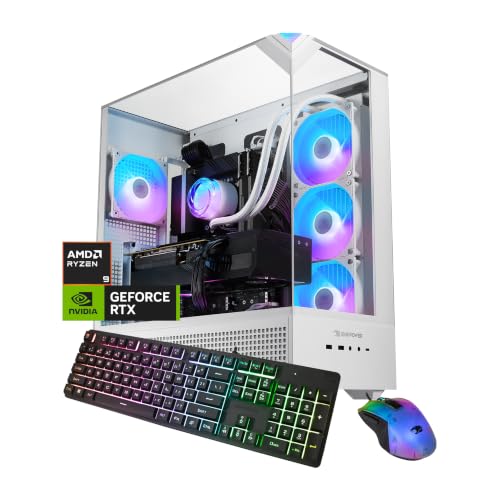
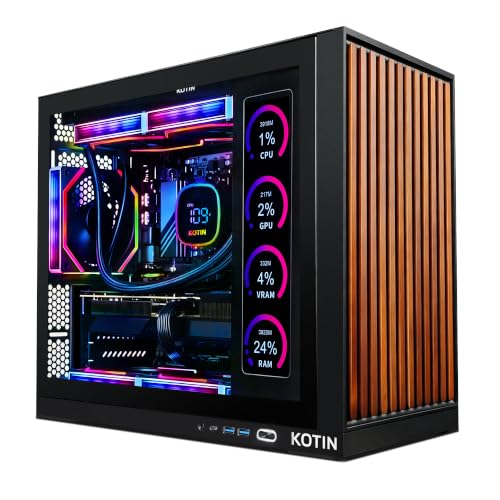
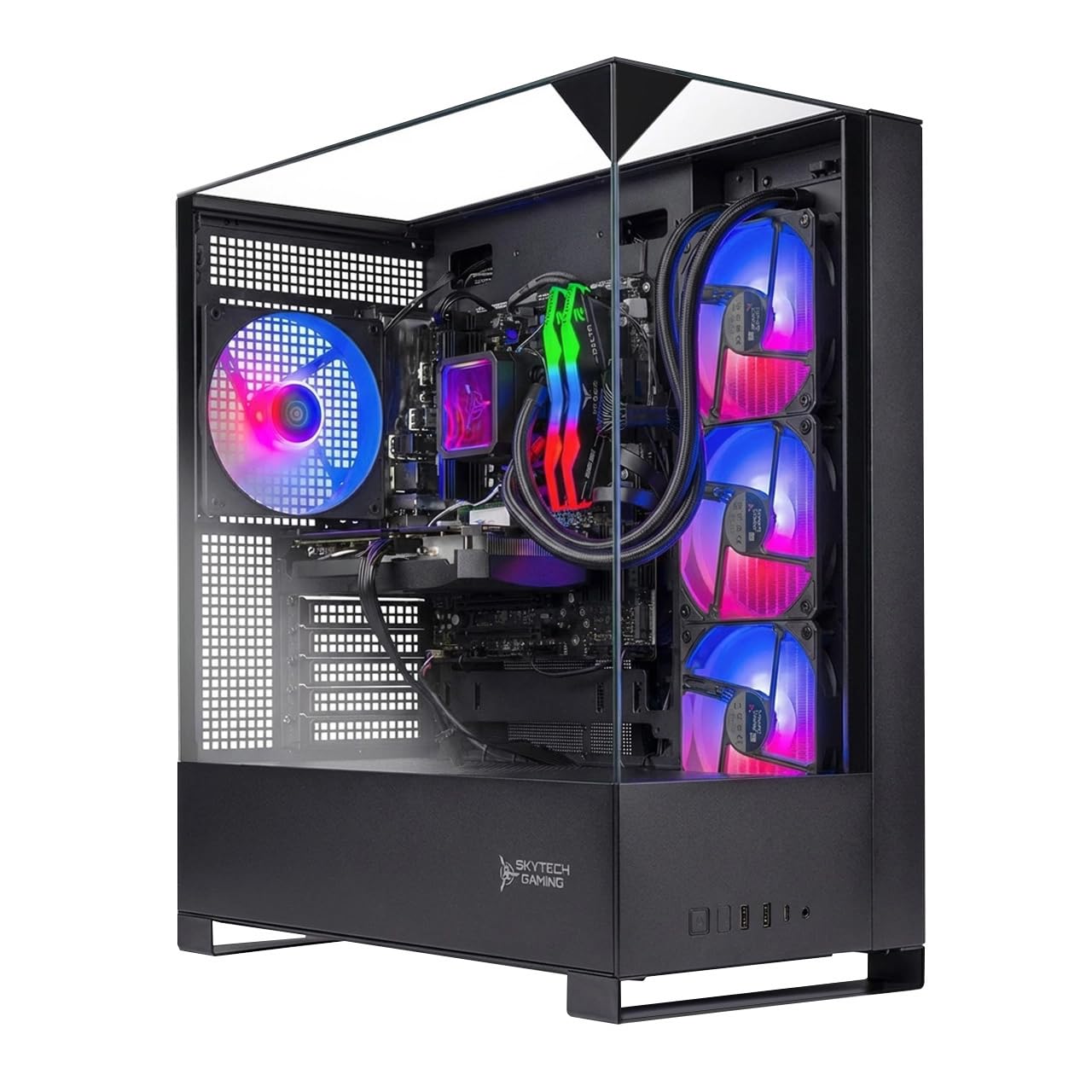


The Graphics Card Decides Everything
At 1440p the graphics card matters more than any other part. A mid range card such as the current RTX 5060 Ti class plays most games at high settings with smooth frame rates. The RTX 5070 class gives more headroom for demanding titles and higher refresh monitors, while the RTX 5070 Ti and the AMD 9070 XT class suit those who want maximum settings and frame rates above 144.
Watch video memory too. Newer games use a lot of it at 1440p with high texture settings, so a card with more memory ages better than one with less. Where the listing shows two versions of a card, prefer the one with more video memory if the price difference is small.
Processor, Memory and Storage
Processor
A modern 6 to 8 core processor is the right target for 1440p gaming. Spending far more on the processor than the card brings little, because at this resolution the card is the limit. AMD's X3D chips are good for strategy and simulation, and Intel's Core Ultra and 14th generation chips are strong all rounders.
Memory
Choose 32GB of DDR5 if the price is close. Sixteen gigabytes works but leaves little room for streaming, many browser tabs and background apps. Memory speed matters less than capacity.
Storage
Look for a 1TB NVMe SSD at least. Games are large, and a 512GB drive fills quickly. Ask whether there is a free slot for a second drive, since upgrades later are cheap and easy.
What Makes a Good Prebuilt
The listing should name the power supply, the motherboard chipset and the cooler, not just the processor and graphics card. A quality power supply from a known brand with a stated efficiency rating is a sign of care. A tower with mesh front panels and several fans cools better than a sealed glass box with a single fan. Liquid cooled models look striking but add a pump that may fail, so an air cooler is a fine choice.
Warranty and support also matter. Large brands offer clear support routes, while smaller builders vary. Read the warranty terms and whether the maker supports upgrades without voiding coverage. See also CyberPowerPC vs iBuyPower for a comparison of two popular builders.
Pair It With the Right Monitor
A 1440p gaming PC deserves a monitor that matches. A 27 inch 1440p panel at 144Hz to 240Hz is the usual partner, and adaptive sync keeps motion smooth. Check that the PC has the right outputs, such as DisplayPort for high refresh rates. If you are starting from scratch, the best gaming PC for beginners guide covers the full setup, and for a smaller budget see the best gaming PC under 1000 page.
Warning Signs in a Prebuilt Listing
Vague listings deserve caution. If the power supply is described only as "750W" with no brand or rating, or the motherboard is not named, the maker may have cut costs where you cannot see. Watch for graphics cards listed with the amount of memory hidden, since the same card name can come in a version with less. Heavy lighting and extra fans in the title do not make up for a weak power supply or a single stick of memory, which slows the system compared with two matched sticks.
Check whether the system ships with a current Windows license, whether Wi-Fi is included and whether there are free ports on the front and rear. A fast computer with too few USB ports quickly becomes annoying.
Noise, Power and Desk Space
A 1440p gaming desktop draws a good deal of power under load and needs airflow. Place the tower where its front intake and rear exhaust are not blocked, and clean the dust filters every few months. Larger cards need a case with room, so check the card length against the case limit. If you game in a small room, look for comments about fan noise at load, because the quietest builds use larger fans at lower speeds. A heavy tower on a flimsy desk can also cause vibration, so choose a stable surface. Following these steps helps the best 1440p gaming pc stay quiet and cool for years.
Prebuilt or Build Your Own
Building yourself can save money and lets you choose each part, but it needs time and some skill. A prebuilt gets you gaming faster with a warranty on the whole system. Prices in the table show that quality 1440p prebuilts cost real money, so compare the total with the cost of parts if you are comfortable building. Many buyers choose a prebuilt now and upgrade the storage and memory later.
FAQs
What graphics card do I need for 1440p?
A mid range current card handles most games well. Choose a higher tier for demanding titles or high refresh rate monitors.
Is 16GB or 32GB of memory better?
Thirty two gigabytes gives room for streaming and multitasking and costs little extra.
Do I need liquid cooling?
No. A good air cooler keeps most processors cool and has fewer parts to fail.
Can I upgrade a prebuilt later?
Usually yes, for storage, memory and the graphics card, but check the power supply and case space first.
Final Verdict
The best 1440p gaming pc has a strong graphics card, 32GB of memory, a 1TB SSD and a clear warranty. Use the product table to compare graphics tiers and builders, and pay for the graphics card first.
Prices and availability can change, so check the product page before ordering.


