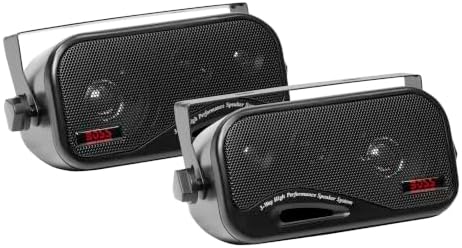
Best 2 Piece Computer Speakers for 2026: Compact Stereo Pairs for Any Desk
Disclosure: We may earn a commission when you buy through links on this page, at no extra cost to you. As an Amazon Associate I earn from qualifying purchases. Learn more

Best 2 piece computer speakers explained: power, inputs, size and sound so a simple pair fits your desk and your budget.
A simple pair of speakers is all many desks need, and the 2 piece format is the smallest way to get clear stereo sound from a computer. One speaker on each side of the monitor, one cable to power and one to the computer. This guide to the best 2 piece computer speakers explains how to choose a set that suits your desk, your computer and your budget.
The product table lists 2 piece sets available new, from tiny USB powered pairs to larger powered bookshelf models. The sections below help you decide what matters and what does not.

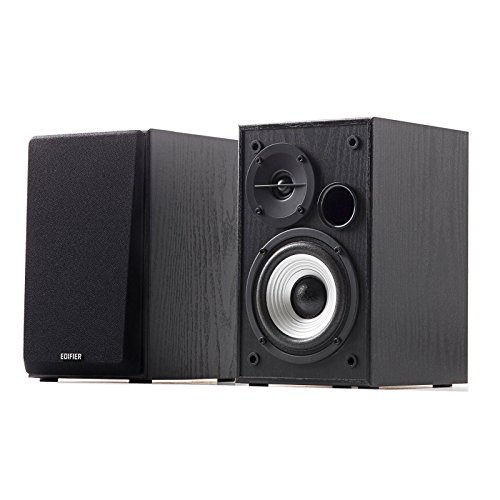
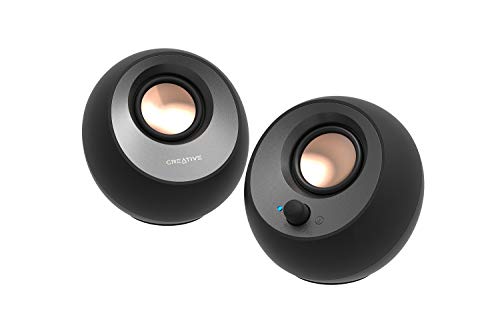


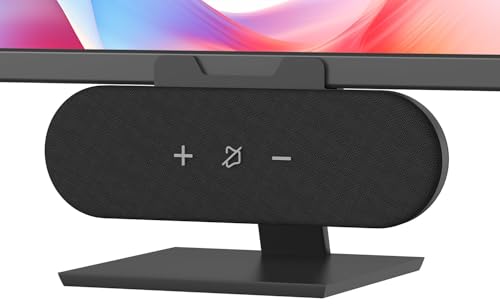
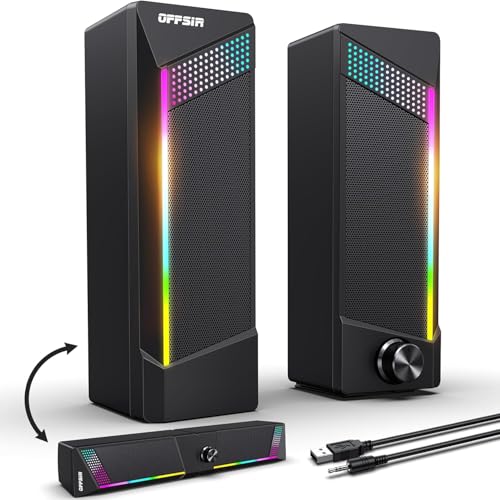


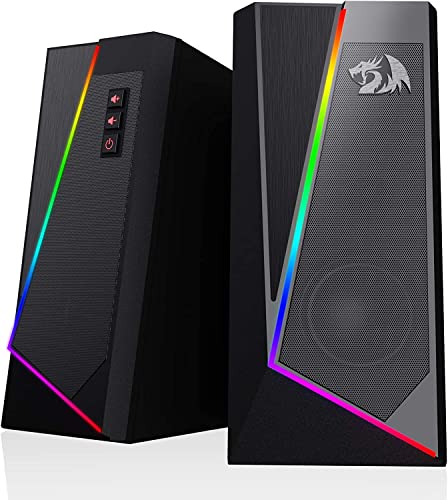


Why a Pair Instead of a Bigger System
A 2 piece set uses less space, costs less and has fewer wires than a 2.1 or 5.1 system. For video calls, streaming, office work and casual music, a good pair is more than enough. If you want heavy bass for movies and games, you may prefer a 2.1 set later.
USB or Mains Power
USB powered pairs take power from a port on the computer, which reduces cables but limits volume and bass. Pairs with a power adapter have a bigger amplifier and play louder with less distortion. If you only need background sound, USB power is fine, and for music and films mains power is the better choice.
Inputs and Connections
A 3.5 millimetre cable works with every computer and phone. USB audio can reduce noise and some pairs use USB C. Bluetooth adds wireless streaming for phones and tablets, though wired is steadier. A headphone jack on the front panel is handy.
Size and Desk Space
Tiny speakers keep the desk clear but give smaller sound. Larger pairs sound fuller and take space on each side of the monitor. Measure the gap between your monitor and the edge of the desk, and check the depth of the speakers so they do not push too close to the keyboard.
Sound Character
Small drivers favour voices and mid range, so they suit calls and video. Larger drivers and ported cabinets add bass for music and games. Some speakers add RGB lights for style. Choose the sound you want first, and treat lights as a bonus.
Controls
A volume knob on the front of one speaker is easier than reaching behind the desk. Some pairs add bass and treble controls and a wired remote. Touch controls look neat but can be fiddly.
Gaming, Office or Music
For gaming, look for a wide soundstage and good volume. For office use, a clean compact pair with a headphone jack is ideal. For music, look for balanced tone and a size that suits your desk.
Size Guide: Matching the Pair to Your Space
Small rooms and desks suit compact speakers with small drivers that stay clear and controlled at low volume. Medium rooms handle a larger bookshelf pair with a bigger woofer for fuller bass. Large rooms or shared spaces suit powered speakers with more output. Whatever the size, aim for the speakers to be at ear height when you sit. Small stands or a few firm books can help you reach it.
Cable and Port Check
One common issue is a cable that is too short to reach between the speakers and the computer. Another is a speaker pair with only a USB input when your computer needs a 3.5 mm one. Read the port list and the cable lengths in the listing, and keep a spare 3.5 mm cable at hand for devices such as phones.
Value and Warranty
Budget pairs offer clear improvements over laptop speakers. Mid priced pairs improve bass and build quality, with sturdier cabinets and better drivers. Check the warranty length and the return window, since speakers can have defects like hiss or a failing channel that show up only after a few days of use.
Setup Tips
- Place the speakers at ear height and angle them toward you.
- Keep them a few inches from the monitor so the sound is clear.
- Plug the power adapter in before connecting the audio cable.
- Use the speaker volume knob at medium and adjust the computer volume.
Care
Dust the grilles with a soft brush, keep liquids away and unplug during storms.
Matching Speakers to Your Computer Ports
Check which outputs your computer has. A desktop usually offers a 3.5 mm jack on the back, while a thin laptop may only offer USB-C. Speakers that connect over USB-C or that include a USB adapter avoid problems with missing ports. Bluetooth is a fallback when no wired connection suits.
Making a Small Pair Sound Bigger
Place the speakers close to the wall behind the desk to reinforce bass, or lift them on small stands so that the tweeters point at your ears. Use a clean source file, avoid heavy bass boost in software and keep the volume moderate. Small speakers sound best when they are not asked to play at their limit.
Frequently Asked Questions
Are 2 piece speakers good for gaming?
Yes for casual and desk gaming. Pairs with strong bass and a wide image are best.
Do I need a subwoofer?
No, but a subwoofer adds depth for movies and music.
Can I use them with my phone?
Yes with a 3.5 mm cable or Bluetooth if the pair offers it.
Are USB speakers good enough?
For everyday use, yes. They are quieter and less powerful than mains powered speakers.
Do bigger speakers always sound better?
Not on a small desk. Large speakers can sound boomy up close, so a pair sized for your desk often sounds cleaner.
How far apart should I place them?
About as far apart as you sit from them.
How do I choose the best 2 piece computer speakers?
Check your computer ports, decide between USB and mains power and measure the space on each side of your monitor.
Final Verdict
The best 2 piece computer speakers are the ones that fit your desk and your listening. Compare the options in the product table, choose between USB and mains power, and see our guides on best sounding computer speakers and best inexpensive computer speakers for more. Prices and availability change, so check the product page before ordering.