Best 2TB External SSD in 2026: Speed, Heat and Durability Compared
Disclosure: We may earn a commission when you buy through links on this page, at no extra cost to you. As an Amazon Associate I earn from qualifying purchases. Learn more

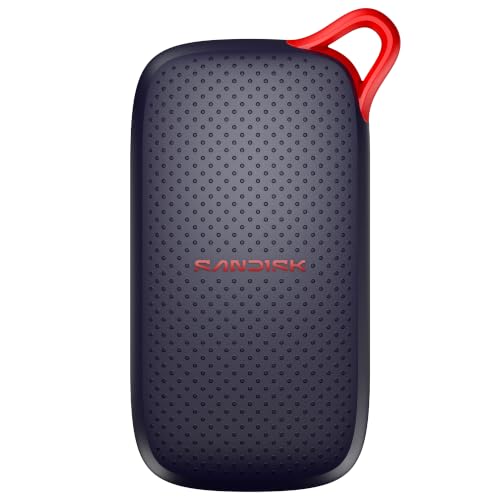
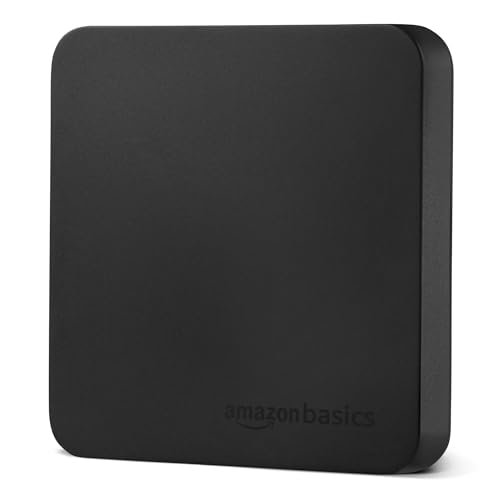
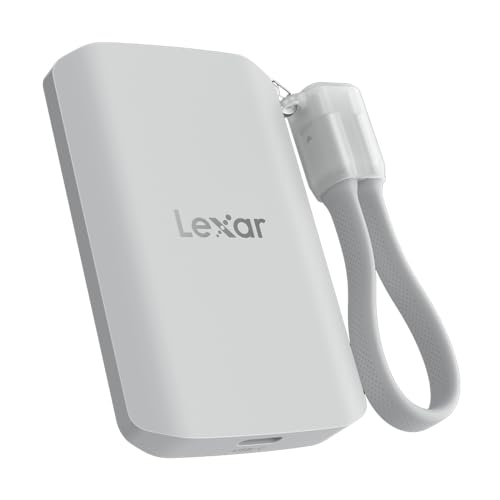
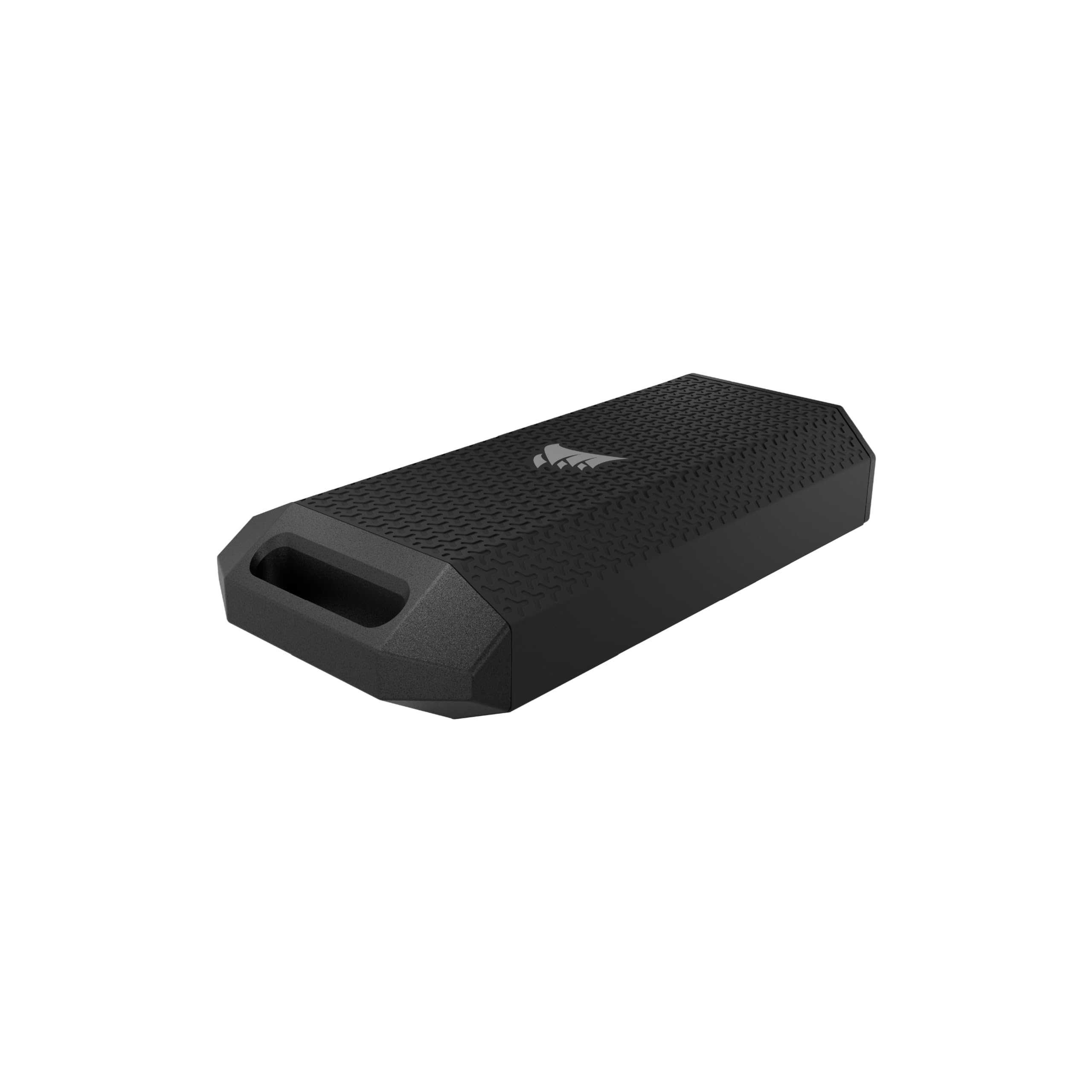
Fast transfers and no moving parts make the best 2tb external ssd the choice for video, games and travel, but interface speed, heat and rugged ratings differ.
A portable solid state drive changes how external storage feels. Files that take minutes on a hard drive copy in seconds, a game launches from the drive with little delay and there are no moving parts to worry about in a bag. At two terabytes, the size is large enough for a full video project, a console game library or a complete laptop backup. The best 2tb external ssd gives you that speed in a rugged, reliable body at a price that makes sense.
This guide explains how interface speeds differ, why heat matters, what rugged ratings mean, how to use the drive with consoles and phones, and how to avoid slowdowns and data loss.



Interface Speeds Explained
The speed of an external SSD depends on the interface as well as the drive. A USB 3.2 Gen 1 connection reaches roughly 400 megabytes per second, Gen 2 reaches around 1,000, and faster standards such as USB 3.2 Gen 2x2 and USB4 or Thunderbolt can reach 2,000 or more. Check that your computer has a matching port, because a fast drive plugged into a slow port will run at the port's speed.
Marketing numbers show the best case for large files. Small files and sustained writes are slower. For video editing, look for a drive that holds its speed during long copies, not just in a short burst.
Heat and Sustained Performance
SSDs get warm during long transfers, and many slow themselves down to protect the chips. Drives with metal cases and good heat spreading keep their speed longer, while thin plastic models may throttle after a few minutes of heavy writing. If you copy hundreds of gigabytes at a time, look for reviews that discuss sustained speed.
Place the drive in open air during long copies, and avoid wrapping it in a case that traps heat. A small stand or a cool surface helps.
Rugged Ratings and Durability
An SSD has no moving parts, so it handles bumps better than a hard drive. Rugged models add rubber shells and water and dust ratings. A rating such as IP55 or IP65 means protection against dust and water jets, but it is not a reason to submerge the drive. If you take the drive outdoors, a rugged model with a drop rating is a smart choice.
Check the cable. Many drives include a short USB-C to USB-C cable and a USB-A adapter. A damaged cable can cause disconnects, so keep a spare.
Consoles, Phones and Cameras
A 2TB SSD works well as extra storage for many game consoles, and loads games faster than a hard drive. Check the console's documentation for supported interfaces and sizes. Phones and cameras that record high bitrate video can record directly to an SSD, which saves internal storage and speeds up the workflow. Make sure your device supports the drive and use a certified cable.
Security and Encryption
Some drives include hardware encryption and a password tool. This protects your files if the drive is lost. If you carry private documents, enable the feature and store the password safely, since a forgotten password can lock you out for good. Back up the drive to a second location, because an SSD can fail suddenly as well.
Formatting and Use
Most drives come formatted for both Windows and Mac, usually in exFAT. For Mac only use, reformat to APFS. For Windows only use, NTFS is fine. Eject the drive before unplugging to avoid corruption.
For related reading, see our page on the external SSD for PS5, the guide to portable SSD reviews and the explainer on external SSD versus HDD. For preparing a new drive, read how to format an external SSD.
Mistakes to Avoid
- Plugging a fast SSD into a slow port and wondering why it is slow.
- Judging speed by a short burst instead of sustained copies.
- Wrapping the drive in a case that traps heat.
- Forgetting to enable encryption for private files.
- Treating the SSD as the only copy of important data.
Choosing by Use: Video, Games or Backups
Video editors need sustained write speed and a fast interface, so look at the faster standards and metal cases. Console players need a drive that meets the console's interface and size rules, and they benefit from speed more than from extra rugged features. Photographers and general users get great results from a mid-range USB 3.2 drive that costs less than the premium ones.
If you mostly back up a laptop, you may not need the top speeds at all, and a hard drive could be cheaper. The case for an SSD grows with how often you move large files and how much time you save each week.
Care, Capacity and Wear
Keep about ten percent of the drive free so that it can manage writes efficiently. Avoid filling it to the top, and do not fragment it with constant tiny changes. Use the drive's utility, if provided, to check health and update firmware.
If you copy large files often, let the drive cool between big transfers. Keep a spare cable and label the drive with your name or a contact so it can be returned if lost. Protect it from water and heavy knocks even if it carries a rugged rating, because the connector is still the weakest part.
Frequently Asked Questions
Is an SSD better than a hard drive?
For speed and durability, yes. For price per terabyte, hard drives still win.
Do I need USB4?
Only if your computer supports it and you move very large files often. A USB 3.2 Gen 2 drive is fast for most people.
Will it work with my console?
Many consoles support USB SSDs for storage. Check your model's rules.
Do SSDs wear out?
They have a limited number of writes, but typical users will not reach it in years.
Final Thoughts
The best 2tb external ssd gives fast transfers, a durable body and reliable sustained speed. Match the interface to your ports, look for good heat handling, enable encryption if needed and keep a second copy of anything important.
Prices and availability can change, so check the product page before ordering.