
Best 2TB SSDs for 2026: Internal and Portable Compared
Disclosure: We may earn a commission when you buy through links on this page, at no extra cost to you. As an Amazon Associate I earn from qualifying purchases. Learn more
The best 2tb ssds for gaming PCs, laptops and backups: how NVMe, SATA and portable drives differ, and what to check before you pay for extra speed.
Two terabytes is the capacity where a solid state drive stops feeling like a compromise. It holds a large game library, an operating system and a working set of projects without constant deleting. The best 2tb ssds range from budget SATA drives to very fast PCIe NVMe sticks and pocket-sized portable drives, and the product table shows how far prices spread.
This guide helps you pick the right form, understand which speed numbers matter and avoid paying for performance your PC cannot use. It also covers heat, endurance and the small details that decide whether a drive is a good match for a laptop, desktop or console.


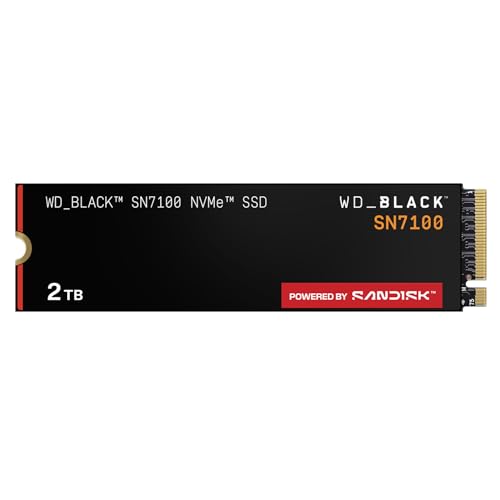

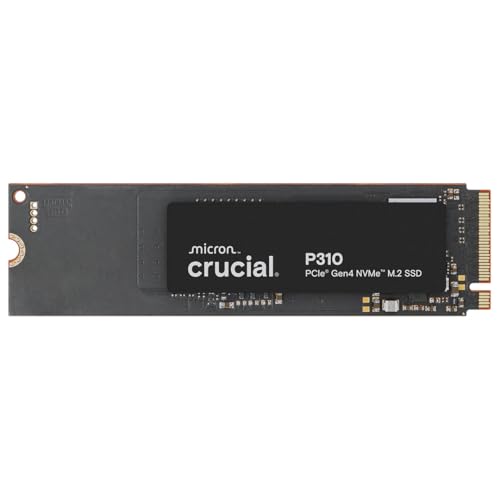


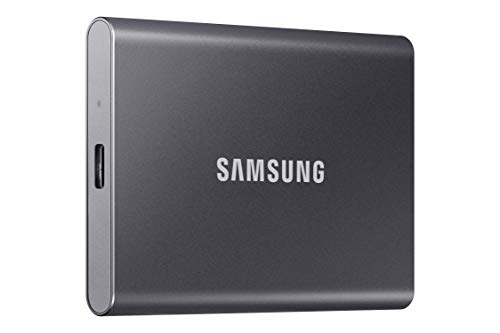


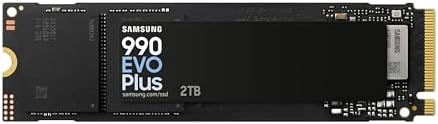
Pick the form first
Three forms share the 2TB label. An M.2 NVMe stick fits a motherboard or laptop slot and is the fastest. A 2.5 inch SATA drive fits older desktops and laptops that have no M.2 slot. A portable SSD connects over USB and works with PCs, laptops, consoles and some phones. Choosing the form first removes most of the options.
If you are not sure which your machine takes, check the manual or the maker's support page for the exact model. Slim laptops and handheld PCs often use short 2230 sticks, which are a different size from the standard 2280 length, so read the size in the listing carefully.
Speed numbers in plain terms
Sequential read and write figures are the headline numbers on every box. They matter for copying very large files, but most daily tasks lean on small random reads, where good drives of any speed class feel similar. A PCIe 4.0 drive is the sweet spot for most buyers, and PCIe 5.0 drives only pay off for heavy professional transfers on a platform that supports them.
- PCIe 4.0 NVMe: excellent for gaming, editing and general use at a fair price
- PCIe 5.0 NVMe: fastest, but runs warmer and costs more, so it suits workstations
- SATA: slower than NVMe yet still far quicker than a hard disk, and a simple upgrade for older systems
- USB portable: speed depends on the port, so a fast drive plugged into a slow port will be limited by the port
Which type is the best 2tb ssds choice for you?
Gaming PCs and consoles
A fast NVMe drive cuts load screens and level streaming, and 2TB leaves room for several large titles. For a console expansion bay, look for a drive that the console maker lists as supported and note any heatsink height limit. Our best SSD for gaming guide goes deeper on that use.
Laptops and handhelds
Check the slot length and whether the machine has room for a heatsink. Low power drives suit laptops because they run cooler and spare the battery, while the fastest drives can throttle in a thin chassis.
Backups and creative work
A portable SSD gives a quick, shock-resistant place to move projects between machines. Look for a USB-C connection, a clear speed class and, if you work outdoors, a water and dust rating.
Endurance, heat and warranty
Every SSD lists a total bytes written rating that describes how much data it can take over its life. For a home user, even a modest rating lasts for years, so do not overpay for a large number you will never reach. Heat matters more day to day. A drive that overheats slows itself down, so use the heatsink that comes with your motherboard, or fit one if your board has none.
Warranty length is a useful tie-breaker between two similar drives. Pay attention to whether the warranty also has a data written limit, because the lower of the two limits applies.
Portable SSDs: what to check
A portable drive is only as fast as the port it plugs into. A drive that supports the faster USB standards will run at a fraction of its rated speed on an older port, so match the drive to the ports on your laptop or console. Look at the cable too. The short cable in the box is usually the one the speed rating was built around, and a long generic cable can slow transfers.
Rugged versions add a rubber bumper and a dust and water rating, which helps if you carry the drive in a camera bag or a backpack. Hardware encryption and a password feature are useful if the drive holds client files. Heat can make some small drives slow down during very long copies, so for backups of several hundred gigabytes expect speeds to ease off partway through.
Compatibility notes that save returns
Before you buy, write down three facts: the slot type, the longest M.2 length your board accepts and the highest PCIe generation it supports. A drive that works in a slower slot will run at the slot speed, which is fine, but a drive that is too long or the wrong shape will not fit at all. Handheld PCs and ultra thin laptops are the usual trouble spot, because they often take the short 2230 size.
For game consoles, read the maker's support page. Some consoles accept only certain NVMe drives and need a heatsink of a specific height. A bare drive in a console without the right cooling may throttle, so follow the instructions from the console maker.
A short checklist before you buy
- Confirm the slot or port type and the length of M.2 sticks your board accepts
- Match the PCIe generation to what your platform supports
- Choose a drive with a clear warranty from a known brand
- Skip unknown labels that give very high speeds at a very low price
- Plan a backup, because an SSD can fail suddenly like any other drive
FAQ
Is 2TB enough for gaming?
For most players, yes. It fits a mix of large and small games with room to install new ones. If you keep dozens of big titles installed, consider a second drive.
Can I clone my hard drive to an SSD?
Yes, as long as the SSD is at least as large as the used space. Drive makers offer free cloning software, and many tools can do it from a USB adapter. Keep the old drive until the new one boots correctly. For the reverse comparison, see SSD vs HDD.
Do I need a heatsink?
Fast drives run warm under long writes. Use the one on the motherboard where possible, and check that it will fit under a graphics card.
Does an SSD need special care?
Not really. Leave some free space, keep the firmware current if the maker releases updates and avoid filling the drive to the last gigabyte.
Final thoughts
The best 2tb ssds are the ones that fit your slot, your platform and your work. Choose NVMe for speed, SATA for simple upgrades and a portable drive for flexibility, compare the options in the product table and keep a backup of anything important.
Prices and availability can change, so check the product page before ordering.


